
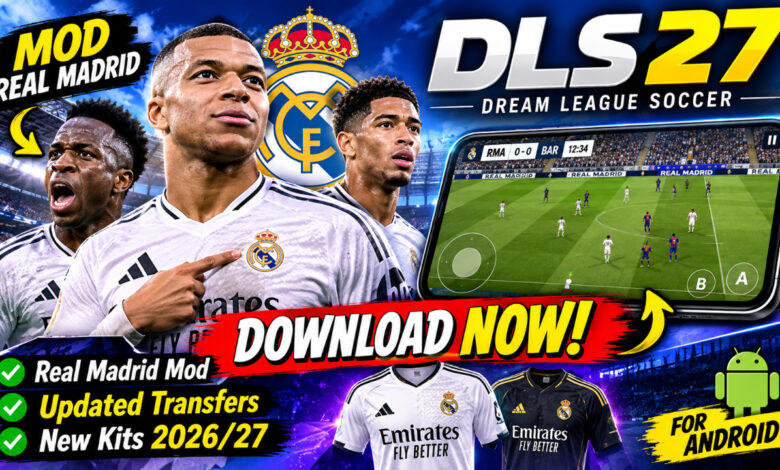
Download DLS 27 Mod Real Madrid | Updated Transfers & Kits for Android ⚽
Mobile football fans love building dream squads, yet official updates often lock top superstars behind weeks of slow coin grinding. If you support Los Blancos and want to jump straight onto the pitch with your favorite club, DLS 27 Mod Real Madrid solves that problem on Android. This community-built edition refreshes the classic Dream League Soccer formula with a custom Real Madrid theme, updated European transfers, sharp stadium visuals, and authentic matchday kits.
You do not need a high-end flagship phone or a constant Wi-Fi connection to play. The package runs smoothly on mid-range and budget Android devices, letting you play full career seasons during your daily commute or offline breaks. In this guide from Eslam Gaming, we break down everything inside the mod—from gameplay mechanics and graphics quality to safe installation steps, honest drawbacks, and practical fixes for common Android errors. 🎮📱
DLS 27 Mod Real Madrid Game Info 📋
| Game Name | DLS 27 Mod Real Madrid |
| Version | Mod – Real Madrid – Updated Transfers & Kits 26/27 |
| Files Included | APK + OBB + DATA – Full Game |
| File Size | 600 MB – Small Size, Easy Install |
| Graphics | HD Graphics + Real Madrid Interface |
| Mode | 100% Offline – No Internet Needed |
| Android Required | Android 6.0 or Higher – Best on 4 GB RAM+ |
This is a full DLS game, not a PPSSPP mod. If you want FTS football, check our FTS 27 FC 27 MOD Android guide.
Download DLS 27 Mod Real Madrid ⬇️
Get the DLS 27 Mod Real Madrid with updated transfers, kits, real players, HD graphics. Play as Real Madrid in Dream League Soccer 2027, 100% offline.
⬇ Download DLS 27 Mod Real Madrid
If you love Real Madrid and want an offline football career on Android, this DLS 27 Mod Real Madrid is the version to download. It is a full DLS game with APK + OBB + DATA, not a PPSSPP ISO.
Game Overview 🌍
DLS 27 Mod Real Madrid blends fast-paced arcade football with accessible tactical management. Unlike heavy console ports or complex PPSSPP emulators, Dream League Soccer keeps controls simple so anyone can string passes together within minutes. You handle on-pitch action directly while also managing club upgrades, formations, and player stamina between matches.
This release runs natively on Android devices through a modified APK paired with OBB and Data files. Because community modders built it on an offline-friendly engine build, you do not need an emulator like PPSSPP or a PC to launch matches. Everything loads directly from your phone storage.
In terms of connectivity, the game focuses on DLS 27 Mod Real Madrid Android offline play. Career Mode, tournament cups, and friendly exhibition matches work completely without mobile data. However, online Dream League Live matchmaking does not function in modded builds, since custom databases cannot connect to First Touch Games’ official servers.
Who gets the most value from this edition? Real Madrid supporters who want immediate access to their favorite squad, casual gamers looking for light storage usage, and players in areas with unstable internet connections will feel right at home here. ⚽🔥
Key Features of DLS 27 Mod Real Madrid 🌟
Community mods live or die by the details they add over the base game. This DLS 27 Mod Real Madrid packs several meaningful visual and roster upgrades rather than just slapping a new wallpaper on the home screen.
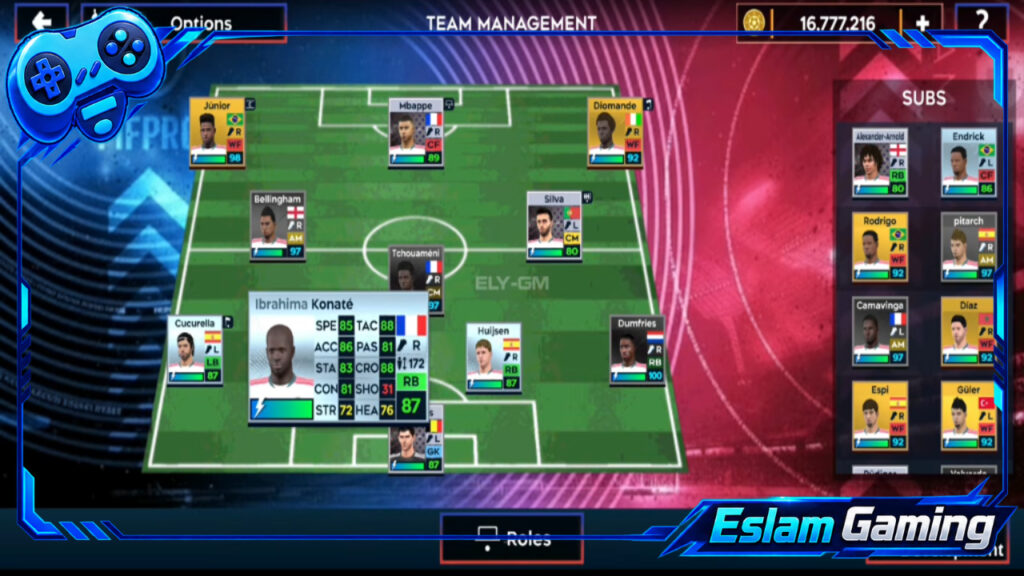
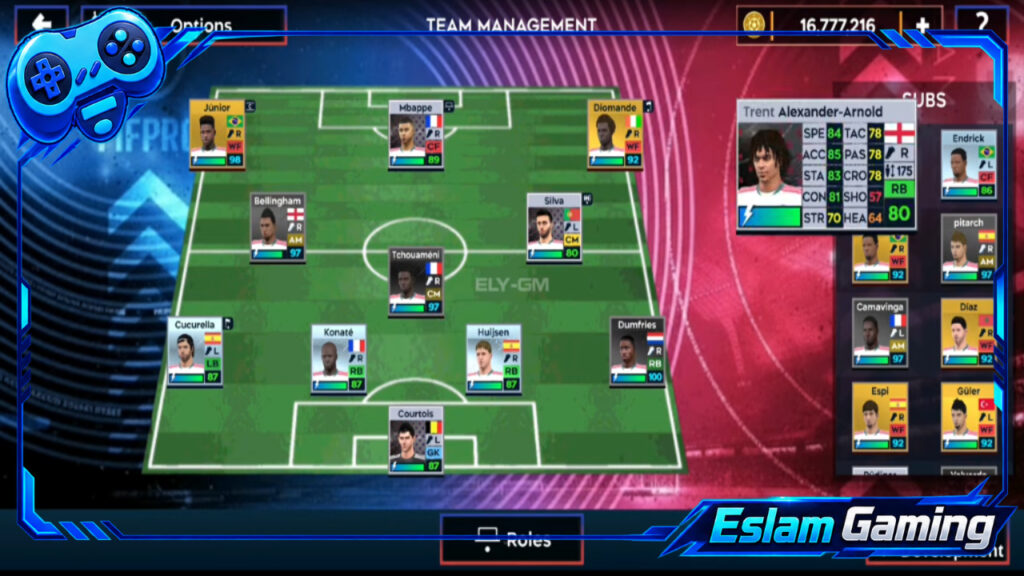
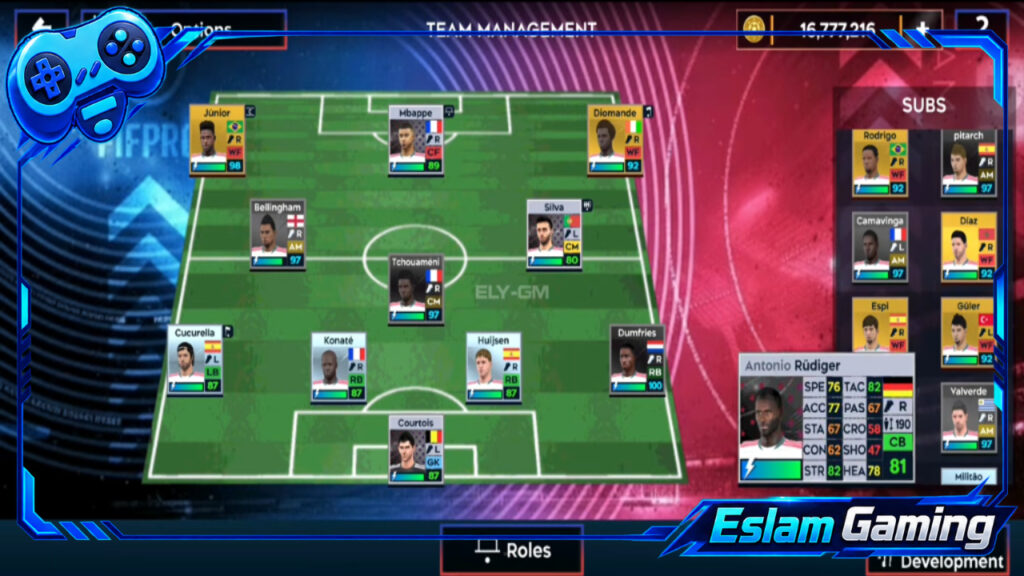
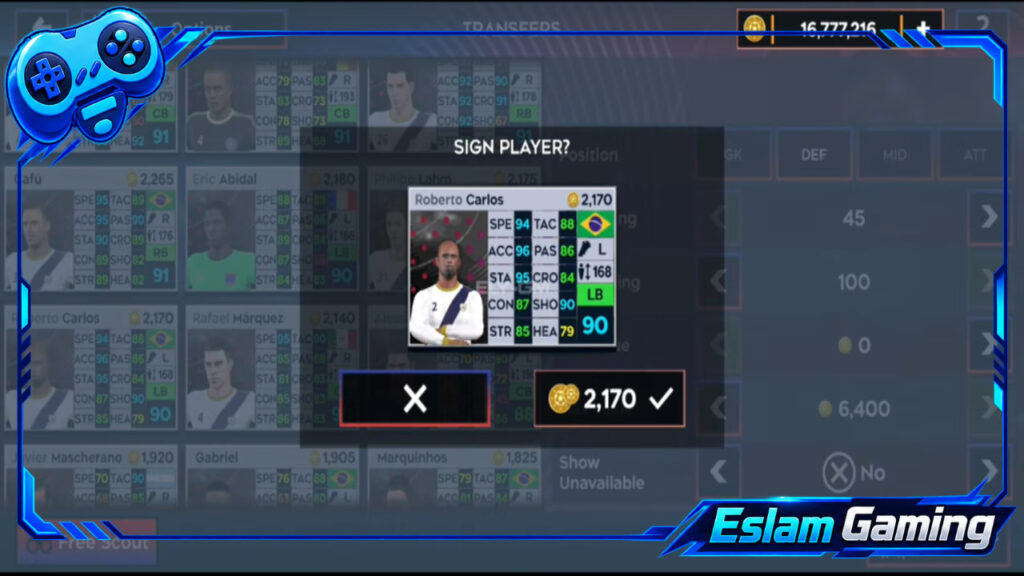
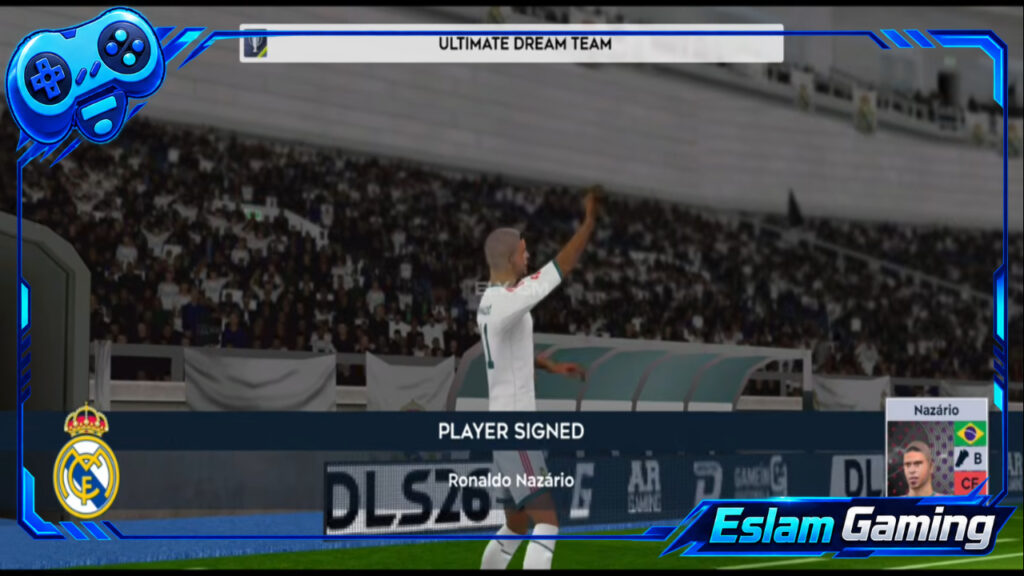
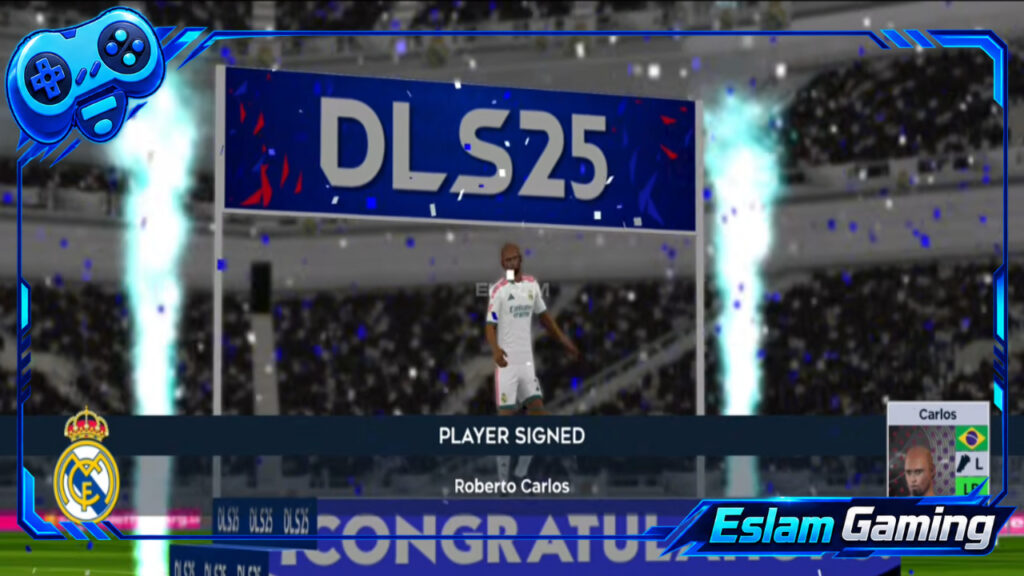
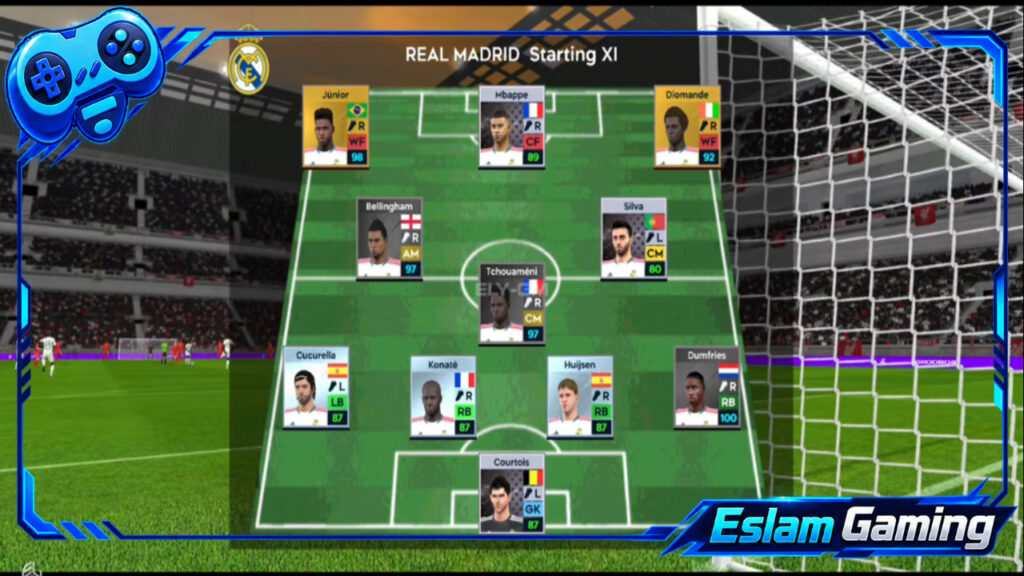
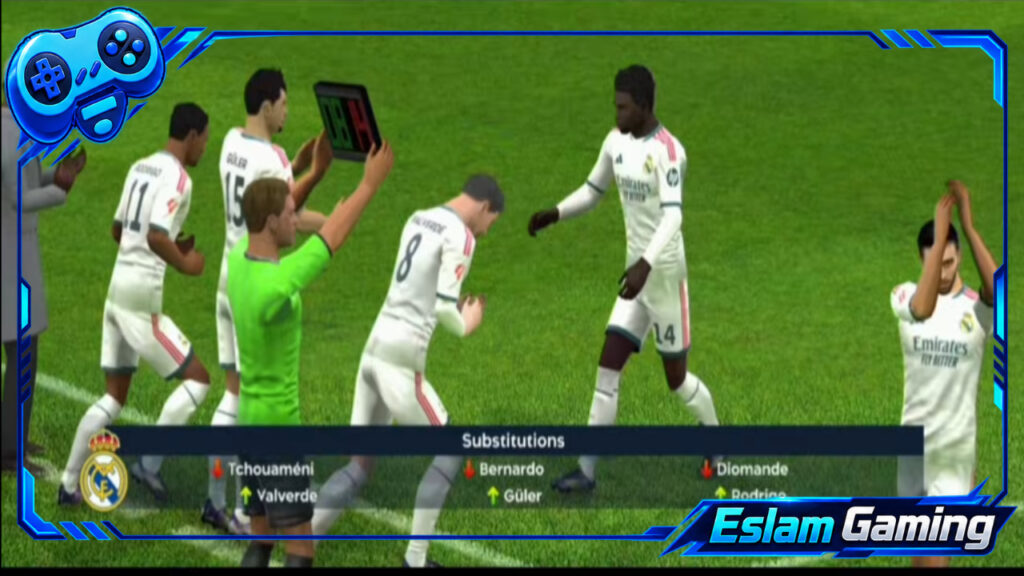
- Updated Real Madrid Roster & Transfers – Modders overhaul club lineups to feature DLS 27 Mod Real Madrid updated transfers across Europe’s top leagues. You take control of marquee DLS 27 Mod Real Madrid players including Vinícius Júnior, Kylian Mbappé, Jude Bellingham, Federico Valverde, Rodrygo, and Thibaut Courtois, alongside refreshed squad numbers and balanced player ratings. Opponent teams also reflect recent signings so Career Mode feels current. ⚡
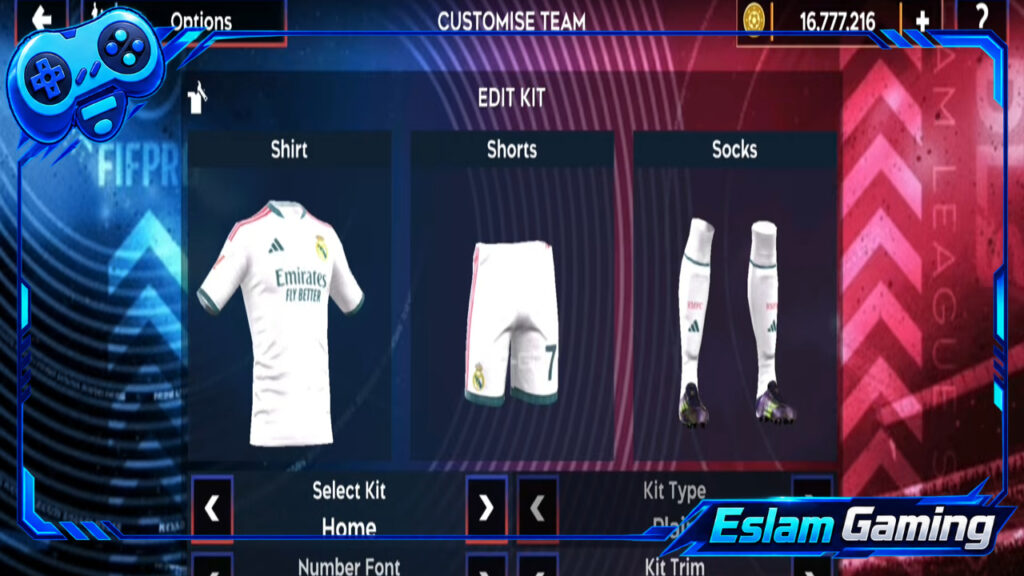
- Authentic Real Madrid Kits & Badges – Playing with generic fake jerseys ruins immersion fast. This build includes crisp DLS 27 Mod Real Madrid kits covering the iconic white home strip, away colors, third alternative kit, and goalkeeper uniforms. Club crests, sleeve patches, and sponsor prints look clean even during close-up goal celebrations. 👕
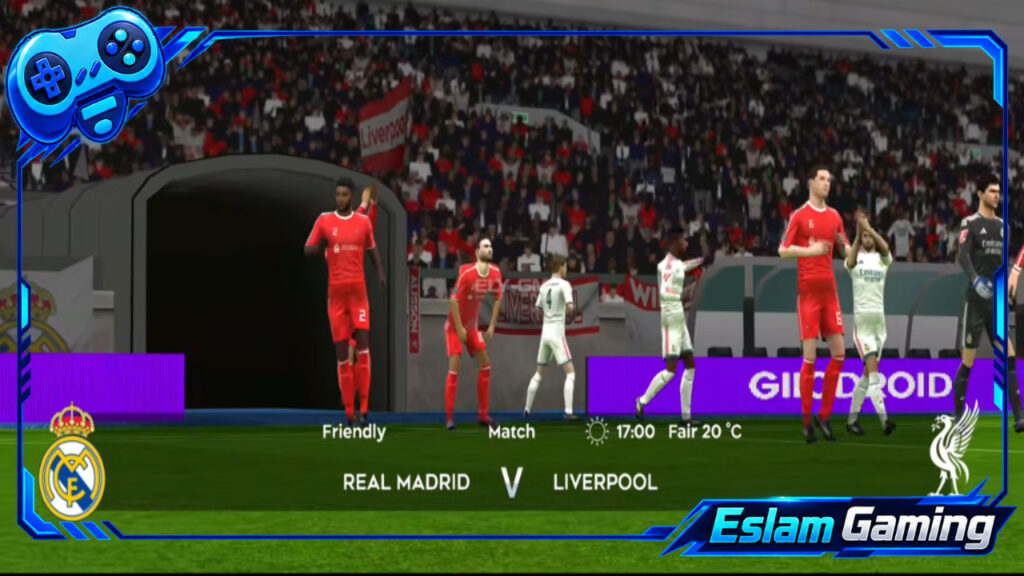
- Custom Los Blancos Interface & HD Graphics – Opening menus showcase a sleek Real Madrid backdrop with customized buttons, player cards, and broadcast-style scoreboards. On the pitch, DLS 27 Mod Real Madrid HD graphics sharpen turf patterns, stadium ad boards, and player lighting without bogging down older GPUs. 🎨
- Pre-Built Squad & Boosted Career Resources – Standard Dream League Soccer forces you to play dozens of matches with 60-rated rookies before affording one superstar. Most Real Madrid mod saves give you the full squad early alongside extra coins, letting you focus on winning trophies and upgrading your stadium right away. 🏆
- Complete Offline Accessibility – Every single-player competition runs locally on your Android storage. You can pause a cup final on a flight, lock your screen, and finish the second half hours later with zero internet required. ✈
- Refreshed Ball Packs & Stadium Atmosphere – The mod swaps default match balls for sleek European tournament designs and upgrades pitch textures to resemble match nights at the Santiago Bernabéu. 🏟
Gameplay Experience & Mechanics 🎯
If you have played any modern Dream League Soccer entry, DLS 27 Mod Real Madrid will feel familiar, you will recognize the fluid, responsive pace immediately. Matches stay brisk—usually four to six minutes total—which makes each half feel action-packed without dragging on.


Controls & On-Pitch Responsiveness
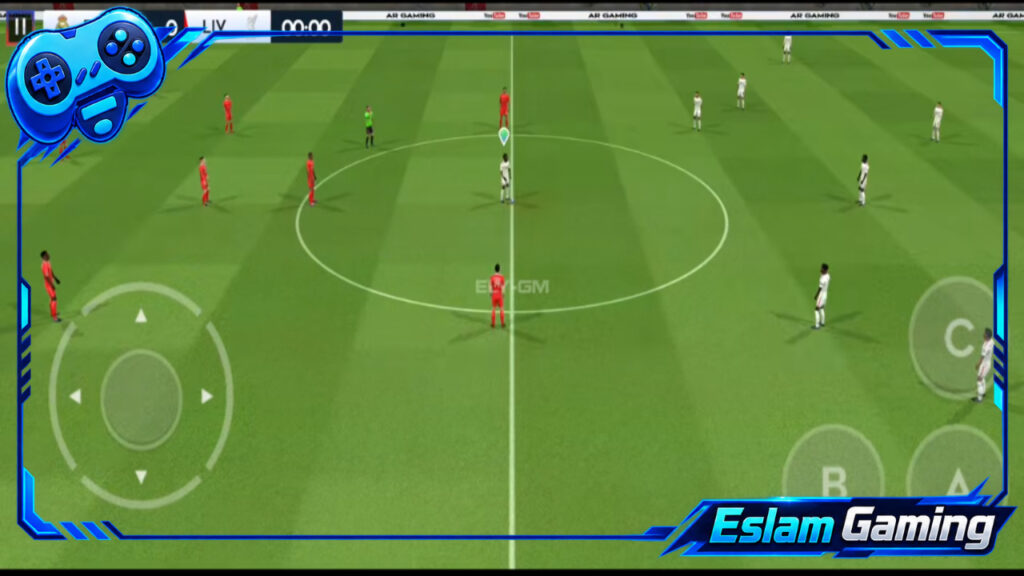
The left side of your screen houses a floating analog stick for dribbling and positioning, while the right side gives you three clean action buttons: A (hard shot or sliding tackle), B (short pass or press opponent), and C (lofted cross, through ball, or player switch). Swiping or double-tapping the right side of the screen triggers quick skill moves like roulettes and heel flicks. Passing feels snappy, and speedy wingers like Vinícius Jr. visibly separate from slower center-backs when you knock the ball into open space. 🕹
Difficulty & AI Behavior
Early division matches feel forgiving, letting you learn shooting angles and timing. Once you climb toward the Elite Division or face European giants in cup finals, CPU defenders close down passing lanes much faster and punish sloppy back-passes. Goalkeepers pull off impressive reflexes against predictable straight shots, so you need angled finesse finishes or low driven strikes to beat them consistently. 🧠
Graphics Style & Camera Angles
This mod prioritizes clean readability over flashy clutter. Player models move smoothly at 60 FPS on capable phones, and kit numbers stay legible even from wide camera views. You can toggle between TV, Sideline, Ball, and Goal-to-Goal camera angles inside the pause menu, plus adjust camera distance to spot overlapping full-backs early. ✨
Sound & Stadium Atmosphere
Match audio includes solid ball-strike thuds, referee whistles, and reactive crowd roars when you hit the crossbar or score a late winner. Commentary remains light and repetitive compared to full console titles, so many players prefer lowering commentary volume and cranking up stadium effects—or listening with headphones during big cup runs. 🎧
Game Modes & Content 🏆
Before downloading DLS 27 Mod Real Madrid, it helps to know exactly which modes work inside this offline mod so you do not expect features that only exist on official servers.
Career Mode
Career Mode forms the backbone of DLS 27 Mod Real Madrid. You guide your squad across domestic league divisions, chasing promotion and championship silverware while balancing match fitness. Alongside league play, you enter knockout tournaments like the Global Challenge Cup and Diamond Cup against international clubs. Between fixtures, you spend earned coins expanding stadium seating, upgrading training facilities for stat boosts, and signing free agents or transfer targets. 📊
Exhibition & Quick Matches
Want a quick five-minute match without worrying about yellow card suspensions or fatigue? Exhibition mode lets you pit Real Madrid directly against AI-controlled European rivals. It works great for testing new 4-3-3 or 4-2-3-1 tactical setups before risking points in a tough league fixture. ⚔
Training & Practice Ground
The built-in training area removes match pressure so you can dial in free-kick curl, penalty placement, corner routines, and one-on-one finishing against the keeper. Spending ten minutes practicing curved free kicks with Bellingham or Valverde pays off massively during tight knockout games. 🎯
Honest Note on Multiplayer: Official online modes like Dream League Live require server authentication and anti-cheat checks. Because this is a modified offline build, online PvP matchmaking is unavailable. Stick to the official Play Store release if online ranked play is your top priority.
System Requirements for Android 📱
One major advantage of this DLS 27 Mod Real Madrid is its lightweight footprint compared to massive 3 GB+ mobile football titles. Still, you need enough free storage for both downloading and extracting the compressed files.
| Component | Minimum (Low-End Devices) | Recommended (Smooth HD Play) |
|---|---|---|
| Operating System | Android 6.0 or higher | Android 10.0 to Android 14+ |
| Processor (CPU) | Quad-Core 1.5 GHz (Snapdragon 400 / Helio A-series) | Octa-Core 2.0 GHz+ (Snapdragon 680 / Helio G85 or better) |
| RAM | 2 GB RAM | 4 GB RAM or higher |
| Free Storage | 1.5 GB free space during installation | 2.5 GB+ free space for smooth cache handling |
| Root Access | Not required | Not required |
| Internet Connection | Required only for downloading files | Not needed after installation (100% Offline) |
Low-End vs High-End Performance: Phones with 2 GB RAM run the game comfortably if you switch graphics quality to Low or Medium and close heavy social media apps first. Mid-range and high-end Android phones handle High textures and 60 FPS effortlessly without noticeable battery drain or overheating. 🔋
How to Download and Install DLS 27 Mod Real Madrid ⬇
Installing DLS 27 Mod Real Madrid differs slightly from tapping “Install” on Google Play because you need to place the OBB and Data folders manually. Beginners can finish the whole process in under five minutes by following these exact steps.
- Prepare Your Tools: Download ZArchiver (free from the Google Play Store). Built-in phone file managers often fail to extract large RAR or ZIP archives properly or hide system folders.
- Get the Game Files: Complete your DLS 27 Mod Real Madrid download from a trusted source. Most releases come either as a single combined ZIP archive or three separate files: the APK, the OBB archive, and the Data archive (which holds the updated Real Madrid save and kits).
- Enable Unknown Sources: Open your Android Settings, head to Security or Apps > Special App Access, and allow your browser or ZArchiver to install unknown apps.
- Install the APK First (Do Not Open Yet): Open ZArchiver, go to your
Downloadfolder, tap the DLS 27 Mod APK, and hit Install. Once finished, tap Done instead of Open. - Extract the OBB Folder: Tap the OBB ZIP file in ZArchiver, choose Extract, navigate to
Internal Storage > Android > obb, and paste the folder there (usually namedcom.firsttouchgames.dls...). - Extract the Data Folder: Tap the Data ZIP file, select Extract, and move its folder into
Internal Storage > Android > data. Confirm any prompt asking to overwrite existing empty folders. - Launch and Play Offline: Turn off Wi-Fi or mobile data if desired, tap the new game icon on your home screen, grant storage permissions if prompted, and start your Real Madrid career. ⚽
Important Beginner & Safety Warning: Always scan downloaded APK files with Play Protect or a mobile antivirus before installing, and avoid shady pop-up links that hand out tiny 5 MB “installer” APKs. Also, back up or uninstall the official Play Store version of Dream League Soccer first if both packages share the same package ID, otherwise Android will block installation.
Common Problems & Fixes 🛠
Even clean mods like DLS 27 Mod Real Madrid occasionally hit snags across different Android skins like MIUI, One UI, or ColorOS. Here are the four most realistic issues players face and how to solve each one quickly.
- Black Screen or Stuck on “Downloading Data” – This happens when the game launches without reading the OBB file. Double-check
Android/obbto verify there is no double-nested folder (for example,com.firsttouchgames.dls/com.firsttouchgames.dls/main.obb). The.obbfile must sit directly inside the single package folder. Also ensure you did not wipe out the Data folder if the mod relies on custom save files. ⬛ - Stuttering or Lag During Matches – Open the in-game Settings menu, go to Display / Advanced, and drop Graphics Quality to Medium or Low while locking Frame Rate to 30 FPS on older chipsets. Turning off Battery Saver mode also stops your phone from throttling CPU speed mid-match. 📉
- “App Not Installed” Error – Two causes trigger this: either the official version of DLS already sits on your phone with a conflicting signature, or you lack enough free storage. Uninstall any older DLS app first (back up saves if needed) and clear at least 2 GB of space before retrying. ❌
- Android 13 / Android 14 “Access Denied” in Android/data – Newer Android versions restrict normal file managers from viewing
Android/dataandobb. Use the latest version of ZArchiver and grant it “Use this folder” permission when Android’s native Files prompt pops up. If your device still blocks pasting directly, connect your phone to a PC via USB cable and copy the folders over in seconds. 🔒
Tips & Tricks for Better Gameplay 💎
Having DLS 27 Mod Real Madrid star-studded lineup gives you an edge, yet smart mechanics still separate scrappy 1-0 wins from dominant 4-0 blowouts. Keep these practical DLS habits in mind on the pitch:
- Defend with “B”, Not “A” – Spamming the A button (hard tackle) pulls defenders out of position and hands out easy yellow cards. Hold B to make your defender jockey and shadow the attacker, waiting until the striker takes a heavy touch before nicking the ball cleanly. 🛡
- Abuse Diagonal Through Balls with Fast Wingers – Place Vinícius Júnior and Rodrygo or Mbappé high on the flanks. When Valverde or Bellingham picks up the ball in midfield, hold C gently toward the corner flag rather than passing straight to feet. Pace beats flat back-fours every time. ⚡
- Tap “A” Lightly Inside the Box – New players hold the shoot button too long and blast shots over the crossbar. Inside the penalty area, a quick 30–40% tap of A aimed toward the far post sends a low, accurate drive past diving keepers. 🎯
- Use the “Wide” Camera at Maximum Distance – Default camera angles hide runs on the opposite wing. Switching to Wide view lets you spot long diagonal switches across the pitch before defenders shift over. 👀
- Upgrade Commercial & Stadium Early – Even if your squad starts strong, upgrading your stadium early boosts home match coin bonuses, while Commercial upgrades increase post-match earnings for healing players and buying backups. 🏟
Is This Game Worth Downloading? (Honest Verdict) 🤔
After looking closely at how the mod runs and what it changes, here is an honest breakdown of its strengths and compromises so you can decide before spending your mobile data.
What We Like (Pros):
- Runs smoothly offline on almost any Android phone from the last five years.
- Lets you play immediately with updated DLS 27 Mod Real Madrid players and crisp kits without weeks of pay-to-win grinding.
- Clean DLS 27 Mod Real Madrid HD graphics and snappy arcade controls make short gaming sessions genuinely fun.
- Low storage footprint compared to multi-gigabyte football simulators.
Where It Falls Short (Cons):
- Zero online multiplayer support—you only play against AI opponents.
- Because it is an unofficial fan modification, cloud saves through Google Play Games do not sync.
- Manual OBB/Data extraction takes a couple of extra steps on Android 13 and 14 devices.
Who Should Download It: Download this edition if you love Real Madrid, want an offline football game that works reliably on flights or commutes, or own a budget Android phone that struggles with heavy console-like mobile games.
Who Should Skip It: Skip it if you mainly want competitive ranked matches against real human players online, or if you expect ultra-deep commentary and lifelike facial animations on par with PC or PlayStation football titles.
Frequently Asked Questions (FAQ) ❓
Is DLS 27 Mod Real Madrid safe to install on Android?
Yes, provided you get the APK, OBB, and Data files from a reputable gaming site and verify the file sizes match real archives (around 350–600 MB total). Avoid suspicious tiny APKs and scan downloads before tapping install. 🛡
Can I play DLS 27 Mod Real Madrid completely offline?
Yes. Career Mode, cup tournaments, training ground, and friendly Exhibition matches all run 100% offline once you extract the OBB and Data folders correctly. 📶
Will this mod erase my official Dream League Soccer progress?
If the mod shares the same package name as your installed official version, you will need to uninstall the official app first—which deletes local unsaved progress. Always link your official club to a Google account before removing it so your official save stays safe in the cloud. ☁
Why do some player faces look different from console football games?
Dream League Soccer uses a lightweight mobile 3D engine built for high frame rates on modest phones. While modders update hairstyles, skin tones, and kit textures, character models stay stylized rather than photorealistic. 🎨
Does DLS 27 Mod Real Madrid work on Android 13 and Android 14?
Yes, though Google restricts direct folder access inside Android/data and obb on newer Android versions. Using ZArchiver with granted folder permissions—or copying the folders from a PC—lets the game run normally on Android 13 and 14. 📱
Got your Real Madrid squad ready for kickoff? Drop a comment if you run into any installation hiccups—good luck chasing the treble! ⚽🔥
IMAGES FROM INSIDE THE GAME:





DLS 27 Mod Real Madrid game files links (small size) for Android: