

Download eFootball PES 2027 PPSSPP Camera Pack | PS5 Camera, Best HD 26/27 ⚽🎥
If you still play football on PPSSPP, you already know the biggest limitation of the original PSP engine: the cramped default camera. You dribble down the middle, try to switch play, and realize you cannot see your wingers making runs on the far touchline. The eFootball PES 2027 PPSSPP Camera Pack solves that exact headache in minutes. It brings a clean PS5-style broadcast perspective and a sharper HD wide angle straight to your Android device without forcing you to reinstall the entire game. Let us be completely clear from the start: this download is the Camera Pack ONLY. It is not the full 26/27 Season Update, not the ISO No Textures version, and not the heavy 4K full version. At Eslam Gaming, we tested how this eFootball PES 2027 PPSSPP Camera Pack transforms pitch vision, spacing, and match flow so you can decide if it belongs on your phone. 🎮📱
eFootball PES 2027 PPSSPP Camera Pack Game Info 📋
| Game Name | eFootball PES 2027 PPSSPP Camera Pack |
| Version | Camera Pack – PS5 Camera + Best HD Wide Angle 26/27 |
| Files Included | Camera Pack ONLY – No ISO, No Full Game |
| File Size | 50 MB Camera Pack Only (Base ISO Separate) |
| Graphics | PS5 Broadcast Camera + Best HD Wide Angle |
| Mode | 100% Offline – No Internet Needed |
| Android Required | Android 7.0 or Higher – Best on 4 GB RAM+ |
This is Camera Pack ONLY. You must already have a working PES PPSSPP game. Don’t have the game yet? Check our eFootball PES 2027 PPSSPP Season Update guide for the full game, or our eFootball PES 2027 PPSSPP 4K guide.
Download eFootball PES 2027 PPSSPP Camera Pack ⬇️
Get the eFootball PES 2027 PPSSPP Camera Pack with PS5 camera, best HD broadcast view, wide angle. Small file, installs in minutes, no full-game reinstall.
⬇ Download eFootball PES 2027 PPSSPP Camera Pack
If you already have PES on PPSSPP and want wider pitch vision, this eFootball PES 2027 PPSSPP Camera Pack is the version to download. It is Camera Pack ONLY, not the full Season Update and not the 4K full version.
Game Overview 📋
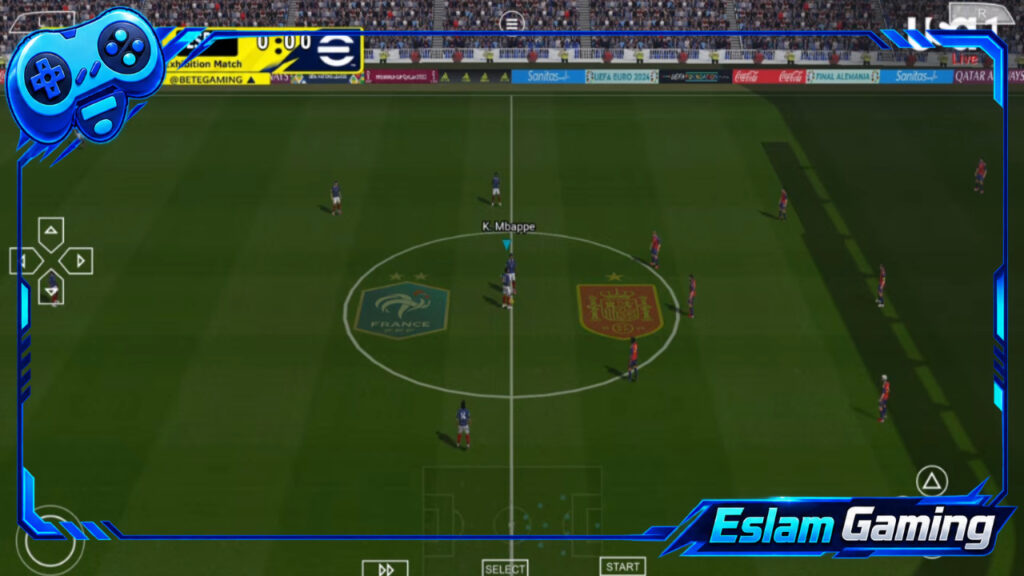
The eFootball PES 2027 PPSSPP Camera Pack acts as a targeted visual upgrade for existing eFootball PES PPSSPP builds on Android and PC. Instead of replacing your teams, kits, or commentary, it modifies the camera distance, pitch tilt, and zoom behavior inside the PPSSPP emulator. Once you apply the files, the pitch opens up like a modern console broadcast, giving you clear sightlines across both flanks and the penalty box.
You run the pack through the PPSSPP emulator on Android (and it works on Windows PPSSPP as well if you mirror the same folder structure). Every feature inside this camera mod works 100% offline. You do not need an internet connection once you finish downloading the small archive. If your base PES ISO supports local Wi-Fi or Ad-Hoc multiplayer with friends, your new camera angle carries right over into those matches too.
Who benefits most from this download? Tactical players, possession fans, and counter-attackers gain the biggest advantage. If you rely on overlapping fullbacks, early crosses, or quick diagonal switches, seeing your wide players before they enter the radar makes a massive difference.
Important Clarification: This package contains Camera Files ONLY. It does not include a full game ISO, 2026/2027 squad transfers, an ISO No Textures build, or a 4K full texture overhaul. You must already have a working PES PPSSPP game file on your device before installing this pack.
Key Features of the Camera Pack 🌟
Modders built the eFootball PES 2027 PPSSPP Camera Pack 26/27 camera update specifically to fix the tight zoom that holds back classic mobile PES builds. Here is what the pack brings to your pitch:
- Authentic PS5 Broadcast Camera Perspective — The primary preset mimics the slanted, TV-style angle from next-gen console football. You get a natural sense of stadium depth while keeping your midfield and attacking third clearly framed.
- Best HD Wide Angle for Wing Play — With the PES 2027 wide camera, you spot wingers hugging the touchline and fullbacks bombing forward without squinting at the mini-map. Passing lanes that used to stay hidden off-screen suddenly become obvious.
- Zero Full-Game Reinstall Required — Because this is a standalone eFootball PES 2027 PPSSPP Camera Pack, you keep your current teams, Master League saves, and installed stadium mods intact. You only drop the camera files into your existing PPSSPP directory.
- Multiple Zoom & Distance Presets — Most 26/27 camera archives include two or three variations, such as PS5 Normal, PS5 Wide, and Ultra Far Broadcast. You can swap between them to match your phone screen size.
- Lightweight Storage Footprint — Unlike a full 4K texture pack that eats gigabytes of internal memory, this camera add-on weighs only a few megabytes. It downloads fast even on mobile data.
- Cleaner Box & Transition Tracking — When play moves rapidly from defense to attack, the camera pans smoothly without jerking awkwardly around the goalposts or corner flags.
Gameplay Experience & Mechanics 🎯
Changing your viewpoint with the eFootball PES 2027 PPSSPP Camera Pack does more than make screenshots look nicer—it directly reshapes how you handle the ball, defend space, and time your passes during a 90-minute match.
Controls & Passing Precision
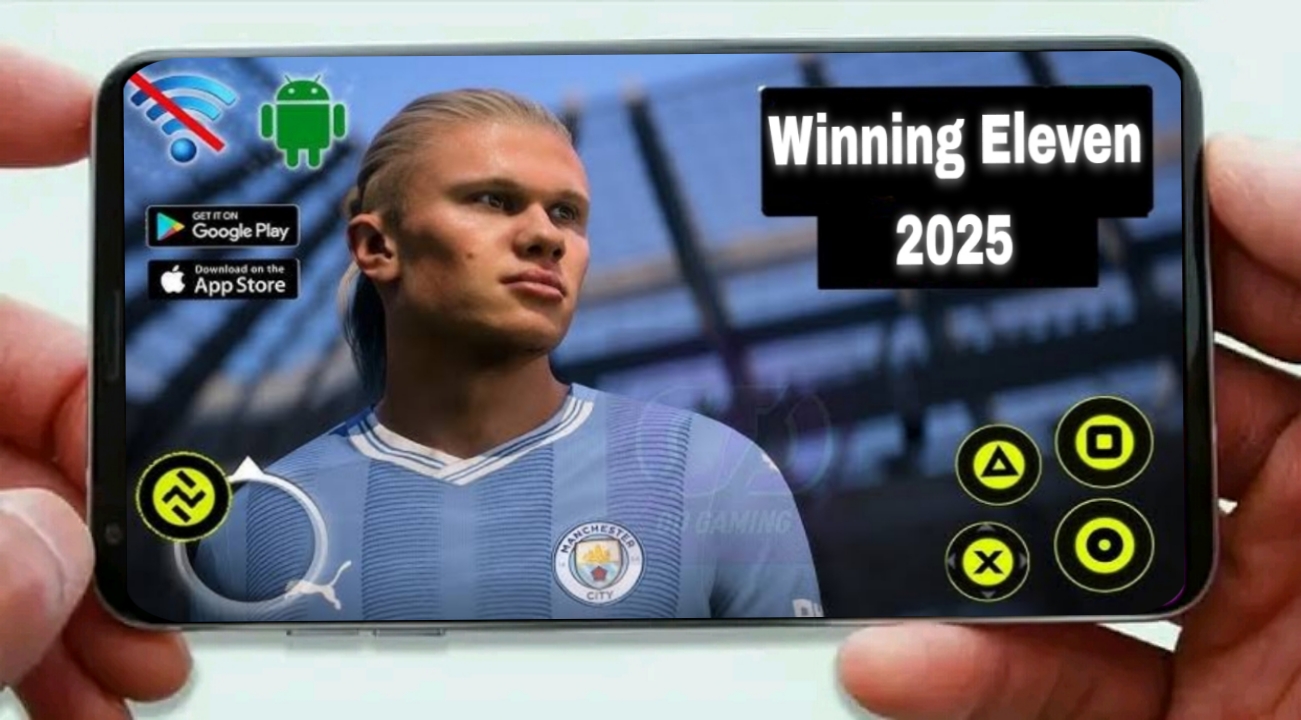
Your button layout in PPSSPP stays exactly the same, yet passing feels noticeably sharper. On the default close camera, through-balls often turn into blind guesses because your striker sits outside the screen border. With the eFootball PES 2027 PPSSPP Camera Pack active, you read your teammate’s body orientation and sprint speed before pressing triangle. Touch controls and Bluetooth controllers both benefit from that extra half-second of reaction time.

Difficulty & Tactical Reading
Playing on Top Player or Superstar difficulty becomes fairer when you see the entire defensive block. You spot pressing traps earlier and recycle possession backward before the AI swarms your midfielder. Defending also improves because you track back with your defensive midfielder while watching the AI’s wingers simultaneously.
Graphics Style & HD Visual Clarity
Pulling the lens back creates a welcome side effect: jagged low-resolution textures look cleaner from a distance. When you pair the eFootball PES 2027 PPSSPP Camera Pack with 2x or 3x PSP rendering resolution in PPSSPP, player silhouettes, kits, and pitch markings look crisp and balanced. You achieve a modern console presentation without needing the resource-heavy 4K full version.
Sound & Stadium Atmosphere
The camera pack does not edit audio files, so your existing chants, whistle effects, and commentary remain unchanged. Still, watching a counter-attack unfold across a wide stadium view pairs naturally with roaring crowd noise. Throw on a pair of headphones and the broadcast illusion feels surprisingly convincing for a handheld emulator. 🎧
Game Modes & Supported Content 🏆
Remember that this add-on modifies camera coordinates only; it never creates new tournaments or squads by itself. Instead, the updated eFootball PES 2027 PPSSPP Camera Pack works seamlessly across every match mode already built into your base PES PPSSPP ISO:
- Exhibition & Quick Matches — Jump straight into a friendly match to test the wide angle and dial in your preferred PPSSPP display scaling.
- Master League — Manage your club across multiple seasons with full tactical vision. The wide view helps a lot when integrating new youth players into a 4-3-3 or 3-5-2 wing-back system.
- Become a Legend — If you use standard team camera settings instead of the player-locked cam, the PS5 perspective gives you a better view of off-the-ball runs.
- League & Cup Competitions — Play through domestic leagues, European cups, and international tournaments included in your 26/27 base patch with zero mode restrictions.
- Training Mode — Practice long diagonal passes, free kicks, and wing play drills with clear spatial feedback.
System Requirements 📱
The eFootball PES 2027 PPSSPP Camera Pack itself takes almost zero storage, but widening your field of view means PPSSPP draws more players, stadium stands, and pitch details at the same time. Check the table below to see how your Android phone handles the upgrade alongside your base PES game.
| Component | Minimum (Low-End Devices) | Recommended (Mid to High-End) |
|---|---|---|
| Operating System | Android 7.0 or higher | Android 10.0 or higher |
| Processor (CPU) | Quad-Core 1.8 GHz (Snapdragon 450 / Helio A22) | Octa-Core Snapdragon 720G / Helio G85 or better |
| RAM | 2 GB – 3 GB RAM | 4 GB – 8 GB RAM |
| Free Storage | 50 MB for Camera Pack (plus 1.5 GB for base ISO) | 100 MB for variants/backups (plus 2–3 GB for full mods) |
| Emulator | PPSSPP v1.15+ (Free or Gold) | Latest PPSSPP build with Vulkan backend |
Low-End vs. High-End Compatibility: On 2 GB or 3 GB RAM phones, choose the “PS5 Normal” or “Medium Wide” camera preset and keep rendering resolution at 1x or 2x PSP. High-end Snapdragon and Dimensity devices handle the farthest broadcast camera at 3x–4x resolution with 60 FPS locked effortlessly.
How to Download and Install eFootball PES 2027 PPSSPP Camera Pack ⬇
Installing the eFootball PES 2027 PPSSPP Camera Pack takes less than five minutes if you follow the folder order carefully. You do not need root access, and you do not need to delete your existing game.
Before You Start (Beginners Note): Make sure you already have PPSSPP, a file manager like ZArchiver, and a working PES PPSSPP ISO (such as a 26/27 patch) on your phone. Also, copy your original camera or OVER / EBOOT files to a backup folder first so you can undo changes anytime.
- Download the Camera Pack Archive: Grab the compressed
.zipor.7zfile for the eFootball PES 2027 PPSSPP Camera Pack and save it in yourDownloadfolder. - Open ZArchiver and Extract: Launch ZArchiver, tap the downloaded archive, and select Extract here or Extract to…. If the archive asks for a password, check the download page notes carefully.
- Choose Your Camera Preset: Many packs bundle folders named PS5 Camera, Wide HD, or Long Broadcast. Open the single preset folder you want to test first.
- Locate the Mod Files Inside: Depending on your patch format, you will see either an updated
OVER/ camera data folder (forPSP/TEXTURESorPSP/GAME) or a patchedEBOOT.BIN/ system folder matching your game ID (oftenULES01595or similar). - Copy to Your PSP Directory: Long-press the extracted folder or files, tap Copy, navigate to internal storage
PSP(for example,/storage/emulated/0/PSP/), and paste them into the matching subfolder (GAME,TEXTURES, orSAVEDATAas structured inside the zip). Tap Apply to all files and choose Replace when prompted. - Adjust In-Game Camera & PPSSPP Settings: Launch PPSSPP, boot your PES game, go to System Settings > Camera Type, and switch it to Long, Wide, or Broadcast (most camera mods replace one specific slot, usually Wide or Long).
- Test in Exhibition Mode: Start a quick match and check wing visibility. If the zoom feels slightly too far or too close, swap to another preset folder from the archive.
Common Problems & Fixes 🛠
Even small emulator mods like the eFootball PES 2027 PPSSPP Camera Pack can act up if a folder lands in the wrong place. Here are the most common issues players run into and how to fix them fast:
- The Camera Looks Unchanged After Installing: This almost always happens for two reasons. First, check that you pasted the folder inside
PSP/and did not create a double folder likePSP/TEXTURES/TEXTURES/. Second, pause a match, enter Camera Settings, and cycle through Wide, Long, and Normal—the PS5 angle usually overwrites just one of those presets. - Black Screen When Launching the Game: If your eFootball PES 2027 PPSSPP Camera Pack replaced an ISO file or
EBOOT.BINbuilt for a different region ID (for instance, EuropeanULESvs. AmericanULUS), the game can freeze on a black screen. Restore your backup file, verify your base ISO’s Game ID inside PPSSPP (hold the game icon to view its ID), and match it with the pack. - Frame Drops & Stuttering on Wide Angles: Showing 18+ players and wide stadium geometry pushes your GPU harder than a tight zoom. Open PPSSPP Camera Settings and graphics options, set Backend to Vulkan (or OpenGL if Vulkan glitches), enable Skip buffer effects only if needed, or turn Frameskipping to
1with Auto frameskip checked. Lowering Rendering Resolution from 3x to 2x immediately restores smooth speed. - ZArchiver Shows Extraction Errors: An “Unexpected end of archive” or “CRC failed” message means your browser paused or corrupted the download. Delete the partial zip file, switch to a stable Wi-Fi connection, and re-download the package completely.
Tips & Tricks for Better Gameplay 💡
Once your eFootball PES 2027 PPSSPP Camera Pack is active, tweak how you approach matches so you get the maximum tactical payoff from that extra pitch vision:
- Trigger Early Wing Runs: Because you now see your wide forwards hugging the touchline, use the manual run command (or quick one-two passes) as soon as your central midfielder receives the ball.
- Switch the Play Across Flanks: When the AI crowds your right side, hold the lofted pass button toward the far left wing. With the wide HD view, you can judge the defender’s recovery distance before hitting the switch.
- Use PPSSPP Display Layout Scaling: If your Android phone has a tall 20:9 screen, open PPSSPP Settings > Graphics > Display Layout & Editor and stretch slightly to fill black sidebars without squishing player proportions too much.
- Defend Lanes, Not Just the Ball: On a broadcast angle, you see runners sneaking behind your fullbacks much earlier. Select your center-back or CDM manually to block the through-ball lane instead of holding press blindly.
- Re-learn Finishing Angles: The tilted PS5 broadcast angle shifts how the goalposts align visually compared to a flat horizontal camera. Spend ten minutes in Training Mode practicing finesse shots to the far post so your muscle memory locks in.
Is This Camera Pack Worth Downloading? ⚖
Yes—if you already play PES on PPSSPP, this small add-on delivers one of the highest gameplay upgrades per megabyte you can find. It modernizes an aging PSP engine by giving you real tactical awareness on both wings without forcing another multi-gigabyte download.
Pros ✅
- Dramatically improves wing visibility and long-pass accuracy.
- Tiny file size that installs in minutes without wiping your existing game.
- Gives matches a genuine PS5 broadcast presentation on mobile.
- Runs completely offline with multiple zoom options.
Cons ❌
- Does not include the base ISO, 26/27 rosters, or 4K textures.
- Wide angles can cause minor FPS dips on very weak 2 GB RAM phones.
- Requires matching your base ISO region ID if using an EBOOT/system variant.
Who should download it? Any Android PPSSPP football fan who already runs a working PES/eFootball patch and wants wider pitch vision and a console-style broadcast look.
Who should skip it? Players who do not have a base PES PPSSPP ISO installed yet, or anyone specifically searching for a full 26/27 Season Update, an ISO No Textures pack for ultra-low storage, or a heavy 4K full version. Download the complete base game first, then add this camera pack on top.
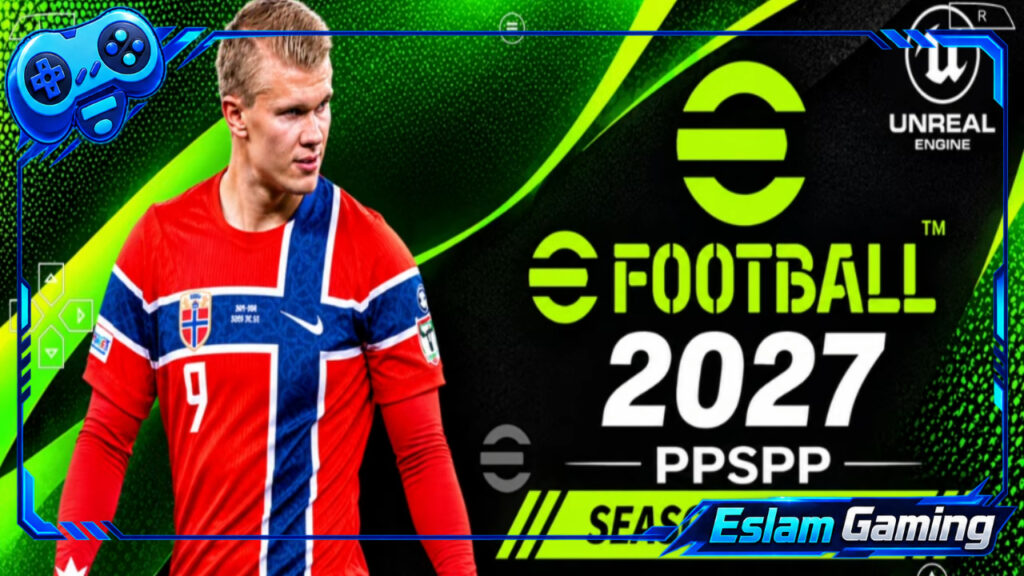
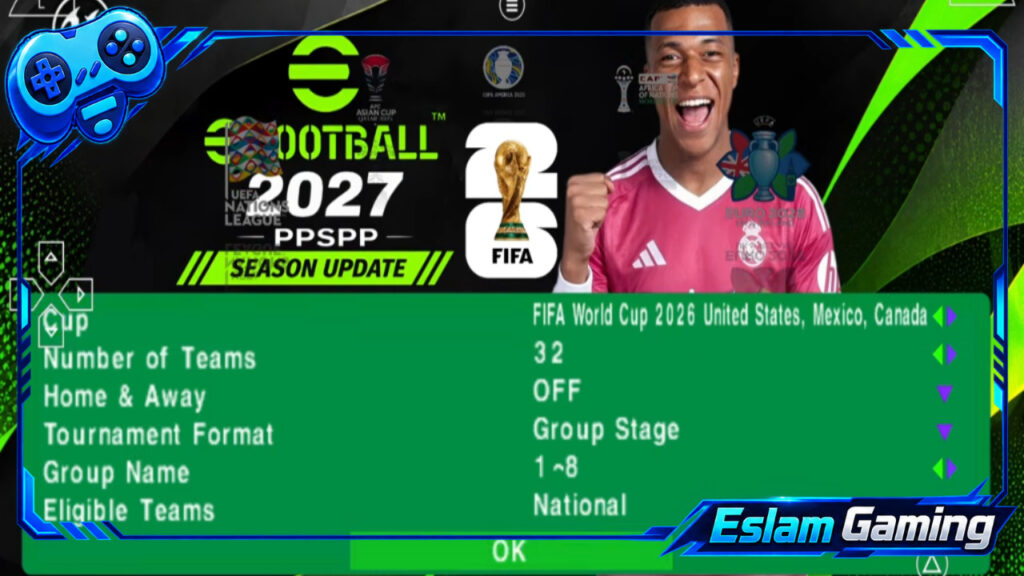
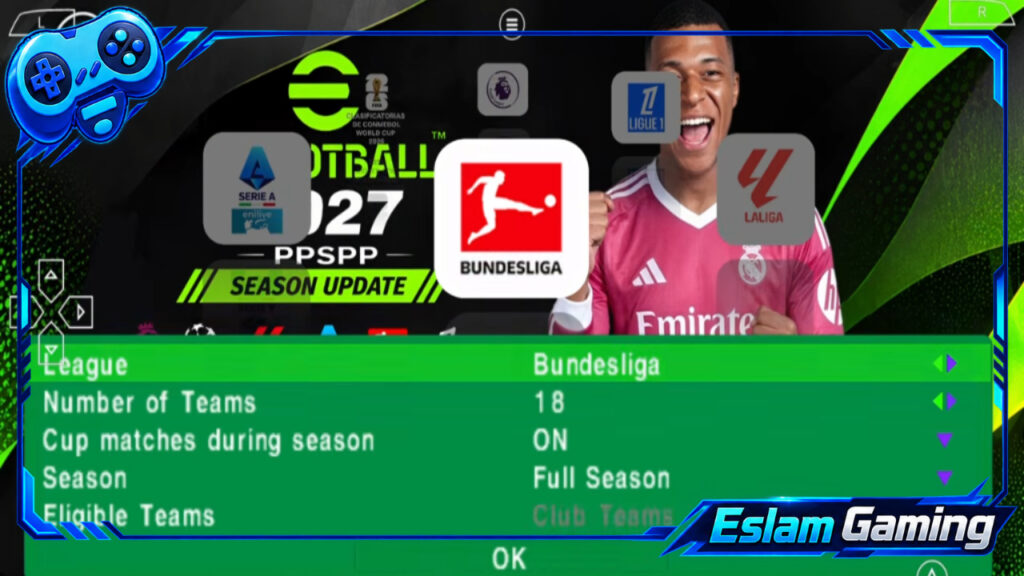
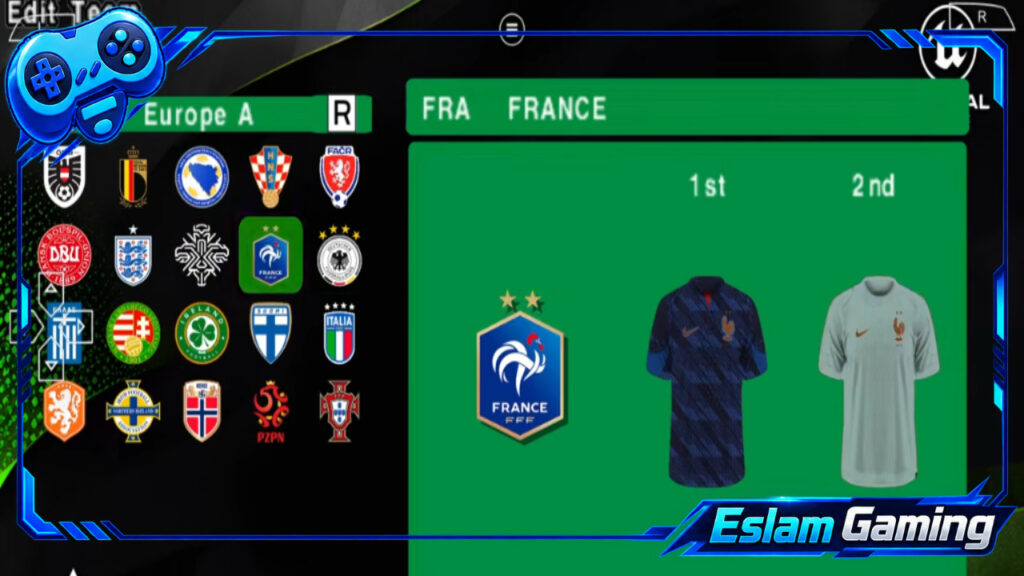
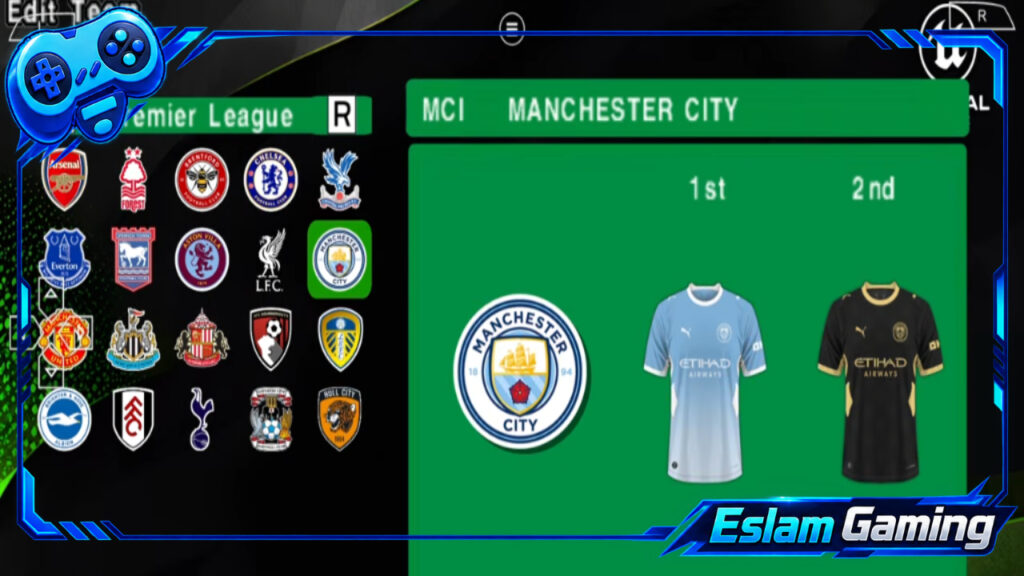
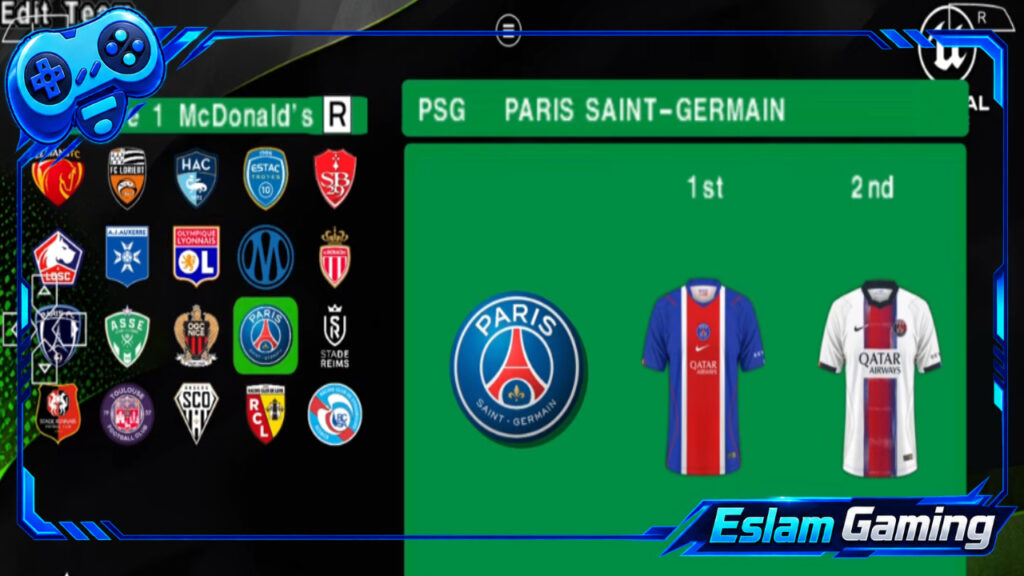
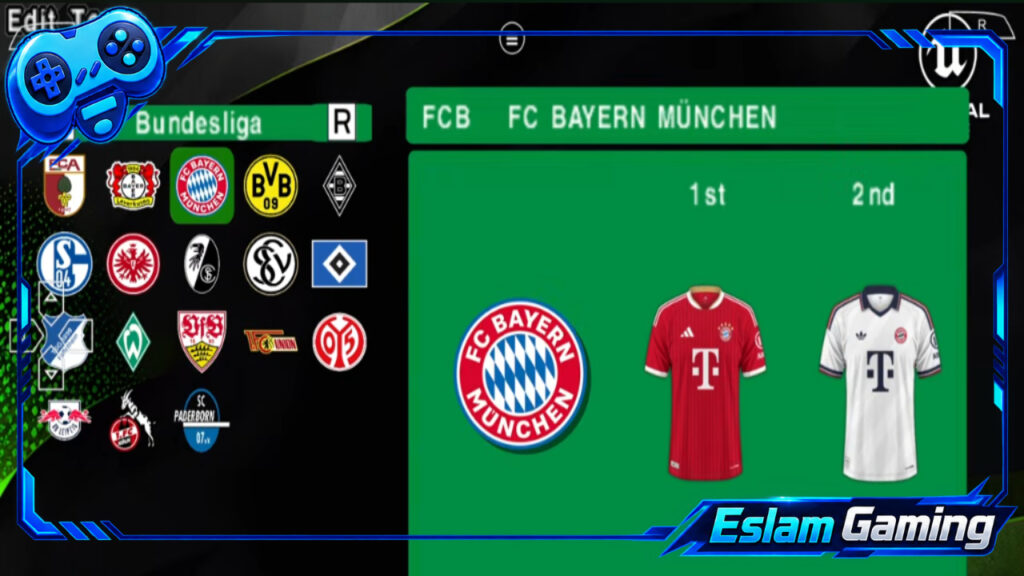
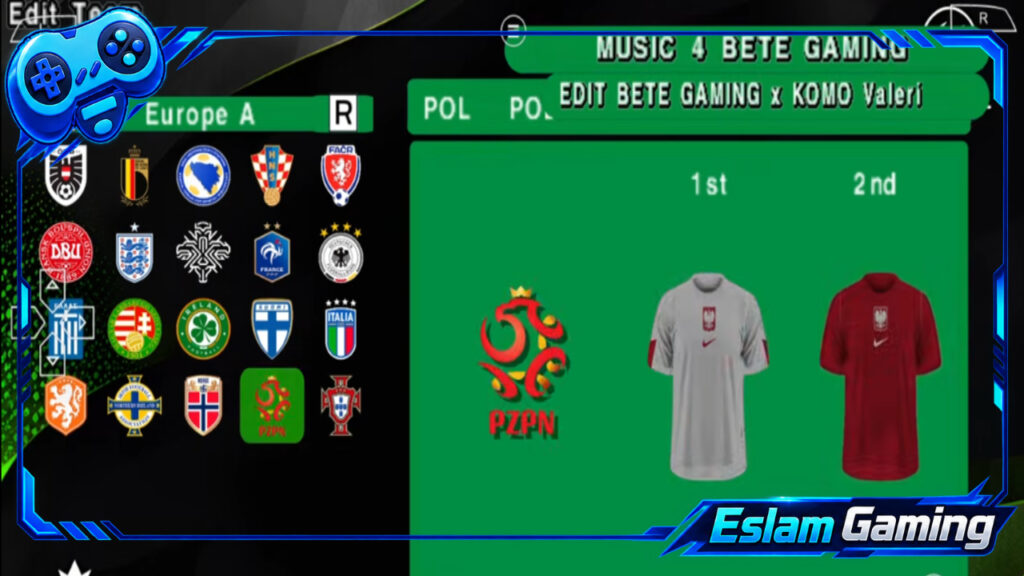
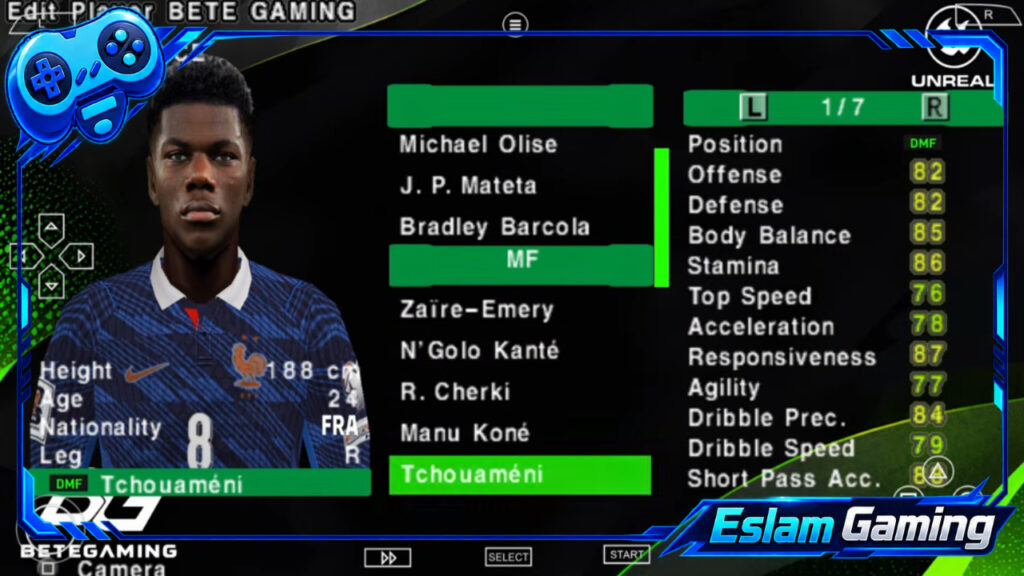
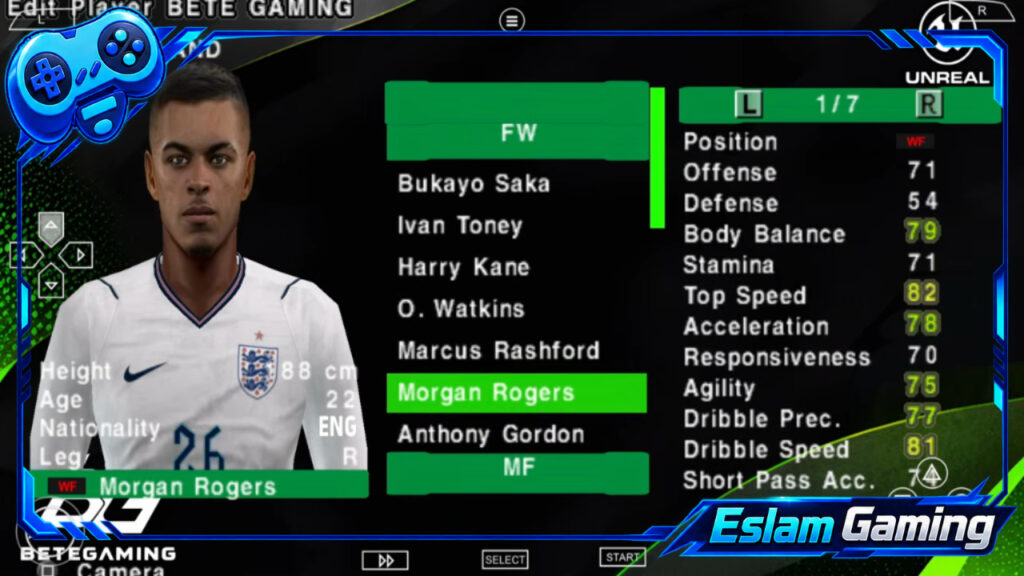
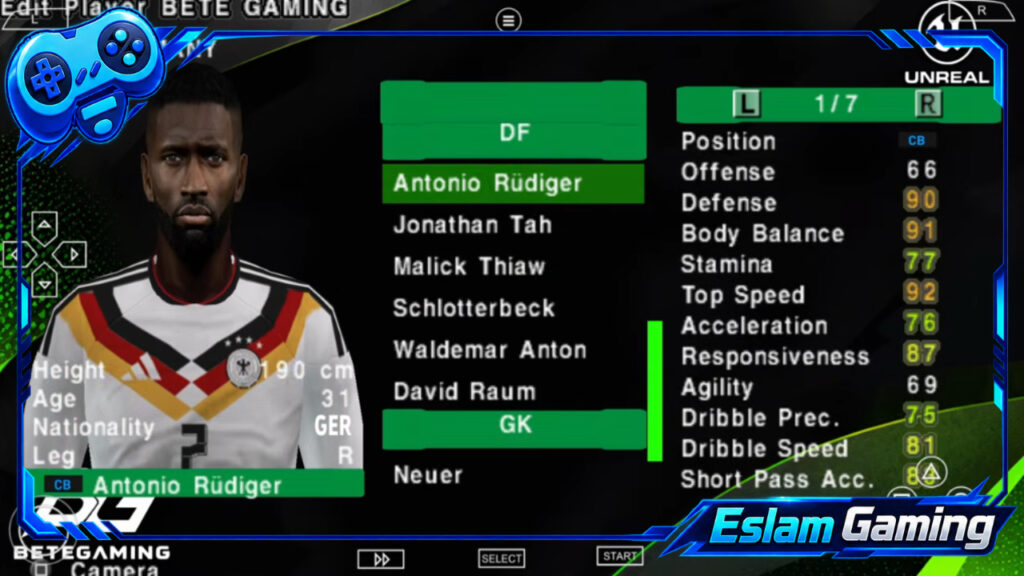
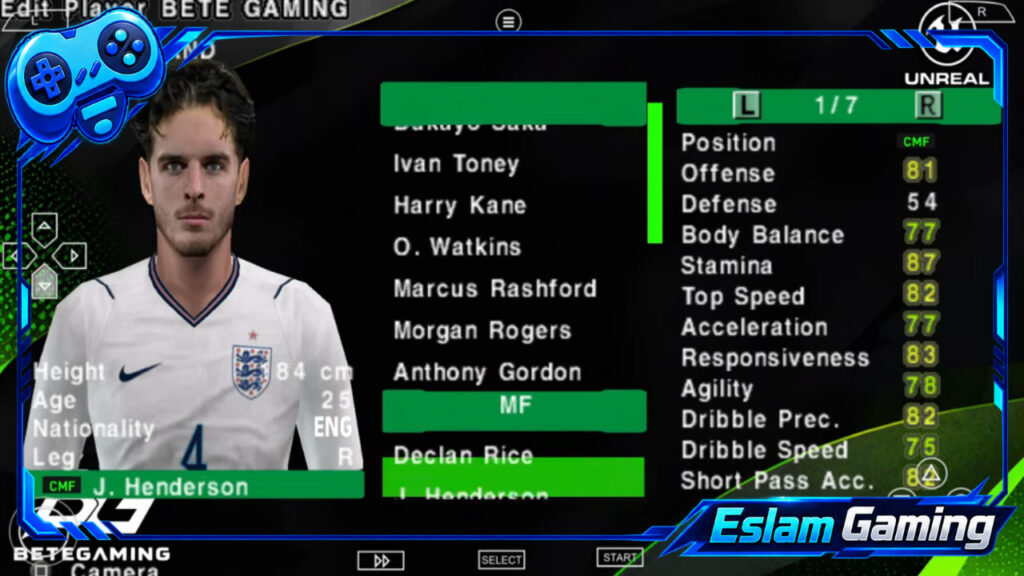
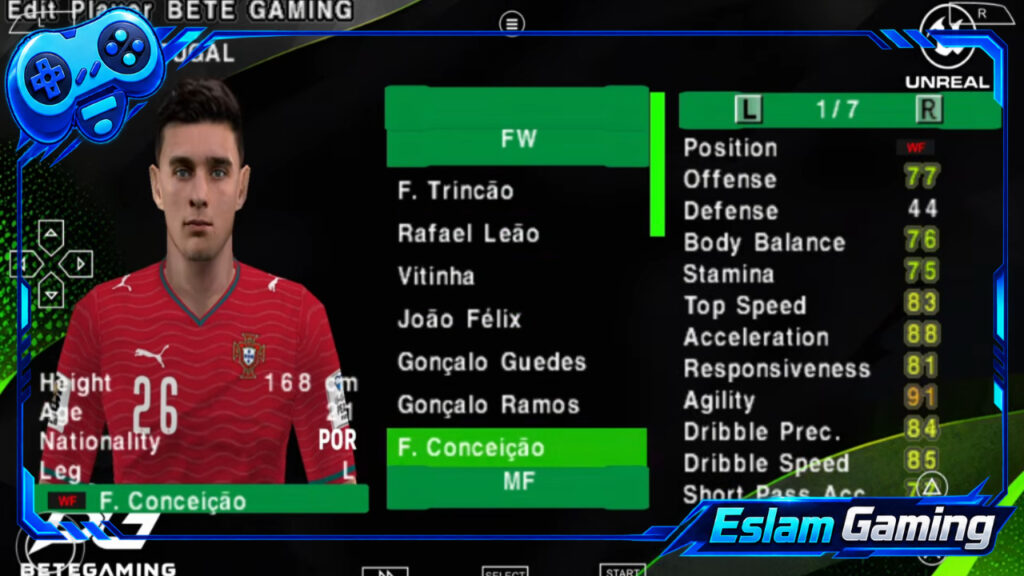
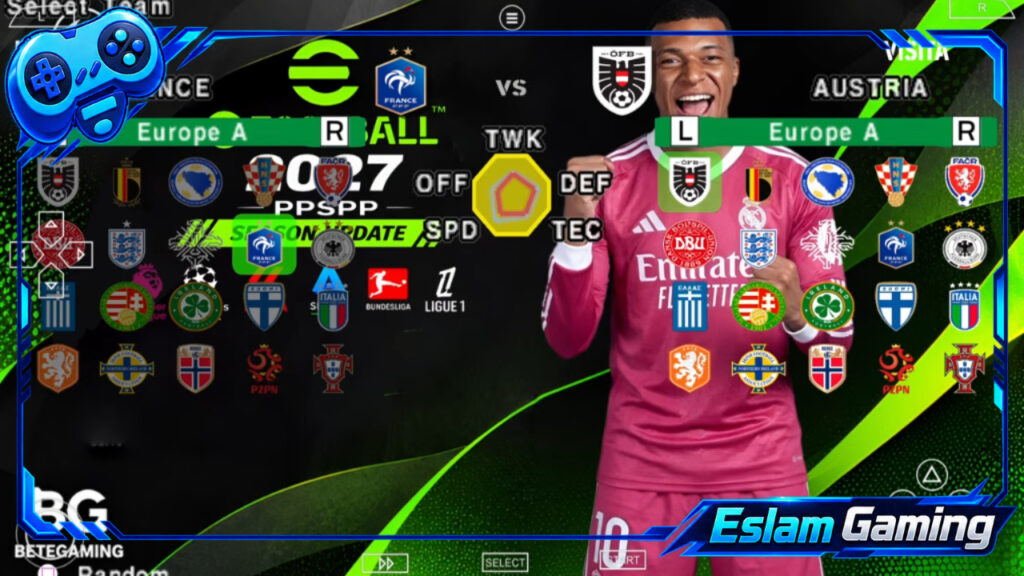
IMAGES FROM INSIDE THE GAME:

eFootball PES 2027 PSP game files links (small size) for Android:
Frequently Asked Questions (FAQ) ❓
1. Does this eFootball PES 2027 PPSSPP Camera Pack include the full game or 26/27 transfers?
No. This is the Camera Pack ONLY. It does not contain the game ISO, 26/27 season squads, kits, the ISO No Textures edition, or the 4K full version. You apply it on top of your existing PES PPSSPP installation.
2. Will installing this pack delete my Master League or Become a Legend saves?
No, replacing camera configuration or texture files does not touch your career save slots inside PSP/SAVEDATA (unless a specific pack bundles an optional system save—so always avoid overwriting your personal career files and back up first).
3. Why did my camera stay zoomed in after pasting the files?
Pause a match, open the in-game Camera Settings, and switch between Wide, Long, and Normal. Camera mods typically target one specific preset slot rather than every angle at once.
4. Can I use this PS5 camera on a low-end phone with 2 GB or 3 GB RAM?
Yes, though we recommend picking the medium or normal PS5 preset instead of the ultra-far zoom. Keep PPSSPP rendering resolution at 1x or 2x and turn on Auto Frameskip if you notice slowdowns in crowded penalty boxes.
5. Does this eFootball PES 2027 PPSSPP Camera Pack work with an ISO No Textures version or 4K full version?
In most cases, yes, as long as your base ISO shares the same PSP Game ID. However, if you run an ISO No Textures build for maximum speed on a weak phone, keep an eye on your frame rate after switching to a wide broadcast view.
Enjoy the wider pitch vision and sharper wing play—see you on the touchline! ⚽🔥