FIFA 16 Mod FIFA 27 (EA FC 27) Full Update With Career Mode Offline Android Download

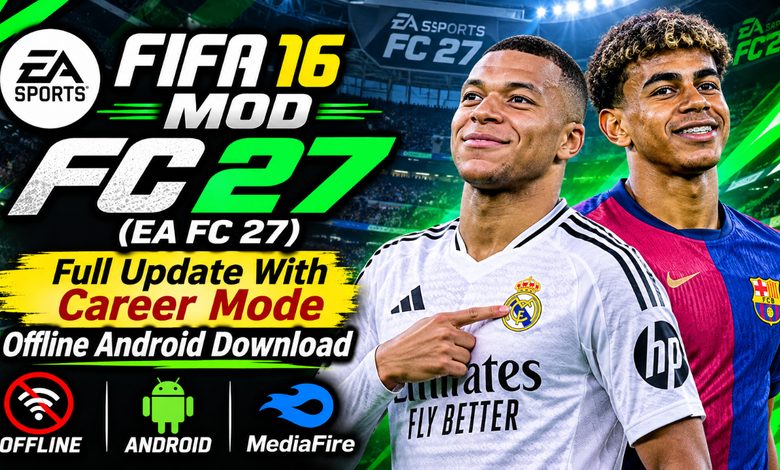
FIFA 16 Mod FC 27 Offline Android Download – Full Career Mode & Gameplay Guide ⚽
If you miss the classic console-style football feel on mobile without online paywalls or constant server lag, FIFA 16 Mod FC 27 brings that nostalgia straight to your pocket. Built on EA’s beloved FIFA 16 mobile engine and overhauled by community modders for the 2026/27 football season, this offline Android edition updates squads, kits, menus, and stadium visuals to match the modern EA FC 27 era. You do not need an internet connection to kick off a match, manage a club, or grind through cup competitions. Whether you want quick exhibition matches on your commute or a deep offline career save on modern Android devices, this modded build bridges classic responsive gameplay with fresh seasonal content. 🎮📱
Game Overview 🌍
Unlike newer free-to-play mobile football games that revolve around card-collecting and stamina bars, this community project uses the traditional FIFA 16 Android match engine. That engine remains famous among mobile gamers for its realistic ball physics, manual passing freedom, and fluid player animations. Mod teams—including popular releases such as fifa 16 mod fc 27 alphatrix—refresh the entire presentation layer to reflect the upcoming EA FC 27 season.
The game runs natively on Android devices using an APK, OBB, and Data file setup rather than an external console emulator like PPSSPP. Because you install it directly on your phone, touch responsiveness feels sharp and frame pacing stays consistent. Most importantly, the core experience works 100% offline once you complete the initial setup.
Who Should Play This Edition? 🎯
This build suits football fans who want full control over every pass, through ball, and tackle without fighting aggressive microtransactions. It works great for commuters, travelers, and anyone on limited mobile data. Thanks to updated fifa 16 mod fc 27 64 bit patches, owners of newer phones running Android 11, Android 12, and even Android 15 can launch the game without legacy compatibility blocks.
Key Features of FIFA 16 Mod FC 27 🌟
Modders pack plenty of visual and structural upgrades into this release so it feels far removed from a decade-old mobile title. Here is what sets this update apart from older patches:
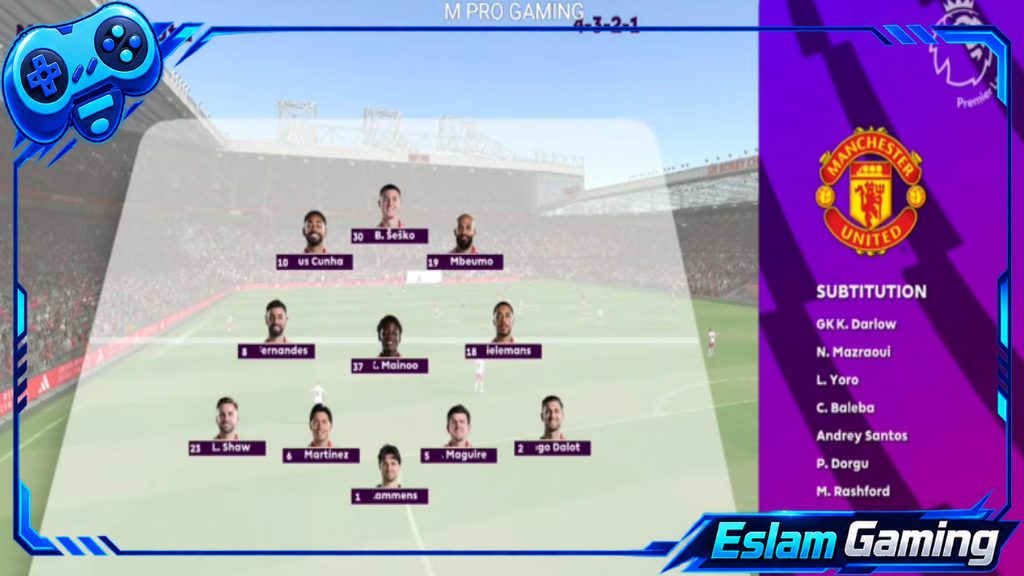
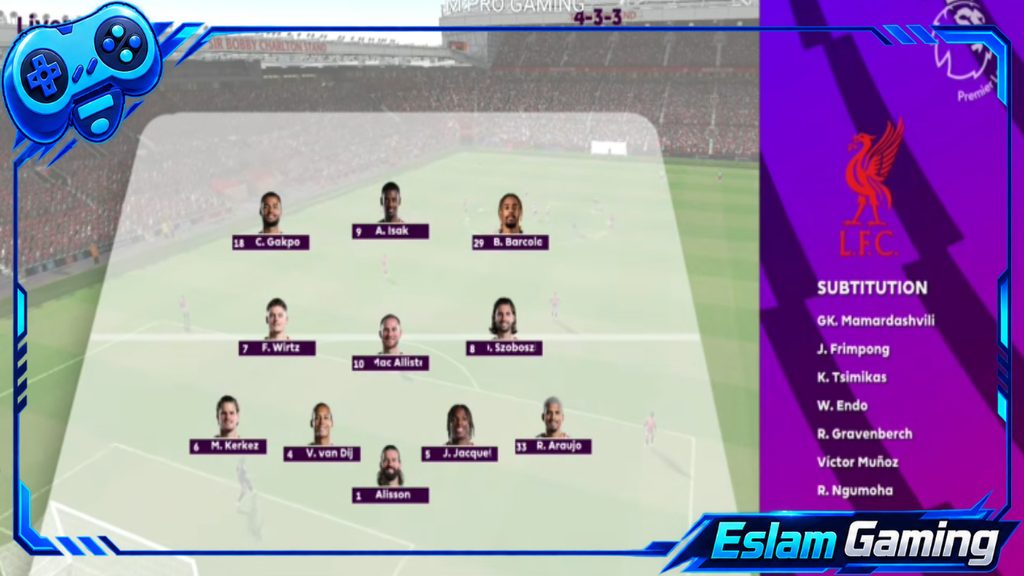
- 2026/27 Updated Transfers & Squads – Every major European league, including the Premier League, La Liga, Serie A, Bundesliga, and Ligue 1, features updated player transfers, accurate shirt numbers, and adjusted overall ratings reflecting real-world form.
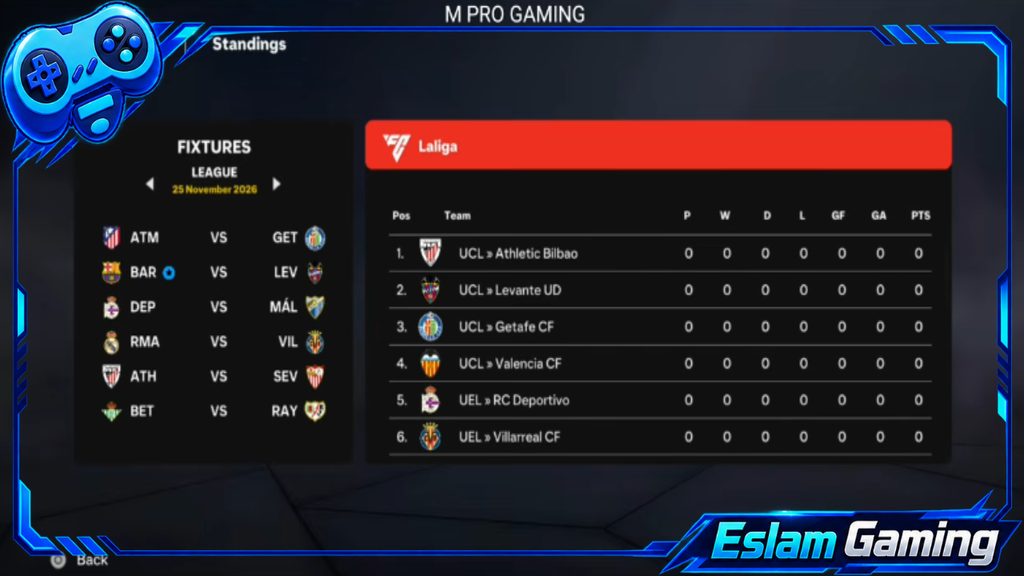
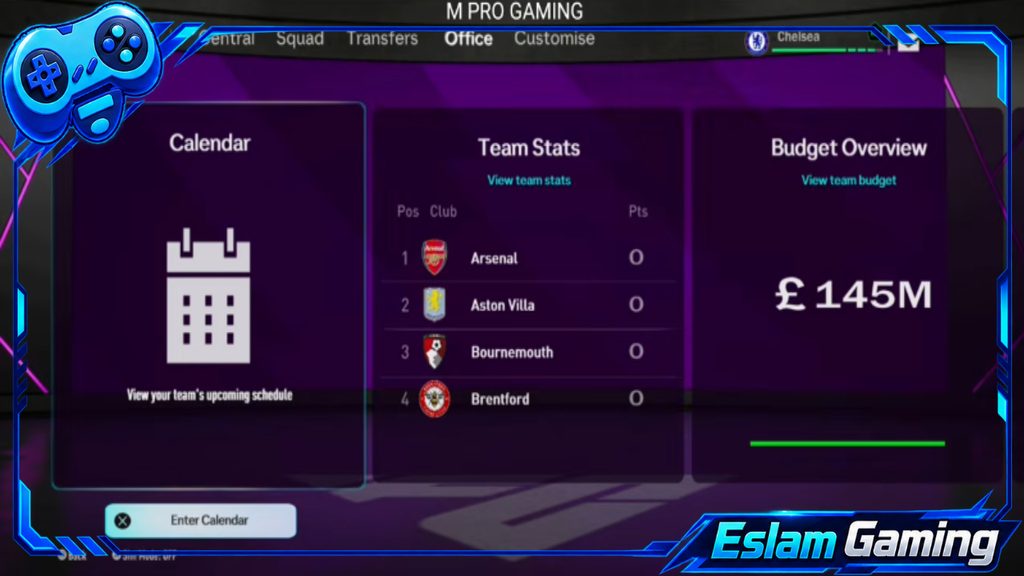
- EA FC 27 Interface & Broadcast Overhaul – Menus, scoreboards, pause screens, and player cards adopt a sleek EA FC 27 theme. Matchday overlays mimic live television broadcasts, giving cup finals and derby games extra weight.
- New Kits, Boots & Real Player Faces – Clubs wear fresh home, away, and third kits for the new campaign. Modders also add hundreds of custom 3D player faces, updated hairstyles, and modern football boots so star forwards look recognizable during close-up replays.
- 64-Bit Support for Modern Android OS – Older modded APKs fail to install on newer phones. Using a fifa 16 mod fc 27 new apk compiled for 64-bit architecture ensures smooth installation across Android 11, 12, 13, 14, and Android 15 devices.
- Offline Career & Tournament Play – You can jump into full seasons, knockout cups, and custom squad management without touching Wi-Fi or mobile data.
- Improved Stadium Turf & Lighting – Custom texture packs sharpen pitch grass, net physics, stadium adboards, and floodlight reflections for day and night matches.
Gameplay Experience & Mechanics 🎮
When you step onto the pitch, fifa 16 mod fc 27 gameplay immediately feels different from modern arcade-style mobile football apps. Players carry real momentum, which means sprinting blindly into a crowded box rarely works. You need proper spacing, patient build-up, and smart off-the-ball runs to unlock compact defenses.
Controls & Responsiveness
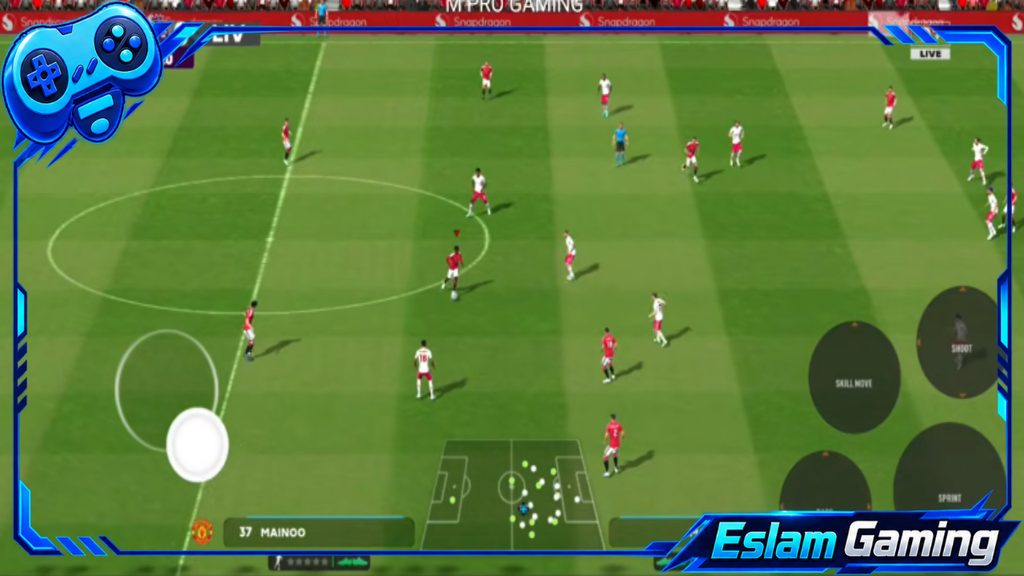
The game gives you classic virtual buttons alongside optional gesture controls. On the left side sits a floating analog stick, while the right side houses Pass, Through Ball, Shoot, Sprint/Skill, and Tackle/Switch buttons. Swiping up or down on the Pass and Shoot buttons triggers lofted crosses, driven passes, or finesse curlers. In fifa 16 mod fc 27 gameplay android tests, button registration feels crisp, and skill moves trigger cleanly once you learn the flick timings.
Difficulty & AI Behavior
You can pick from Amateur, Semi-Pro, Professional, and World Class difficulty tiers. On Professional and World Class, CPU defenders track diagonal runs well and press aggressively when you hold the ball in midfield. Goalkeepers also react sharply to near-post shots, forcing you to mix low-driven finishes with curled shots into the far corner.
Graphics, Camera & Sound Atmosphere
Visually, the fifa 16 mod fc 27 android gameplay holds up surprisingly well on modern AMOLED screens. Modders include multiple broadcast and tele-dynamic camera angles so you can see wide midfield passing lanes clearly. On the audio side, English commentary tracks call out player names and key moments, backed by dynamic crowd roars when a shot hits the woodwork or a late winner hits the net. 🎧✨
Game Modes & Content 🏆
Before downloading, it helps to know exactly what modes exist inside this mod. Because FIFA 16 Mobile originally centered around Ultimate Team and Quick Matches, modders had to build workarounds and patches to unlock deeper offline progression.
Career Mode & Player Career Mode
Many players search specifically for fifa 16 mod fc 27 career mode and fifa 16 mod fc 27 player career mode. Depending on the exact patch you install—such as the Alphatrix edition or standard career-unlocked builds—you get access to offline Manager Season play and Player Career progression. In Manager Career, you select a club, manage starting lineups, rotate tired squads, handle transfer budgets, and chase league silverware across a full calendar.
In fifa 16 mod fc 27 android player career mode, you lock onto a single footballer or created star, track match ratings, complete season objectives, and climb toward major awards. Keep expectations realistic, though: this is still a modded mobile engine, so deep press conferences, youth academy scouting trees, and dynamic cutscenes from console FC titles do not exist here. Even so, the core loop of signing players, winning matches, and lifting trophies works smoothly offline.


Tournaments & Continental Cups
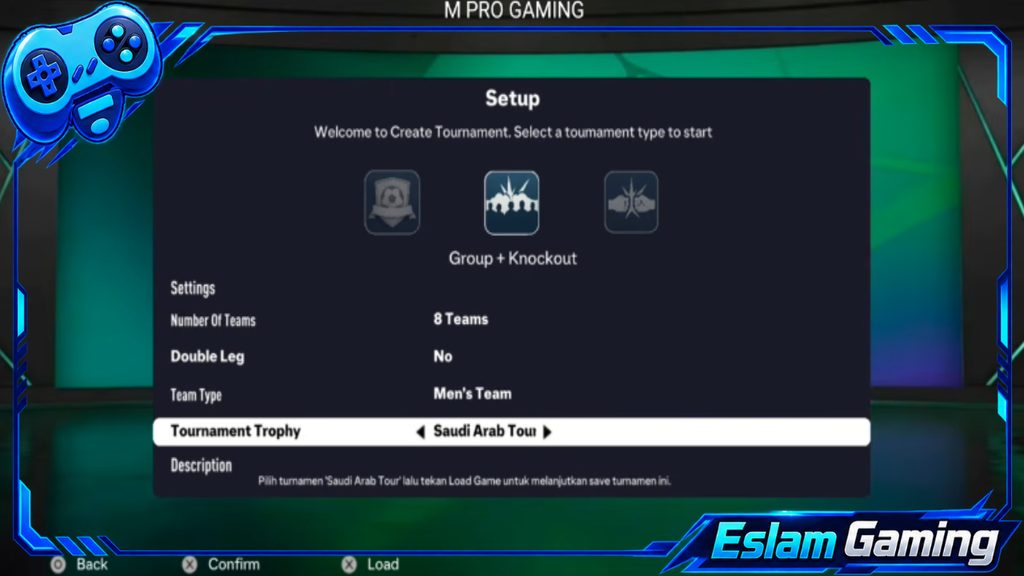
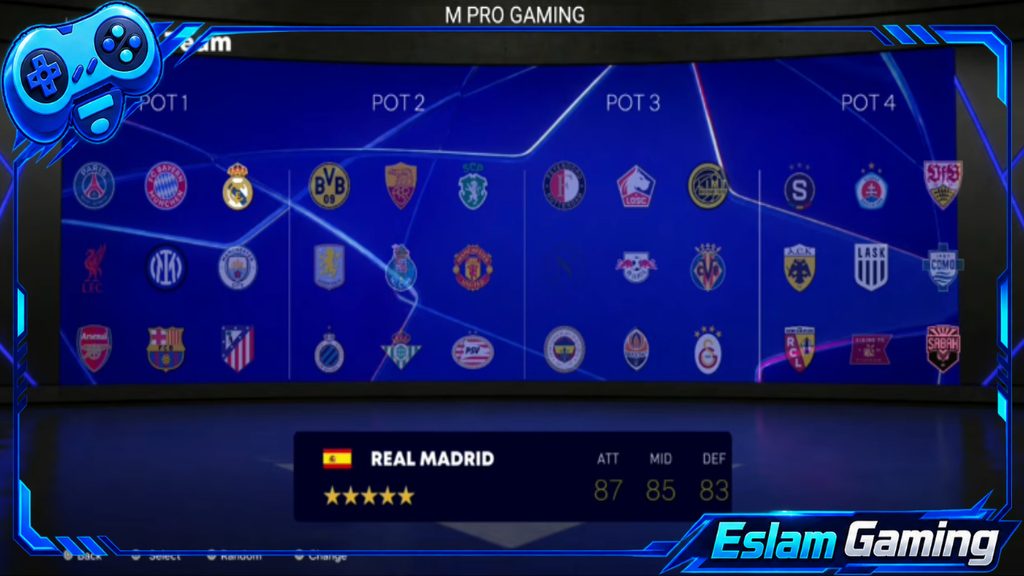
Tournament Mode lets you enter knockout brackets and group-stage competitions modeled after the UEFA Champions League, Europa League, and international cups. You can pick any licensed national team or club and play through authentic two-legged ties and penalty shootouts.
Quick Match & Practice Arena
Want a fast 10-minute match with zero setup? Quick Match drops you straight into team selection, kit picking, weather options (clear, overcast, rain), and match length settings. You can also test free kicks and dribbling drills inside the practice arena before taking on World Class AI.
System Requirements 📱
Because this mod adds high-resolution kits, custom faces, and sharper stadium textures on top of the base game, it demands slightly more RAM and storage than the original 2015 release. Check the table below to see where your phone stands.
| Component | Minimum (Low-End Devices) | Recommended (Smooth High Graphics) |
|---|---|---|
| Operating System | Android 8.0 or higher (32-bit / 64-bit) | Android 11, 12, 13, 14, or Android 15 (64-bit APK) |
| Processor (CPU) | Quad-Core 1.8 GHz (Snapdragon 450 / Helio G35) | Octa-Core 2.2 GHz+ (Snapdragon 680 / Dimensity 700+) |
| RAM | 3 GB RAM | 4 GB – 8 GB RAM |
| Free Storage | 4 GB free (for extraction + installation) | 6 GB+ free internal storage |
| Internet Connection | Required only to download files | 100% Offline after installation |
How to Download and Install the Game ⬇️
Installing an fc 27 mod fifa 16 apk+obb+data offline download takes a few extra steps compared to a standard Play Store app. You must place the extracted OBB and Data folders in the exact Android directory, or the game will show a blank screen. Follow this beginner-friendly checklist step by step.
Tools You Need First
- ZArchiver (free on Google Play Store) to extract ZIP or 7z archives cleanly.
- At least 4–6 GB of free internal storage before extracting, since compressed archives double in size temporarily during unpacking.
- For Android 11, 12, 13, 14, and Android 15 users: make sure you grant ZArchiver folder access (or use Shizuku if your phone blocks
Android/datawrites).
Step-by-Step Installation Guide
- Download the Complete Package: Grab the fifa 16 mod fc 27 apk obb data files from our verified fifa 16 mod fc 27 download mediafire links. Check that your browser downloads all parts completely without pausing or corrupting.
-
Install the Modded APK: Open ZArchiver, navigate to your
Downloadfolder, tap the fifa 16 mod fc 27 apk file, and select Install. Enable “Install from Unknown Sources” if Android asks. Do not open the game yet! -
Extract the OBB Folder: Tap the compressed OBB archive, choose Extract, and move the folder (usually named
com.ea.gp.fifaworldor the modder’s custom package ID) intoInternal Storage > Android > obb. -
Extract the Data Folder: Next, extract the Data archive and copy its folder into
Internal Storage > Android > data. Double-check that there isn’t a duplicate nested folder inside (for example,com.ea.gp.fifaworld/com.ea.gp.fifaworld). - Grant App Permissions: Before launching, go to your phone’s Settings > Apps > FIFA 16 Mod FC 27 > Permissions and enable Storage / Files and Media access.
- Launch Offline: Turn off Wi-Fi or mobile data if prompted, open the app icon, and let the updated rosters and career save data load cleanly.
Android/data and Android/obb. If ZArchiver says “Access Denied” on fifa 16 mod fc 27 android 15, install the free Shizuku app alongside ZArchiver and enable Shizuku mode inside ZArchiver’s root settings. That bypasses the folder lock safely without rooting your phone.Common Problems & Fixes 🛠️
Modded Android games occasionally run into setup hiccups across different chipsets and OS versions. Here are the most common issues players face and how to fix them fast:
1. Black Screen or Stuck on Loading Logo
This almost always happens when the OBB file sits in the wrong directory or inside a double-nested folder. Open ZArchiver, check Android/obb/, and confirm that the .obb file sits directly inside the single package folder. Also verify that you granted Storage permission in Android App Settings before opening the game.
2. “App Not Installed” or Incompatible Phone Error
Google dropped 32-bit app support on many newer phones, especially Pixel devices and Snapdragon 8 Gen 2/3 flagships running fifa 16 mod fc 27 android 15. Make sure you download the dedicated fifa 16 mod fc 27 64 bit APK rather than an older 32-bit build. Also uninstall any previous version of FIFA 16 before installing the new APK.
3. Match Stuttering or FPS Drops
If animations lag during corners or goal replays, open the in-game settings and drop Crowd Quality or Stadium Detail down one notch. Clear background apps like TikTok or Chrome to free up RAM, and turn off battery-saver throttling while playing.
4. Career Mode Crashes or Wrong Kits
Corrupted Data extraction causes missing jerseys, generic kits, or crashes when advancing weeks in fifa 16 mod fc 27 android career mode. Re-extract the Data ZIP cleanly using ZArchiver (avoid Android’s built-in extractor, which sometimes skips hidden config files) and overwrite existing files when asked.
Tips & Tricks for Better Gameplay 💎
Once your installation runs smoothly, mastering the FIFA 16 match engine gives you a huge edge on World Class difficulty and deep career runs:
- Use Driven Passes Across Midfield – Tap and swipe slightly toward your teammate when passing across midfield. Standard short passes get intercepted easily by pressing AI, while brisk passes reach your wingers before defenders shift across.
- Defend Space, Don’t Spam Slide Tackles – Hold the contain/jockey button to stay in front of dribblers and block passing lanes. Only press standing tackle when the attacker pushes the ball slightly too far ahead.
- Master Finesse Shots Inside the Box – When cutting inside from the left or right wing, swipe down on the Shoot button with moderate power. Finesse shots curve cleanly past rushing keepers far better than full-power blasts.
- Rotate Your Squad in Career Mode – Stamina carries real consequences across congested fixture weeks. Resting tired midfielders in domestic cup ties prevents sluggish first touches and late-match muscle injuries.
- Switch to Tele Broadcast Camera – Default zoomed cameras hide diagonal runs on the far wing. Switching to Tele or Dynamic Wide lets you spot overlapping fullbacks early and launch counterattacks.
Is This Game Worth Downloading? (Honest Verdict) 🎯
If you want pure offline football without energy timers, forced PvP grinding, or constant multi-gigabyte server patches, this mod delivers tremendous value. Still, every community project has strengths and trade-offs you should weigh first.
Pros 👍
- True offline gameplay—play full seasons and tournaments anywhere without internet.
- Classic, tactical FIFA 16 ball physics with responsive touch controls.
- Fresh 2026/27 kits, transfers, faces, and EA FC 27 broadcast overlays.
- Runs on modern phones via 64-bit APKs for Android 11, 12, and 15.
Cons 👎
- Manual APK + OBB + Data setup takes 5–10 minutes and requires ZArchiver.
- fifa 16 mod fc 27 career features remain simpler than console EA FC versions (no full animated negotiations or deep press conferences).
- No official online multiplayer matchmaking.
Verdict: Download it if you miss authentic offline mobile football and want updated fifa 16 mod fc 27 android mediafire packages ready for travel or casual play. Skip it only if you strictly want live online Ultimate Team PvP against real players or dislike extracting OBB/Data folders manually.
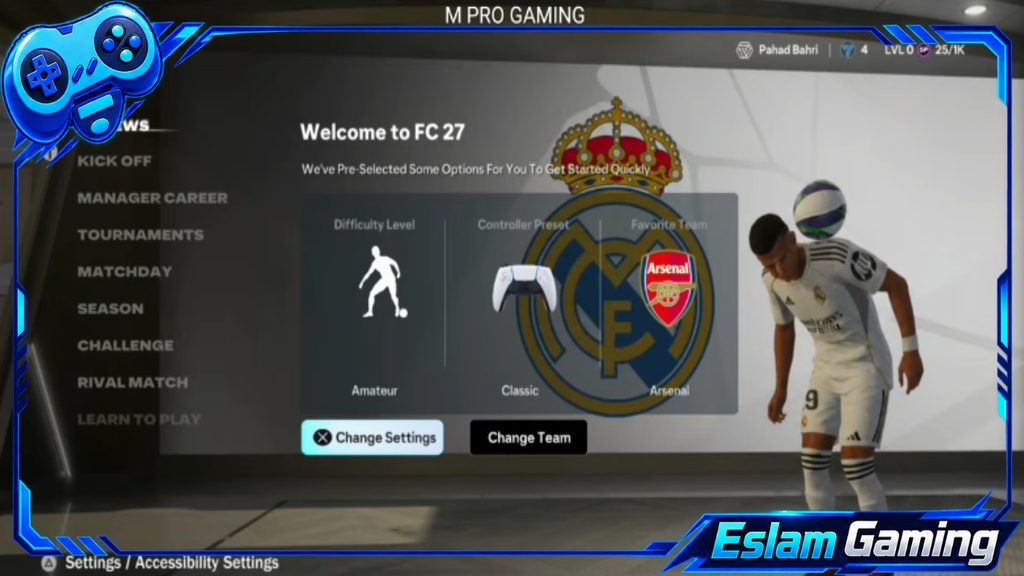
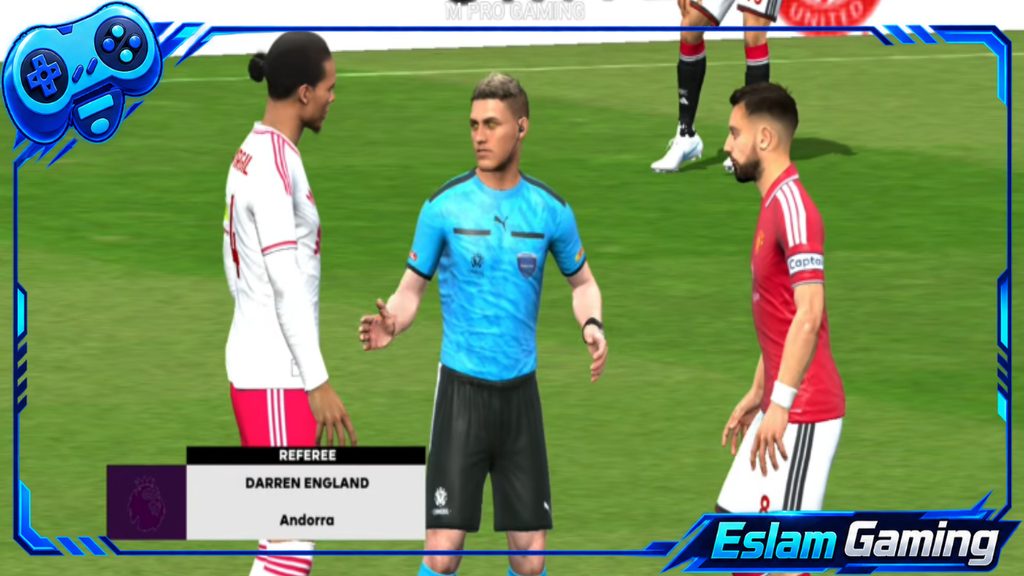
Images from inside the game
Frequently Asked Questions (FAQ) ❓
Is FIFA 16 Mod FC 27 completely offline?
Yes. Once you install the APK and place the OBB and Data files properly, Quick Matches, Tournaments, and Career Mode run 100% offline with zero Wi-Fi or mobile data required.
Does it work on Android 11, Android 12, and Android 15?
Yes, provided you install the updated 64-bit APK build designed for fifa 16 mod fc 27 android 11, fifa 16 mod fc 27 android 12, and Android 15. Remember to use ZArchiver with Shizuku if your phone blocks access to the Android/data folder.
What is the difference between the Alphatrix build and standard mods?
Releases like fifa 16 mod fc 27 alphatrix are curated by well-known community modders who bundle sharper texture packs, cleaner UI fonts, realistic face updates, and stable career patches into one tested package.
How much storage space do I need?
Keep at least 4 to 6 GB of free internal storage before downloading. After installation completes and you delete the original compressed ZIP archives, the game itself usually occupies around 2.5 to 3.5 GB.
Can I play with a Bluetooth controller?
Partially. While FIFA 16 Android detects basic gamepad movement on some controllers, touch controls remain the primary and most reliable way to trigger all skill moves, swipes, and tactical switches.
Ready to hit the pitch? Grab the files, follow the ZArchiver steps carefully, and enjoy offline football the way it was meant to be played! ⚽🔥