Grand Theft Auto V (GTA 5) Original With Tasks With a Size of 60 GB Offline Android Download

Grand Theft Auto V (GTA 5) 60 GB Offline Android Download – Full Guide & Honest Review 🚗🔥
Playing grand theft auto v right on your smartphone used to sound impossible, yet modern Android hardware now lets you experience the full offline campaign in your pocket. Unlike fake 200 MB mobile clones floating around the internet, this 60 GB setup brings the real single-player PC build—complete with all story missions, side tasks, vehicles, and open-world exploration—to Android through Windows emulation. You can drive across Los Santos, pull off multi-stage heists, and switch between three unforgettable protagonists without needing an internet connection. Here at Eslam Gaming, we tested what actually works, what kind of phone you truly need, and how to set everything up safely. Let us break down the gameplay, realistic system requirements, installation steps, and common fixes so you know if your device can handle it. 🎮📱
Game Overview: What Is the 60 GB Offline Build? 🌍
Rockstar Games originally launched GTA 5 in September 2013 for consoles before bringing it to PC and newer platforms like PlayStation 5. While Rockstar never released an official native APK on the Google Play Store, Android gamers can now run the original offline PC edition using modern Windows compatibility layers such as Winlator or Mobox.
Gameplay Style, Platform & Offline Access
The core experience blends third-person shooting, arcade-style driving, stealth, and open-world sandbox freedom. Because the massive multiplayer updates from GTA Online bloat the PC version past 110 GB, trimmed offline builds sit closer to 60 GB. That 60 GB footprint keeps every single-player story mission, cutscene, radio station, and side activity intact while cutting out online-only assets.
Once you configure the files inside an Android PC emulator, the entire game runs 100% offline. You do not need Wi-Fi or mobile data to roam Blaine County or complete campaign tasks.
Who Is This Version Best For?
- Flagship Android users who own a modern Snapdragon processor and want console-grade single-player action on the go.
- Travelers and commuters looking for a deep offline campaign with dozens of hours of missions and free-roam fun.
- Tinkerers and emulator fans who enjoy optimizing graphics settings, controller layouts, and frame rates on mobile hardware.
Key Features of GTA 5 (60 GB Original Build) 🌟
Unlike stripped-down mobile fan projects that only give you one empty street and a single car, the 60 GB offline package preserves the authentic Rockstar experience. Below are the standout features you get inside this build:
- Three Playable Protagonists — You control Michael De Santa, Franklin Clinton, and Trevor Philips across an interconnected story. Switching between them on the fly lets you tackle missions from multiple angles, whether you want precision sniping, high-speed getaways, or pure chaos.
- Full Story Missions & Multi-Approach Heists — Every original task is here, from early repo jobs to massive bank robberies. You pick your crew members, choose loud or smart tactics, and manage your payout after each score.
- Massive Open-World Map — The GTA V map stretches from neon-lit downtown Los Santos and Vinewood Hills out to dusty deserts, mountain peaks, and deep ocean trenches. Every district feels alive with pedestrians, traffic, wildlife, and random street events.
- Hundreds of Vehicles & Weapon Customization — Drive muscle cars, supercars, fighter jets, helicopters, dirt bikes, and submarines. You can also upgrade engines, armor, and paint jobs at Los Santos Customs or attach silencers and scopes at Ammu-Nation.
- Original GTA 5 Cheat Codes Support — Because this runs the real PC engine, classic button combinations and keyboard cheats work during offline free roam. Spawn vehicles, activate invincibility, or trigger explosive bullets whenever you want to mess around.
- Optional Mod Compatibility — Advanced users running Windows emulation can even test lightweight GTA V mods such as simple trainers, texture tweaks, or custom handling files once the base game runs smoothly.
Gameplay Experience & Mechanics 🎯
Running a full PC blockbuster on a phone changes how you interact with the world, especially when it comes to controls and performance tuning. Here is how the 60 GB offline version feels in actual play.
Controls: Touchscreen vs. Bluetooth Controller
Winlator gives you customizable on-screen touch overlays that mimic an Xbox layout. Touch controls work fine for casual driving and exploring, though complex gunfights while flying a helicopter feel cramped on glass. Pairing a Bluetooth controller—like a DualSense, Xbox Wireless controller, or Backbone—transforms the experience immediately and gives you analog throttle control and smooth aiming. 🎮
Difficulty & Pacing
The campaign offers a fair, approachable challenge for both newcomers and veterans. Aim assist makes firefights manageable on smaller screens, and generous mission checkpoints save your progress right before major shootouts. If a difficult stunt or shootout trips you up three times in a row, the game even lets you skip that specific segment so you never get permanently stuck.
Graphics Style & Visual Scaling
Los Santos still looks remarkably sharp more than a decade after launch thanks to strong lighting, realistic water reflections, and detailed vehicle interiors. On Android, you will usually dial settings down to 720p (or 960×544) with normal textures and shadows disabled to maintain steady frame rates. Even on lower presets, the draw distance and weather effects blow native mobile clones out of the water. 🌆
Sound & Atmosphere
Audio brings the entire sandbox together. Seventeen radio stations blast everything from classic West Coast hip-hop to rock and talk radio, while roaring V8 engines, police sirens, and witty character dialogue fill every street corner. Put on a pair of headphones and the city immediately pulls you in. 🎧
Game Modes & Content 🕹️
Before downloading 60 GB of files, you should know exactly which modes work in this offline setup and what stays locked out.
Story Mode (Full Campaign & Heists)
This is the centerpiece of the 60 GB package. You get all 69 main missions in Grand Theft Auto V, following Michael’s midlife crisis, Franklin’s ambition to escape street-level hustles, and Trevor’s unpredictable criminal empire in the desert. Every heist setup, getaway plan, and finale choice plays out identically to the PC release.

Strangers & Freaks + Side Activities
Outside the main storyline, dozens of optional tasks keep Los Santos packed with variety. You can race street cars, hunt bounties as Trevor, fly through stunt rings, play tennis or golf, manage businesses, and chase 100% completion collectibles across the map.
Free Roam & Director Mode
Want to ignore missions completely? Free Roam lets you test the fastest car in GTA 5, start five-star police chases, or explore Mount Chiliad at your own pace. Director Mode (present in updated PC builds) also lets you spawn actors, change weather, and experiment with low-gravity physics.
What Is Missing? (No GTA Online)
Be realistic here: you cannot access GTA Online servers through this 60 GB offline Android build. Multiplayer requires Rockstar Social Club verification, anti-cheat drivers (BattlEye), and much larger update files that do not function inside mobile Windows emulators. If you strictly want online multiplayer, stick to PC or consoles.
System Requirements for Android 📱⚙️
Running a 60 GB Windows game on an ARM smartphone demands serious hardware. Below is an honest compatibility breakdown for Android devices using Winlator or Mobox:
| Component | Minimum (Playable 20–30 FPS) | Recommended (Smooth 30–45+ FPS) |
|---|---|---|
| Operating System | Android 11 or higher (64-bit) | Android 13 / 14 / 15 |
| Processor (SoC) | Snapdragon 865 / 870 / 7+ Gen 2 | Snapdragon 8 Gen 2, 8 Gen 3, or 8 Elite |
| GPU & Drivers | Adreno 650+ (Turnip driver support) | Adreno 740 / 750+ with latest Turnip |
| RAM | 8 GB LPDDR4X/5 | 12 GB – 16 GB LPDDR5X |
| Free Storage | 75 GB free (130 GB needed if extracting ZIPs on phone) | 150 GB+ UFS 3.1 / UFS 4.0 fast storage |
Low-End vs. High-End Devices (Honest Reality Check)
Low-end phones (2 GB–4 GB RAM, budget Helio or Unisoc chips): Simply skip this download. Budget devices lack the memory bandwidth and GPU drivers needed to translate DirectX 10/11 graphics, so the game will crash on the loading screen or run at 3 frames per second.
Mid-range & Mali GPU phones: Devices with MediaTek Dimensity or Samsung Exynos Mali GPUs struggle with DXVK translation in Winlator. You may boot the game with VirGL or Vortek drivers, though graphical glitches and low frame rates remain common.
High-end Snapdragon phones: Flagships powered by Snapdragon 8 Gen 2 or 8 Gen 3 handle GTA 5 surprisingly well at 720p, especially when paired with a magnetic phone cooler.
How to Download and Install GTA 5 (60 GB) on Android ⬇️
Follow these steps carefully to get the original offline PC build running on your Android device. Always use legitimate game files from a PC copy you own (Steam, Epic Games, or Rockstar Launcher) and avoid suspicious websites promising “200 MB compressed GTA 5 APKs.”
-
Prepare Your 60 GB Game Files: Copy your clean, pre-installed offline GTA 5 folder onto a fast storage drive or transfer it to your phone’s internal
/Download/GTA5/directory. Make sure the main executables (such asGTA5.exe) and all.rpfarchive files sit inside that folder. -
Install a Windows Emulator (Winlator): Download the latest stable release of Winlator (or a Turnip-optimized fork) from its official GitHub repository. Install the APK and grant storage permissions so it can read your
Downloadfolder. - Create a New Container: Open Winlator, tap the + icon, and name your container “GTA V.” Set screen resolution to 1280×720 (or 960×544 for 8 GB RAM phones).
- Configure Graphics & Wrapper Settings: Choose Turnip (Adreno) as your Graphics Driver and DXVK as your DX Wrapper. Set Video Memory Size to 4096 MB and select the Performance preset under Box64 settings.
-
Boot the Container & Lower In-Game Settings: Run the container, open Drive
D:(which maps to your Android Downloads), navigate to your GTA 5 folder, and double-tap the launcher executable. Once inside the main menu, lower population density, turn off MSAA, and set DirectX version to DirectX 10 for maximum stability. - Map Your Controls: Swipe from the left edge to open Winlator’s menu, pick Input Controls, and load an Xbox/FPS preset—or connect your Bluetooth gamepad for instant plug-and-play control.
Common Problems & Fixes 🛠️
Because you are running heavy PC software inside a mobile translation layer, occasional hiccups can happen. Here is how to solve the four most common issues:
-
Black Screen on Startup: Switch your DX Wrapper from DXVK to an older stable version (such as DXVK 1.10.3 or 2.3.1), or edit the game’s
settings.xmlfile in Documents to change<DX_Version value="2"/>to0(DirectX 10) and setWindowedmode to1. - Heavy Lag & Frame Drops: Thermal throttling hits phones hard after 15 minutes. Lower resolution to 854×480 or 960×544, disable V-Sync and shadows, close all background Android apps, and use a clip-on cooling fan during long sessions.
-
Extraction or Storage Errors: Never store or extract the 60 GB folder on a slow FAT32 microSD card—FAT32 blocks individual files larger than 4 GB, which corrupts GTA 5’s massive
.rpfarchives. Always use fast internal UFS storage. - Random Crashes During Missions: Crashes usually happen when RAM fills up on 8 GB devices. Enable a 4 GB–6 GB virtual memory swap/ZRAM if your phone supports it, set Box64 to Intermediate instead of aggressive performance, and avoid loading heavy visual mods.
Tips & Tricks for Better Gameplay 💎
Whether you are replaying Story Mode on mobile or stepping into Los Santos for the very first time, these practical habits will save you hours of frustration:
- Use Each Character’s Special Ability: Tap both thumbsticks (or mapped special key) during tense moments. Franklin slows down time while driving for razor-sharp turns, Michael slows gunfights for easy headshots, and Trevor boosts damage resistance when surrounded.
- Save Lester’s Assassination Missions for Last: Only complete the mandatory Hotel Assassination to advance the story, then save Lester’s remaining targets until after the final heist. Investing all three characters’ massive payouts into the suggested stock market companies easily makes every protagonist a billionaire. 💰
- Manual Save via the In-Game Phone: Never rely purely on autosaves when playing through an emulator. Open your character’s smartphone, select Quick Save before big missions, and keep at least two backup save slots in case an emulator crash interrupts a cutscene.
- Pick Smart Heist Crew Members: Hiring cheap gunmen or hackers might sound tempting, yet unskilled crew members drop cash bags or give you less vault time. Investing in a solid hacker pays for itself on major scores.
- Switch Shooting to Assisted Aim: Playing on a 6-inch screen makes free-aim pixel hunting tough. Set targeting mode to Assisted Aim – Partial in the settings menu so gunfights stay fast and fun. 🎯
Is This Game Worth Downloading? (Honest Verdict) ⚖️
Getting the genuine 60 GB offline version of GTA 5 running on an Android phone feels like magic the first time you drive down Vespucci Beach at 30+ FPS. Still, it is not for everyone. Look at the honest pros and cons before committing 60 GB of your phone’s storage.
Pros & Cons
- Pros: Full authentic Story Mode and every original task; zero internet required; works with Bluetooth controllers and cheat codes; unmatched open-world depth on mobile.
- Cons: Massive 60 GB storage footprint; heats up phones quickly and drains battery fast; requires flagship Snapdragon hardware and manual Winlator tweaking; no GTA Online multiplayer.
Who Should Download vs. Who Should Skip
Download it if you own a Snapdragon 8-series phone with 8 GB+ RAM, have plenty of free space, and want the real offline campaign with you everywhere you travel. Skip it if your phone has 4 GB–6 GB RAM, uses a budget processor, or you do not have patience for emulator configuration—in that case, lighter native Android open-world games like GTA: San Andreas will run far smoother and keep your battery cool.
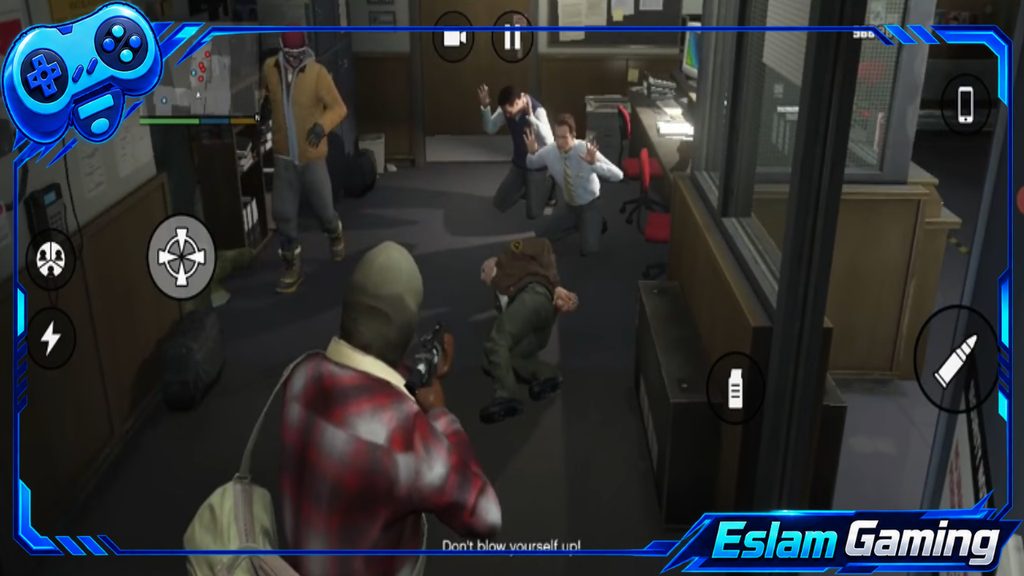
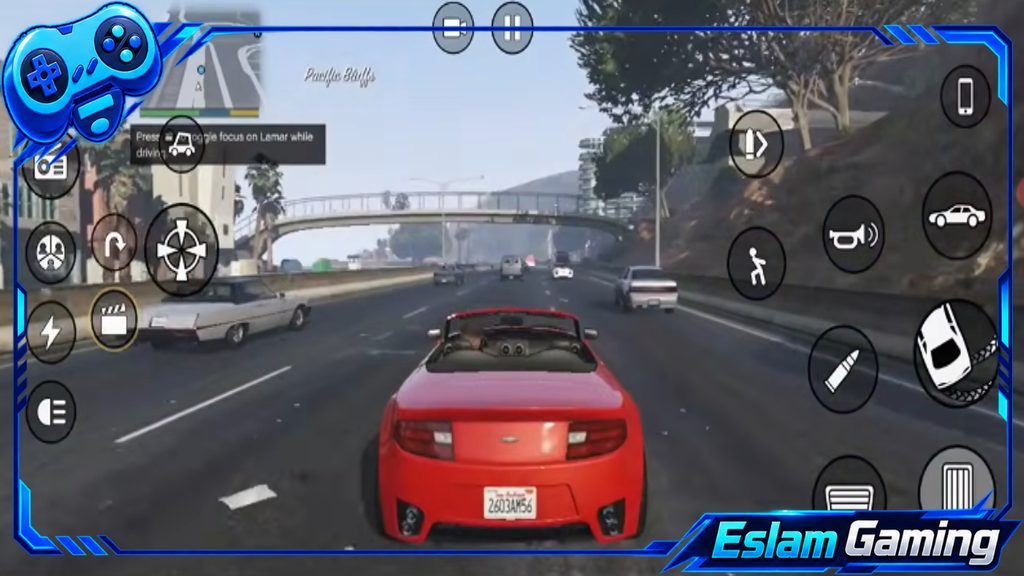
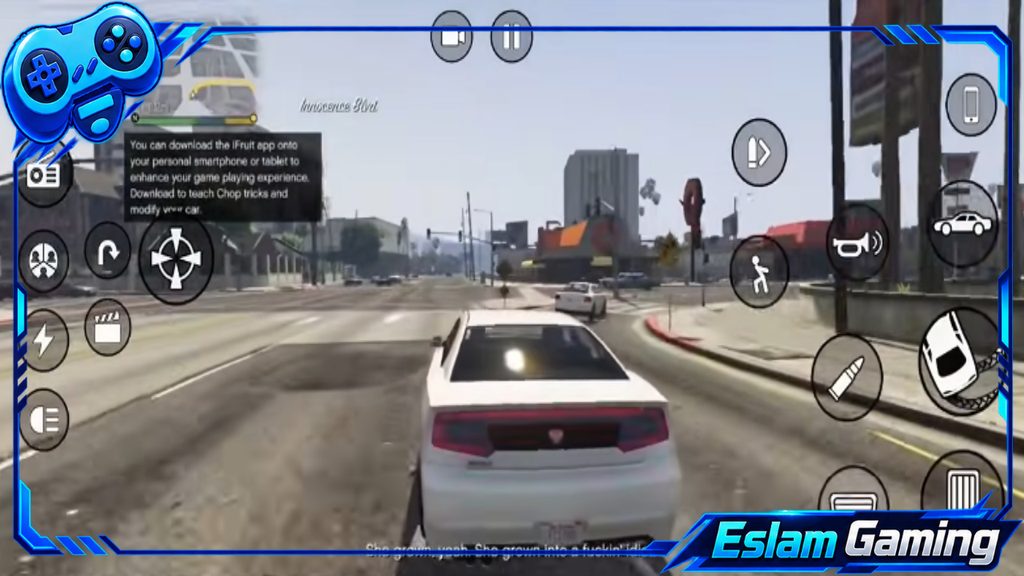
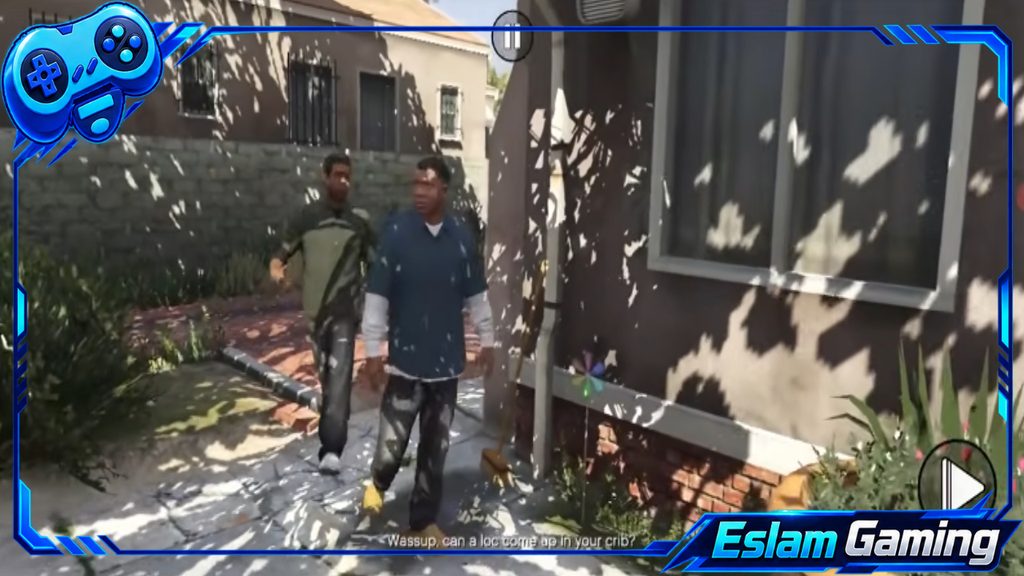
Images from inside the game
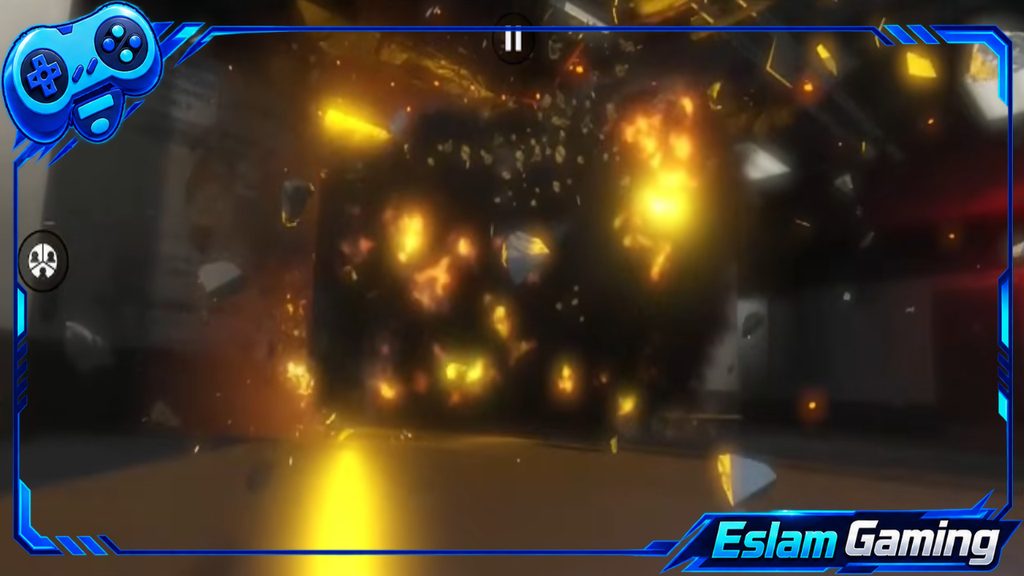
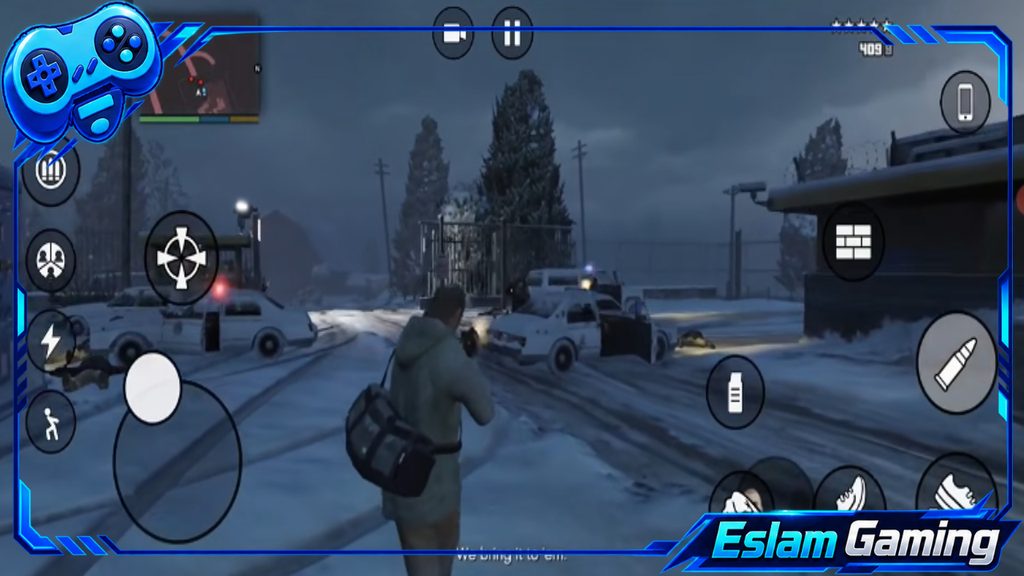
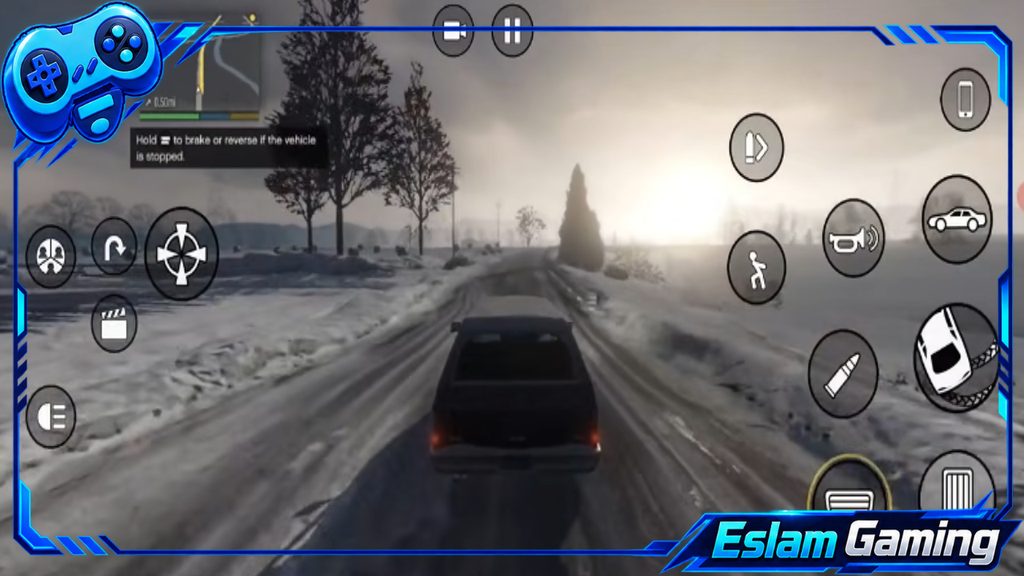
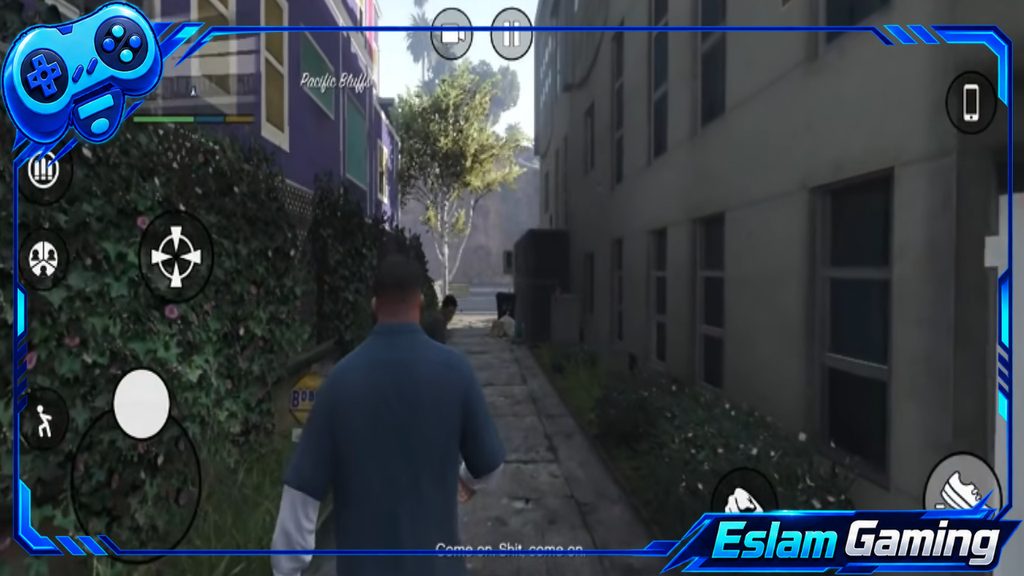
Frequently Asked Questions (FAQ) ❓
1. Why is the offline Android version 60 GB instead of 110 GB?
The full PC release includes years of GTA Online DLC packs, multiplayer maps, and extra vehicles that push the install size past 110 GB. Trimmed offline single-player builds remove those online-only files, leaving roughly 60 GB containing the full story campaign and map.
2. Can I use GTA 5 cheat codes in this version?
Yes! Because you are running the real PC engine inside an emulator, both button-combo cheats (like on Xbox/PS4 controllers) and keyboard phone-dial/tilde cheats work cleanly in offline mode. Remember that cheats disable achievements for your current play session.
3. Is GTA 5 crossplay or playable online on Android?
No. Even on consoles and PC, GTA 5 is not crossplay across platforms, and GTA Online cannot run inside Android Windows emulators due to Rockstar Social Club and anti-cheat requirements. This 60 GB setup is strictly for offline single-player mode.
4. What is the fastest car in GTA 5 Story Mode?
In the standard offline campaign without Online-exclusive HSW upgrades, the Ocelot Pariah holds one of the highest top speeds in the game, alongside single-player classics like the Truffade Adder, Overflod Entity XF, and Pegassi Zentorno, which you can steal or buy right in Story Mode.
5. Should I wait for GTA VI instead of playing GTA 5 on mobile?
With all the hype around Grand Theft Auto VI, Lucia memes, and its upcoming console launch, GTA 6 will exclusively target PlayStation 5 and Xbox Series X/S at first—meaning Android emulation will not touch it anytime soon. That makes GTA 5 the ultimate open-world Rockstar experience you can play in your pocket right now.
Enjoy your trip back to Los Santos, drive safe (or not), and check back on Eslam Gaming for more mobile emulation guides! 🚗🔥