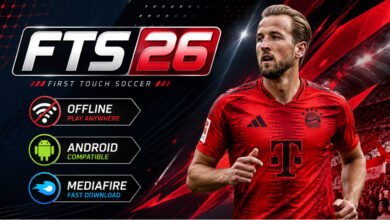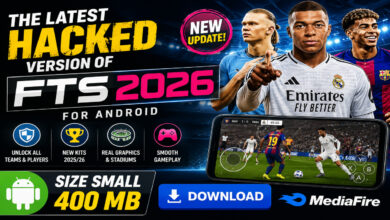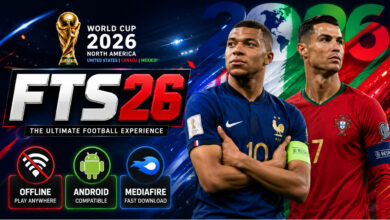
First Touch Soccer 2027 (FTS 27) Apk Obb Data Full Version Offline Android Download

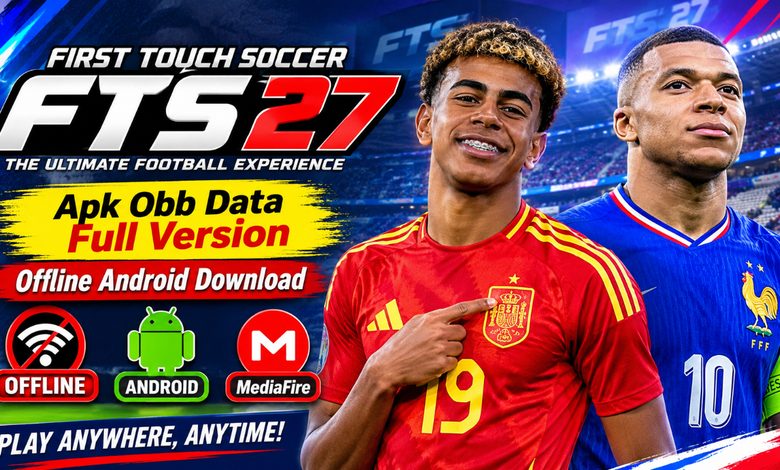
First Touch Soccer 2027 (FTS 27) Apk Obb Data Full Version Offline Android Download ⚽
Finding a smooth, offline football game for Android that does not drain your battery or force you into pay-to-win card packs is harder than ever. That is exactly why first touch soccer 2027 continues to attract mobile football fans who miss pure, responsive gameplay. Built on the beloved classic First Touch engine and refreshed with modern 2026/2027 season updates, FTS 27 delivers full club management, updated squads, and fluid 60 FPS matches in a compact download package. You do not need an internet connection to play Career matches, build your dream stadium, or lift continental trophies. In this complete Eslam Gaming guide, we break down how the game actually plays, check device requirements, walk you through the APK, OBB, and Data setup, and give you an honest verdict before you download. 🎮📱
Game Overview: What Is FTS 27? 🌍
To set clear expectations right away, the first touch soccer 2027 game is not an official Google Play Store release from First Touch Games. Instead, it is a community-updated edition built on the classic FTS engine that many longtime mobile gamers still consider faster and more rewarding than newer online titles. Modders and football enthusiasts keep the project alive by refreshing player ratings, summer and winter transfers, team badges, kits, adboards, and menu themes for the new season.
Because the core engine relies on lightweight assets, first touch soccer 2027 android runs offline from start to finish. You never wait for matchmaking lobbies, energy bars, or server maintenance. Every tournament, friendly match, and Manager Mode season lives directly on your phone storage.
Many players also ask about first touch soccer 2027 ios or search for the game on third-party stores like first touch soccer 2027 apkpure. Here is the honest truth: because FTS 27 uses modified Android APK, OBB, and Data packages, it works exclusively on Android devices. Apple iOS devices cannot run APK files natively, and APKPure mainly lists older official builds rather than the latest community-patched 2027 edition.
Who is this game best for?
- Low-end and mid-range Android users who want console-style football without overheating or 4 GB downloads.
- Offline commuters and travelers who want full career progression with zero mobile data usage.
- Classic football fans who prefer earning trophies and managing club finances over grinding online loot boxes.
Key Features of First Touch Soccer 2027 🌟
The first touch soccer 2027 updated build focuses on practical improvements that directly impact your time on the pitch rather than flashy menus that slow down older phones. Here is what stands out once you boot up the game:
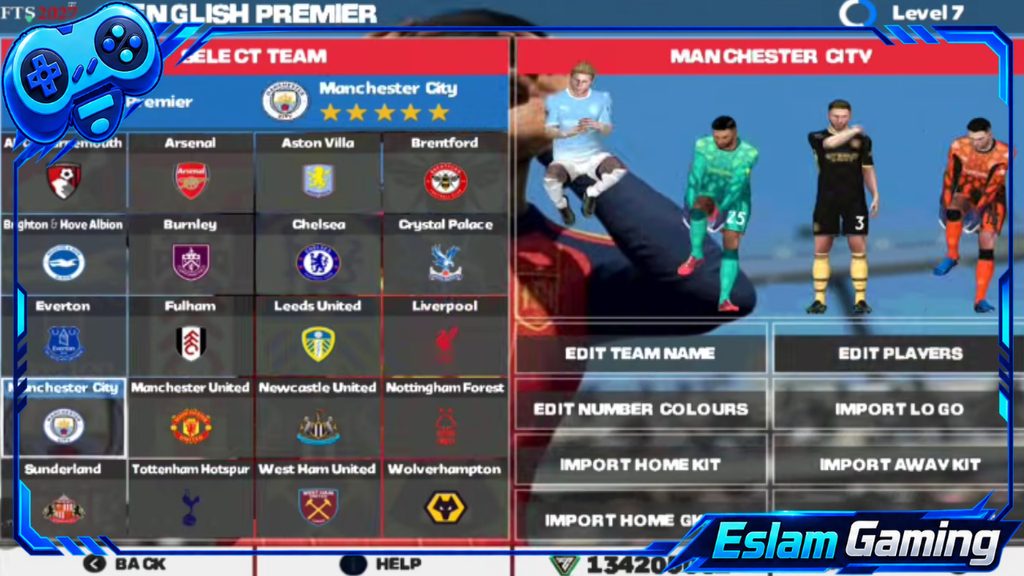
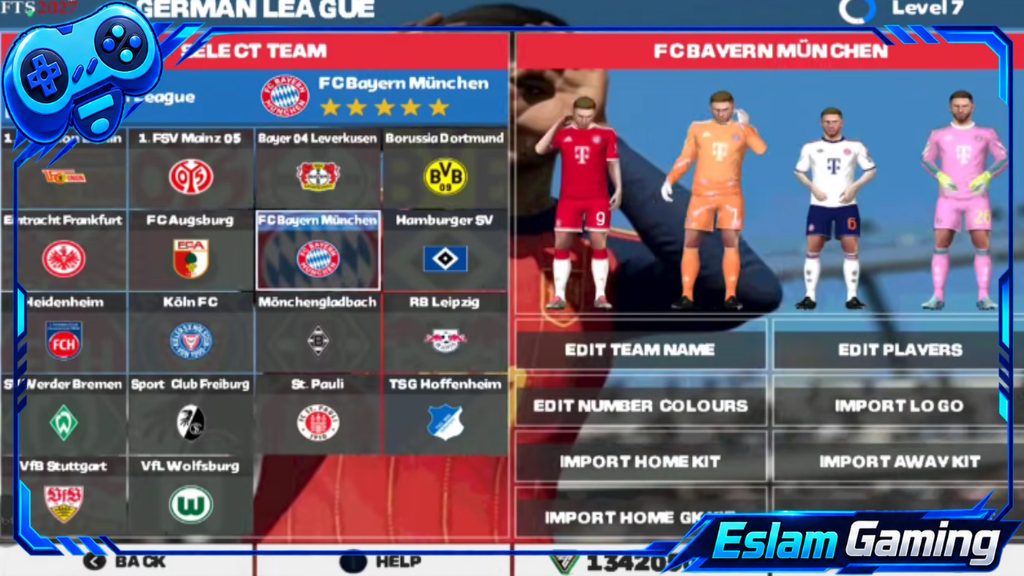
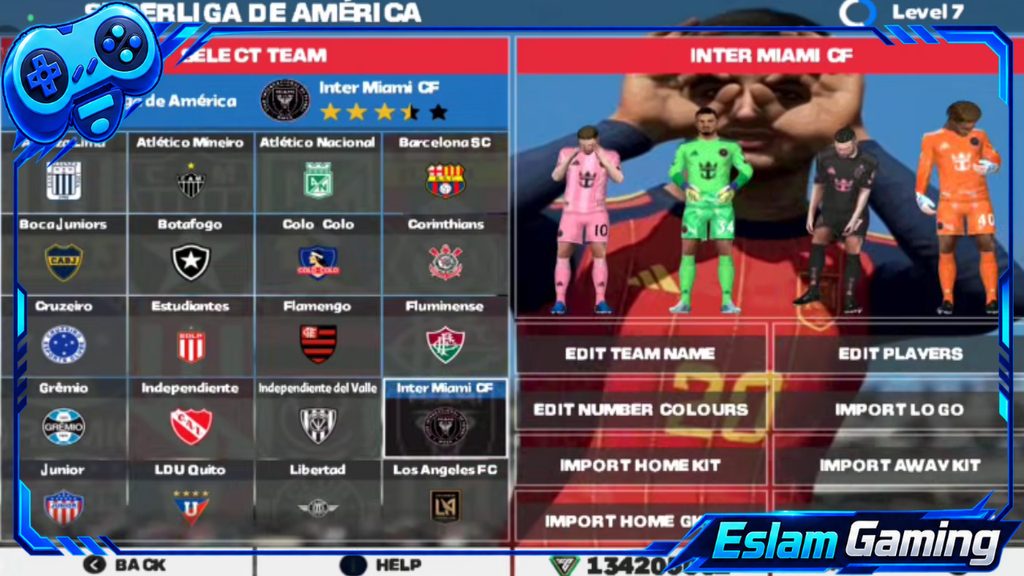
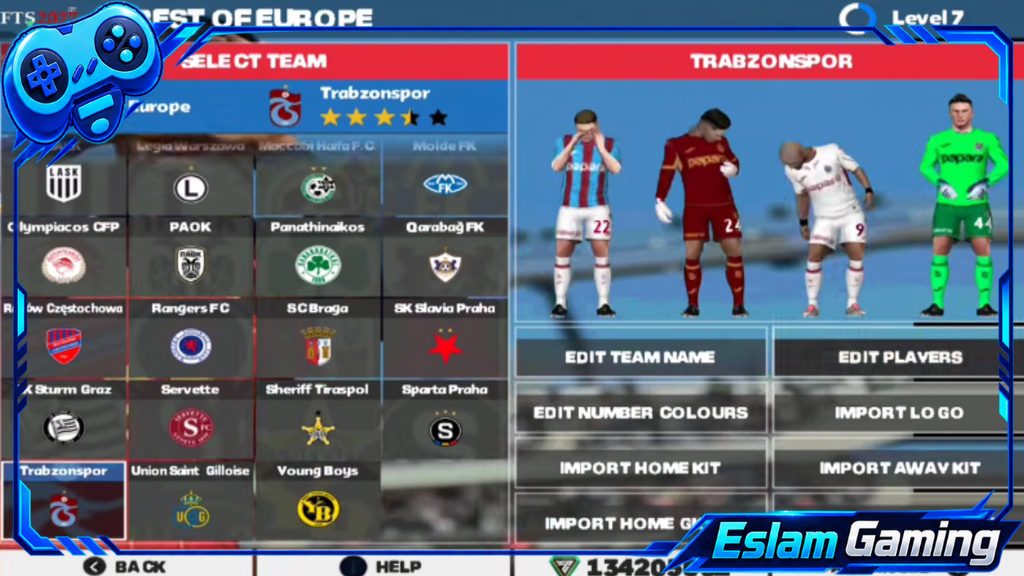
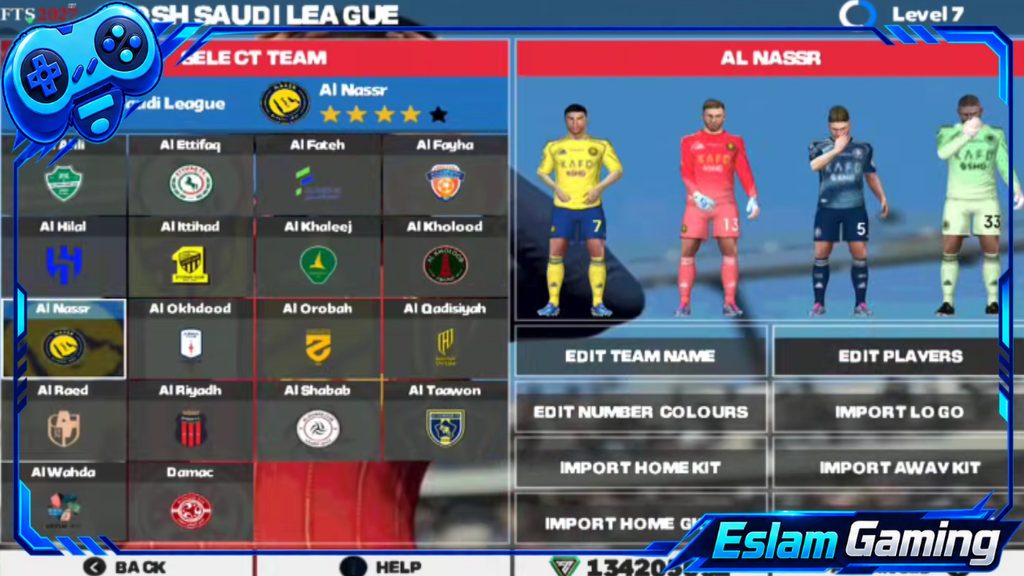
- Updated 2026/2027 Rosters, Transfers & Kits: You get current club lineups, promoted league teams, newly signed superstars, and redesigned home, away, and goalkeeper kits. Playing with accurate squads makes domestic derbies and European nights feel fresh again. ⚡
- True Offline Progression: Unlike modern mobile football titles that lock Career Mode behind an always-online connection, FTS 27 saves your entire club career locally. You can play ten seasons on a flight or in areas with weak signal without losing progress. 📶
- Compact File Size Under 500 MB: Most modern football games consume 2.5 GB to 5 GB of storage. The FTS 27 package stays lightweight, leaving plenty of room on 32 GB or 64 GB phones while still delivering complete leagues and commentary. 💾
- Full Club & Financial Management: Manager Mode lets you negotiate transfer fees, manage player wages, hire fitness and coaching staff, and expand stadium seating to boost matchday ticket revenue. 💼
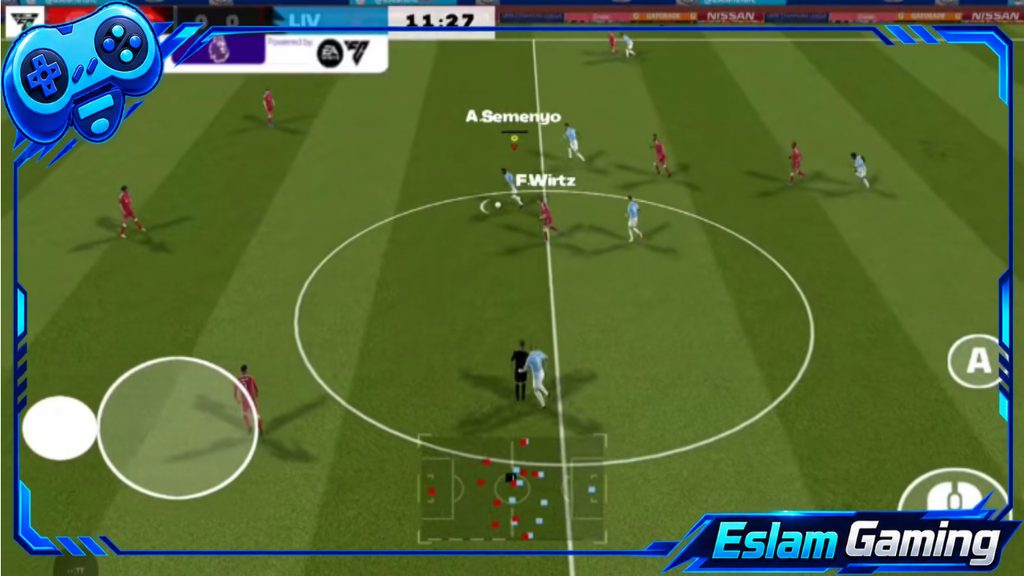
- Refreshed Stadiums, Turf & Broadcast HUD: Updated pitch textures, sharper crowd banners, modern scoreboards, and cleaner menu graphics bring the classic engine closer to current TV broadcast styles. 🎨
- Built-In Team & Player Editor: Want to tweak a player’s boots, adjust stats after a real-life transfer, or design a custom club crest? The built-in editor lets you customize squads anytime without external modding tools. 🛠️
Gameplay Experience & Mechanics 🎯
When you step onto the pitch, fts 27 gameplay immediately feels snappy and arcade-friendly while still rewarding smart football tactics. You will notice the difference within your first two passes.
Controls and Responsiveness 🕹️
FTS 27 uses a clean floating analog stick on the left and three classic action buttons on the right: A (long pass, lofted ball, or slide tackle), B (short pass, contain, or switch player), and C (shoot or lofted through ball depending on context). Double-tapping the right side of the screen triggers quick skill moves like step-overs and roulette turns. The input delay is remarkably low, so one-touch passing triangles actually connect the moment you press the button.
Difficulty and AI Behavior 🧠
You can switch between Easy, Normal, and Hard difficulty levels in the settings menu. On Easy and Normal, casual players can dribble past defenders and score highlight-reel goals without frustration. Switching to Hard tightens AI marking, forces smarter midfield passing, and makes opposition strikers punish sloppy backpasses. While the AI does not match modern console tactical complexity, it puts up a respectable fight during cup finals.
Graphics Style and Frame Rate ✨
Nobody installs FTS 27 expecting photorealistic sweat physics or next-gen ray tracing. The character models carry a classic stylized look, yet the updated lighting, crisp ball physics, and redesigned grass textures keep matches pleasant to watch. Best of all, even budget Android phones hold a steady frame rate during corner kicks and crowded penalty-box scrambles.
Sound, Commentary & Atmosphere 🎧
In-game audio features energetic English play-by-play commentary, referee whistles, crisp net ripples, and reactive crowd roars after late winners. The menu soundtrack also receives fresh tracks in most 2027 updates. Playing with headphones enhances directional awareness and gives cup matches genuine stadium atmosphere.
Game Modes & Content 🏆
FTS 27 keeps its menu focused on modes that actually work offline without filler minigames. Every mode available in the build serves a clear purpose:


Manager Mode (Career) 📊
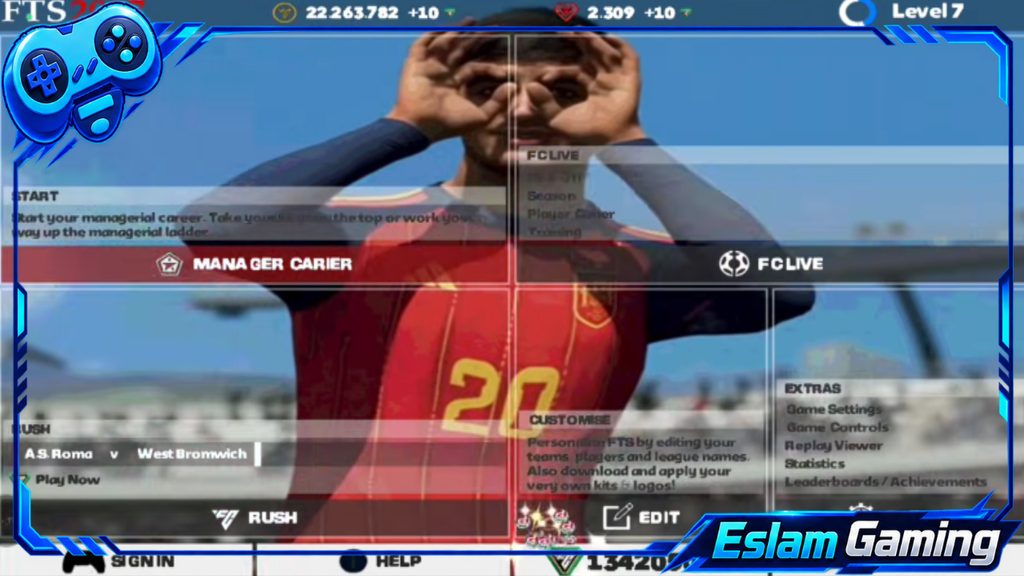
Manager Mode is the heart of the game. You pick a club—starting from lower divisions or jumping straight into a top league—and guide the squad through full domestic seasons. You handle scouting, contract renewals, transfer bids, starting XI tactics, and club upgrades. Meeting board objectives unlocks extra transfer budget and keeps your job secure.
Tournament & Cup Modes 🌍
If you want knockout drama without managing club finances, Tournament Mode lets you enter domestic cups, continental club championships, and international tournaments. Group stages lead straight into two-legged ties and dramatic penalty shootouts.
Quick Match & Star Player Challenge ⚽
Quick Match drops you directly into an exhibition game with custom weather, match length, and stadium choices. Meanwhile, the Daily / Star Player Challenge puts you into specific match scenarios—such as overturning a two-goal deficit in 25 minutes—to test your composure under pressure.
Training Ground & Edit Mode 🎯
Before jumping into Hard difficulty, you can visit the Training pitch to practice free kicks, corner routines, and goalkeeper one-on-ones. Edit Mode sits right next to it, giving you control over squad numbers, formations, and kit colors.
System Requirements for Android 📱
Because FTS 27 runs on a streamlined engine, it works on thousands of older and newer Android handsets. Use the table below to see where your phone stands:
| Component | Minimum (Low-End Devices) | Recommended (Smooth 60 FPS) |
|---|---|---|
| Operating System | Android 6.0 (Marshmallow) or higher | Android 9.0 to Android 14 / 15 |
| Processor (CPU) | Quad-Core 1.4 GHz (Snapdragon 425 / Helio A22) | Octa-Core 2.0 GHz+ (Snapdragon 665 / Helio G85 or better) |
| RAM | 2 GB RAM | 3 GB – 4 GB RAM or higher |
| Free Storage | 700 MB free (for extraction + installation) | 1.5 GB free (leaves room for career saves) |
| Internet Connection | Required only to download the archive | 100% Offline during gameplay |
Low-End vs. High-End Experience: On a 2 GB RAM budget phone, you may want to lower crowd detail in display settings so replays stay smooth. On mid-range and flagship phones, you can max out crowd animations, stadium shadows, and camera distance with zero frame drops.
How to Download and Install FTS 27 APK OBB Data ⬇️
Installing the fts 27 apk obb data latest version takes about three minutes once you know where each folder belongs. Unlike single-file Play Store apps, manual Android packages split the app installer (APK), heavy graphics/audio assets (OBB), and updated 2027 squads/kits (DATA). Follow these steps carefully:
- Prepare Your Tools: Install ZArchiver from the Google Play Store. Standard phone file managers often struggle with `.zip` or `.7z` archives and restricted Android system folders.
- Download the Game Archive: Download the verified fts 27 apk android package (containing the APK, OBB folder, and Data folder) onto your internal storage, usually in the
Downloadsfolder. - Enable Unknown Sources: Open your Android Settings > Security / Privacy > Install Unknown Apps and grant permission to ZArchiver so you can install the APK file.
- Extract the Archive: Open ZArchiver, navigate to
Downloads, tap the FTS 27 archive, and choose Extract here. Wait until extraction hits 100% without closing the app. - Install the APK (Do Not Open Yet): Tap the extracted
FTS27.apkfile and choose Install. Once installation finishes, tap Done—do not hit Open yet, or the game will show a black screen because the OBB and Data files are not in place. - Move the OBB Folder: Inside your extracted files, open the
OBBdirectory and copy or cut the folder namedcom.firsttouchgames.fts...(verify the exact folder name inside the archive). Paste it intoInternal Storage/Android/obb/. - Move the Data Folder: Go back to your extracted files, open the
DATAdirectory, and copy or cut the matchingcom.firsttouchgames.fts...folder. Paste it intoInternal Storage/Android/data/. - Launch and Play Offline: Turn off Wi-Fi or mobile data if you want a pure offline session, tap the FTS 27 icon on your home screen, and enjoy your updated squads. 🎉
Android/data and Android/obb for security. When ZArchiver asks for folder permission, tap OK and select Use this folder. If your device blocks access via the stock Files app, connect your phone to a PC via USB or pair ZArchiver with Shizuku to move the OBB and Data folders smoothly.Common Problems & Fixes 🛠️
Even experienced Android gamers occasionally run into setup hiccups with OBB and Data games. If something goes wrong, check these realistic fixes before deleting the files:
- Black Screen or Stuck on Loading Screen: This almost always happens when the OBB folder sits in the wrong place or inside an extra nested folder (for example,
Android/obb/OBB/com.firsttouch...). OpenAndroid/obb/and make sure the game folder sits directly insideobb, with the.obbfile immediately inside it. - Old Rosters or Missing Kits After Launch: If the game opens fine but displays outdated players or blank white kits, you skipped moving the
DATAfolder—or pasted it in the wrong directory. Move the extracted Data folder directly intoAndroid/data/and overwrite any empty folder the game created on first launch. - “App Not Installed” Error: Check two things: first, uninstall any older version of FTS 15 or FTS 26 already on your phone, as package signatures conflict. Second, verify you have at least 700 MB of free storage space.
- Lag or Frame Drops During Matches: Close heavy background apps like TikTok or Chrome, disable Battery Saver mode, and open FTS 27 Display Settings to lower Crowd Detail and Shadows from High to Medium or Low.
- Game Crashes on Android 14 or 15: Some older 32-bit APK builds struggle on brand-new 64-bit-only phones (such as Google Pixel 7/8/9 series). Check whether your download includes a modern patched APK supporting newer Android SDK targets, and avoid turning off storage permissions in App Info.
Tips & Tricks for Better Gameplay 💎
Once your game runs smoothly, use these practical tactics to win tougher cup ties and build a dominant club in Manager Mode:
- Upgrade Stadium Capacity First in Manager Mode: Do not blow your starting budget on one expensive striker. Expanding your stadium stands early increases your home ticket income every single match, giving you sustainable transfer money by Season 2. 💰
- Use Driven Crosses and Near-Post Runs: Instead of floating slow high crosses with A, sprint toward the byline and tap a low angled pass or half-power A ball into the six-yard box. Your attackers react much faster to low crosses than defenders do.
- Hold B to Press, Avoid Reckless Slide Tackles: In FTS 27, referees punish mistimed slide tackles inside the penalty box harshly. Hold B to shadow the ball carrier and wait for a heavy touch before stepping in cleanly. 🛡️
- Master Curved Free Kicks: On free kicks within 25 yards, aim slightly outside the near post and swipe gently while holding the shoot button at around 55–65% power. Full-power shots almost always sail over the crossbar. 🎯
- Rotate Tired Starters Before Cup Weeks: Player stamina drains noticeably over consecutive 90-minute games. Resting key wingers in easy league fixtures prevents muscle injuries and keeps their sprint speed sharp for knockout rounds.
Is This Game Worth Downloading? (Honest Verdict) ⚖️
After testing the gameplay loop, controls, and offline stability, here is our honest breakdown of where FTS 27 shines and where it falls short:
Pros 👍
- 100% playable offline with full Manager Mode, cups, and transfers.
- Ultra-responsive touch controls and crisp 60 FPS gameplay even on budget Android phones.
- Zero pay-to-win mechanics, energy timers, or forced microtransactions.
- Small storage footprint compared to multi-gigabyte football titles.
Cons 👎
- Graphics and player faces reflect a classic mobile engine rather than modern console visuals.
- Requires manual OBB and Data folder setup instead of a one-tap Play Store install.
- No online multiplayer PvP leagues.
- Not officially available for iPhone/iPad users searching for fts 27 apk download ios.
Final Verdict: You should definitely download FTS 27 if you own an Android phone, love classic football career modes, and want an addictive offline game that respects your storage and time. On the other hand, skip it if you want real-time online PvP against friends, photorealistic next-gen graphics, or an official Apple App Store release.
Images from inside the game
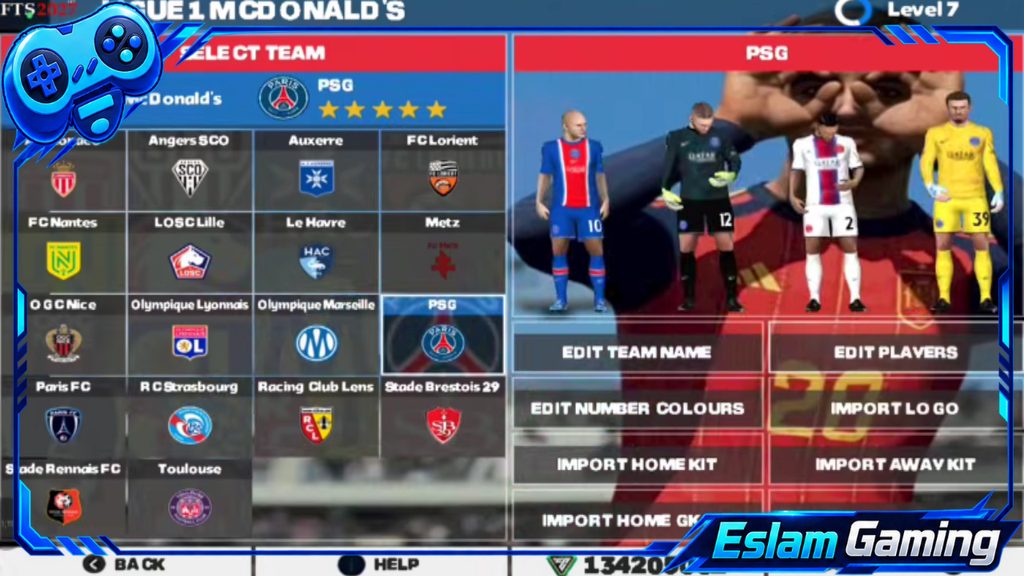
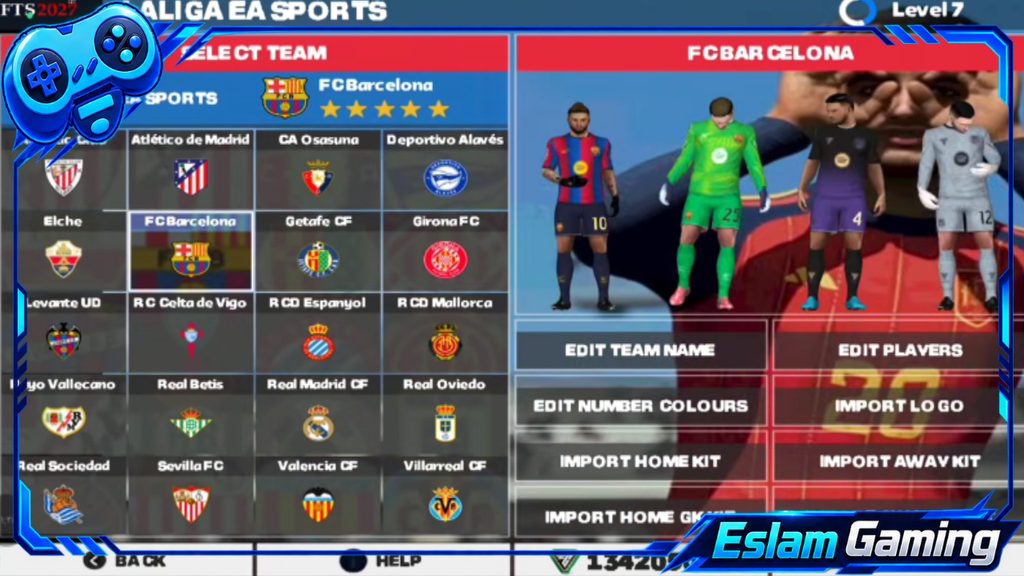
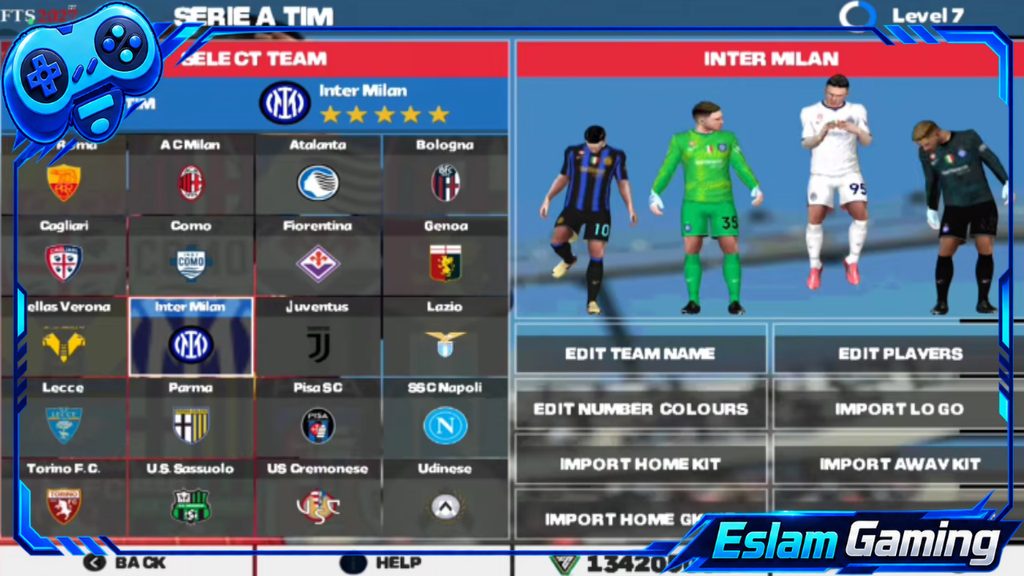
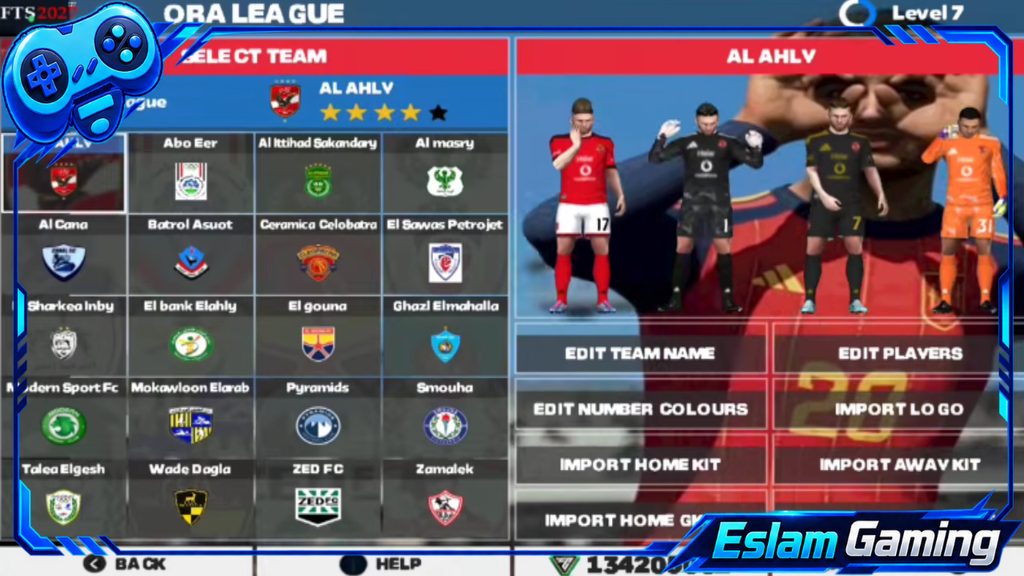
Frequently Asked Questions (FAQ) ❓
Is First Touch Soccer 2027 completely free and offline?
Yes. Once you extract and install the APK, OBB, and Data files, you can play every match, cup competition, and Manager Mode season completely free without an internet connection or in-app purchases.
Can I download First Touch Soccer 2027 on iOS (iPhone or iPad)?
No. Android `.apk` and OBB packages cannot run on iOS devices, and there is no official FTS 27 app on the Apple App Store. Be careful of websites claiming to offer a working iOS APK installer, as those links do not work on iPhones. iOS gamers looking for a similar engine should try Dream League Soccer from the official App Store.
Is FTS 27 available on Google Play Store or APKPure?
No. First Touch Games retired the original First Touch Soccer line from Google Play years ago. While older untouched FTS 15 builds sometimes appear on archive sites like APKPure, updated 2027 editions are community-modified builds distributed as APK + OBB + Data archives.
Does FTS 27 work on Android 13, 14, and 15?
On most Android 13 and 14 devices, the game runs well once you grant ZArchiver permission to write inside Android/obb and Android/data. However, some newer 64-bit-only flagship devices on Android 14/15 drop support for older 32-bit apps, so always check that your phone supports the APK build you download.
How much storage space do I need to install FTS 27?
The final installed game usually takes around 350 MB to 500 MB depending on the stadium and kit pack. Still, keep at least 800 MB to 1 GB of free space before starting so ZArchiver can unpack the compressed files without errors.
Ready to take your favorite club to the top of the league? Follow the installation steps carefully, test your tactics on Hard difficulty, and enjoy classic offline football on Android! ⚽🔥