eFootball Pes 2027 Ppsspp Full Update With Career Mode Camera Ps5 Android Download

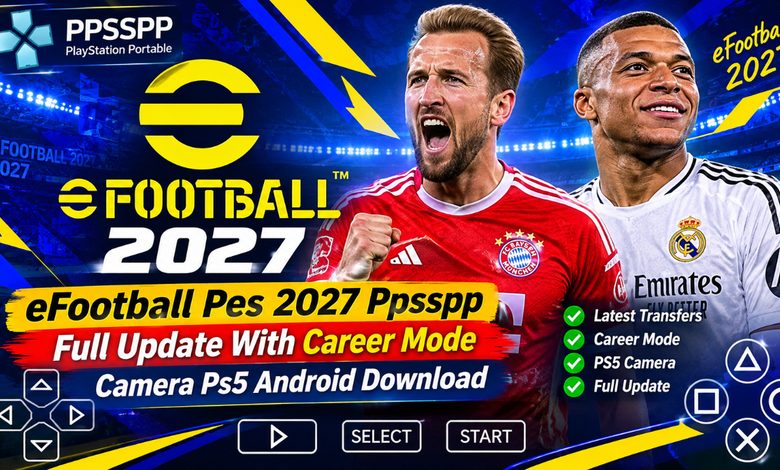
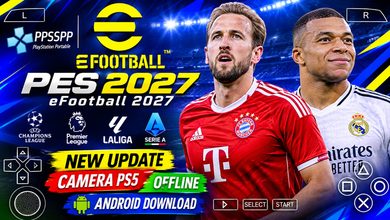
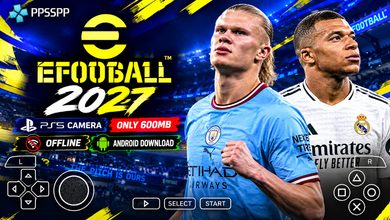
eFootball PES 2027 PPSSPP Android Download – Full Update, Career Mode & PS5 Camera Guide ⚽
If you miss classic football games that run smoothly without eating up your mobile data, efootball pes 2027 ppsspp is one of the best community-made football builds you can put on your Android phone right now. This modded release brings modern season transfers, updated club badges, fresh kits, and a wide PS5-style broadcast camera straight into the reliable PPSSPP emulator. Unlike heavy official mobile titles that demand constant internet access and huge storage updates, this offline package lets you jump into full 90-minute matches, run a deep Career Mode, and lift European trophies anywhere you go. In this guide from Eslam Gaming, we break down what actually comes inside the update, how it plays on low-end and mid-range phones, and how to set up the files without running into black screens or missing textures. 🎮🔥
Game Overview 📱
Let us clear up one important detail right from the start so you know exactly what you are downloading. Konami retired official PSP releases years ago, which means this title is a fan-modified edition built on the classic PSP PES engine rather than an official PlayStation Store release. Modders overhaul the base ISO alongside external texture and save-data folders to mirror the 2026/2027 football calendar.
The core efootball pes 2027 ppsspp gameplay leans toward tactical, arcade-sim football. You cannot just sprint down the wing in a straight line and score every time. Passing weight, player stamina, and manual positioning decide matches.
- Platform: Android (via PPSSPP or PPSSPP Gold), plus Windows PC and iOS through the same emulator.
- Internet Requirement: 100% offline for single-player modes, with optional local Wi-Fi or hotspot multiplayer.
- Language Support: Full menus, player names, and commentary available in the efootball pes 2027 ppsspp english version.
- Best For: Football fans who want Master League career depth, offline UCL tournaments, and physical controller support on phones with 2 GB to 4 GB of RAM.
Key Features of the Game 🌟
Modders pack several visual and structural upgrades into this build compared to the older stock PSP editions. Here is what stands out once you boot into the main menu:
- PS5-Style Wide Camera Angle – Standard PSP football cameras sit far too close to the ball, hiding runs on the opposite flank. The efootball pes 2027 ppsspp camera ps5 patch pulls the view back and adjusts the pitch tilt so you see passing lanes, overlapping fullbacks, and midfield gaps just like on current-gen consoles. 🎥
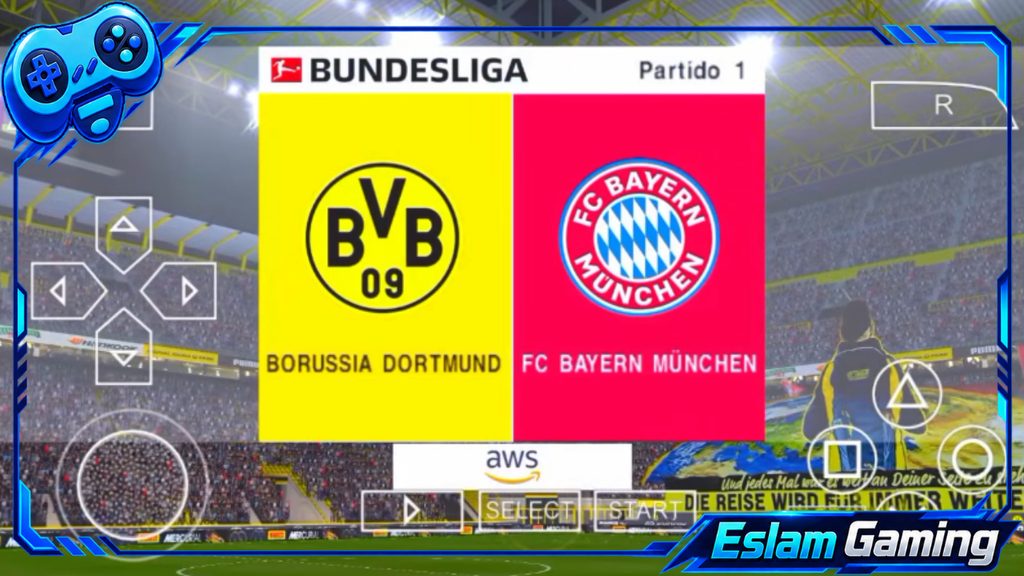
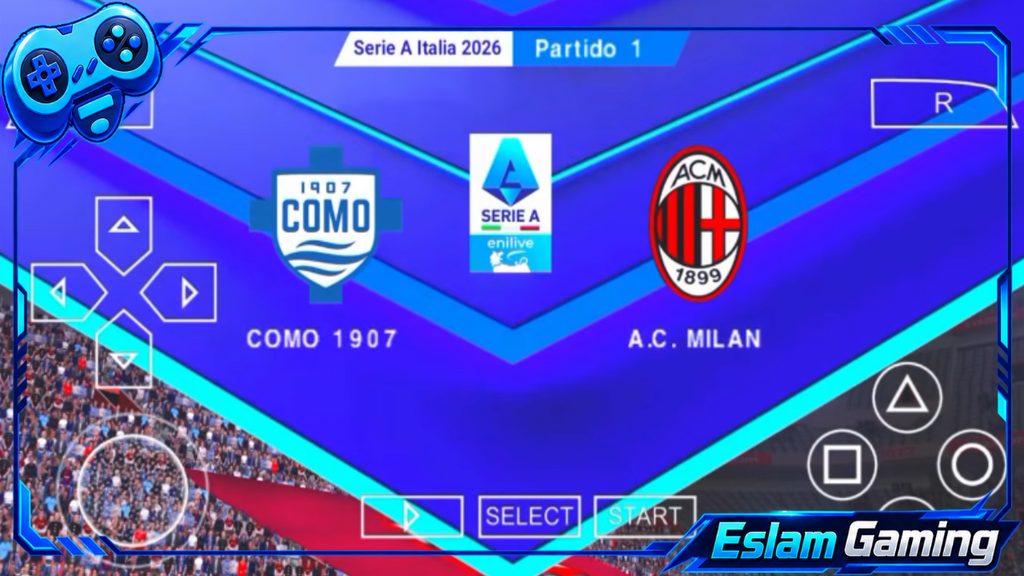
- Updated 2026/2027 Kits & Squad Transfers – The package applies the efootball pes 2027 ppsspp new update kits 2026 texture pack across major European leagues and national teams. You get updated shirt sponsors, accurate squad numbers, promoted clubs, and refreshed player ratings for rising wonderkids. 👕
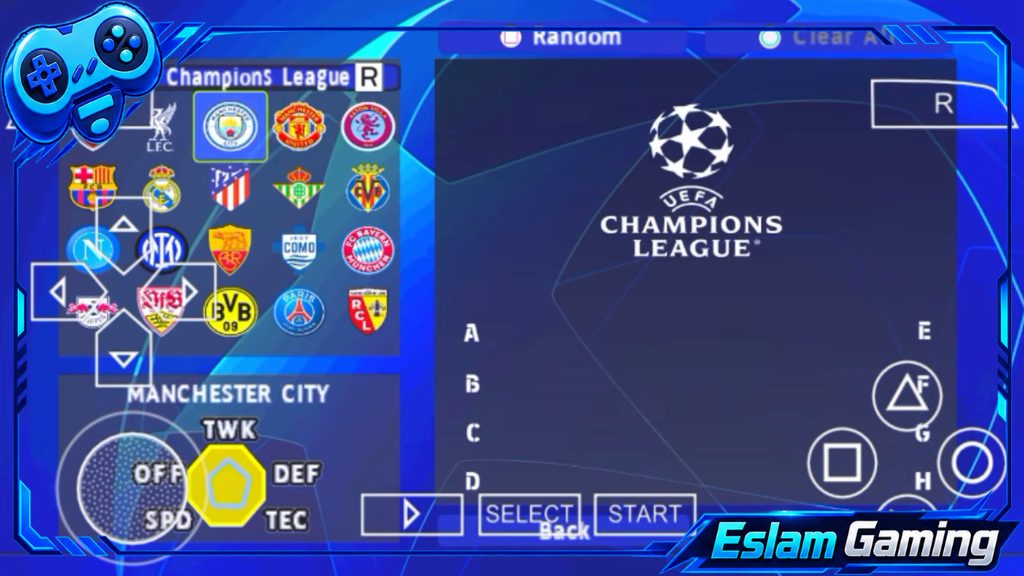
- Full Offline UCL & Major Tournaments – Players looking for efootball pes 2027 ppsspp android offline full update ucl content get custom UEFA Champions League scoreboards, branded adboards, official match balls, and authentic pre-match tunnel graphics without needing an internet connection. 🏆
- Upgraded Grass, Faces & HD Stadiums – External texture replacement swaps blurry PSP turf for sharper pitch lines, realistic lighting tones, and cleaner player face models for top stars. Even older mid-range phones render these textures smoothly because PPSSPP handles PNG replacements efficiently. 🎨
- English Commentary & Clean UI – Many regional mods ship in Spanish, Portuguese, or Indonesian. This English build translates tactical menus, Master League emails, and audio commentary cleanly so you never guess what a contract clause or training slider means. 🗣️
- Flexible Touch & Controller Mapping – You can resize every virtual button on your screen or pair a Bluetooth gamepad in seconds. PPSSPP also supports save states, letting you pause a match mid-half and resume hours later without losing progress. 🎮
Gameplay Experience & Mechanics 🎯
Controls & Responsiveness
The control scheme sticks to the classic four-button PlayStation layout: pass, through ball, lofted pass/cross, and shoot, paired with shoulder buttons for sprinting, player switching, and close-control dribbling. On a touchscreen, moving the left analog stick feels natural after two or three exhibition matches. If you connect a Bluetooth controller, input delay practically disappears, and skill moves like the double touch or step-over trigger reliably.
Difficulty & AI Behavior
You can pick from Beginner up to Top Player and Superstar difficulties. Lower tiers give you plenty of time on the ball to test formations. Once you step up to Top Player, CPU defenders track diagonal runs, press your holding midfielder, and punish sloppy passes across your own penalty box. Every match demands genuine buildup rather than mindless sprint spam.
Graphics Style & Pitch Atmosphere
Because the core engine runs on PSP hardware limits, player animations look slightly stiffer than modern Unreal Engine mobile games. However, the HD texture folder hides the game’s age remarkably well. Sharp kit crests, modern broadcast overlays, updated boot packs, and rain/night stadium variations give matches a clean console-like presentation.
Sound & Commentary
Crowd chants rise dynamically during corner kicks and late counter-attacks. The ball impact sounds punchy on long-range drives, and the English commentary calls big player names accurately during key moments. Plugging in earphones also highlights subtle stadium echoes and net ripples when a shot smashes into the top corner. 🎧
Game Modes & Content 🏆
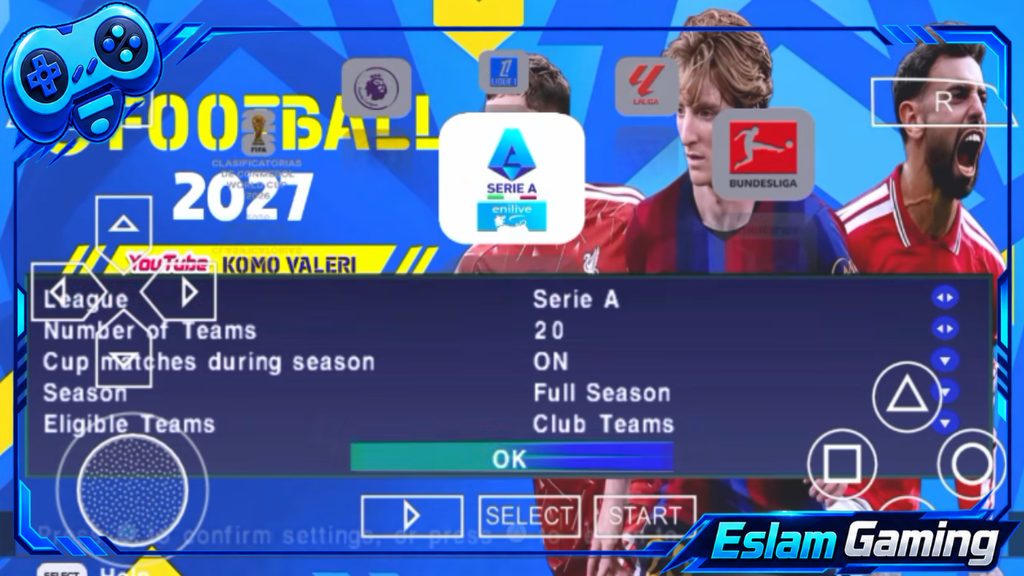
Instead of bloating the menu with gacha card packs or energy timers, this build focuses strictly on the offline modes that actually exist inside the PSP football engine:
Master League (Career Mode)
Master League remains the biggest reason players keep coming back to PES on PPSSPP. You take over any club, manage your transfer budget, negotiate player contracts, promote youth academy prospects, and guide your squad across multiple domestic and continental seasons. Player form arrows and fatigue levels force you to rotate your bench smartly. 📊
Become a Legend
If managing an entire squad feels overwhelming, Become a Legend lets you create one custom footballer and lock the camera onto your position. You earn minutes by making smart off-the-ball runs, calling for passes only when open, and impressing the manager enough to win transfers to bigger European clubs. 🌟
UEFA Champions League & Cup Competitions
Jump straight into a 32-team European group stage and knockout bracket complete with themed scoreboards and trophy celebrations. You can also play domestic leagues, national cups, or custom international tournaments like the World Cup and Euros.


Exhibition & Training Modes
Exhibition mode lets you test updated squads in quick 5-to-30-minute friendlies with custom weather, ball selection, and stadium choices. Free Training mode gives you an open pitch to dial in free-kick curl, corner routines, and penalty shootouts before risking points in Career Mode. 🤝
System Requirements 📊
Because PPSSPP runs efficiently on Android ARM processors, you do not need a flagship gaming phone. Still, high-resolution texture packs require decent RAM and free storage space. Check where your phone fits below:
| Component | Minimum (Low-End Devices) | Recommended (Mid to High-End Devices) |
|---|---|---|
| Operating System | Android 6.0 or higher | Android 10.0 or higher |
| Processor (CPU) | Quad-Core 1.5 GHz (Snapdragon 450 / Helio A22) | Octa-Core (Snapdragon 680 / Helio G85 or better) |
| RAM | 2 GB RAM | 4 GB – 8 GB RAM |
| Free Storage Space | 2.5 GB free (for ISO, Savedata, Textures) | 4 GB free (for smooth extraction & cache) |
| Emulator Version | PPSSPP v1.15+ (OpenGL / Vulkan) | Latest PPSSPP / PPSSPP Gold (Vulkan Backend) |
How to Download and Install the Game ⬇️
Many beginners run into trouble because modded PSP football games do not ship as a single APK file. Instead, you work with three pieces: the compressed ISO game file, the SAVEDATA folder (which holds updated squads and transfers), and the TEXTURES folder (which holds 2026/2027 kits, faces, and PS5 camera graphics). Follow these steps on how to install efootball pes 2027 ppsspp on android cleanly:
- Install Required Apps: Grab the official PPSSPP emulator and ZArchiver (for extracting ZIP/RAR/7z archives) directly from the Google Play Store.
- Download the Game Files: Look for a clean efootball pes 2027 ppsspp download mediafire link direto package (or trusted single-archive mirror) that includes the English ISO, SAVEDATA, and TEXTURES files. Verify that the archive size matches roughly 800 MB to 1.4 GB before extracting.
-
Create Your PSP Folder Structure: Open PPSSPP once and close it, or open ZArchiver and check your internal storage for a folder named
PSP. Inside it, make sure folders namedGAME,SAVEDATA, andTEXTURESexist. -
Extract the ISO File: Open ZArchiver, navigate to your
Downloadfolder, tap the ISO archive, and extract the.isofile intoInternal Storage/PSP/GAME/(or a dedicatedISOsfolder). -
Move SAVEDATA and TEXTURES: Extract the contents of the Savedata archive directly into
Internal Storage/PSP/SAVEDATA/. Then extract the Textures folder (usually named something likeULES01595) intoInternal Storage/PSP/TEXTURES/. Do not nest duplicate folders inside each other, or the kits will not show up. - Configure PPSSPP Language & Launch: Open PPSSPP, go to Settings > System > Language, and set it to English (or match the exact region specified by the patch creator if required for SAVEDATA recognition). Tap Games, locate your eFootball PES 2027 ISO, and start playing.
.apk files pretending to be “PES 2027 PPSSPP” without an emulator, as these often contain adware. Stick to standard .iso, SAVEDATA, and TEXTURES archives, scan downloads when possible, and respect regional copyright laws regarding game backups.Common Problems & Fixes 🛠️
Even experienced emulator users hit small roadblocks after installing fresh mods. Here is how to fix the four most common issues in under two minutes:
- Black Screen on Startup: This usually happens when the emulator language clashes with the mod’s region code, or when Buffered Rendering is disabled. Go to PPSSPP Settings > System > Language and test switching between English and Español/Castellano if the base patch requires it, or verify that Skip Buffer Effects is unchecked in Graphics settings.
- Lag or Stuttering Audio During Matches: Open PPSSPP Graphics settings, switch the Backend between Vulkan and OpenGL (Vulkan works best on newer Snapdragon and Dimensity chips), drop Rendering Resolution to 2x PSP or 1x PSP, and enable Auto Frameskip set to 1.
-
Old Squads or Default Kits Showing Up: If you load the game and see 2014 players or generic jerseys, your
SAVEDATAorTEXTURESfolder sits in the wrong directory. Open Settings > Tools > Developer Tools in PPSSPP and verify that Replace Textures is ticked ON. Also confirm the folder insidePSP/TEXTURES/is the game ID folder itself (e.g.,ULES01595), not a parent folder named “Textures Pack”. - Random Crash Entering Master League: Crashes during transfer deadlines often stem from turning on Fast Memory (unstable) or corrupted save slots. Disable Fast Memory in System settings, clear the emulator shader cache, and keep two rotating manual save files during Career Mode.
Tips & Tricks for Better Gameplay 💡
Want to dominate Superstar AI and build a dynasty in Master League? Apply these practical habits on the pitch:
- Use Finesse Shots Inside the Box – Instead of smashing the shoot button at full power, hold the special control button (R2) right as you tap shoot. Your striker will open their body and curl the ball cleanly around the rushing goalkeeper into the far corner. 🎯
- Master Manual Cursor Switching – Relying on auto-switch pulls your center-backs out of position on through balls. Switch manually with L1 and track runs with your defensive midfielder first before stepping in to tackle.
- Exploit the PS5 Camera Width – Because the updated broadcast angle shows both touchlines clearly, look for diagonal lofted switches from your left-back to your right winger whenever the opponent presses tightly on one side.
- Trigger One-Two Passes – Hold L1 while tapping pass to force your passer to sprint straight forward into space. Return the through ball immediately to split rigid five-man backlines. ⚡
- Watch Player Condition Arrows – Before kickoff in Career Mode, check the colored form arrows next to your starting eleven. A red or orange upward arrow boosts shooting and stamina noticeably, making an 76-rated bench winger temporarily better than an 84-rated starter on a downward blue arrow.
- Wait Before Crossing – Tap R2 as your winger approaches the corner of the box to perform a quick stop-and-face-goal touch. Giving your striker half a second to reach the penalty spot makes headers far more accurate.
- Save Sub Pace for the 65th Minute – CPU fullbacks tire noticeably in the final third of the match. Bringing on two fresh, high-speed wingers after the hour mark wins tight UCL knockout legs. 🏃♂️
Is This Game Worth Downloading? ⚖️
After putting hours into exhibition games, cup runs, and a full Master League season, the strengths and trade-offs of this PPSSPP build are easy to spot.
Pros 👍
- Completely playable offline with zero pay-to-win coin shops or stamina limits.
- PS5 camera patch dramatically improves tactical visibility compared to old PSP defaults.
- Full Master League and Become a Legend modes offer dozens of hours of replay value.
- Runs smoothly on affordable Android phones once graphics settings are tuned.
Cons 👎
- Underneath the 2026/2027 kits and menus, player physics still come from a classic PSP-era engine.
- Manual installation of ISO, SAVEDATA, and TEXTURES takes a few extra minutes for beginners.
- No official online matchmaking servers (multiplayer works via local Wi-Fi/hotspot setups only).
Final Verdict: You should download this game if you want a deep, offline Career Mode football experience on Android without microtransactions or massive 5 GB live-service updates. On the other hand, you should skip it if you only care about online PvP ranked divisions or modern console-grade player motion capture, where official online mobile titles fit better. For pure offline handheld football, this updated PPSSPP build hits the sweet spot. ⚽🔥
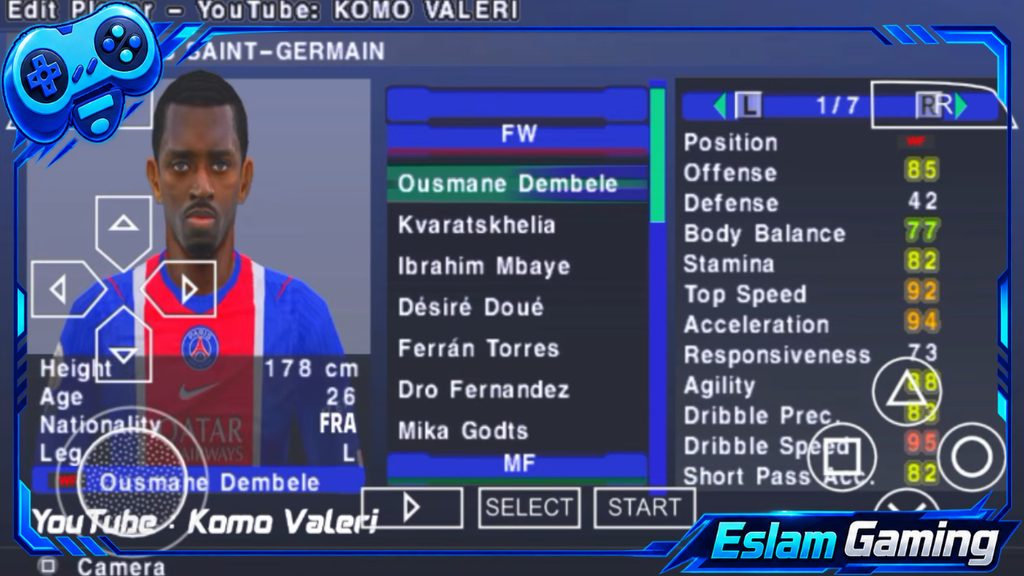
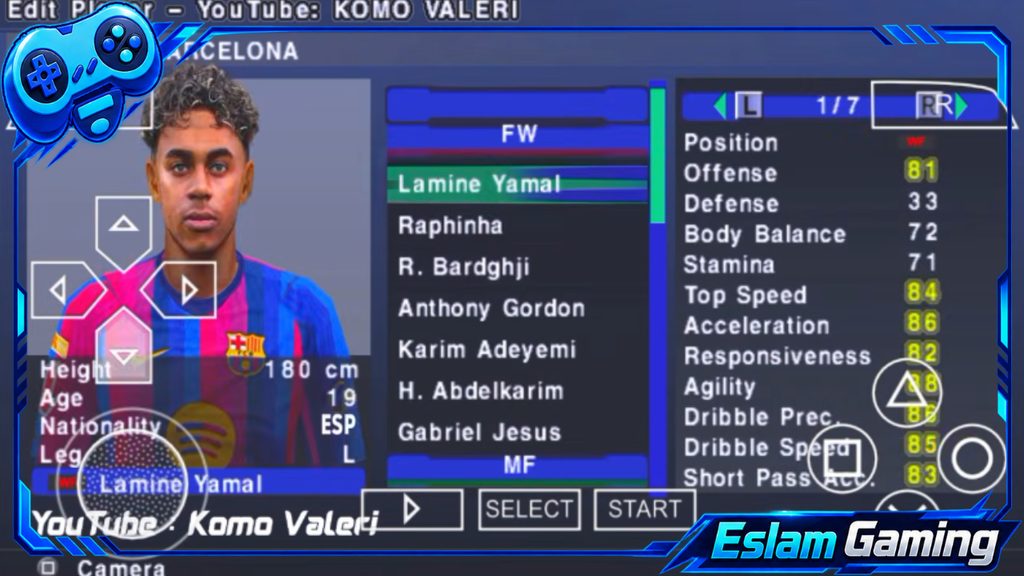
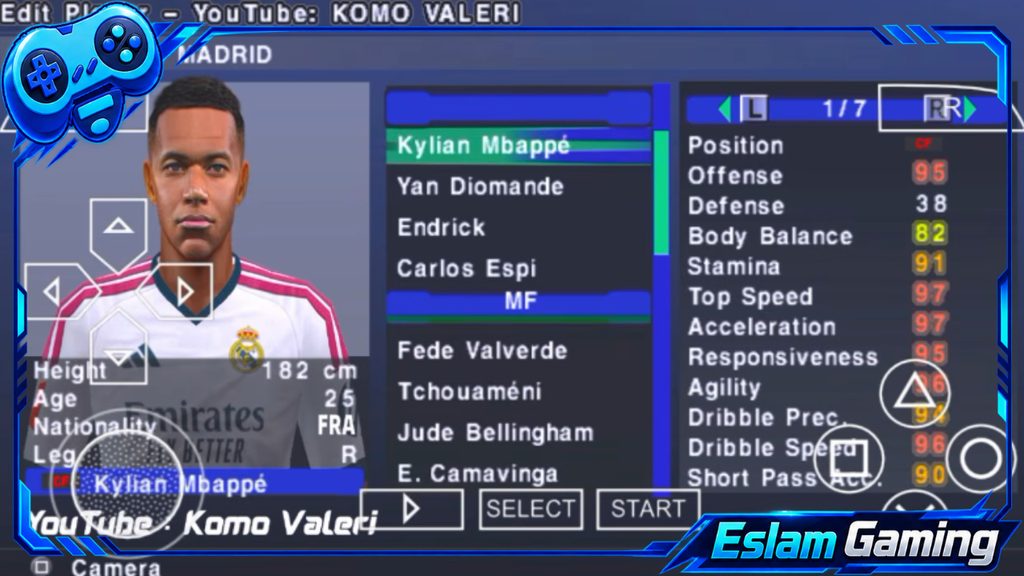
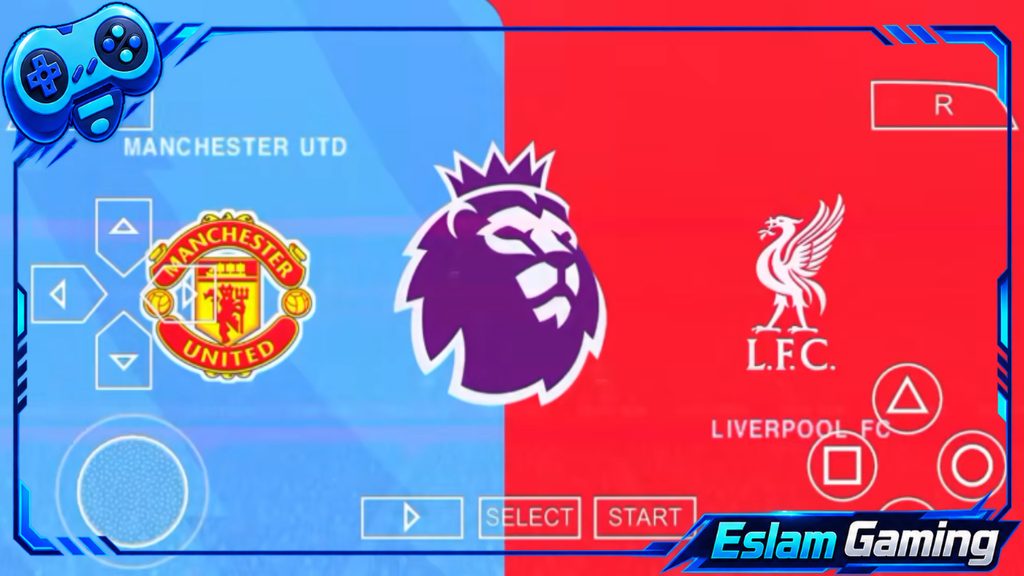
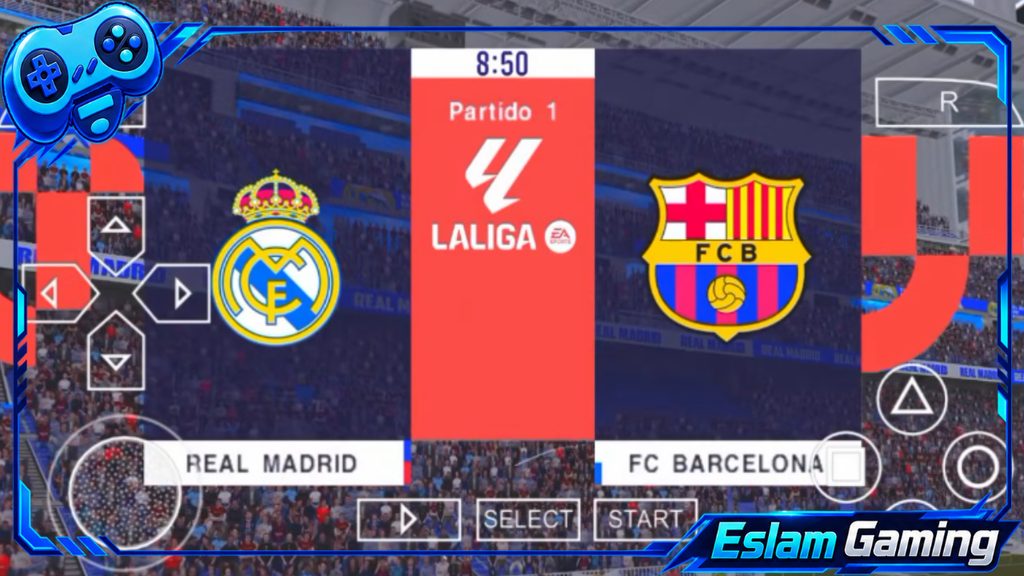
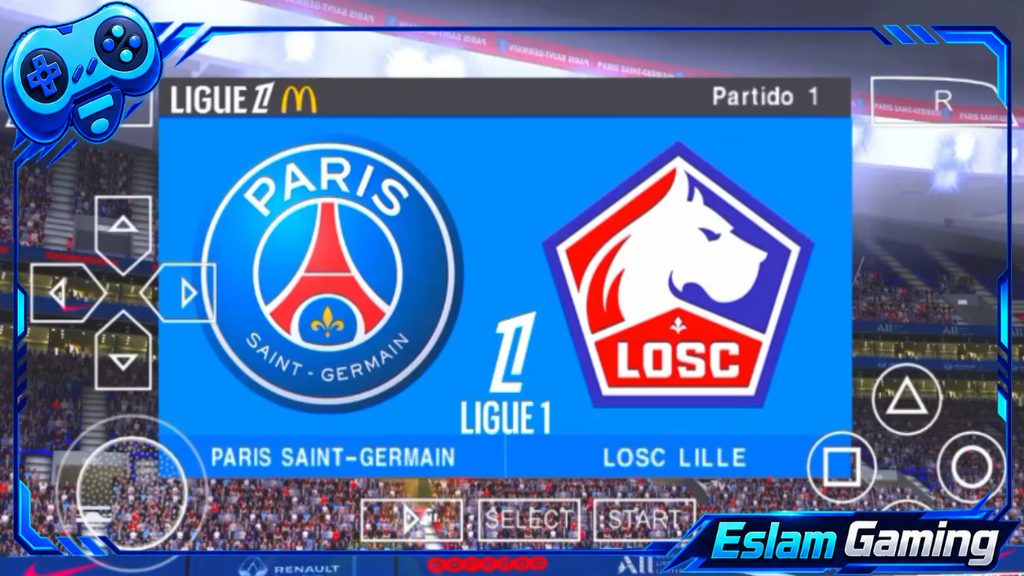
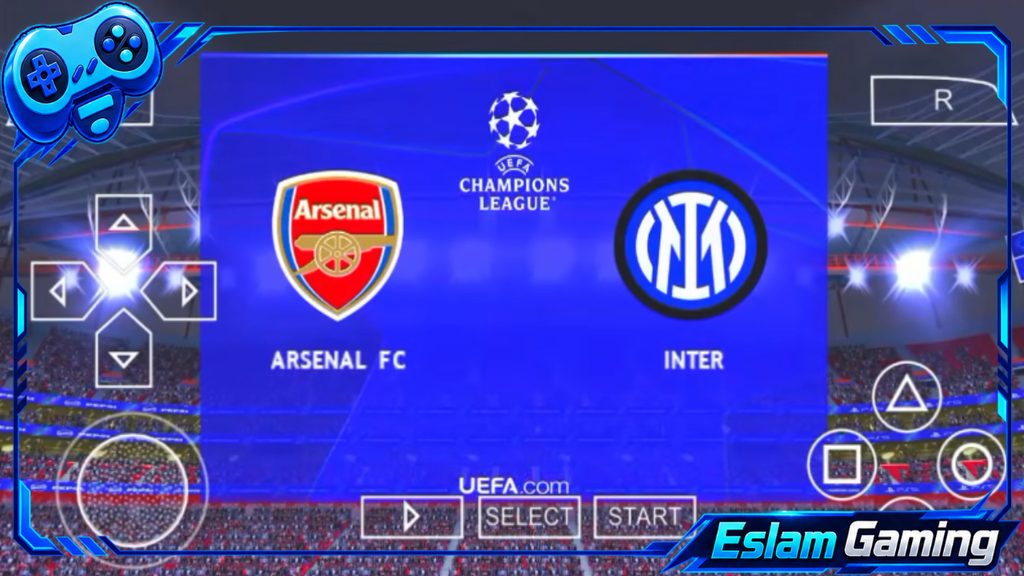
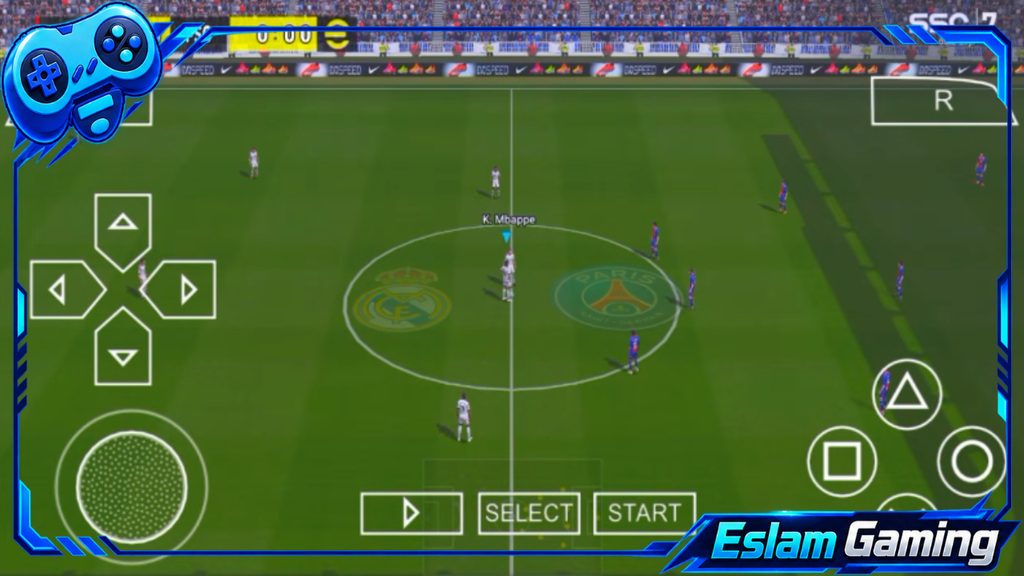
Images from inside the game





Frequently Asked Questions (FAQ) ❓
Is eFootball PES 2027 PPSSPP an official Konami release?
No. Konami no longer develops PSP games. This is a community-made mod built on the classic PSP PES base, updated with modern kits, 2026/2027 transfers, PS5 camera angles, and HD textures.
Can I play this game completely offline on Android?
Yes. Every single-player mode—including Master League, Become a Legend, UEFA Champions League, and Exhibition matches—works 100% offline with zero data usage.
Why are my kits and player transfers still outdated after installing?
That happens when the SAVEDATA and TEXTURES folders are extracted into the wrong path or nested inside extra folders. Make sure Replace Textures is enabled in PPSSPP Developer Tools and verify both folders sit directly inside Internal Storage/PSP/.
Do I need PPSSPP Gold, or does the free version work?
The free version of PPSSPP on the Google Play Store runs the exact same core code as PPSSPP Gold. You get identical frame rates, texture support, and controller mapping without paying anything.
Can I play multiplayer with friends?
Yes, you can play local Ad-Hoc multiplayer with friends connected to the same Wi-Fi network or mobile hotspot using PPSSPP’s built-in networking settings, though it requires both players to run the exact same ISO and SAVEDATA files.
Enjoy the matches, dial in your tactics, and let us know on Eslam Gaming which club you are taking to the UCL final! 🏆🎮