Download FTS 27 FC 27 MOD | New Season, HD Graphics & Realistic Gameplay for Android

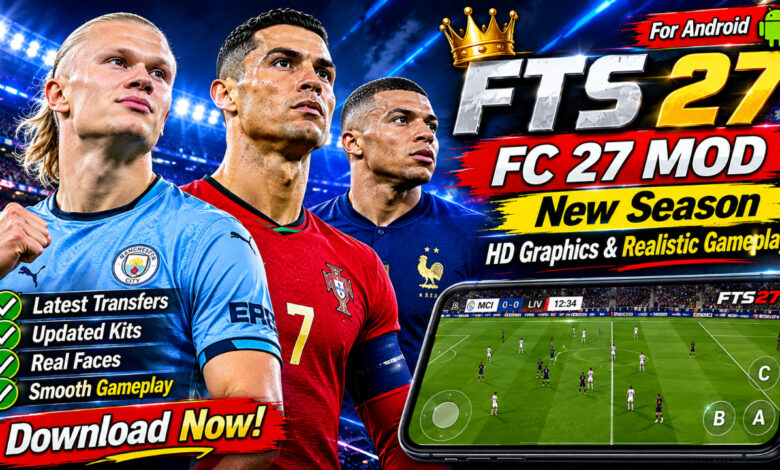
Download FTS 27 FC 27 MOD | New Season, HD Graphics & Realistic Gameplay for Android ⚽
If your phone struggles with massive 3 GB football titles or you simply miss playing a full career mode without an internet connection, FTS 27 FC 27 MOD Android deserves a spot on your device. This community-built football game combines the fast, lightweight First Touch Soccer engine with a fresh 2026/2027 season makeover inspired by EA Sports FC 27. You get updated squads, modern broadcast overlays, sharper pitch textures, and responsive touch controls in a compact package under 450 MB. On Eslam Gaming, we test mods carefully to separate genuine upgrades from broken re-skins. In this guide, you will learn how this edition actually plays on low-end and mid-range phones, what modes it includes, and how to install the files safely without running into black-screen errors. 🎮📱
FTS 27 FC 27 MOD Android Game Info 📋
| Game Name | FTS 27 FC 27 MOD Android |
| Version | FC 27 MOD – New Season 26/27 |
| Files Included | APK + OBB + DATA – Full Game |
| File Size | 450 MB – Small Size, Easy Install |
| Graphics | HD Graphics + FC 27 Interface + Realistic Gameplay |
| Mode | 100% Offline – No Internet Needed |
| Android Required | Android 6.0 or Higher – Best on 4 GB RAM+ |
This is a full FTS game, not a PPSSPP mod. If you want PPSSPP football, check our eFootball PES 2027 PPSSPP Season Update guide.
Download FTS 27 FC 27 MOD Android ⬇️
Get the FTS 27 FC 27 MOD Android with new season 26/27, HD graphics, realistic gameplay, latest transfers, kits & leagues. Small 450 MB size, 100% offline, easy install on low-end phones.
⬇ Download FTS 27 FC 27 MOD Android
If you want a lightweight offline football career on Android, this FTS 27 FC 27 MOD Android is the version to download. It is a full FTS game with APK + OBB + DATA, not a PPSSPP ISO.
Game Overview 📋
Before you hit the FTS 27 FC 27 MOD Android download link, it helps to understand what sits under the hood. This project is not an official EA Sports release from the Google Play Store. Instead, modders built it on the classic First Touch Soccer engine and redesigned nearly every visual element to match the FC 27 aesthetic. You get modern dark-themed menus, updated player ratings, revised club badges, and refreshed commentary audio.
The game runs natively on Android smartphones and tablets without needing a heavy console emulator like PPSSPP. Because it relies on an older, well-optimized mobile engine, it delivers smooth frame rates even on budget hardware. Best of all, this is an FTS 27 FC 27 MOD Android offline experience from start to finish. You can play full league campaigns on a bus, during a flight, or anywhere Wi-Fi drops out.
Who should pick up this game? It fits three types of mobile gamers:
- Budget & Low-RAM Phone Owners: Players with 2 GB or 3 GB RAM devices that overheat or crash when running eFootball or EA FC Mobile.
- Offline Career Mode Fans: Gamers who love buying wonderkids, managing club finances, and winning domestic trebles without microtransactions or energy timers.
- Classic Arcade-Sim Lovers: Anyone who prefers quick, direct matches with zero pay-to-win packs or forced online matchmaking.
Key Features of the Game 🌟
Modders focused heavily on bringing older First Touch Soccer mechanics into the 2026/2027 football calendar. Here is what sets this FTS 27 FC 27 MOD Android apart from older fan patches:
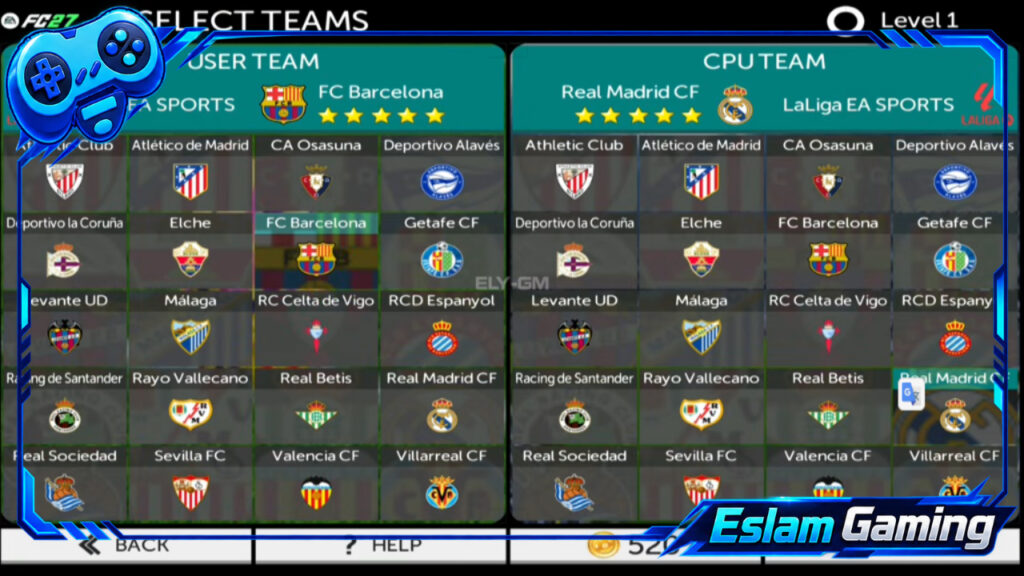
- FTS 27 FC 27 MOD Android New Season & Latest Transfers: Every major European league reflects the 26/27 campaign. You get promoted and relegated clubs in their proper divisions alongside FTS 27 latest transfers, updated shirt numbers, and adjusted overall ratings for rising young stars.
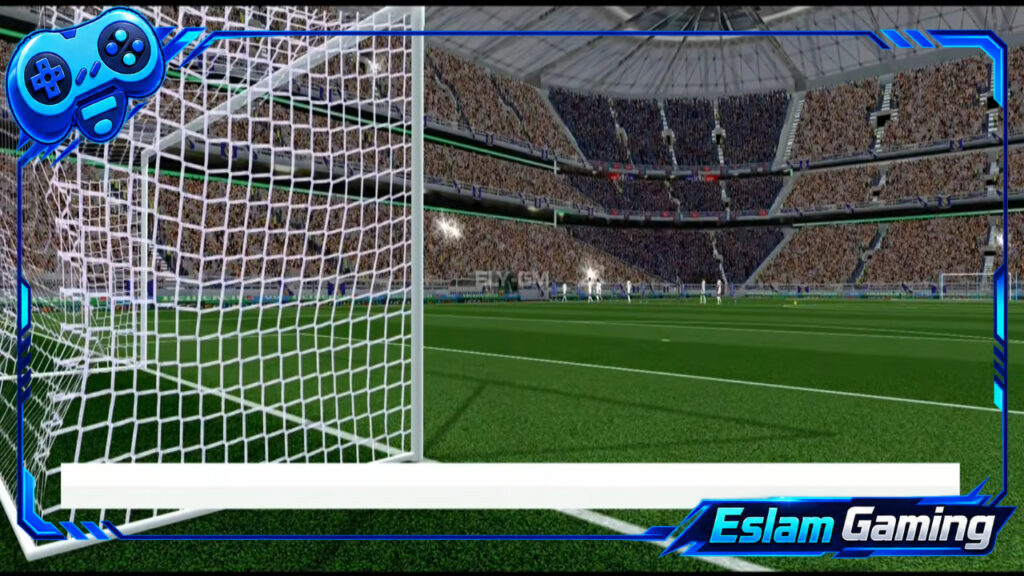
- FTS 27 FC 27 MOD Android HD Graphics & FC 27 Interface: While the core 3D character skeletons remain classic FTS, modders replaced the flat grass, crowd sprites, skyboxes, and stadium lighting with high-definition textures. The scoreboard, radar, and pause screens also adopt the sleek FC 27 broadcast style.
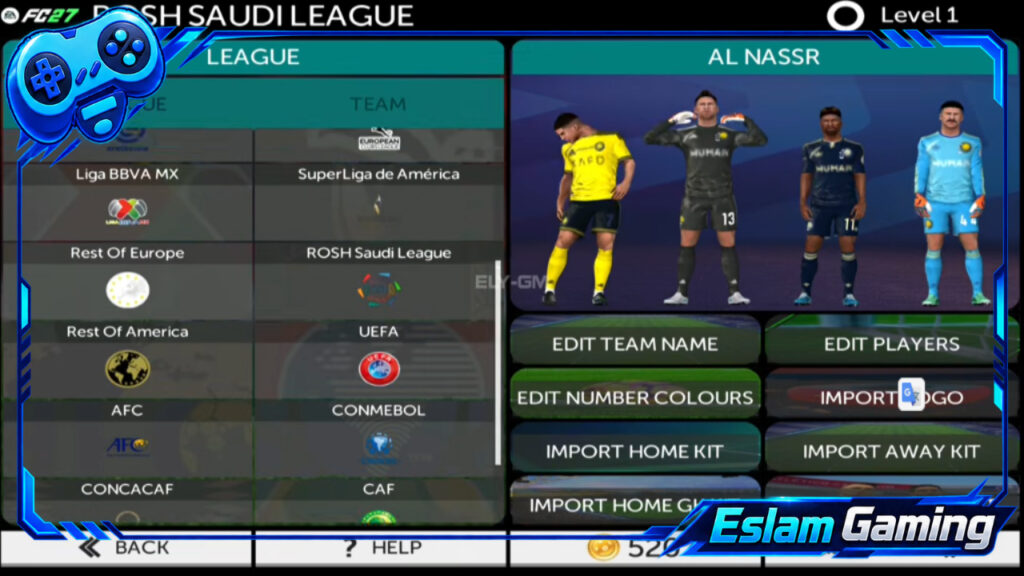
- Authentic FTS 27 FC 27 MOD Android Kits and Leagues: Official-style home, away, and goalkeeper kits cover the Premier League, La Liga, Serie A, Bundesliga, Ligue 1, and top clubs from South America and Saudi Pro League teams. Sponsors, collars, and sleeve badges look crisp during close-up replays.
- FTS 27 FC 27 MOD Android Realistic Gameplay Tweaks: Mod developers adjusted ball physics, goalkeeper reaction speed, and AI pressing behavior. Matches feel less chaotic than default FTS 15, rewarding patient passing and smart wing play over constant long-ball spam.
- Full Offline Freedom & Zero Paywalls: You never need mobile data to launch a match or save your career. Every tournament and transfer negotiation stays 100% playable offline without stamina bars or loot boxes.
- Updated Boots, Balls & Face Textures: Star players wear current-season footwear models, and matches use official-style 26/27 league footballs. Top footballers also receive custom skin textures that improve likenesses during goal celebrations.
Gameplay Experience & Mechanics 🎯
Good visuals mean little if the ball feels stiff in FTS 27 FC 27 MOD Android. on the pitch. Fortunately, the gameplay loop remains snappy and intuitive, making it easy to jump into a match within seconds of opening the app.
Controls & Responsiveness
The game uses a clean virtual joystick on the left side and three main action buttons (Pass, Shoot, and Cross/Loft) on the right. On defense, those buttons switch smoothly to Switch Player, Press, and Slide Tackle. Touch response is instant, and you can customize button opacity or turn off auto-switching in the settings menu. Double-tapping the right side of the screen triggers quick skill moves like step-overs and roulettes, which helps you beat tight fullbacks one-on-one.
Difficulty & AI Behavior
You can pick between Easy, Normal, and Hard difficulty settings. On Easy and Normal, casual players can rack up goals and test new formations comfortably. Switching to Hard pushes the CPU to mark tighter, close down passing lanes, and punish careless back-passes. Goalkeepers also pull off sharper reflex saves on Hard, forcing you to place finesse shots inside the far post rather than blasting straight at the keeper.


Graphics Style & Performance
Let us stay realistic about the visuals: this is still a modded mobile engine from an older generation, so it will not rival console EA FC 27 in facial animations or cloth physics. However, the custom grass patterns, vibrant stadium ad-boards, dynamic daytime/nighttime shadows, and high-resolution kits give it a massive lift. Even at the highest detail setting in the options menu, frame rates stay locked smoothly on almost any modern Android phone.
Sound & Stadium Atmosphere
The audio package swaps out repetitive old menu tracks for upbeat modern playlist songs. Inside the stadium, you hear sharper ball-strike effects, crossbar thuds, energetic crowd roars after late winners, and English match commentary. Putting on earphones genuinely adds to the atmosphere during Champions Cup knockout nights.
Game Modes & Content 🏆
Unlike stripped-down mobile football games, FTS 27 FC 27 MOD Android keeps that lock you into card-collecting events, this mod keeps classic single-player modes front and center.
Manager Mode (Career)
Manager Mode is the heart of the entire package. You choose a club from any available league—or start in a lower division and chase promotion—and take full control of football operations. You negotiate player transfers, manage squad wages, upgrade your stadium capacity to boost ticket revenue, and hire coaches or physios to speed up stamina recovery. Board expectations track your results each season, so slipping into a relegation battle puts your job at risk.
Tournament & Cup Mode
If you want quick silverware without managing club finances, Tournament Mode lets you jump directly into domestic cups or continental championships styled after the UEFA Champions League and Europa League. You can play group stages, navigate two-legged knockout ties, and experience tense penalty shootouts for the trophy.
Quick Match (Exhibition)
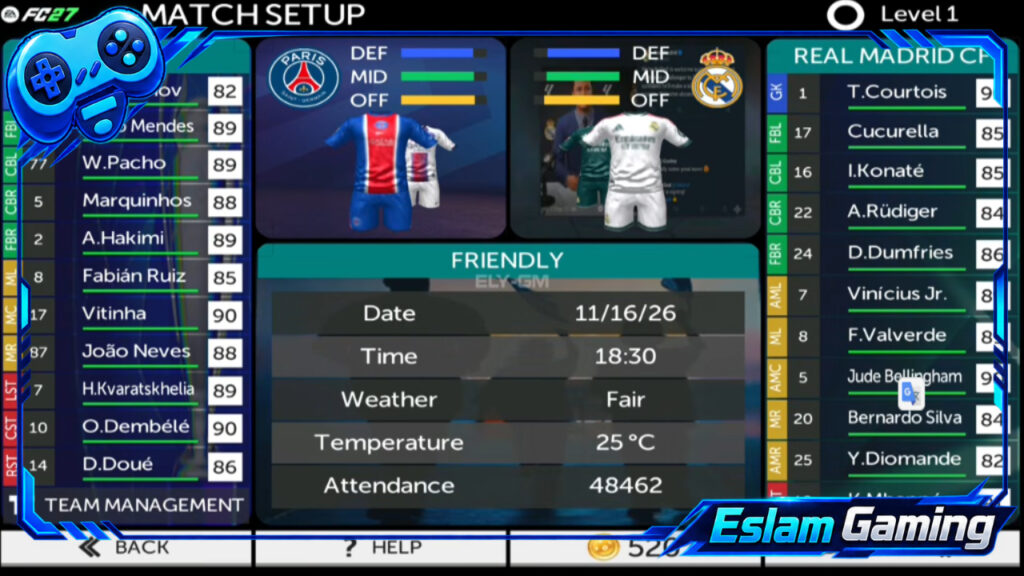
Quick Match puts you straight onto the pitch in under ten seconds. Pick any two clubs or national teams, adjust match length (from 3 minutes up to 10 minutes per half), choose weather conditions, and test custom tactics. It works great for short gaming breaks or testing out newly transferred superstars.
Training & Practice Ground
The built-in training area lets you practice free kicks, corners, penalties, and open-play attacking drills with zero pressure. Spending five minutes learning how much curl to add on a 25-yard free kick pays off immediately when a tight cup tie hangs in the balance.
System Requirements 📱
One major reason players search for FTS 27 FC 27 MOD Android is its tiny hardware footprint. Check the table below to see where your smartphone stands before downloading.
| Component | Minimum (Low-End Devices) | Recommended (Mid/High-End Devices) |
|---|---|---|
| Operating System | Android 6.0 (Marshmallow) or higher | Android 10.0 to Android 15 |
| Processor (CPU) | Quad-Core 1.3 GHz (MediaTek / Snapdragon 400 series) | Octa-Core 2.0 GHz+ (Snapdragon 665 / Helio G85 or better) |
| RAM | 2 GB RAM | 4 GB RAM or higher |
| Free Storage | 600 MB free space (for ZIP extraction + installed game) | 1 GB free space for smooth cache & save files |
| GPU / Graphics | Basic Mali-400 / Adreno 306 (set Graphics to Low) | Adreno 610 / Mali-G52 or higher (Graphics on High) |
| Internet Connection | Required only for downloading the files | 100% Offline during gameplay |
Low-End vs. High-End Compatibility: On a 2 GB RAM phone, keep stadium crowd detail and shadows on Medium or Low to hold steady 30–60 FPS without warming up the battery. On modern mid-range and flagship phones (4 GB to 12 GB RAM), crank all graphic sliders to High right away—the game barely uses 15% of your processor power.
How to Download and Install the Game ⬇
Because FTS 27 FC 27 MOD Android comes with separate APK, OBB, and DATA folders, you cannot just tap a single file and start playing. Follow these steps carefully so your kits, squads, and FTS 27 FC 27 MOD Android HD graphics load properly on the first launch.
Beginner Note: Before starting, install ZArchiver (free on the Google Play Store). Built-in phone file managers often fail to extract compressed .zip or .7z archives correctly into protected Android system folders.
- Download the Game Archive: Grab the FTS 27 FC 27 MOD Android package (which usually contains the APK, OBB, and DATA files in one compressed file) from a trusted source and save it to your
Downloadfolder. - Enable Unknown Sources: Open your phone Settings > Security / Privacy > Install Unknown Apps and grant permission to ZArchiver and your browser.
- Extract the Files: Open ZArchiver, navigate to your
Downloadfolder, tap the downloaded FTS 27 archive, and choose Extract Here. Wait until extraction reaches 100%. - Install the APK (Do Not Open Yet!): Tap the extracted
.apkfile and select Install. Once installation finishes, tap Done instead of Open. Opening the game before moving OBB and DATA causes an immediate crash. - Move the OBB Folder: Go back to your extracted files, open the
OBBfolder, long-press the folder namedcom.firsttouchgames.fts...(or similar package ID), tap Cut or Copy, and paste it intoInternal Storage > Android > obb. - Move the DATA Folder: Return to the extracted files, open the
DATAfolder, cut or copy the game data folder inside it, and paste it intoInternal Storage > Android > data. - Launch & Play: Turn off Wi-Fi or mobile data if you want a distraction-free session, tap the FTS 27 FC 27 icon on your home screen, and enjoy!
Android 11, 12, 13, 14 & 15 Warning: Newer Android versions restrict access to the Android/data and Android/obb folders under Google’s Scoped Storage rules. When ZArchiver asks for folder permission, tap OK and select Use This Folder on the system prompt. If your device blocks access completely (common on Android 14/15), use ZArchiver paired with Shizuku or connect your phone to a PC via USB cable to copy the OBB and DATA folders directly.
Common Problems & Fixes 🛠
Even experienced Android gamers occasionally hit a snag during manual mod installations. If something goes wrong, try these quick fixes before deleting the files.
- Black Screen or Stuck on Loading Screen: This almost always means the OBB file sits in the wrong directory or got placed inside a double folder (like
Android/obb/com.firsttouch.../com.firsttouch.../main.obb). Open ZArchiver, check yourAndroid/obbpath, and make sure the.obbfile sits directly inside one clean package folder. - Old Kits, Wrong Logos, or Missing Latest Transfers: If the game opens with old default teams instead of the FTS 27 FC 27 MOD Android new season squads, your DATA folder did not copy properly. Re-extract the DATA folder and paste it into
Android/data, making sure to tap Overwrite if prompted. - “App Not Installed” or Package Parsing Error: Your download may be incomplete or corrupted, or your phone lacks free storage. Delete any older FTS version installed on your device first—two FTS mods using the same package name cannot coexist. Verify your free storage exceeds 600 MB and re-download if needed.
- Lag, Frame Drops, or Sudden Crashes: Close heavy background apps (like Instagram, TikTok, or YouTube) before launching the game. Inside the FTS Settings menu, lower visual detail from High to Medium and turn off 60 FPS lock if your phone uses a weaker MediaTek chip. Also disable battery-saver mode while gaming.
Tips & Tricks for Better Gameplay 💡
Mastering the FTS 27 FC 27 MOD Android engine takes a slightly different approach compared to modern touch-heavy games like eFootball. Use these practical tips to climb the table fast:
- Use Low-Driven Through Balls on Counterattacks: Instead of holding the Pass button too long, tap C (Loft/Through) lightly when your winger sprints level with the last defender. The ball glides smoothly into open space without sailing straight to the goalkeeper.
- Curve Your Free Kicks with Direction Hold: Line up your kick toward the edge of the defensive wall, then hold left or right on the analog stick right as you tap the Shoot button at 50–60% power. Adding slight bend beats top-rated keepers almost every time from 20–25 yards.
- Upgrade Your Stadium Early in Manager Mode: Do not blow your entire Season 1 budget on one 88-rated striker. Upgrade stadium seating and hire better commercial staff first. Higher ticket income per home match funds multiple big signings in Season 2 and 3.
- Rotate Tired Squad Players Before Cup Ties: Fatigue hits player sprint speed hard in the second half. Watch the green stamina bars in Team Management before kickoff and rest tired starters against weaker bottom-half clubs.
- Hold B (Press) Instead of Spamming Slide Tackles: Diving in with aggressive slides in the penalty box leads to constant red cards and penalties. Use regular pressing to stay in front of attackers and let your second defender close the angle.
Is This Game Worth Downloading? (Honest Verdict) ⚖
After putting several seasons and exhibition matches through their paces, our Eslam Gaming verdict is clear: FTS 27 FC 27 MOD Android remains one of the smartest offline football downloads for budget phones, as long as you know what to expect. It trades ultra-realistic facial scans and online multiplayer for pure speed, zero paywalls, and an addictive Manager Mode that respects your storage space.
Pros & Cons
- Pros: Tiny ~450 MB size, 100% offline gameplay, deep Manager Mode with transfers, smooth FPS on 2 GB RAM devices, updated 26/27 kits and squads, zero microtransactions.
- Cons: Older player body animations compared to eFootball/FC Mobile, no online PvP multiplayer, requires manual OBB/DATA setup via ZArchiver, minor face likeness gaps in lower-tier leagues.
Who Should Download It: Download this mod if you want an offline football career on Android, own a low-to-mid-range smartphone, or hate waiting on stamina timers and server maintenance.
Who Should Skip It: Skip it if you specifically want ranked online PvP matches against real opponents, or if you have a flagship phone with 256 GB storage and prefer next-gen console-style player physics like EA Sports FC Mobile or eFootball.
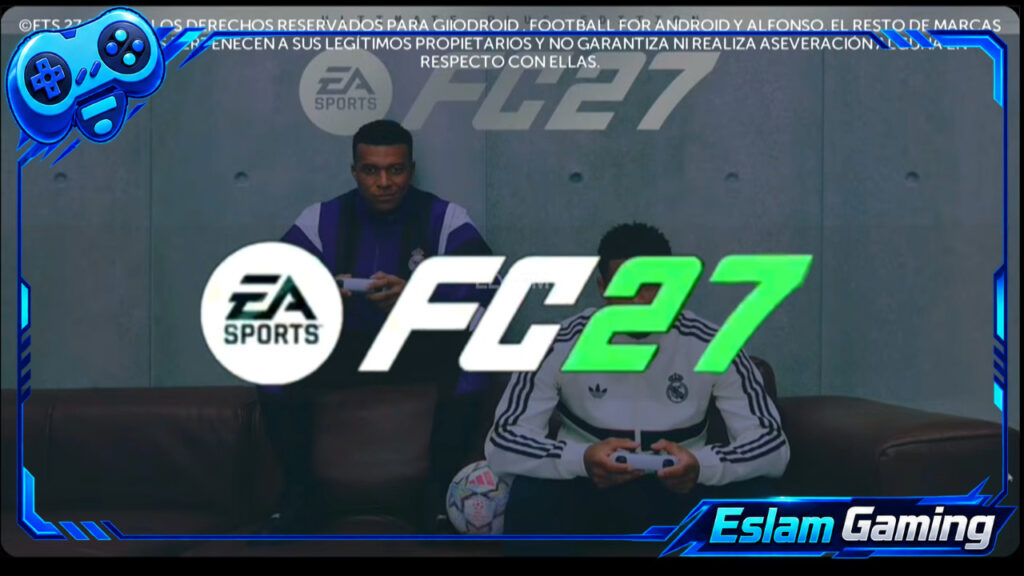
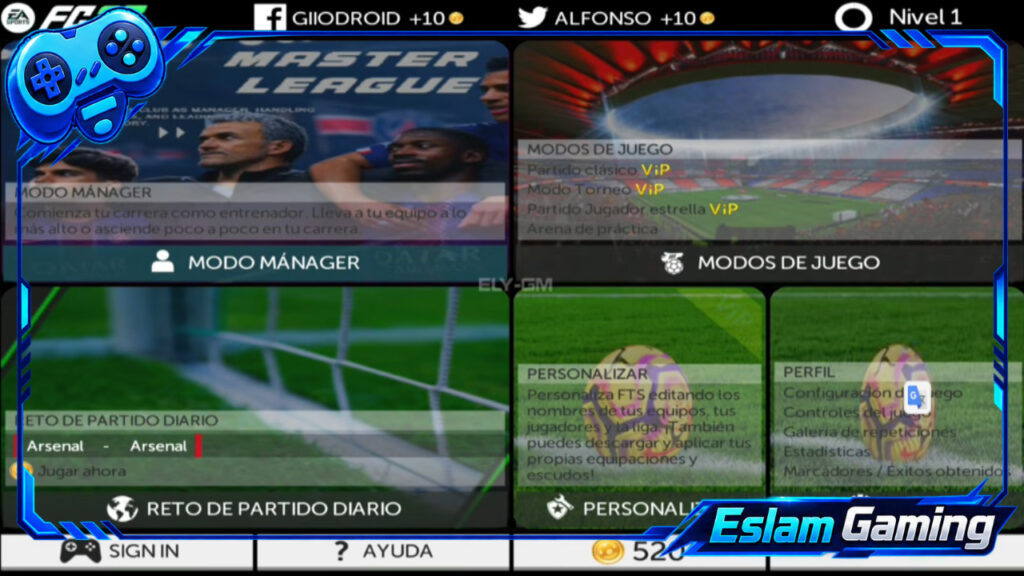
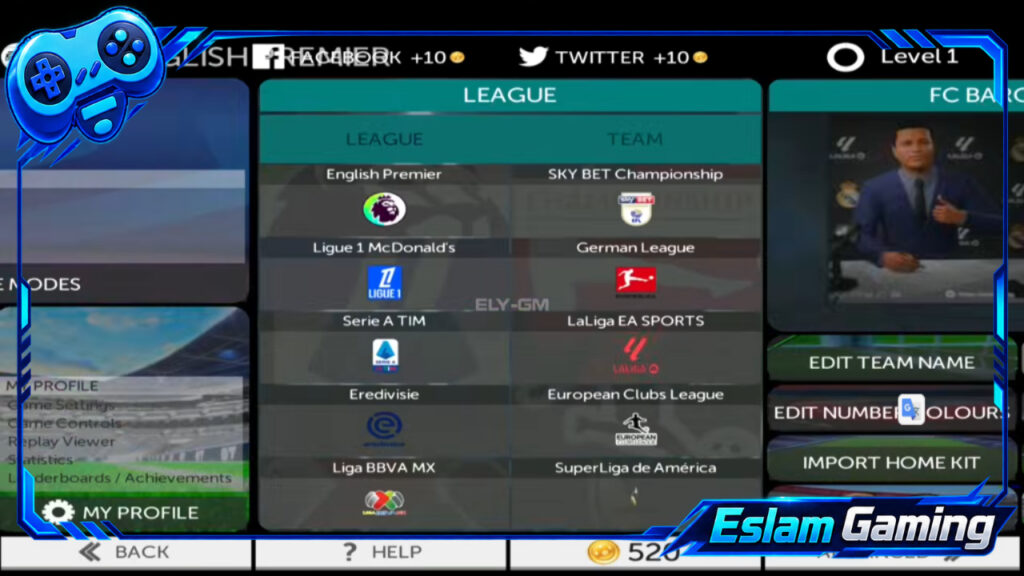
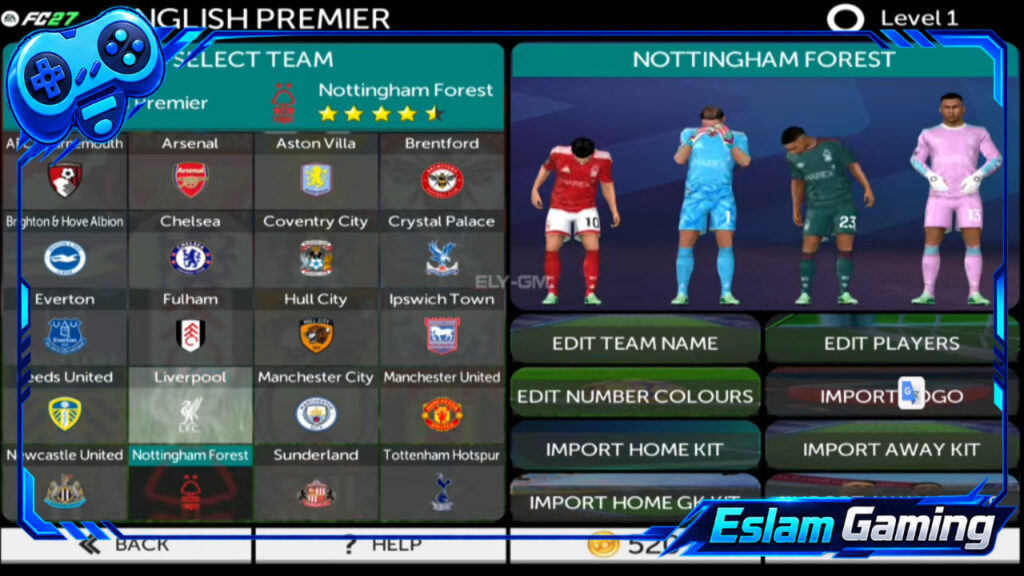
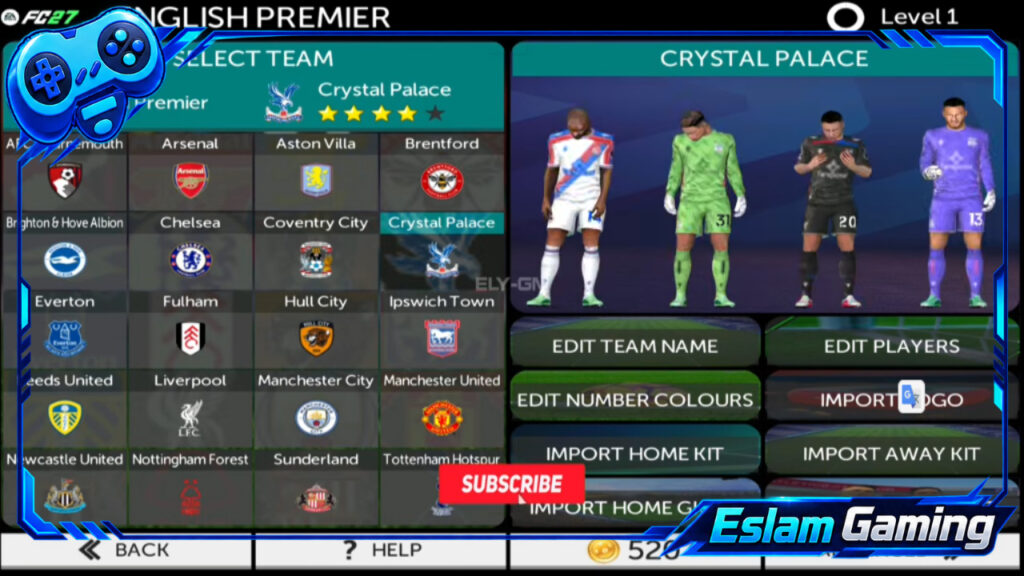
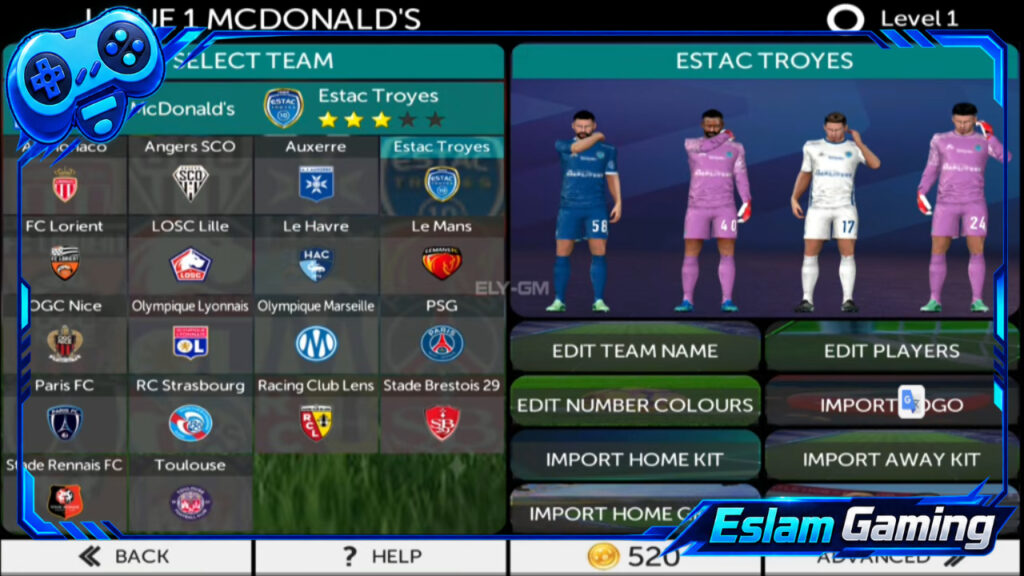
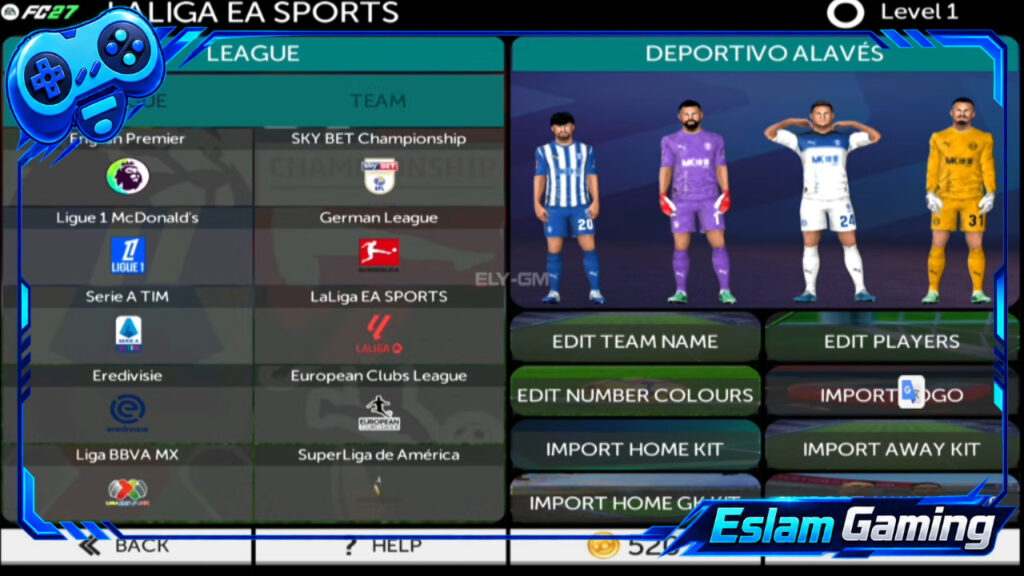
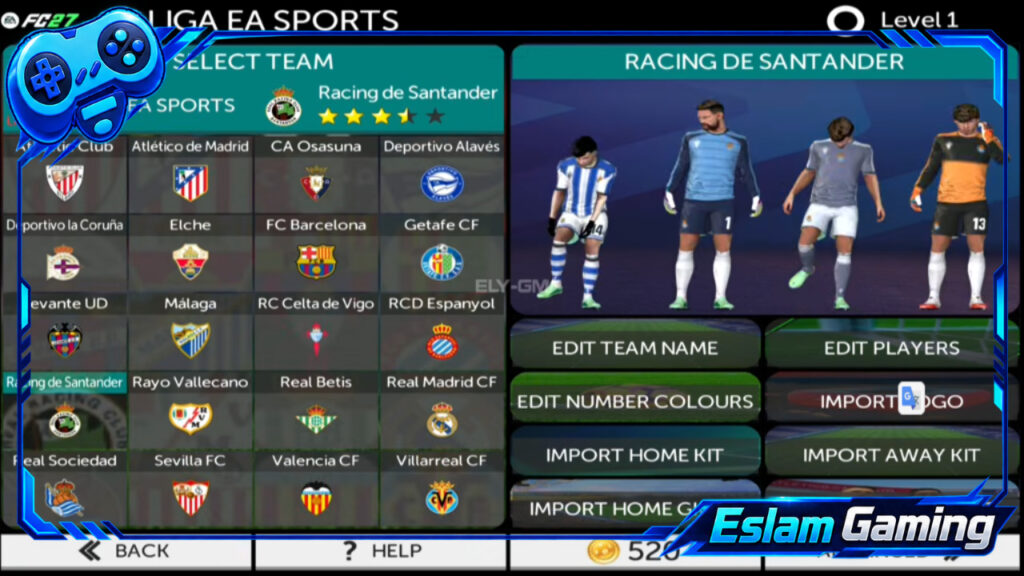
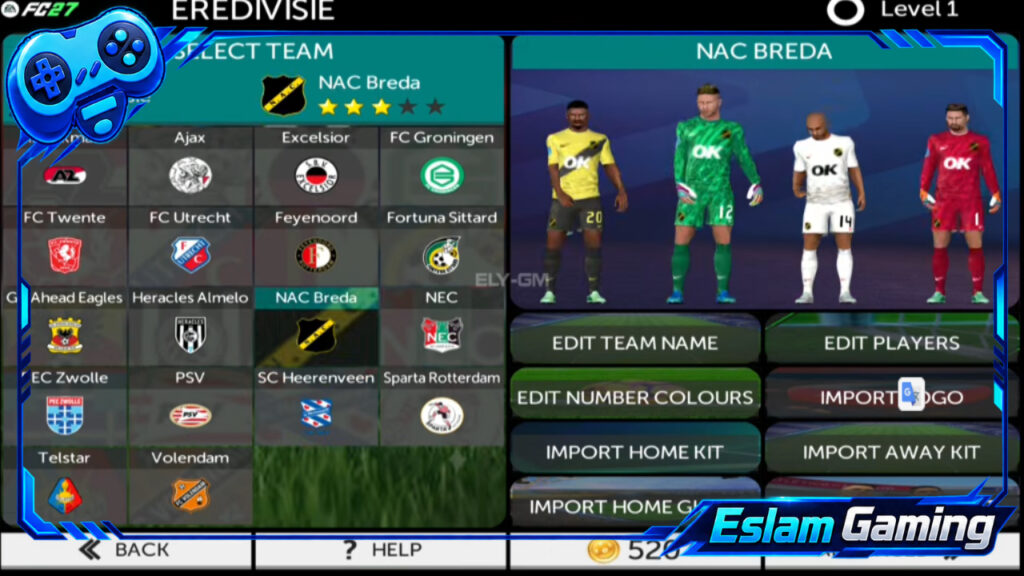
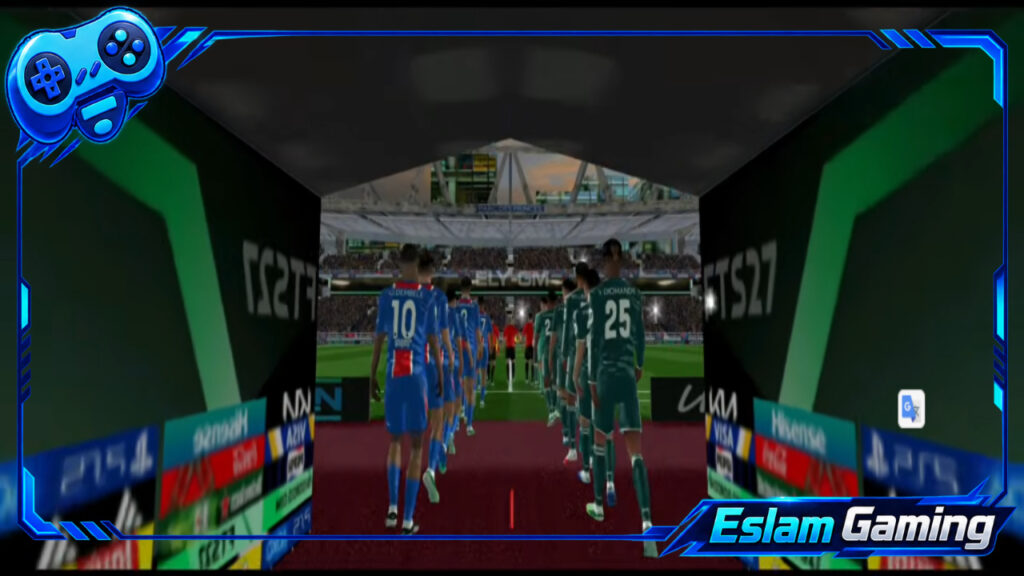
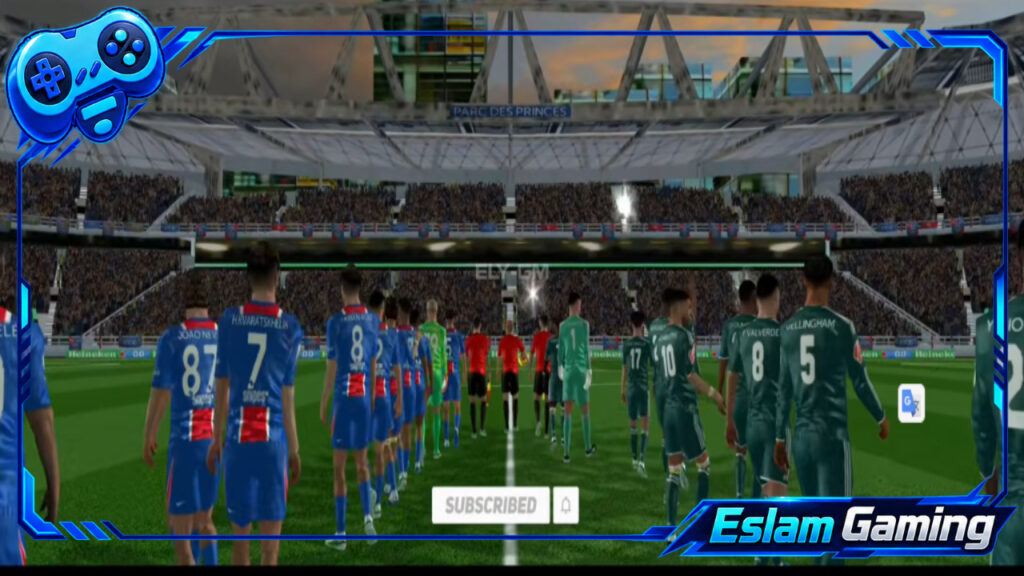
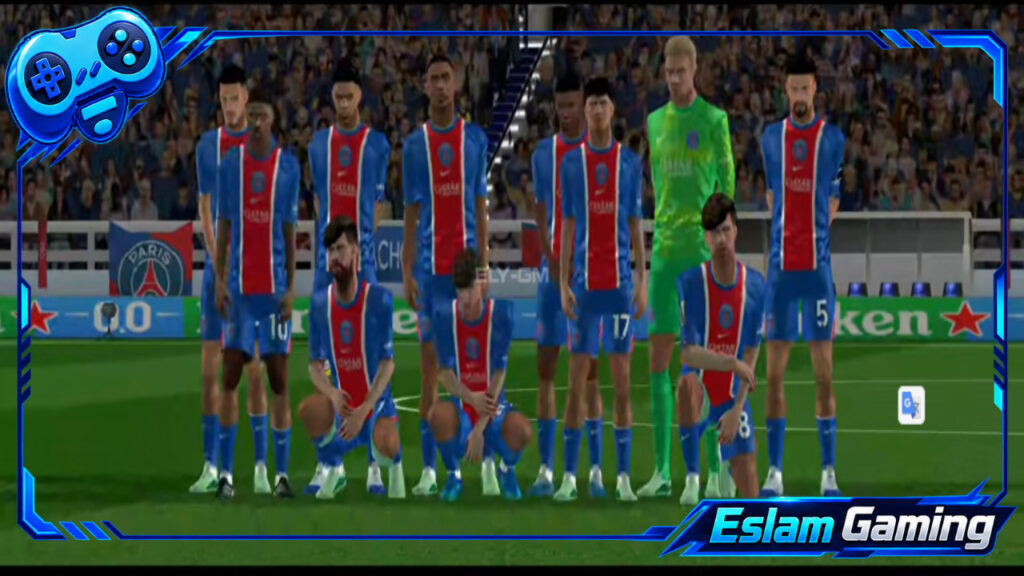
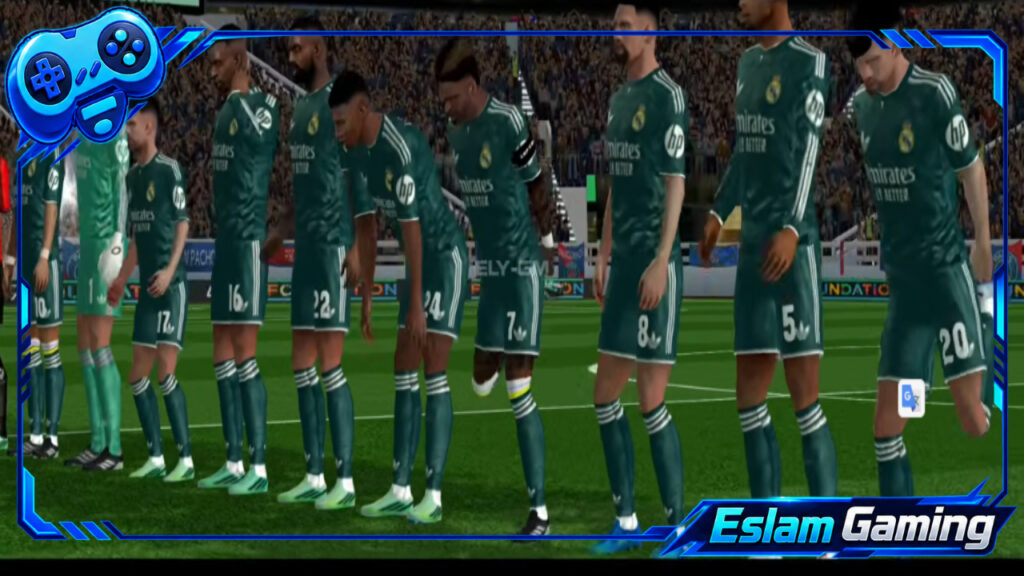
IMAGES FROM INSIDE THE GAME:




FTS 27 FC 27 MOD game files links (small size) for Android:
Frequently Asked Questions (FAQ) ❓
Is FTS 27 FC 27 MOD Android completely offline?
Yes. Once you extract the files and launch the game, you can play Manager Mode, Tournaments, Training, and Quick Matches with Wi-Fi and mobile data completely turned off.
How much storage space do I need on Android?
The compressed download package usually weighs around 350 MB to 450 MB. Keep at least 700 MB to 1 GB of free internal storage available during installation so ZArchiver has room to extract the OBB and DATA folders before you delete the ZIP file.
Does it work on Android 14 and Android 15?
Yes, the game runs well on Android 14 and 15, though moving the OBB and DATA folders requires extra attention because of Android’s Scoped Storage security rules. Using ZArchiver with proper folder permissions—or transferring the folders via a PC USB cable—solves this easily.
Can I play online multiplayer with friends?
No. Modded First Touch Soccer builds do not have active online matchmaking servers. Some older builds only support single-player offline modes, so expect a solo experience against the AI.
Are the 2026/2027 transfers and kits updated in FTS 27 FC 27 MOD Android?
Yes, provided you install both the DATA and OBB folders properly. Major European clubs and top national squads feature updated 26/27 kits, badges, promoted teams, and recent transfer moves.
Will installing FTS 27 FC 27 MOD Android ban my official EA FC Mobile account?
No. This is a completely separate standalone APK based on the old First Touch Soccer package. It never touches or interacts with your EA Sports FC Mobile account or files.