eFootball Pes 2026 Ppsspp Ps5 Camera New Update Offline Android Download

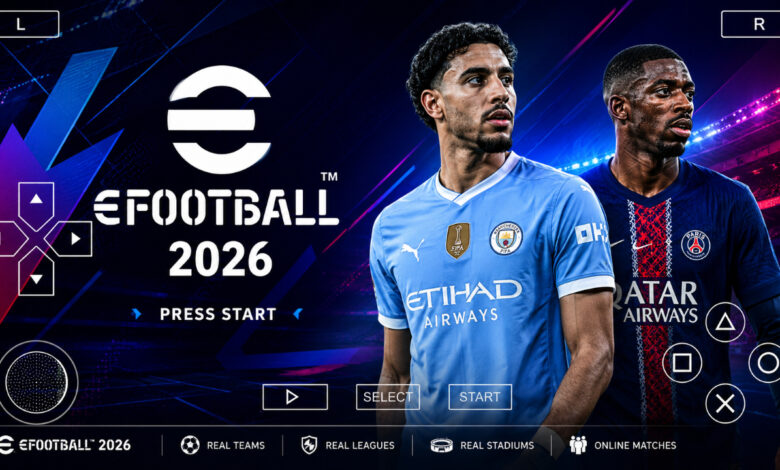
eFootball PES 2026 PPSSPP Download for Android – New Update with PS5 Camera ⚽
Step onto the virtual pitch with the most anticipated mobile football update of the year: eFootball PES 2026 PPSSPP! If you are a fan of classic football simulation but want the modern aesthetics of the latest consoles, this is the version for you. Featuring the highly requested PS5 camera angle, fully updated 2025/2026 rosters, and realistic graphics, this game brings the excitement of the stadium directly to your Android device. Whether you are leading your favorite club to Champions League glory or managing a tactical masterclass in Master League, this offline experience is designed for true football enthusiasts. Download now and feel the pulse of the beautiful game wherever you go! 🎮🔥
Game Overview: The Ultimate Evolution of Mobile PES 🎮
The eFootball PES 2026 PPSSPP is not just a simple roster swap; it is a comprehensive overhaul of the classic Pro Evolution Soccer engine, meticulously updated by the modding community to reflect the modern football era. While official mobile football games often lean heavily into online-only “card-collecting” mechanics, this PPSSPP version stays true to the roots of the series—focusing on 11v11 gameplay, deep tactical control, and a robust offline experience.
This edition is designed specifically for the PPSSPP emulator, meaning it can run on a wide range of Android devices, from budget-friendly phones to flagship models. The “New Update” focuses on high-definition textures, updated player faces that look remarkably lifelike, and the integration of new leagues, including the Betway Premiership and the fully licensed UEFA Champions League (UCL). It’s best suited for players who miss the tactical depth of console gaming and want a game that works perfectly without an internet connection. ⚽📱
Key Features of eFootball PES 2026 PPSSPP 🌟
Revolutionary PS5 Camera Angle 🎥
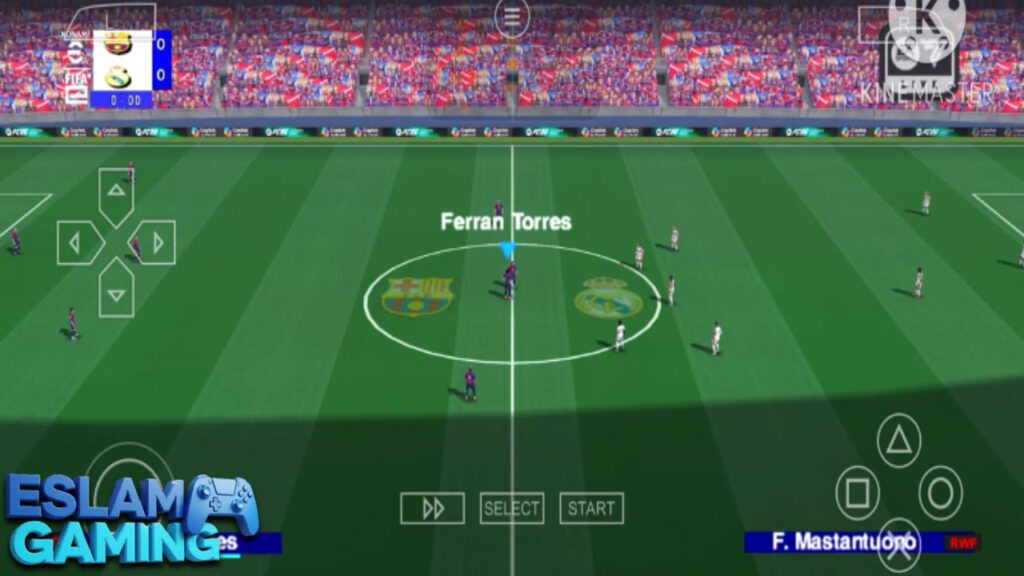
The standout feature of this update is the new PS5 camera. Unlike the traditional “Long” or “Wide” cameras found in older PSP games, the PS5 camera provides a much wider, more elevated view of the pitch. This allows you to see the movement of your wingers, plan long-range through balls, and better understand your defensive shape. It truly changes the way the game feels, making it look like a high-budget console title on your small screen.
2025/2026 Full Transfers & Rosters 🔄
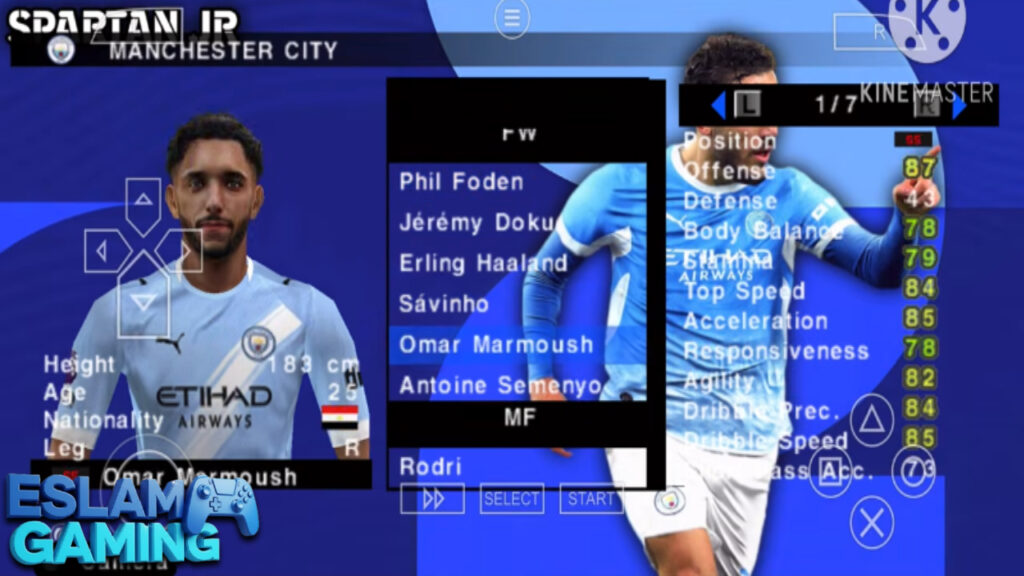
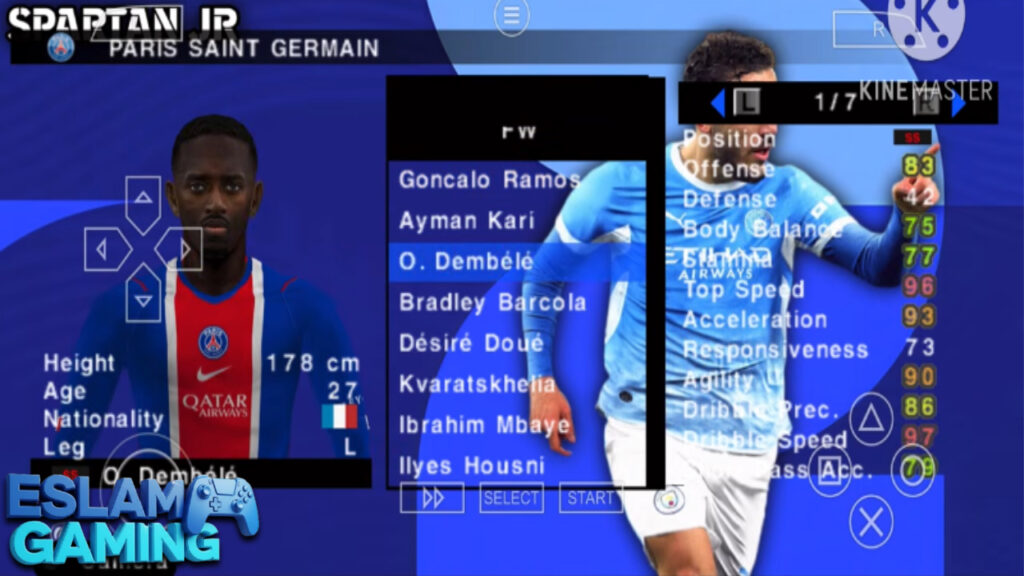
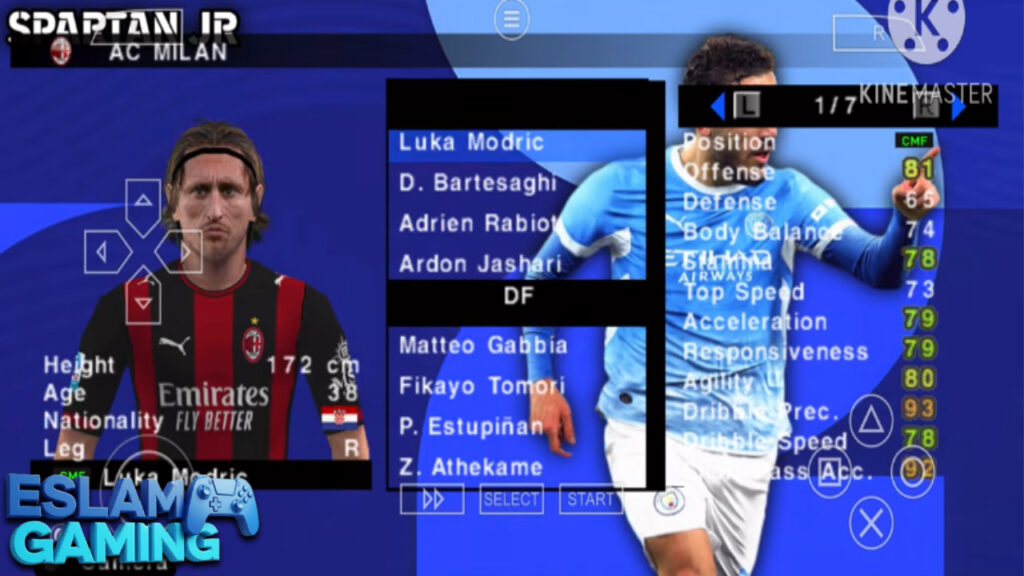
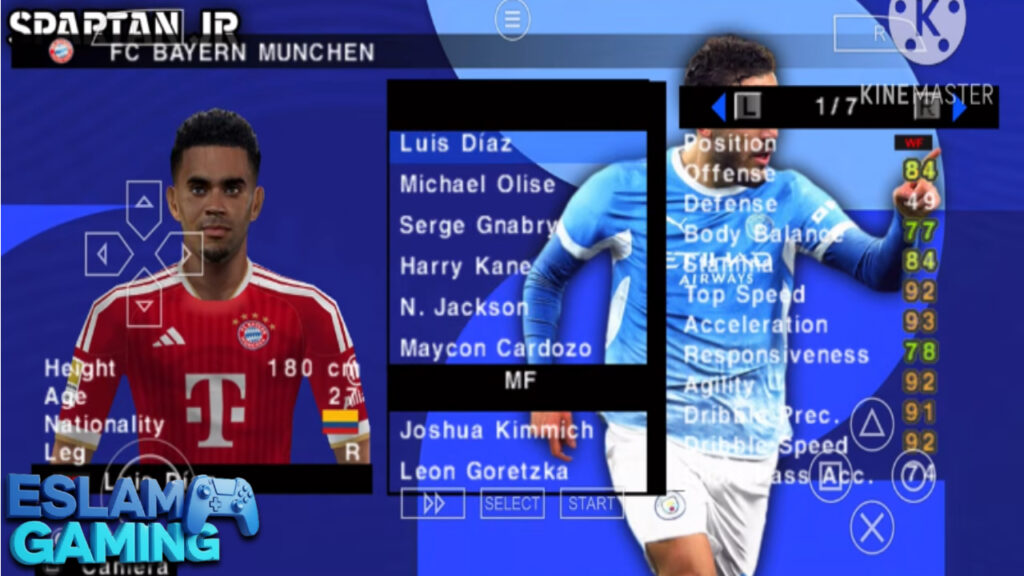
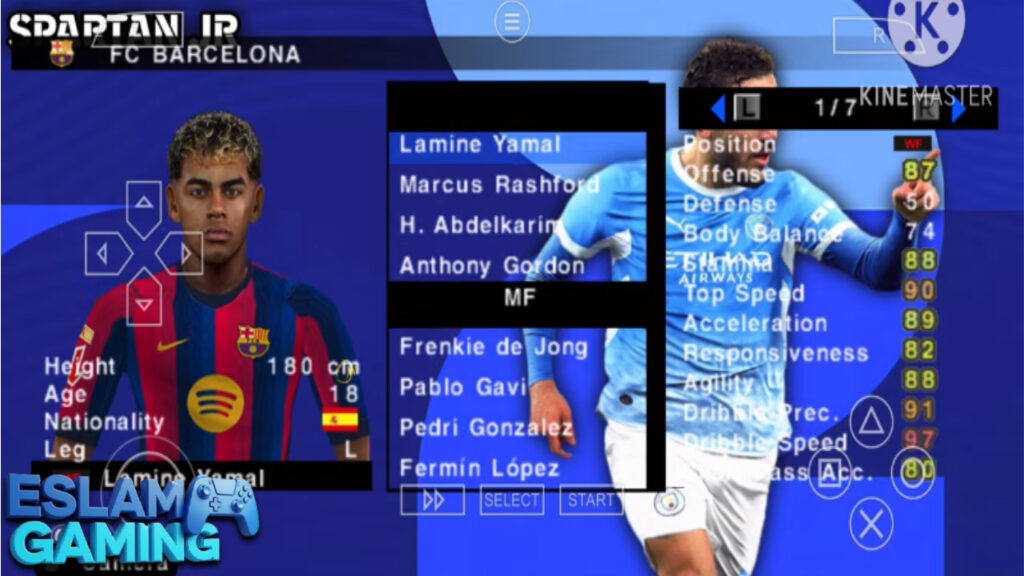
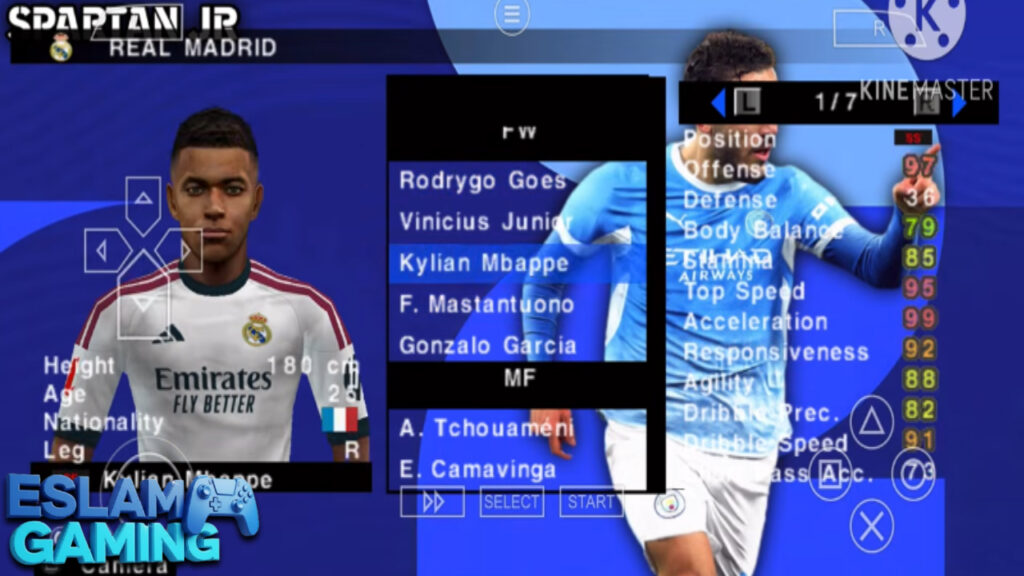
No more playing with outdated squads! This version includes all the latest transfers from the summer and winter windows. From blockbuster moves in the Premier League to the rising stars in the Saudi Pro League, every team reflects its real-world counterpart. Player ratings have also been adjusted based on their current real-life performance, ensuring that stars like Mbappé, Haaland, and Bellingham feel as dominant as they are in reality.
Enhanced HD Graphics & Kits 🎨
The visual fidelity has been pushed to the limit. You will notice high-resolution textures on player kits, including accurate sponsors and league badges. The grass textures have been refined to look more natural, and the stadium lighting has been adjusted to simulate different times of day—from bright afternoon sun to the glowing atmosphere of a night match under the floodlights.
Comprehensive League Content 🏆
Enjoy a massive variety of leagues and tournaments. This update includes:
- English Premier League — All 20 clubs with original kits and logos.
- Betway Premiership — Fresh content for fans of South African football.
- UEFA Champions League — Full branding, including the iconic anthem and scoreboard.
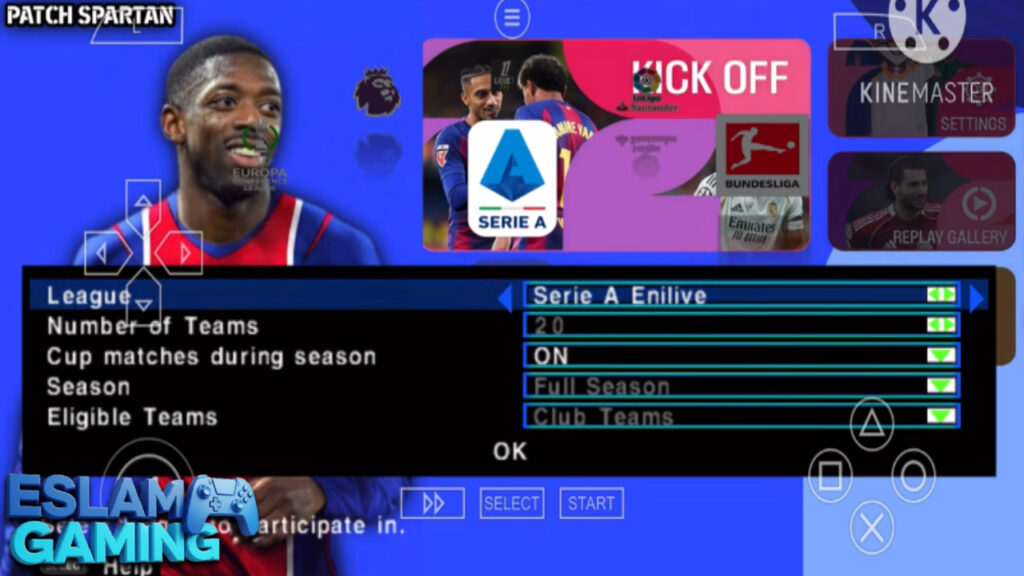
- La Liga, Serie A, and Bundesliga — The core of European football, fully updated.
Gameplay Experience & Mechanics 🎯
Mastering eFootball PES 2026 PPSSPP requires more than just button mashing; it requires an understanding of football logic. The gameplay mechanics in this version have been tuned to be more responsive, reducing the “input lag” often found in older mods.
Tactical Defending and AI Behavior
The CPU AI has been significantly improved. Opponents will now stay in their defensive blocks more effectively, making it harder to break them down with simple sprints. You will need to use tactical switches, overlapping runs from your fullbacks, and patient build-up play to find gaps. Defending is also more rewarding; timing your tackles is essential, as the referee logic has been sharpened to punish reckless lunges. 🛡️
Ball Physics and Shooting
The weight of the ball feels more realistic. Long-range shots have a satisfying “thud” and can dip or swerve depending on the player’s skill set. Crossing mechanics have also been refined, allowing for more variety in how you attack the box—from low-driven crosses to high-looping balls for target-man headers. 💥
Responsive Controls
Whether you are using on-screen touch controls or a Bluetooth controller, the response time is crisp. The game supports advanced moves like the “Marsielle Turn,” “Step-overs,” and “Fake Shots,” which are vital for beating top-tier defenders in 1v1 situations.
Game Modes & Content ⚽
One of the reasons players keep coming back to the PPSSPP version of PES is the depth of its offline modes. Unlike modern “eFootball” apps that focus on microtransactions, this version offers a complete package.


Master League – The Classic Manager Experience
Take control of a club and lead them through multiple seasons. You are responsible for scouting new talent, negotiating contracts, and managing the team’s fatigue. The transfer market logic has been updated to be more realistic, so don’t expect to sign every superstar without a massive budget and a high club reputation. 📊
Become a Legend
Create your own player and guide them from a benchwarmer in a small league to a global superstar. You only control your player, requiring you to find space, call for the ball, and prove your worth to the manager to earn a starting spot.
Tournament Mode
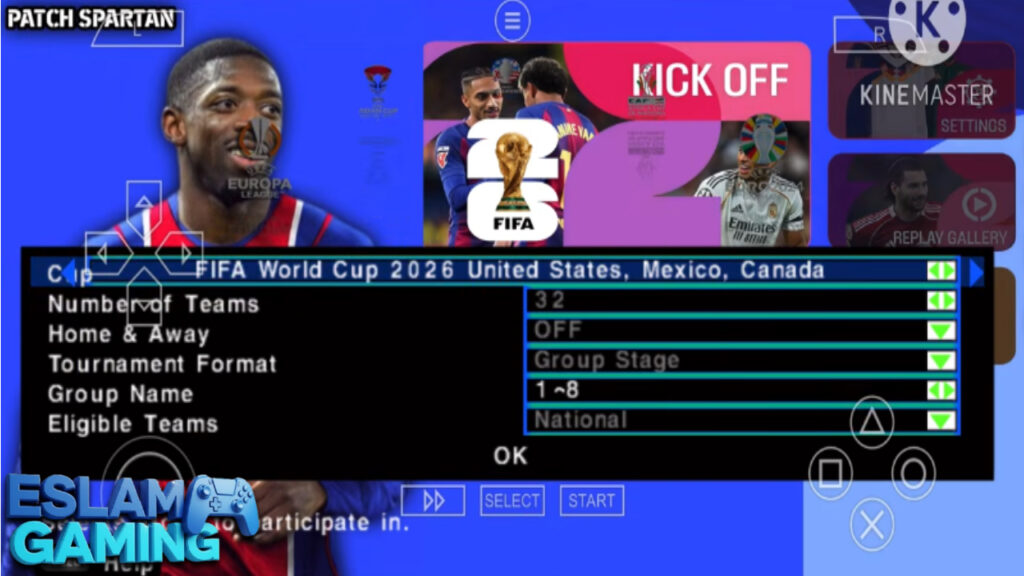
Jump straight into the action with the World Cup, Euro Championship, or the UEFA Champions League. Each tournament features its specific atmosphere, trophies, and presentation styles.
System Requirements for Android (PPSSPP) 📱
To ensure you have the best experience without lag or crashes, check the table below for the recommended hardware specifications.
| Requirement | Minimum Specification | Recommended Specification |
|---|---|---|
| Android OS | Android 6.0 (Marshmallow) | Android 10.0 or higher |
| RAM | 2 GB | 4 GB – 6 GB |
| Processor (CPU) | Quad-core 1.5 GHz | Octa-core 2.0 GHz (Snapdragon 600+ series) |
| GPU | Adreno 300 series | Adreno 500+ or Mali-G series |
| Free Storage | 1.5 GB | 3 GB (for ISO, Textures, and Saves) |
How to Download and Install eFootball PES 2026 PPSSPP ⬇️
Follow these simple steps to get the game running on your Android device. Make sure you have a file manager like ZArchiver installed.
- Download the Files: You will need the ISO game file, the Save Data, and the Textures file.
- Install PPSSPP: Download and install the PPSSPP Emulator from the Play Store or the official website.
- Extract the Data: Open ZArchiver and locate your downloaded files. Extract the Save Data and Textures folders.
- Move the Folders: Copy the extracted ‘PSP’ folder and paste it into your internal storage. It will ask to merge/overwrite—click “Yes to All.” This ensures the kits and rosters are applied.
- Locate the ISO: Move the PES 2026 ISO file to a folder you can easily find (e.g., /Documents/Games).
- Launch the Game: Open the PPSSPP emulator, navigate to the folder where you saved the ISO, and click on the game icon.
- Enjoy! Configure your on-screen buttons and start your first match.
Common Problems & Fixes 🛠️
Black Screen Issue
If you open the game and see nothing but a black screen, the most common fix is changing the emulator language. Go to Settings > System > Language and change it to “Castellano (España)” or “English.” This often bypasses the region-lock found in some modded files.
Game Lag or Slow Motion
If the gameplay feels like it’s moving in slow motion, go to Graphics Settings and enable “Skip Buffer Effects” (though this can cause flickers). Alternatively, set “Frameskipping” to 1. Ensure “Prevent FPS from exceeding 60” is checked.
Textures Not Showing (Old Kits)
This happens if the Textures folder is in the wrong place. Ensure the path is Internal Storage/PSP/TEXTURES. Inside the TEXTURES folder, there should be a folder named after the game ID (e.g., ULES01595).
Tips & Tricks for Better Gameplay 💎
- Master the Finesse Shot: Hold the R1 button (if mapped) while shooting to perform a controlled shot. This is perfect for curling the ball into the far corner when 1v1 with the keeper. 🎯
- Use Manual Switching: Don’t rely on the “Auto” player switching. Switching manually allows you to track runs made by the AI attackers much more effectively.
- Exploit the PS5 Camera: Use the wide view to spot fullbacks making runs. A quick switch of play to the opposite wing can often catch the CPU defense out of position.
- Train Your Youth Academy: In Master League, don’t just buy stars. Check your youth academy regularly; you will often find “Regens” (retired legends who return as 16-year-olds) with massive potential.
- Custom Formations: Don’t stick to the default 4-4-2. Adjust your player positions manually in the Game Plan menu to create a 4-3-3 with an attacking midfielder (AMF) to bridge the gap between midfield and attack.
Is This Game Worth Downloading? 🎯
If you are looking for a football game that respects your time and device storage, eFootball PES 2026 PPSSPP is absolutely worth the download. Unlike the official eFootball 2025 Mobile app, which requires a constant high-speed internet connection and can be very heavy on your battery, this PPSSPP version is lightweight and works entirely offline.
The inclusion of the PS5 Camera and UCL atmosphere makes it feel modern, while the classic Master League mode provides hundreds of hours of gameplay. It’s the perfect companion for long commutes, flights, or anyone living in an area with unstable internet. It’s a love letter to the golden era of PES, updated for the modern day.
The Verdict: A must-have for Android gamers who value gameplay depth and offline accessibility over flashy, microtransaction-filled menus. 🏆🔥
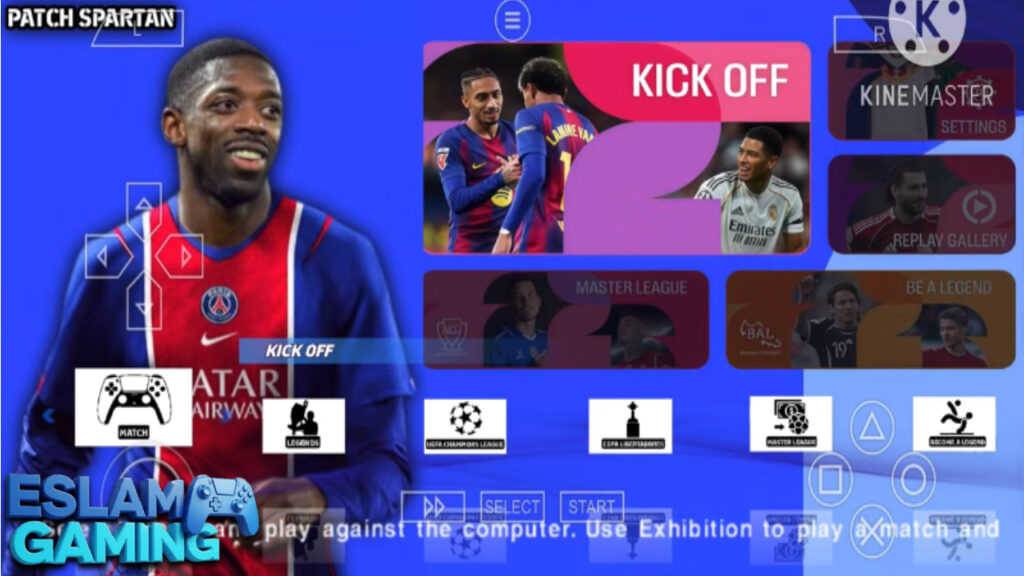
Images from inside the game
Frequently Asked Questions (FAQ) ❓
Is eFootball PES 2026 PPSSPP offline?
Yes, the game is 100% offline. Once you have downloaded and installed the files, you do not need an internet connection to play any of the modes, including Master League and Tournaments.
Can I play this on a PC?
Absolutely! You can download the Windows version of the PPSSPP emulator and follow the same installation steps to enjoy the game on a larger screen with a keyboard or controller.
Are the latest transfers like Mbappe to Real Madrid included?
Yes, this “New Update” specifically focuses on the latest transfers and squad updates for the 2025/2026 season, ensuring all major moves are reflected in the game.
How do I change the camera to the PS5 angle?
In most versions, the PS5 camera is built into the ISO. If it doesn’t appear by default, you can usually toggle camera settings in the “System Settings” or “Match Settings” menu within the game.
Is it safe to download?
When downloading from reputable gaming communities like Eslam Gaming, the files are generally safe. Always ensure you have a good antivirus on your device and avoid clicking on suspicious pop-up ads. ⚖️
Thanks for choosing Eslam Gaming for your football needs. We’ll see you on the pitch! ⚽🔥