EA Sports FC 27 Ppsspp Full Version Camera Ps5 | FIFA 2027 PSP Offline Android Download

EA Sports FC 27 PPSSPP Full Version Camera PS5 | FIFA 2027 PSP Offline Android Download ⚽
If you want a console-style football game on your phone without eating up mobile data or 15 GB of storage, EA Sports FC 27 PPSSPP is one of the smartest options available. This community-updated PSP release brings modern squads, fresh kits, sharper stadiums, and a wide broadcast view modeled after next-gen consoles right onto your Android screen. Instead of relying on heavy online servers or microtransactions, you play complete matches, manage clubs in Career Mode, and compete in European tournaments completely offline. Because it runs through the PPSSPP emulator, even mid-range phones can push crisp visuals and smooth frame rates. Whether you play during a commute or hook up a Bluetooth controller at home, this guide covers what the mod actually offers, how the PS5 camera changes match flow, and how to install the files safely on Android. 🎮📱
Game Overview 🌍
Let us clear up one important fact before you hit any download button: EA does not release official PlayStation Portable games anymore. What players call FIFA 2027 PPSSPP or FC 27 PSP is a dedicated fan modification built on the classic PSP FIFA engine. Modders take the rock-solid core gameplay of the original PSP release and rebuild the surface layer with new player ratings, transfers, kits, faces, mini-banners, and a custom camera patch.
That honest distinction actually works in your favor. Official mobile football apps today often force constant internet connections, card-collecting stamina bars, and sluggish touch controls. By running this modded ISO inside the PPSSPP emulator on Android (or even PC), you get pure offline football with full tactical control.
Platform, Offline Support & Target Players
- Platform: Android smartphones and tablets via the PPSSPP emulator (also compatible with Windows, iOS, and macOS PPSSPP builds).
- Connection Type: 100% offline for Career, Tournaments, and Kick-Off. Local ad-hoc multiplayer works over Wi-Fi hotspot with nearby friends.
- Best Suited For: Football fans on budget or mid-range Android devices, travelers who want zero-lag offline matches, and players who miss classic single-player Career Mode without pay-to-win mechanics.
Key Features of EA Sports FC 27 PPSSPP 🌟
Community modders have pushed the old PSP hardware limits surprisingly far. When you load the ISO alongside the matching Save Data and Textures folders, several standout upgrades immediately show up on the pitch:
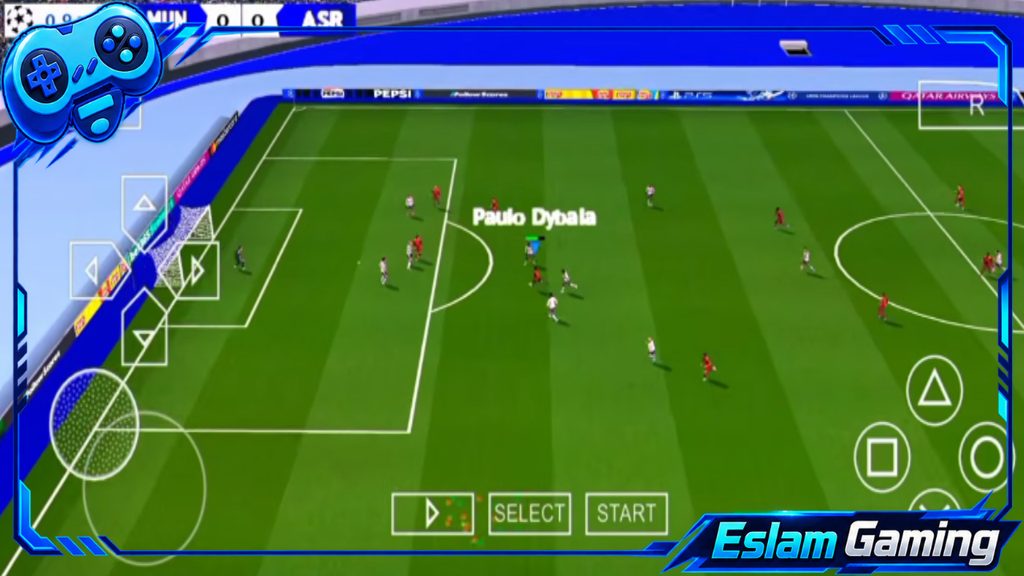
- Wide PS5-Style Broadcast Camera: The classic PSP camera sat way too close to the ball, hiding runs on the far wing. The custom PS5 camera mod pulls the angle back and adjusts the pitch tilt, letting you spot overlapping fullbacks and switch play across the field like on modern consoles.
- Updated Rosters, Transfers & Ratings: Through the bundled Save Data file, clubs feature current-season transfers, promoted league teams, updated shirt numbers, and adjusted player stats so wonderkids and veteran stars perform accurately.
- HD & 4K-Upscaled Texture Pack: While the base PSP resolution is small, PPSSPP supports texture replacement. Custom texture packs swap out blurry jerseys, grass turf, scoreboards, adboards, and boot designs for sharp, high-resolution PNG files that scale cleanly up to 4K on strong phones.
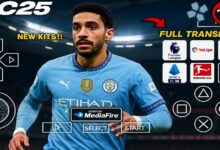
- Authentic Kits & Modern Scoreboard UI: Expect refreshed home, away, and third kits for major European and international clubs, paired with dark-themed FC broadcast overlays, pause menus, and matchday intros.
- True Offline Freedom: You never need mobile data or a Wi-Fi check-in to boot the game. Save your Career progress directly to your phone storage and pick up right where you left off.
- Full Controller & Layout Customization: Map on-screen buttons anywhere you want, change button opacity, or pair an Xbox, DualSense, or generic Bluetooth gamepad for zero screen clutter.
Gameplay Experience & Mechanics 🎯
Visual mods mean very little if the football feels stiff. Fortunately, the underlying PSP FIFA engine still plays a snappy, responsive game of football that rewards smart passing over mindless sprinting.
Controls & Responsiveness
On-screen controls use the classic PSP layout: left analog stick for movement, D-pad for quick mentality shifts, and four face buttons for short pass, through ball, lob/cross, and shoot. Shoulder triggers handle sprint (R) and player switching or finesse modifiers (L). Touch controls work fine once you resize the buttons in PPSSPP, though connecting a physical gamepad makes skill moves and timed tackles noticeably sharper.
Difficulty & AI Behavior
Matches scale across Amateur, Semi-Pro, Professional, World Class, and Legendary. On Amateur and Semi-Pro, defenders give you plenty of time on the ball. Bump the slider up to World Class or Legendary, and CPU teams press passing lanes, hold compact shapes, and punish reckless slide tackles with quick counterattacks.
Graphics Style & The Camera PS5 Difference
Do not expect native PlayStation 5 ray tracing—the 3D player skeletons still belong to the handheld era. However, combining PPSSPP’s 3x or 4x internal rendering resolution with community texture packs transforms how the game looks. Grass lines look crisp, jersey sponsors remain readable, and the PS5 camera angle makes every match feel far more tactical. Seeing both wings at once completely changes how you build attacks from the back.
Sound & Stadium Atmosphere
Crowd chants rise during counterattacks, goal kicks echo nicely, and clean commentary calls keep pace with the action. Many modded ISO builds also refresh the menu soundtrack with modern tracks. Plugging in earphones helps you hear crisp ball strikes and crowd reactions without phone speaker distortion. 🎧
Game Modes & Content 🏆
Unlike stripped-down mobile football games, this PSP build packs complete single-player modes inside a compact file size. Here is what you actually get inside the menus:
Manager Mode (Career)
Pick any club across major leagues, manage your transfer budget, negotiate player contracts, and upgrade club staff like fitness coaches and scouts. You balance board expectations across domestic leagues and continental cups over multiple seasons, rotating tired starters during crowded fixture weeks.
Be A Pro Mode
Take control of a single player—either an existing star or a custom-created pro—and build your career from the reserves to the starting eleven. The match rating system tracks your positioning, passing accuracy, and shots on target rather than just goals scored.

Tournament & Cup Mode
Jump straight into knockout championships, European club cups, or national team tournaments without managing multi-year finances. You can also build custom brackets to settle rivalries with friends using local pass-and-play or hotspot multiplayer.
Kick-Off, Practice & Challenges
Kick-Off throws you into a quick match in seconds with adjustable half lengths, weather, and ball physics. Practice Arena lets you test free kicks, penalties, and corner routines before taking those skills into tough Career fixtures.
System Requirements for Android 📱
Because the base game targets lightweight handheld hardware, almost any Android phone built in the last six years can boot it. Turning up 4K textures and PS5 camera angles demands a bit more GPU headroom, though. Check the table below to see where your device sits:
| Component | Minimum (Low-End Devices) | Recommended (High-End / 4K Scaling) |
|---|---|---|
| Operating System | Android 7.0 (Nougat) or higher | Android 10 or higher |
| Processor (CPU) | Quad-Core 1.8 GHz (Snapdragon 450 / Helio G35) | Octa-Core (Snapdragon 730G, Dimensity 800, or better) |
| RAM | 2 GB – 3 GB RAM | 4 GB – 8 GB RAM |
| Free Storage | 2.5 GB free (ISO + Save Data + Textures) | 4 GB free (for extraction + backups) |
| Graphics API | OpenGL ES 3.0 | Vulkan API inside PPSSPP |
| Emulator | PPSSPP v1.15+ (Free or Gold APK) | Latest PPSSPP official release |
How to Download and Install EA Sports FC 27 PPSSPP ⬇️
Many beginners get confused when searching for an “EA Sports FC 27 PPSSPP Android APK.” Keep in mind that the game itself is not a standalone APK. You install the PPSSPP emulator APK first, then load the modded ISO, Save Data, and Textures files through it. Most mod packs arrive hosted on fast file-sharing sites like ModsFire or MediaFire in compressed ZIP/7z archives.
- Install the Emulator & File Manager: Download the official PPSSPP emulator from the Google Play Store or the official PPSSPP website. Also grab ZArchiver from the Play Store so you can extract compressed files reliably.
- Download the Mod Pack: Grab the FC 27 / FIFA 2027 PPSSPP archive (which bundles the ISO, SAVEDATA, and TEXTURES folders) from a trusted community creator or verified ModsFire link. Check the creator’s description page carefully if the archive uses a file password—never download from sites demanding survey completions for passwords.
-
Extract the ISO File: Open ZArchiver, go to your
Downloadfolder, tap the ISO archive, and extract the.isofile into a clean folder likeInternal Storage/PSP/GAME/. -
Move Save Data and Textures (Crucial Step): Extract the
SAVEDATAandTEXTURESfolders directly intoInternal Storage/PSP/. If Android asks whether to overwrite or merge folders, tap Apply to all files & Replace. Without these two folders in the exact right directory, you will see old squads and default textures. - Match Emulator Language (If Required): Some PS5 camera mods and European squad patches bind to a specific PSP system language (often English or Español/Latin America depending on the modder). Check the mod notes and set PPSSPP Settings > System > Language accordingly.
-
Launch and Play: Open PPSSPP, tap the Games tab, browse to your
PSP/GAMEfolder, and tap the FC 27 icon to boot your first match.
Common Problems & Fixes 🛠️
Running modded textures and custom cameras inside an emulator occasionally throws up hiccups. Here is how to solve the four issues players hit most often:
- Black Screen on Launch: This almost always happens because the PSP system language does not match the ISO region, or “Buffered Rendering” got turned off. Go to Settings > Graphics > Mode and make sure Skip Buffer Effects is unchecked. Also switch Settings > System > Fast Memory off if the screen freezes right after the intro logo.
- Lag, Audio Crackling, or Slow Motion: High-res texture packs tax budget GPUs. Open Settings > Graphics, drop Rendering Resolution to 1x or 2x PSP, set Frameskipping to 1 (with Auto Frameskip checked), and toggle Backend between Vulkan and OpenGL to see which runs smoother on your chip.
-
Old Squads or Missing Kits After Install: You likely placed the folders inside a nested directory like
PSP/TEXTURES/TEXTURES/. Open ZArchiver and verify that insideInternal Storage/PSP/TEXTURES/you immediately see the Game ID folder (usually starting withULESorULUS), not another folder named TEXTURES. Also ensure Developer Tools > Replace Textures is enabled in PPSSPP. - Extraction Errors or Password Failures: If ZArchiver says “Archive is corrupted,” the file download dropped halfway—delete it and re-download using a stable connection. If you face a password prompt, double-check capitalization and extra spaces when typing the creator’s file password.
Tips & Tricks for Better Gameplay 💎
Once your PS5 camera angle and textures are running cleanly, use these practical match habits to beat World Class and Legendary AI consistently:
- Exploit the Wide PS5 Camera Vision: Instead of forcing passes straight down the middle, glance at your opposite winger as soon as your central midfielder wins the ball. A driven lobbed pass (Circle/Square depending on layout) across the pitch catches AI fullbacks out of position every time.
- Hold Sprint Only in Open Space: Holding R constantly pushes the ball too far ahead of your boots, making it easy for defenders to poke it away. Let go of sprint when receiving passes in tight boxes so your player takes a tight first touch.
- Use Finesse Shots Inside the Box: Holding the finesse modifier while tapping shoot curls the ball around rushing goalkeepers into the far corner. It beats straight power shots almost every time during one-on-ones.
- Track Runners Manually Instead of Lunging: Never mash slide tackle when the AI attacks. Hold jockey/contain to block the shooting lane and wait for the striker’s heavy touch before pressing tackle.
- Rotate Your Squad in Career Mode: Stamina drops rapidly across cup weeks. Keep a second eleven for early domestic cup rounds so your key starters do not pull muscles before big league clashes.
- Master Near-Post Corners: Aim corners slightly ahead of the six-yard box with moderate power and send a tall center-back to attack the near post—flick-on headers remain one of the easiest ways to break stubborn defenses.
Is This Game Worth Downloading? 🎯
Let us weigh the honest strengths and drawbacks so you know whether this mod deserves space on your phone.
Pros & Cons
- Pros: Zero internet required, no pay-to-win packs, wide PS5 broadcast camera makes tactics enjoyable, updated transfers and crisp custom kits, runs smoothly even on older Android phones, full Career Mode included.
- Cons: Base player faces and animations still show their PSP age underneath HD textures, manual folder setup (ISO + Save Data + Textures) takes 5 minutes of file management, and online matchmaking against random global players is not supported.
Who Should Download vs. Who Should Skip
Download it if you want genuine offline football, enjoy deep Career Mode management, or play on a phone with 3–4 GB of RAM where modern live-service football games overheat or lag. Skip it if you strictly want online Ultimate Team leaderboards, official real-time PvP ranked seasons, or console-grade motion-capture animations.
Overall, EA Sports FC 27 PPSSPP with the PS5 camera patch delivers impressive value for under 2 GB of storage. Take five minutes to place the Save Data and Textures folders properly, dial in your PPSSPP resolution, and you have one of the best offline football setups on Android.
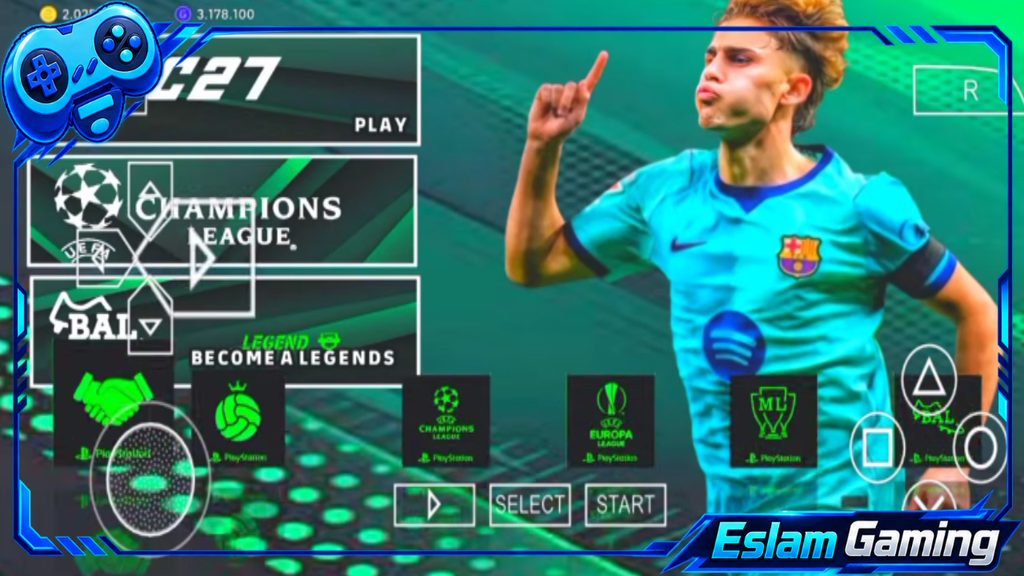
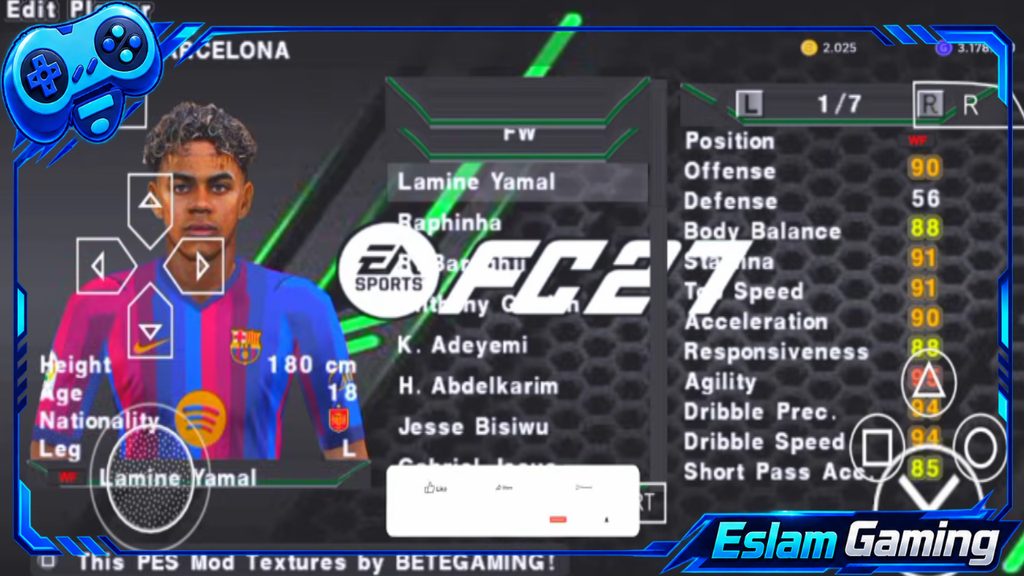
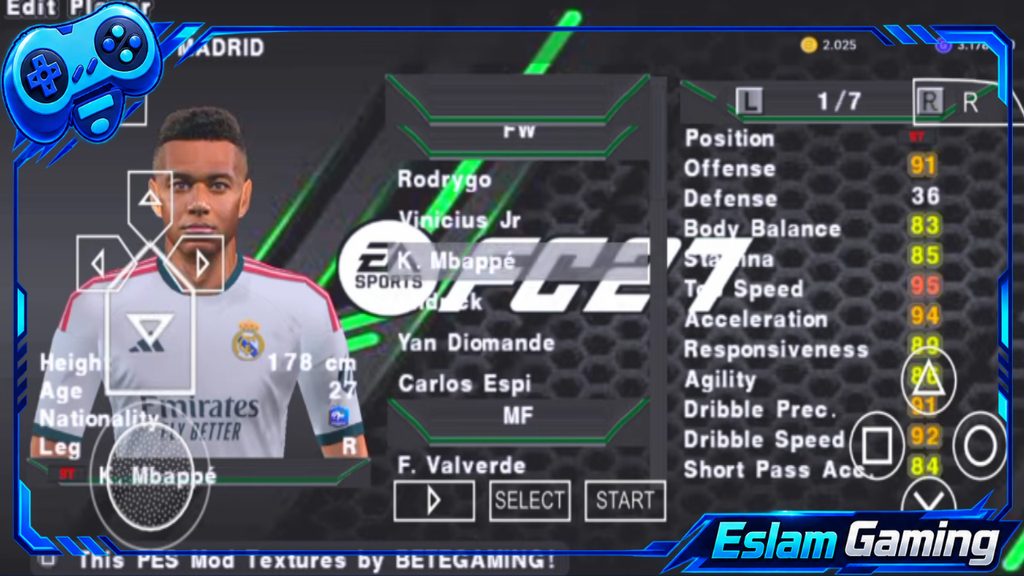
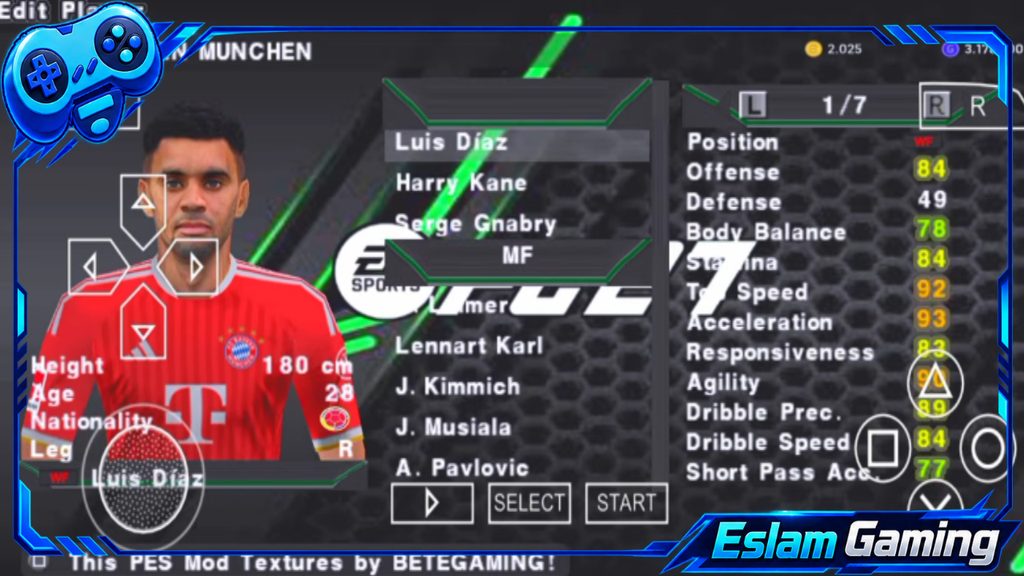
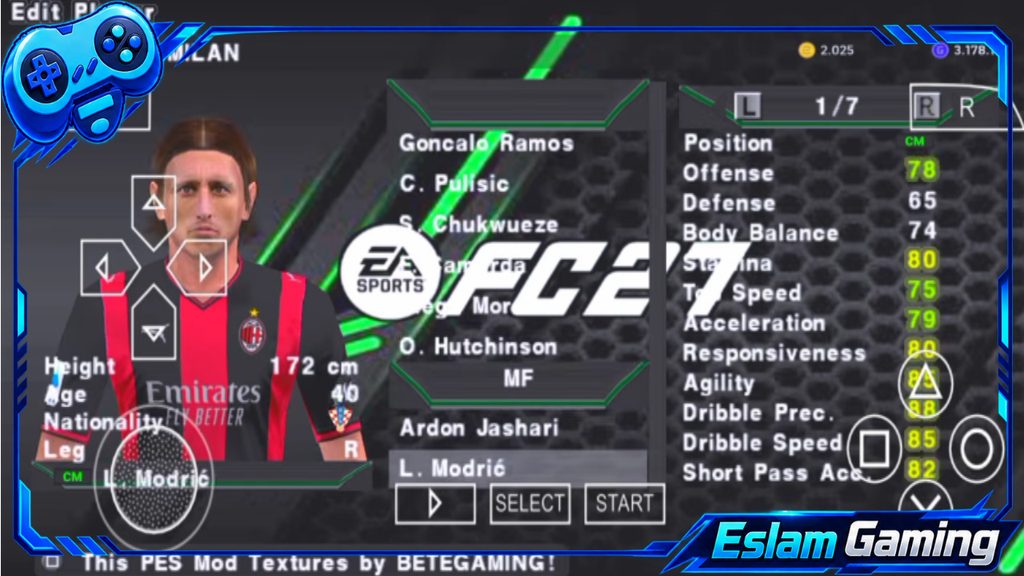
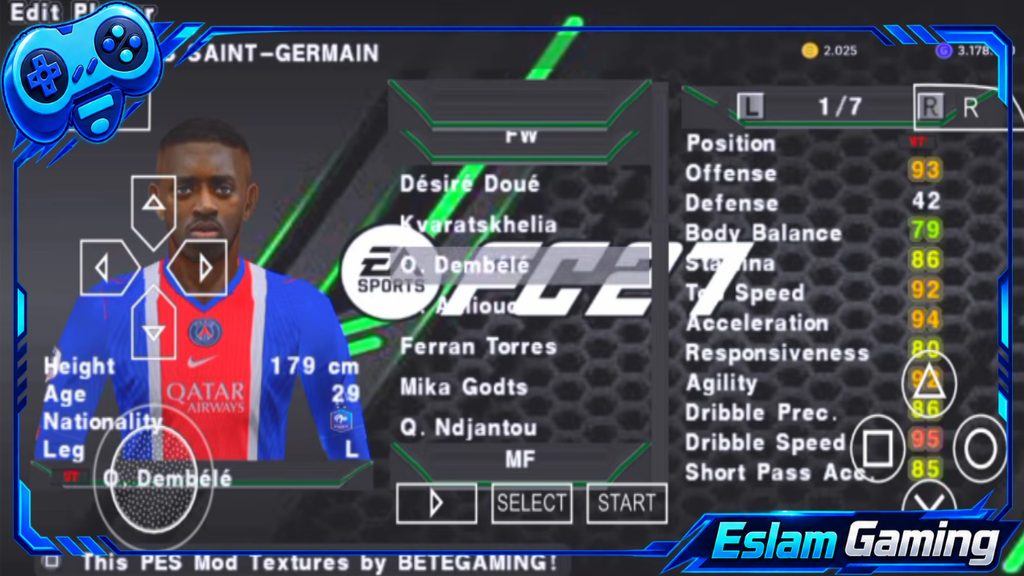
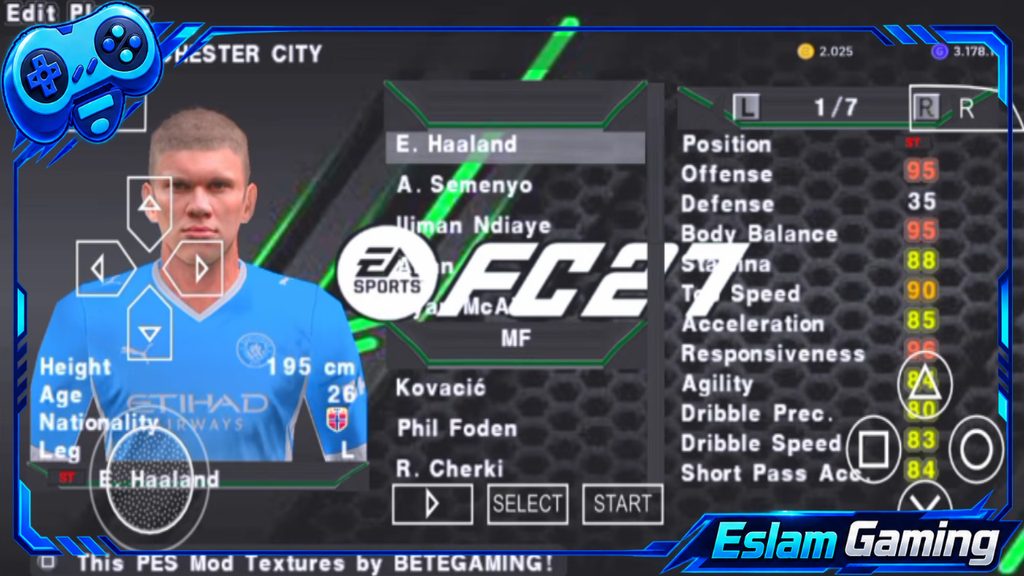
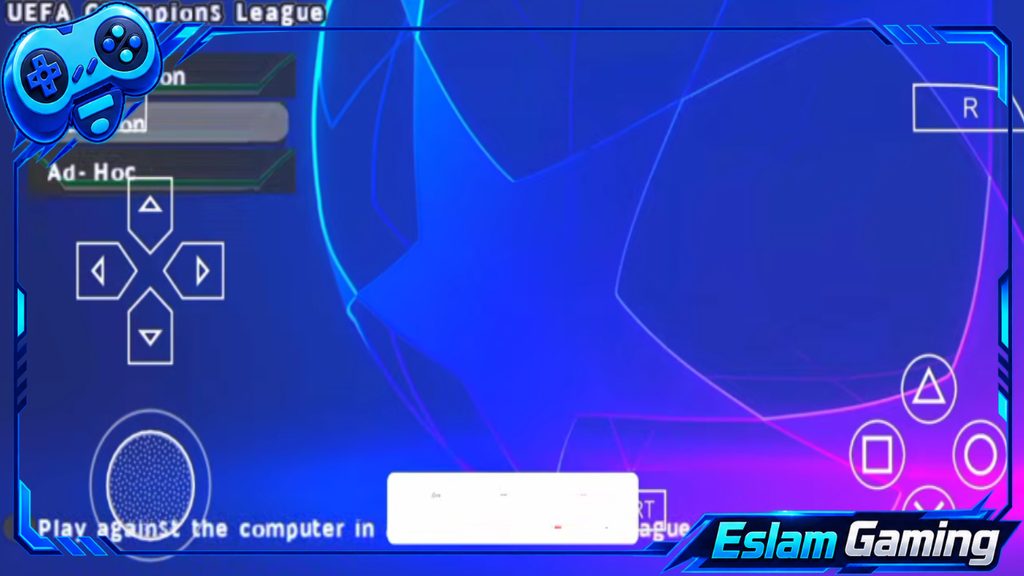
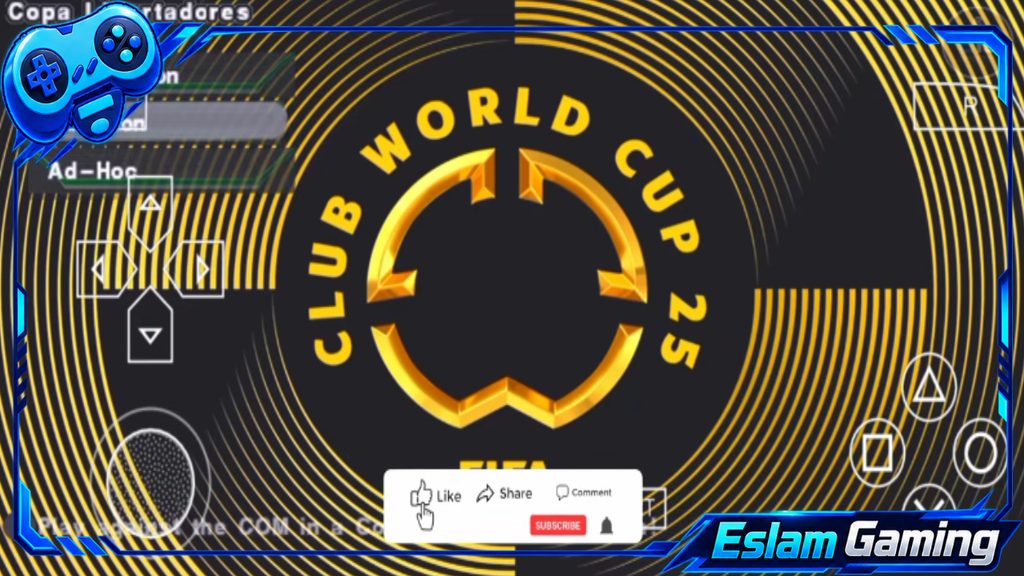
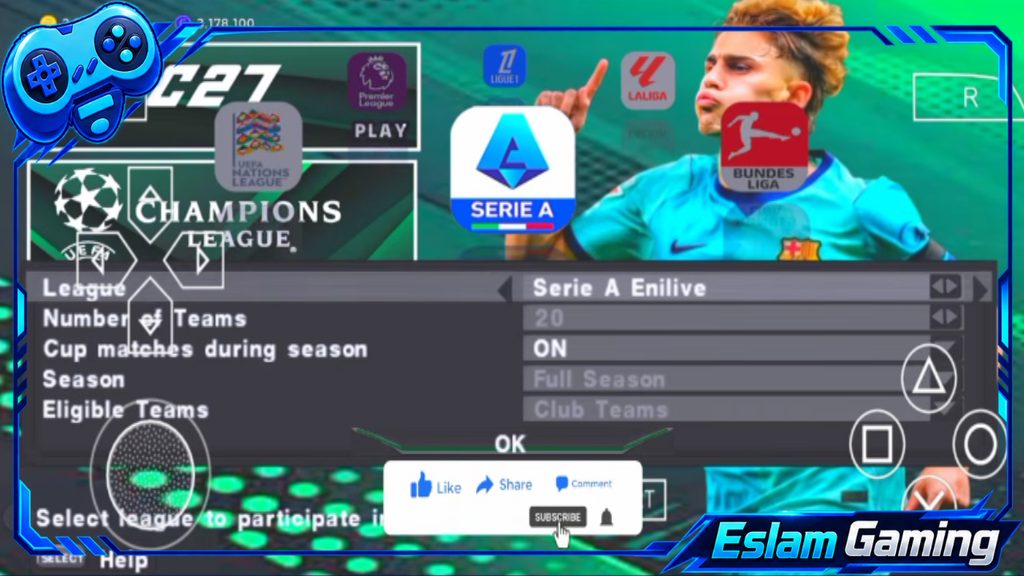
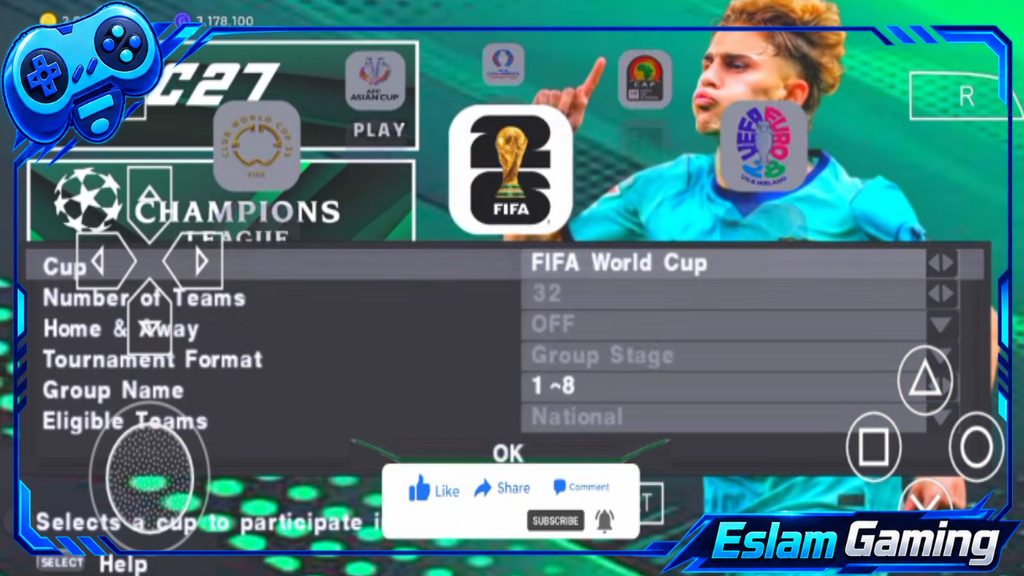
Images from inside the game
Frequently Asked Questions (FAQ) ❓
Is there an official EA Sports FC 27 PPSSPP APK?
No. EA does not release PSP games or standalone PPSSPP APKs. To play on Android, you download the official PPSSPP emulator APK and load the community-modded FC 27 ISO, Save Data, and Textures files inside it.
Does the PS5 camera version work completely offline?
Yes. Once you extract the ISO and copy the Save Data and Textures folders into your PSP directory, every mode—including Career, Tournaments, and Kick-Off—runs 100% offline.
Why do some ModsFire downloads ask for a file password?
Mod creators often lock ZIP or 7z files with a short password to prevent stolen re-uploads and ensure players read their installation notes. Always get the password directly from the mod creator’s original post or video description.
Can I play this with a Bluetooth controller on Android?
Yes. Pair any Xbox, PlayStation, or generic Android gamepad via Bluetooth, open PPSSPP Settings > Controls > Control Mapping, and map your buttons in under a minute.
How much storage space do I need in total?
The final extracted ISO, Save Data, and HD/4K texture pack usually take between 1.5 GB and 2.5 GB. Keep at least 3.5 GB free before you start extracting so ZArchiver does not run out of temporary space.
Enjoy the new season on your Android device—drop your setup questions below and see you on the pitch! ⚽🔥