eFootball PES 2026 PPSSPP Android Offline PS5 Camera Efootball 2026 PSP Full Update Download

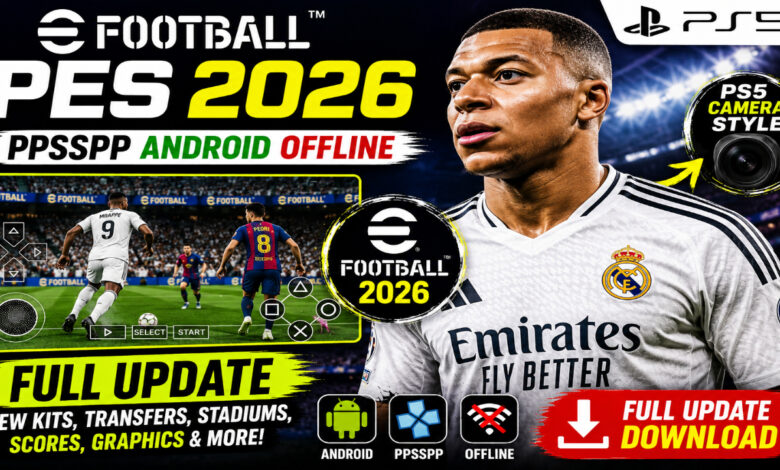
eFootball PES 2026 PPSSPP Download for Android – eFootball 2026 Offline PS5 Camera Guide ⚽
The beautiful game is evolving, and so is your mobile gaming experience! If you are looking for the most comprehensive, high-definition football simulation on your smartphone, the eFootball PES 2026 PPSSPP update is exactly what you need. Featuring the highly anticipated 2025/2026 season transfers, redesigned kits, and the fan-favorite PS5 camera angle, this version brings the console atmosphere directly to your Android device. Whether you are a fan of Master League or want to lead your favorite national team to glory, this offline build delivers it all. Download now and take control of the pitch with precision and style! 🎮🔥
What is eFootball PES 2026 PPSSPP? 🎮
eFootball PES 2026 PPSSPP is a specialized, community-driven modification of the classic Pro Evolution Soccer engine, optimized for the PPSSPP (PlayStation Portable) emulator. While official developers have moved toward “eFootball” as a live-service mobile app, many hardcore fans prefer the classic tactical gameplay of the PSP era. This 2026 version bridges that gap by injecting modern graphics, updated rosters (including the summer 2025 transfer window), and advanced textures into the stable, offline PES engine. It is designed for players who want a deep, 100% offline football experience without the need for constant internet connections or microtransactions. From the iconic UEFA Champions League atmosphere to local leagues like the Betway Premiership, this version is a love letter to football fans. ⚽📱
Why this version appeals to mobile players 🌍
Mobile gamers are increasingly tired of “pay-to-win” mechanics. This eFootball PES 2026 PPSSPP build stands out because it focuses on:
- Complete Offline Access — Play every mode, from Master League to Become a Legend, without a single byte of data.
- The “PS5 Camera” Experience — A wide-angle view that mimics high-end console broadcasts, allowing you to see the entire tactical setup of your team.
- Legacy Gameplay — The classic PES physics engine, which many argue provides a more realistic ball trajectory and player weight than modern alternatives.
- Moddability — The ability to add new faces, boots, and kits ensures the game never feels outdated.
Key Features of eFootball PES 2026 PPSSPP 🌟
2025/2026 Full Transfers & Updated Rosters ⚡
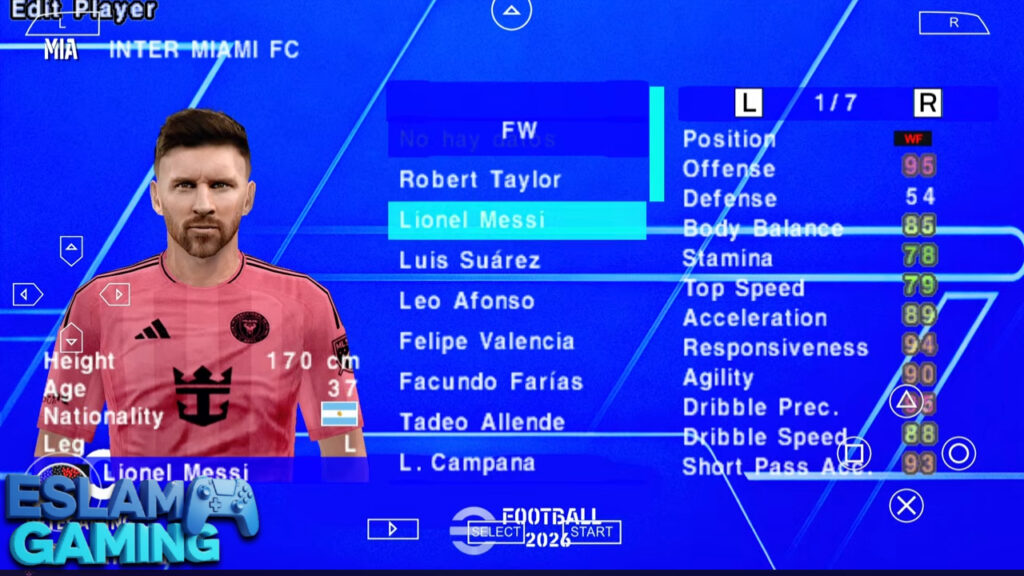
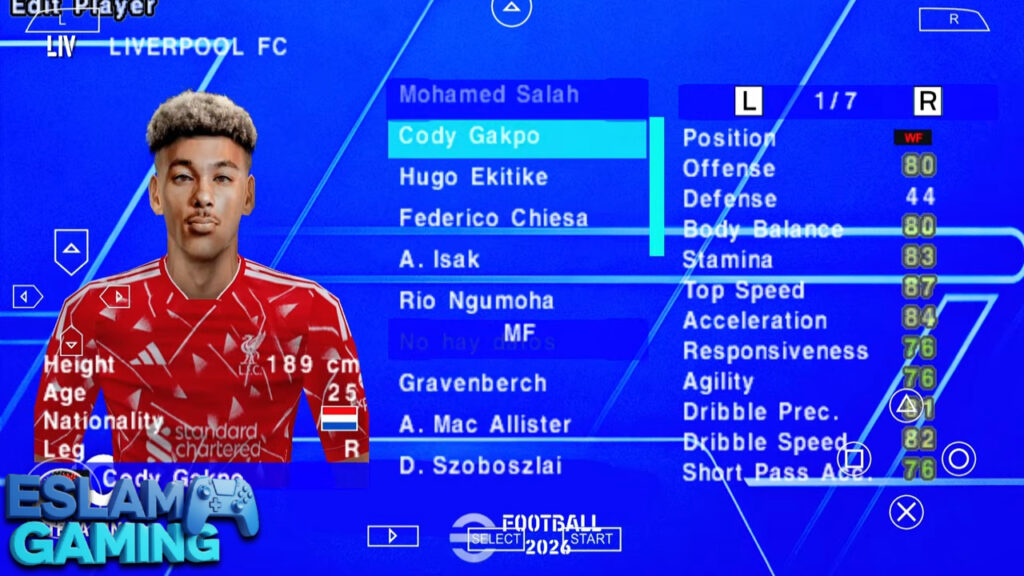
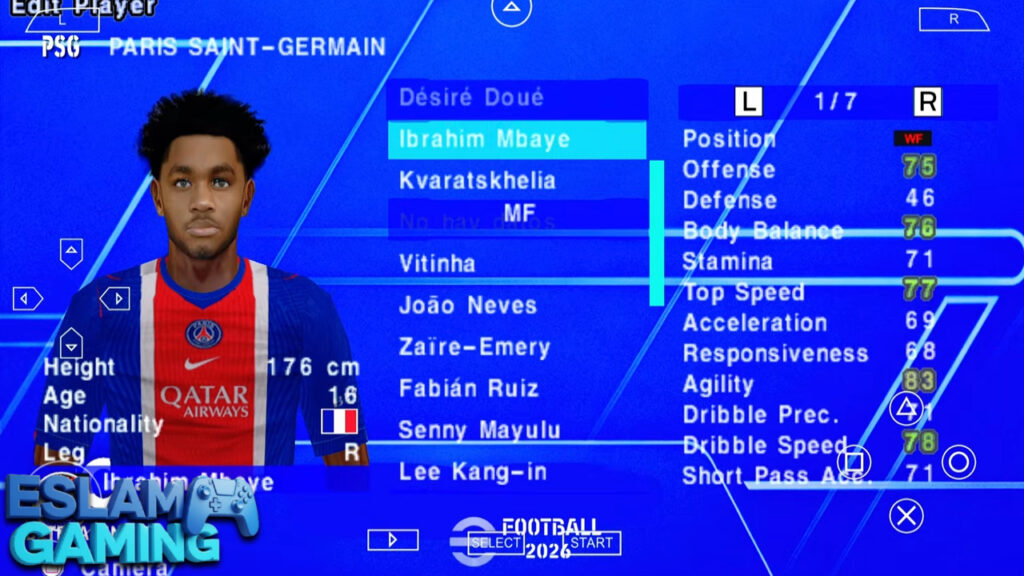
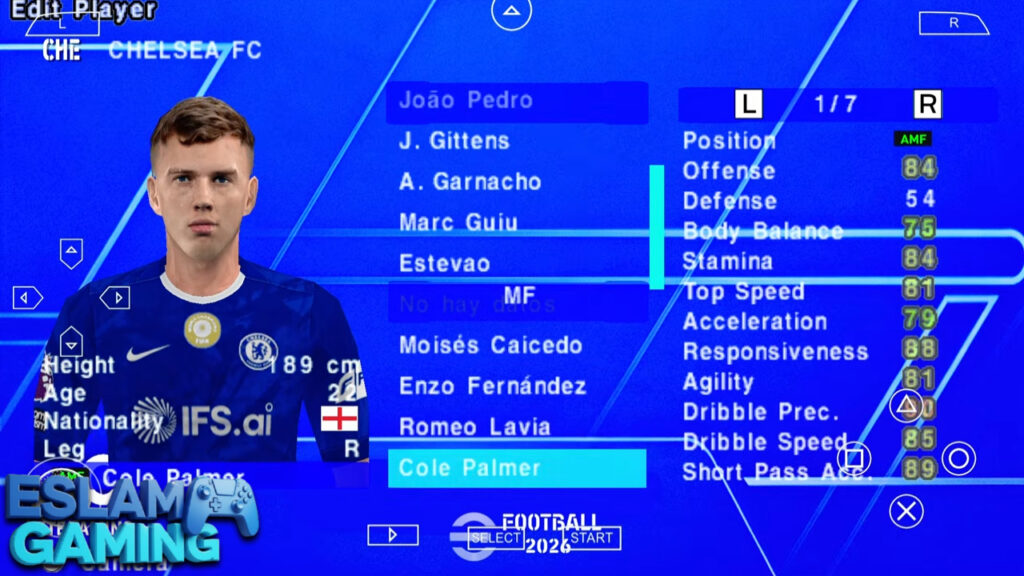
Stay ahead of the curve with the latest squad movements across Europe, South America, and Africa. This update includes all major summer transfers for the 2025/26 season. Experience playing with Kylian Mbappé at Real Madrid, or manage the rising stars of the Premier League and Serie A. The rosters are meticulously balanced to reflect real-life player form, ensuring that stars like Haaland and Vinícius Jr. feel as impactful as they are in reality. 💼📈
PS5 Camera & 4K Textures 🎨
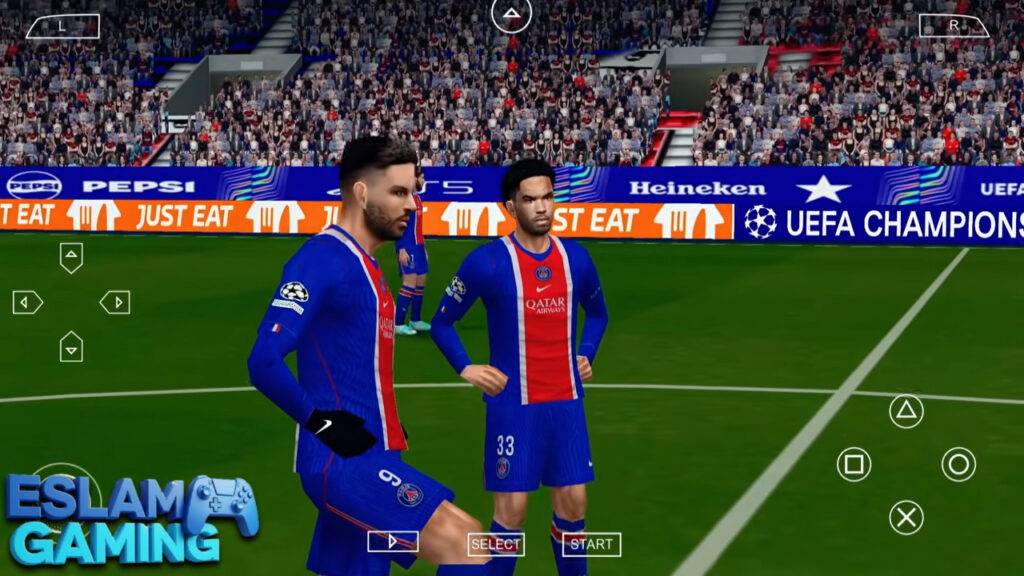
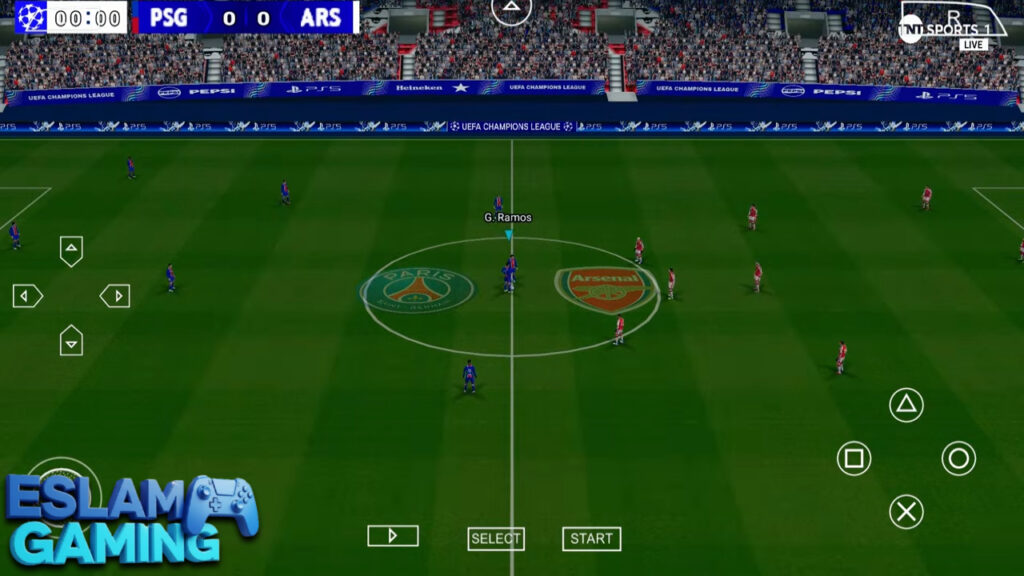
One of the most requested features is the efootball pes 2026 ppsspp ps5 camera. This wide-angle perspective gives you a bird’s-eye view of the pitch, making it easier to spot through-ball opportunities and defensive gaps. Combined with new HDR textures and “Real Face” mods, the players look sharper than ever. Stadiums have been refreshed with updated adboards, 3D grass textures, and realistic lighting to mimic a modern broadcast. 🎥✨
UCL, UEL, and Betway Premiership 🏆
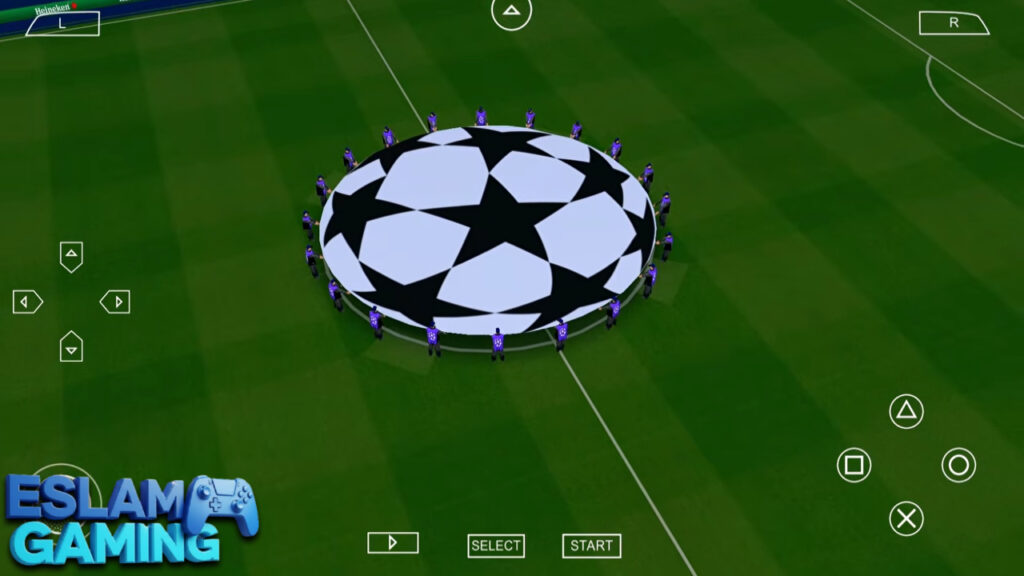
This version isn’t just about Europe. It features a robust selection of leagues, including the fully updated UEFA Champions League with new 2026 branding. For fans in Africa, the Betway Premiership (PSL) is included with updated South African squads, kits, and player ratings. Whether you’re competing in the AFC Champions League or the FIFA World Cup mode, the variety of content is staggering. 🌍⚽
Authentic Gameplay Mechanics 🧠
The gameplay has been tweaked to improve CPU intelligence. Defenders are now more adept at intercepting passes, and goalkeepers have new animations to handle long-range strikes. The “First Touch” system has been refined, meaning player stats significantly affect how well they control a difficult ball under pressure. 🏃♂️💨
Customizable Controls & Emulator Settings ⚙️
Using the PPSSPP emulator, you can map your buttons to match your comfort level. Whether you use the classic cross-button layout or a modern Bluetooth controller, the responsiveness is near-instant. You can also toggle settings like “60 FPS” for buttery-smooth motion or “2x Rendering Resolution” to eliminate jagged edges on high-end screens. 🎛️🔧
Gameplay Experience & Mechanics Explained 🎯
Mastering eFootball PES 2026 PPSSPP requires more than just holding the sprint button. The game rewards tactical patience and smart positioning. Below, we break down how to dominate the match and utilize the new 2026 features to your advantage.
Strategic Passing & Midfield Control
The midfield is where matches are won. In this version, “Tiki-Taka” is highly effective but requires precise timing. Use the “Manual Pass” feature (if enabled in settings) to place the ball into open space rather than directly at a player’s feet. This is particularly useful when using the PS5 camera, as you can see the run of your wingers before the CPU defense reacts. 🎯
Advanced Finishing Techniques
Goal scoring in PES 2026 is an art. The “Finesse Shot” (R1 + Shoot on many layouts) allows you to curl the ball into the top corner, while the “Knuckle Shot” can be triggered by high-power players like Cristiano Ronaldo or Rashford. Remember to check the player’s “Weak Foot” rating before attempting a long-range strike; a 1-star weak foot will likely result in a sky-high miss! 💥
Defensive Discipline and Jockeying
Don’t just rush the ball carrier. Use the “Jockey” mechanic to stay between the attacker and the goal. The AI in the 2026 update is much better at exploiting “Over-committing.” If you pull a center-back out of position, the CPU will immediately attempt a through-ball into that gap. Maintain your defensive line and wait for the perfect moment to trigger a standing tackle. 🛡️


Game Modes and Deep Content ⚽
What makes the PPSSPP version superior to many modern mobile games is the depth of its single-player modes. There are no energy bars or waiting times here—just pure football management and action.
Master League – The Ultimate Dynasty
In Master League, you take control of a club’s destiny. You handle the finances, scout for youth talent, and navigate the transfer market. The 2026 update introduces a more realistic “Player Growth” curve, where young players develop based on their match ratings rather than just their age. Balancing your budget for the 2025/26 season is crucial, especially if you’re aiming for Champions League qualification. 📊🚀
Become a Legend – Your Personal Journey
Create yourself in the game and start as a 17-year-old prospect. You control only your player, calling for the ball and making runs into the box. The goal? To sign for a top-tier European giant and win the Ballon d’Or. The new camera angles make this mode incredibly immersive, as you feel like you’re actually on the pitch. 🏆
Tournament Mode & Custom Cups
If you don’t have time for a full season, jump into a Tournament. This includes the UEFA Euro 2024 (updated for 2026 contexts), the Copa América, and the AFC Asian Cup. You can also create your own custom league or knockout cup to play with friends in a “pass and play” style. 🤝
System Requirements for Android (PPSSPP) 📱
Because this is an emulated game, performance varies based on your hardware. However, PES 2026 is surprisingly well-optimized for a wide range of devices.
| Component | Minimum Requirement | Recommended Specs |
|---|---|---|
| Operating System | Android 6.0 (Marshmallow) | Android 10.0 or higher |
| Processor (CPU) | Quad-Core 1.5 GHz | Octa-Core (Snapdragon 700+ Series) |
| RAM | 2 GB | 4 GB – 8 GB |
| Storage Space | 1.5 GB (ISO + Save Data) | 3 GB (For extra Texture Packs) |
| Emulator Version | PPSSPP v1.10+ | PPSSPP Gold (Latest Version) |
Graphics, Sound, and Atmosphere 🎵
The 2026 update isn’t just a roster change; it’s a total sensory overhaul. The developers have worked hard to ensure the game looks and sounds like a modern eFootball title.
- Visuals: New HDR shaders make the player skin tones and kit colors pop. The stadiums now feature dynamic shadows that change depending on the time of day (Day, Afternoon, Night matches).
- Audio: Enjoy updated commentary that mentions new transfers and young stars. The crowd chants are team-specific; you’ll hear “You’ll Never Walk Alone” at Anfield or the rhythmic drumming of the South American supporters.
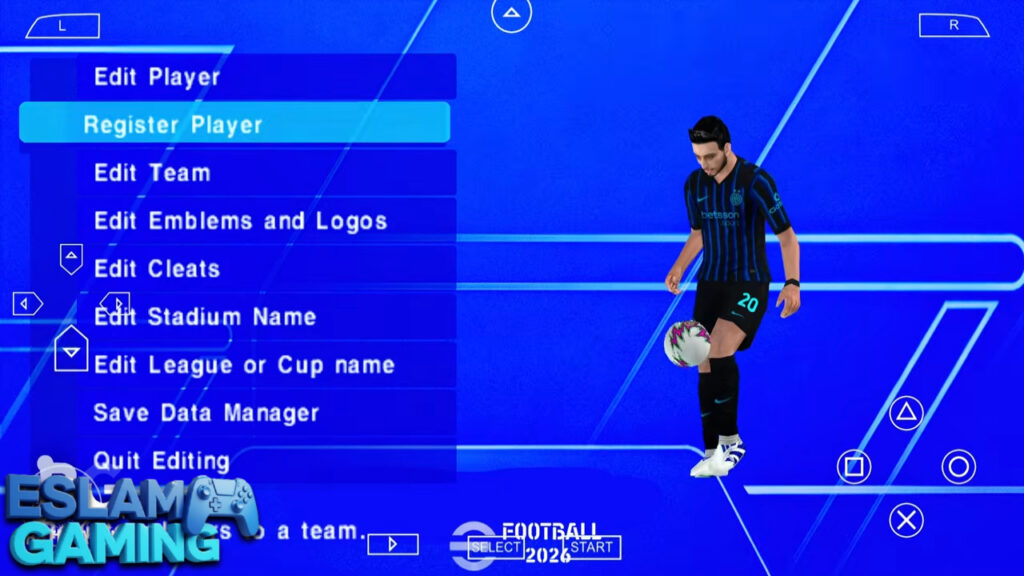
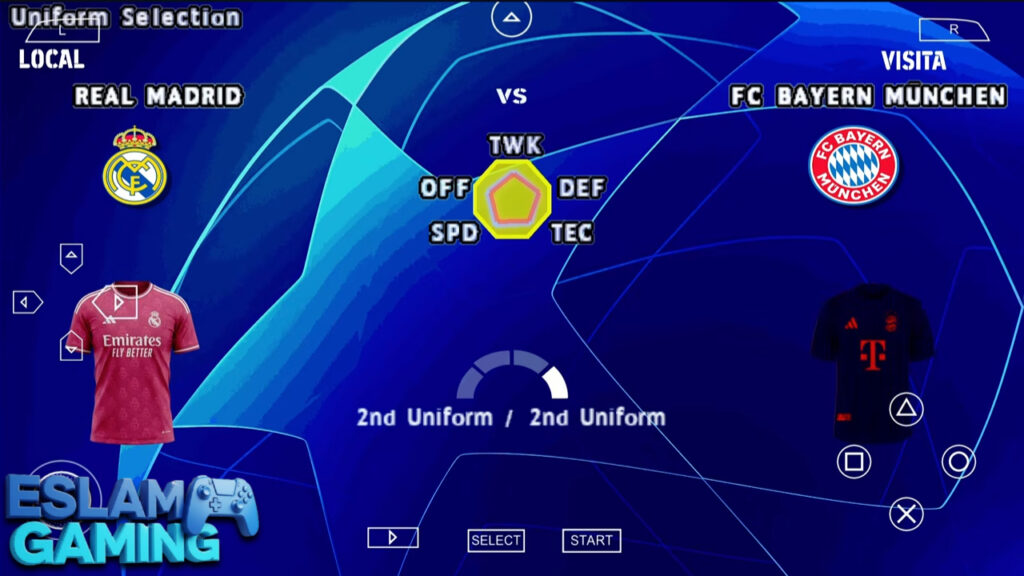
- Interface: The menus have been redesigned with a clean, “eFootball 2026” inspired UI, making navigation faster and more intuitive.
🤔 Why Choose eFootball PES 2026 PPSSPP?
This version is the definitive choice for football gamers on Android because it offers:
- True Offline Experience — No internet, no problem. Play deep career modes anywhere in the world.
- PS5 Visual Fidelity — Experience high-angle cameras and textures that push the PPSSPP emulator to its limits.
- Comprehensive League Support — From the English Premier League to the Betway Premiership (PSL), the world of football is at your fingertips.
- No Microtransactions — Every player, kit, and stadium is unlocked from the start. Build your dream team through skill, not credit cards.
- Active Community Support — Regular updates for Save Data and Textures ensure your game stays fresh throughout the 2026 season.
Get ready to dominate the virtual pitch — Download eFootball PES 2026 PPSSPP today! 🚀
How to Download and Install eFootball PES 2026 PPSSPP ⬇️
Setting up the game is simple if you follow these steps carefully. You will need a file extractor like ZArchiver to manage the game files.
- Download the Files: Get the PES 2026 ISO, Save Data, and Texture files from a trusted source (like Eslam Gaming).
- Install PPSSPP: Download the PPSSPP emulator from the Play Store or the official website.
- Extract the Game: Use ZArchiver to locate your downloaded files. Extract the ISO file to a folder named “PSP/GAME” on your internal storage.
- Apply Save Data & Textures: This is the most important step! Extract the “Save Data” folder and move its content to
Internal Storage/PSP/SAVEDATA/. Then, extract the “Textures” folder and move it toInternal Storage/PSP/TEXTURES/. - Launch the Game: Open the PPSSPP emulator, navigate to the “PSP/GAME” folder, and click on the PES 2026 icon.
- Change Language (If needed): If you see a black screen, go to PPSSPP Settings > System > Language and set it to “Español (Castellano)” or “English,” depending on the specific mod version.
Common Problems & Fixes 🛠️
Even the best mods can have occasional hiccups. Here is how to fix the most common issues:
- Black Screen: This usually happens because of a language mismatch. Go to the emulator’s System settings and change the language to “Español” or “English (US)”.
- Laggy Gameplay: Disable “Buffer Graphics” in the settings or lower the rendering resolution to 1x. Ensure “Hardware Transform” is turned on.
- Incorrect Kits or Names: This means your “Save Data” or “Textures” were not placed in the correct folder. Double-check that they are inside the “PSP” folder on your main storage.
- Game Crashes during Transfer: This is rare and usually solved by clearing the PPSSPP cache or re-extracting the ISO file.
Tips and Tricks for Better Gameplay 💎
- Master the Super Cancel: Press R1 + R2 (or your mapped equivalents) simultaneously to cancel an automated player action. This allows you to manually move to the ball and intercept passes more effectively. 🎯
- Utilize the PS5 Camera: Don’t just look at the ball. Use the wide view to watch your strikers’ movement off the ball. A well-timed lobbed through-ball (L1 + Triangle) is deadly in this version.
- Free-Kick Mastery: When taking a free-kick, hold the “Down” button while powering up for a dipping shot, or “Up” for a powerful drive. Use the analog stick to add curve after the power bar is set.
- Rotation is Key: In Master League, players get tired. Use your substitutes around the 60th minute to keep the intensity high. Fresh legs in the 2026 update make a massive difference in sprint speed late in the game.
- Custom Formations: Don’t stick to the default 4-4-2. Go into the tactical menu and manually drag your players to create a “False 9” or a “Wing-back” system to exploit the CPU’s defensive weaknesses.
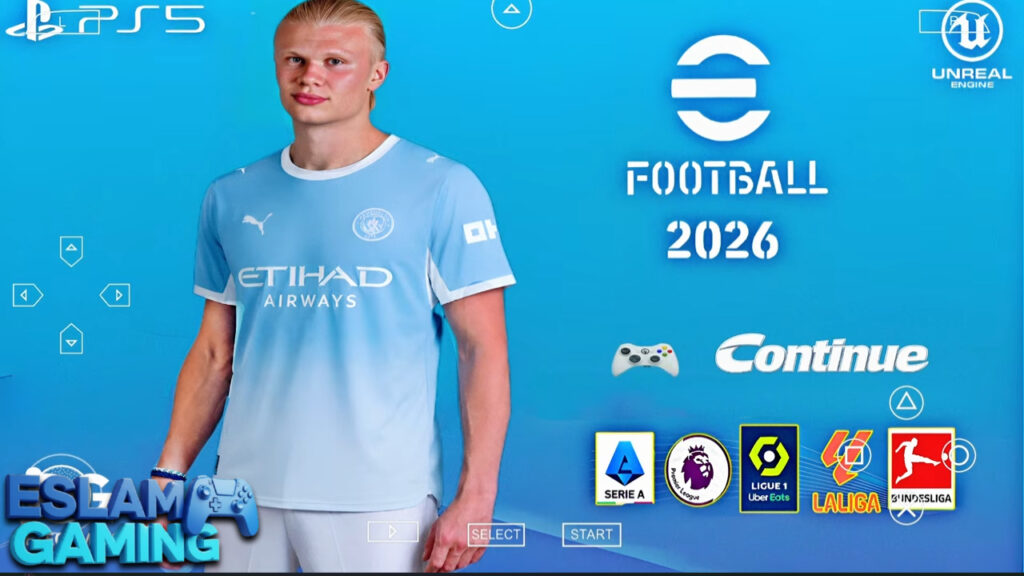
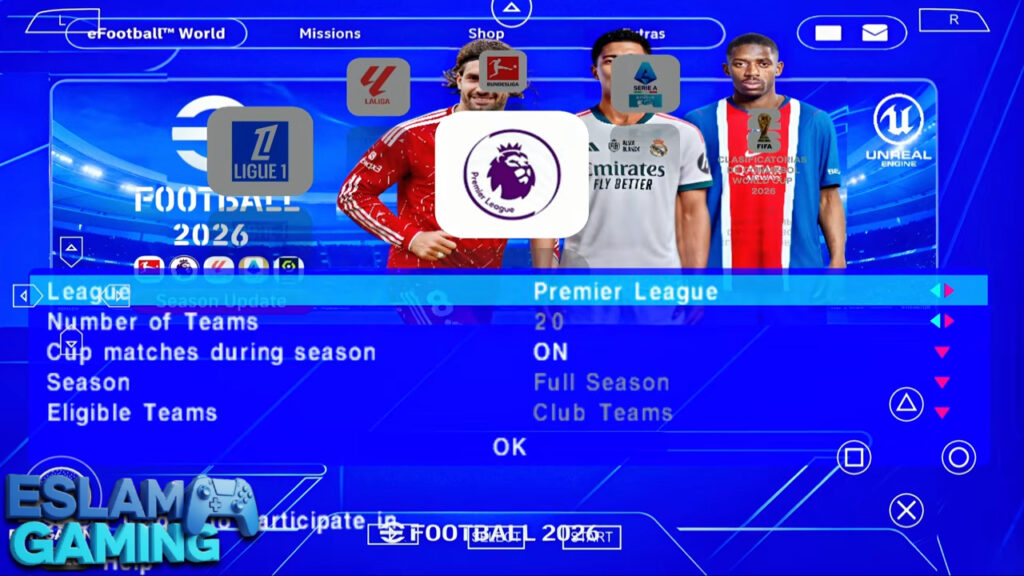
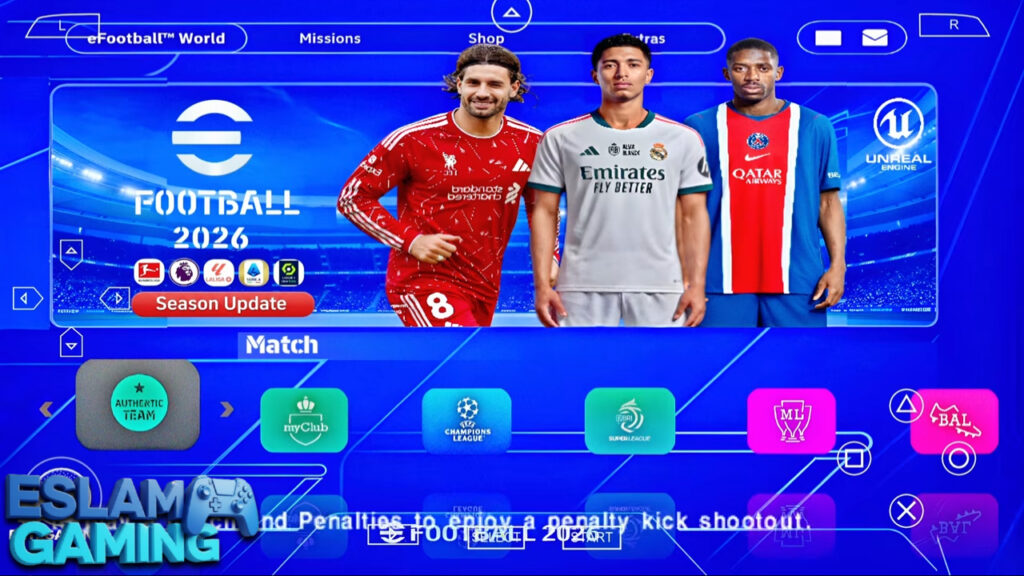
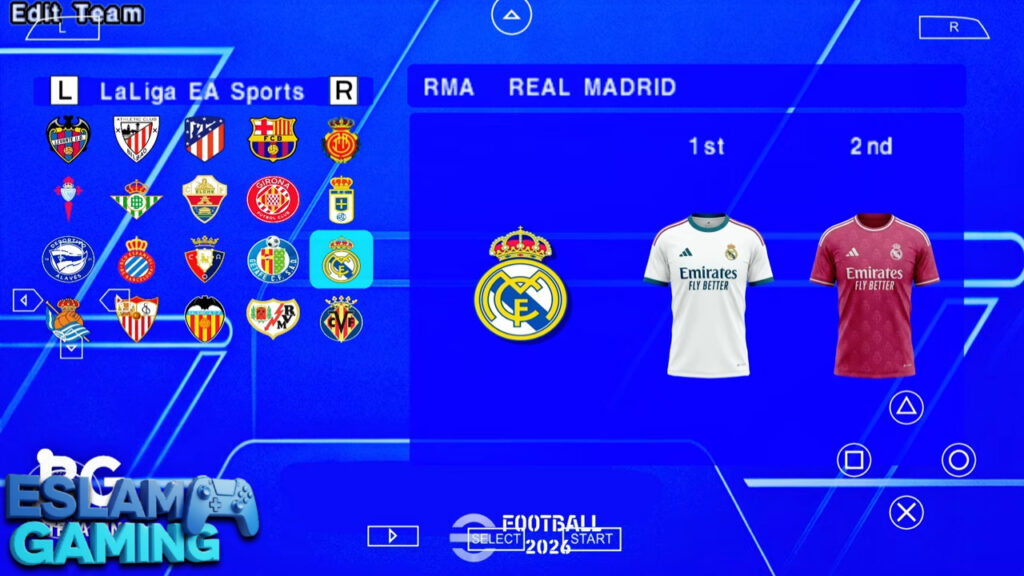
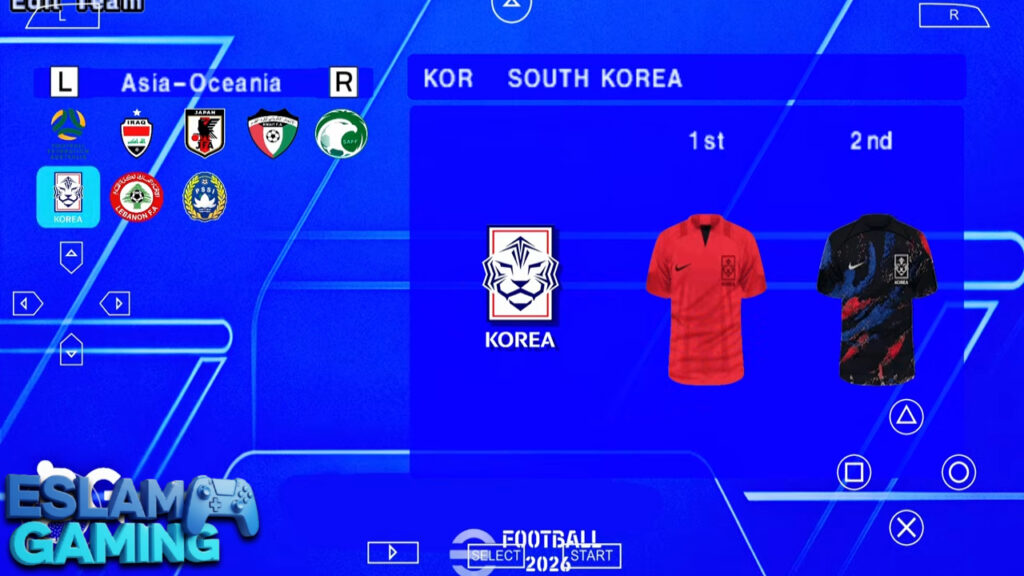
IMAGES FRPM INSIDE THE GAME:
Frequently Asked Questions (FAQ) ❓
Is eFootball PES 2026 PPSSPP free?
The PPSSPP emulator is free, and the 2026 mod is a community-created project available for football fans to enjoy without cost. However, you should own the original legacy game to remain compliant with copyright laws. ⚖️
Does it include the Betway Premiership (PSL)?
Yes! Many versions of this 2026 update specifically include the South African Betway Premiership with real team names, logos, and updated squads for the 25/26 season. 🇿🇦
How do I get the PS5 Camera angle?
The PS5 camera is usually built into the ISO file. If it isn’t active, you can often find a “Camera File” inside the download package that you simply copy into the game’s system folder. 📸
Can I play with a Bluetooth Controller?
Absolutely. PPSSPP has excellent support for Xbox, PlayStation, and generic Android controllers. Simply pair your controller via Bluetooth and map the buttons in the emulator settings. 🕹️
Final Verdict 🎯
eFootball PES 2026 PPSSPP remains the king of offline mobile football. While official titles move toward a “gambling” style of card-collecting, this mod preserves the integrity of football simulation. With its stunning PS5 camera, updated 2026 rosters, and deep modes like Master League, it offers hundreds of hours of gameplay for zero cost. Whether you are on a long flight, commuting, or just want to relax at home, this is the most reliable and enjoyable way to play the beautiful game on your Android device.
Download it today, set up your tactics, and we’ll see you on the pitch! ⚽🔥
شeFootball PES 2026 PPSSPP files links (small size) for Android: