eFootball Pes 2026 Ppsspp Android 4K Camera Offline Full Update & New Kits Download

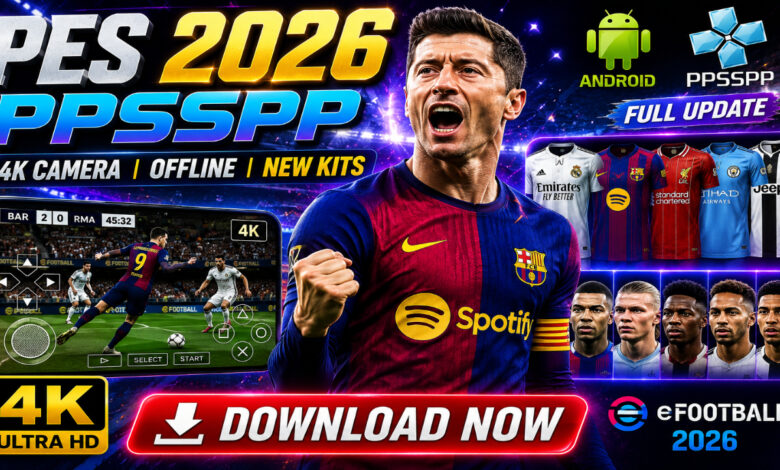
eFootball PES 2026 PPSSPP Download for Android – 4K Camera & Full Offline Update Guide ⚽
Welcome to Eslam Gaming, your ultimate destination for high-quality mobile gaming content! If you are a fan of classic football simulation but want the latest 2026 updates, you are in the right place. Today, we are diving deep into eFootball PES 2026 PPSSPP for Android. This isn’t just another mobile game; it is a meticulously updated experience featuring a stunning 4K camera, the latest kits for the 2025/2026 season, and full offline capabilities. Whether you are looking for the realism of the PS5 camera or the nostalgia of Master League, this guide covers everything you need to know. Download now and take your footballing skills to the next level! 🎮🔥
What is eFootball PES 2026 PPSSPP? 🎮
eFootball PES 2026 PPSSPP is a specialized, community-modified version of the legendary Pro Evolution Soccer series, optimized to run on the PPSSPP emulator for Android. While Konami has transitioned to the “eFootball” service-based model on official stores, many gamers prefer this PPSSPP version because it retains the classic gameplay mechanics, deep tactical menus, and the beloved Master League mode that official mobile versions often lack. This specific 2026 build integrates modern “eFootball” aesthetics with the classic PES engine. It includes updated rosters, high-definition textures, and a variety of camera angles (including the sought-after PS5 and 4K views). It is the perfect bridge between old-school simulation and modern-day visuals, designed to run smoothly on a wide range of Android devices. ⚽📱
Why this version appeals to mobile players 🌍
Modern mobile football games often require a constant internet connection and heavy microtransactions. The PES 2026 PPSSPP release stands out because it offers:
- Total Offline Freedom — Play full seasons, tournaments, and exhibitions without using a single kilobyte of data.
- Console-Grade Features — Experience a real “Career Mode” (Master League) and “Become a Legend” which are absent in many modern mobile titles.
- Modding Flexibility — Unlike locked official apps, you can easily update kits, balls, and stadiums by swapping texture files.
Key Features of eFootball PES 2026 PPSSPP 🌟
2025/2026 Full Transfers & Rosters ⚡
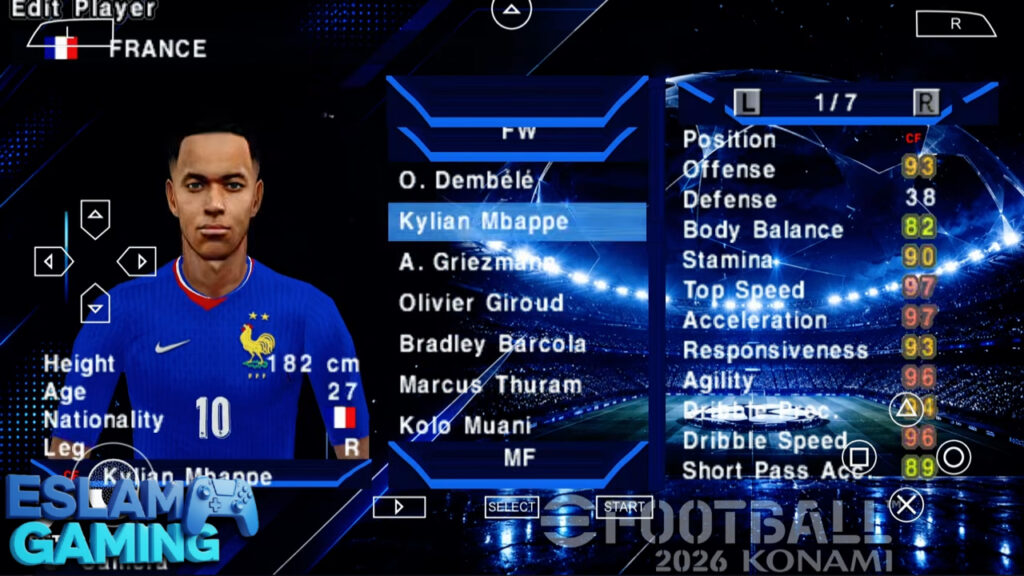
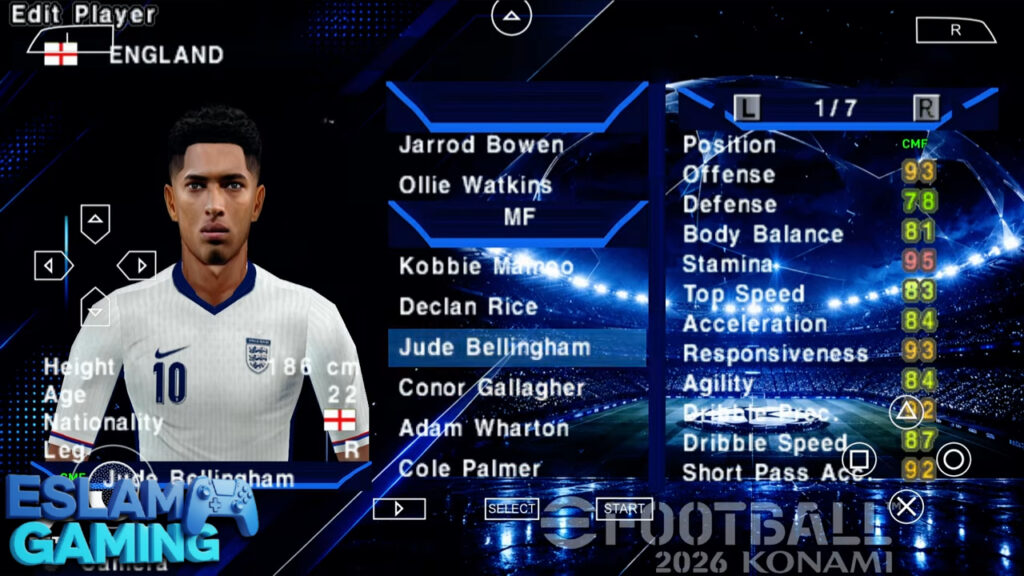
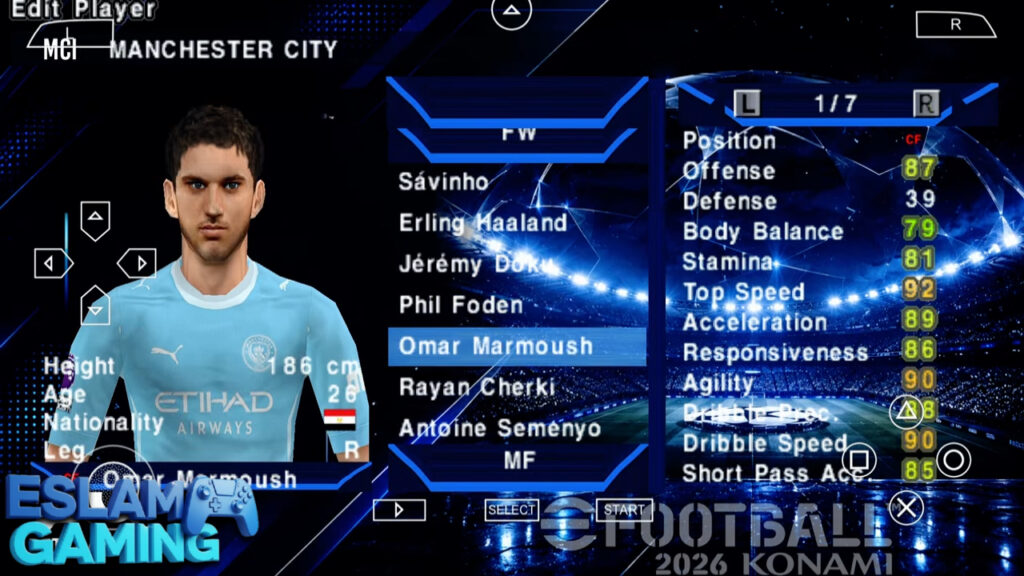
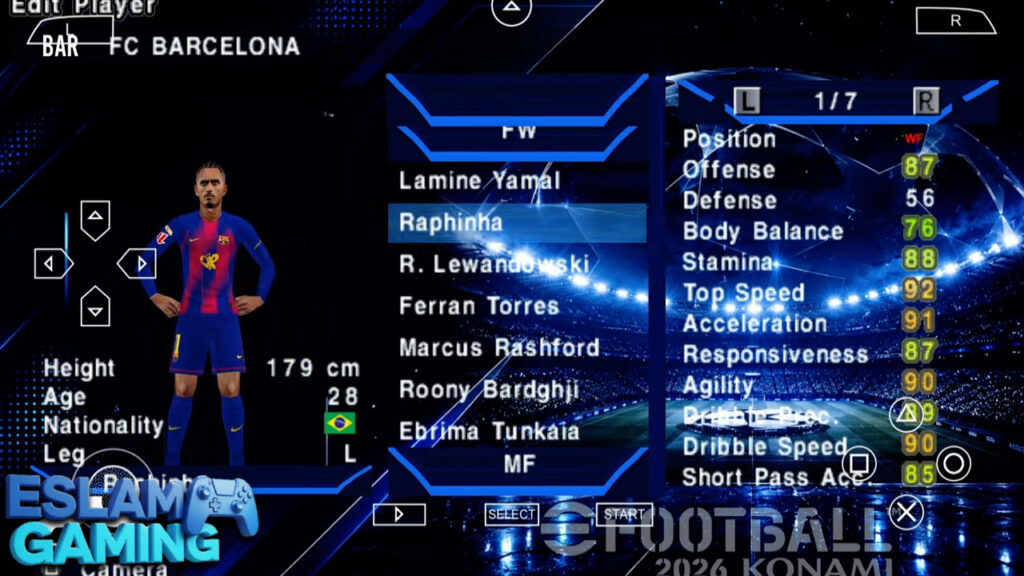
The highlight of this update is the precision of the rosters. Every major transfer in Europe, South America, and Asia is accounted for. From the biggest summer moves to emerging youth prospects, your team will mirror its real-life counterpart. This version also includes updated player ratings based on their most recent real-world performances, ensuring that stars like Kylian Mbappé, Erling Haaland, and Jude Bellingham play exactly as you’d expect them to on the pitch. 💼📈
Stunning 4K & PS5 Camera Angles 🎨
One of the most requested features is the “PS5 Camera.” This wide-angle perspective allows you to see more of the pitch, making it easier to spot overlapping runs and plan long-distance through balls. The 4K textures ensure that the grass, stadium architecture, and player faces look sharp even on high-resolution Android screens. With anti-aliasing enabled in the emulator, the visual jaggedness of the old PSP days is completely gone. 🎥✨
New 2026 Season Kits & Boots 👕
Style matters on the pitch. This build features the latest home, away, and third kits for all major clubs and national teams. You’ll find high-quality textures for brands like Adidas, Nike, and Puma, including specific UCL (UEFA Champions League) font styles on the jerseys. Additionally, new boot packs have been added to ensure that every player is sporting the latest footwear from the 2026 season. 👟⚽
Comprehensive Tournament Content 🏆
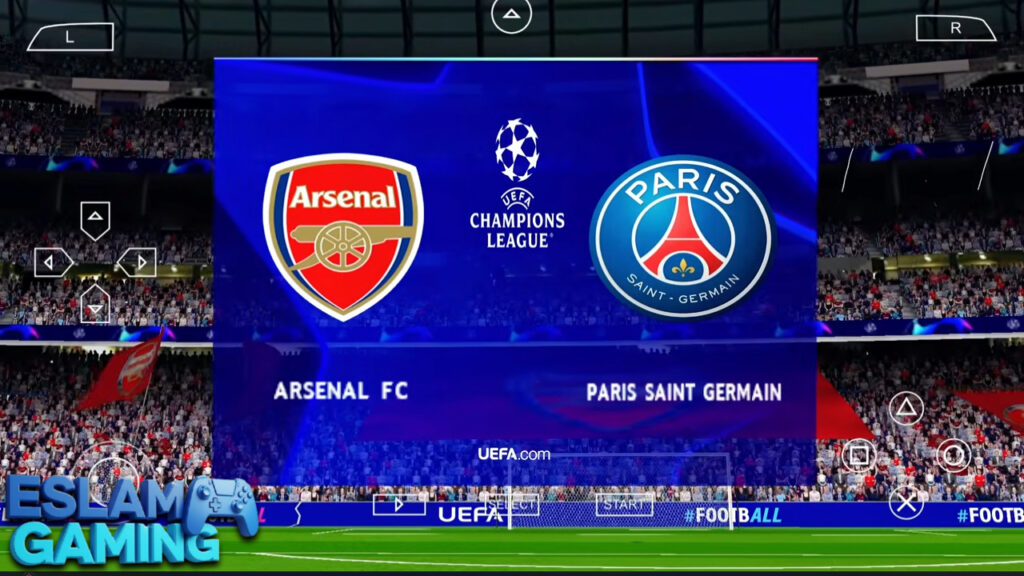
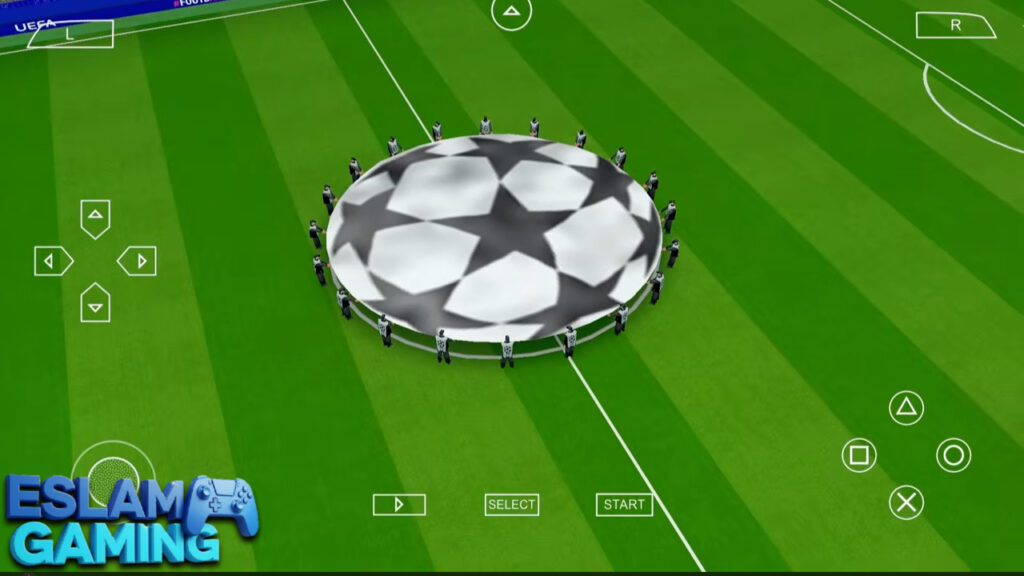
- UEFA Champions League (UCL) – Experience the full atmosphere with official branding, music, and trophy presentations.
- Master League – The heart of PES. Manage your budget, sign players, and take a small club to the top of the world.
- Become a Legend – Create your own player and control only them as you climb the ranks from a substitute to a global superstar.
- World Cup & Euro 2024/2026 – Fully updated international tournaments with correct groups and national squads.
Optimized Controls & Gamepad Support ⚙️
While the on-screen touch controls are fully customizable and responsive, the game truly shines with a Bluetooth controller. Mapping a PS4 or Xbox controller to the PPSSPP emulator allows for precise skill moves, manual shooting, and tactical defending that is simply impossible on traditional “tap-to-play” mobile games. 🎛️🔧
Gameplay Experience & Mechanics 🎯
The “PES feel” is something veterans of the series swear by. In eFootball PES 2026 PPSSPP, the focus is on ball physics and tactical intelligence. Unlike more arcade-style games, you cannot simply sprint through the defense. You need to build your play, utilize your midfielders, and find the right moment to strike.
The Importance of Ball Physics
The weight of the ball feels realistic. A long pass will bounce differently depending on the player’s stats and the weather conditions. Understanding the “First Touch” is vital; if you receive a pass at a high speed with a low-rated player, they will likely lose control, allowing the defender to intercept. 🎯
Tactical Defending and Shape
Defending in this 2026 update requires patience. Holding the pressure button will draw your players out of position. Instead, the game rewards those who use the “jockey” technique to block passing lanes. You can also adjust your team’s mentality (Attacking/Defensive) on the fly using the D-pad, which is essential for holding a lead in the final minutes of a match. 🛡️
Sound and Atmosphere
The audio experience has been revamped with new commentary lines (Peter Drury or Jim Beglin, depending on the patch version). The crowd chants are team-specific, so playing at Anfield feels vastly different from playing at the San Siro. These small details contribute to a much more immersive experience than a standard mobile port. 🎵🎧
Mastering Game Modes ⚽
To get the most out of your download, you should understand how to navigate the deeper modes. Here is a breakdown of what to expect in the 2026 edition.


Master League – The Ultimate Management Simulation
In Master League, you aren’t just playing matches; you are running a business. You must negotiate contracts, satisfy player egos, and invest in your youth academy. This version includes “Real Manager” faces, allowing you to see legends like Pep Guardiola or Carlo Ancelotti on the touchline during cutscenes. Pro tip: Always look for “Regens” (retired players returning as teenagers) to secure the future of your club. 📊🚀
Exhibition & Multiplayer
Quick matches are great for testing out new team setups. Furthermore, if you and a friend are on the same Wi-Fi network, the PPSSPP emulator’s “Ad Hoc” mode allows you to play local multiplayer matches against each other, bringing back the classic “couch co-op” feel to your Android device. 🤝
System Requirements for Android (PPSSPP) 📱
While the game is well-optimized, the high-definition texture packs and 4K camera mods require a bit more “oomph” from your hardware than the original PSP games did. Use the table below to check your compatibility.
| Component | Minimum Requirement | Recommended (for 4K/60FPS) |
|---|---|---|
| Operating System | Android 6.0 (Marshmallow) | Android 11.0 or higher |
| Processor (CPU) | Quad-core 1.5 GHz | Octa-core (Snapdragon 700/800 series) |
| RAM | 2 GB | 4 GB – 8 GB |
| Free Storage | 1.5 GB | 3 GB (to accommodate ISO + Textures) |
| GPU | Adreno 506 or equivalent | Adreno 600+ or Mali-G76+ |
Graphics, Performance, and Modding 🎨
One of the best things about the efootball pes 2026 ppsspp android offline version is the ability to customize your visuals. Depending on your device’s power, you can toggle several settings within the emulator:
- For High-End Devices | Set “Rendering Resolution” to 3x or 4x PSP. Enable “Anisotropic Filtering” at 16x and use the “Upscale Level” at 2x to make player faces look like modern PC games.
- For Low-End Devices | Keep the resolution at 1x or 2x. Disable “Software Skinning” and “Vertex Cache” if you see flickering textures.
The community modders like Komo Beta and Bendezu have done incredible work on these ISO files. They often release “Save Data” and “Textures” folders separately. Ensure you apply these correctly to see the 2026 kits and 4K pitch textures, otherwise, the game might look like the original 2014 version. 🧩
🤔 Why Choose eFootball PES 2026 PPSSPP?
This version of eFootball PES remains the top choice for hardcore football fans because:
- Full Manual Control — Unlike the “swipe” mechanics of official mobile games, here you have full 360-degree control over every movement.
- Authentic Match Presentation — From the scoreboard designs to the entrance cinematics, it feels like a televised match.
- Zero Hidden Costs — No “energy bars,” no “player packs,” and no “contracts” to buy with real money. You own the full game.
- Lightweight but Deep — It offers a deeper management experience than games five times its size.
Download eFootball PES 2026 PPSSPP now and experience the peak of mobile football simulation! 🚀
How to Download and Install eFootball PES 2026 PPSSPP ⬇️
Installation for PPSSPP games is slightly different from standard APK files. Follow these steps carefully to ensure the game loads with the correct 2026 updates:
- Install the Emulator: Download and install the PPSSPP Gold or standard version from the Play Store or the official website.
- Download the Files: You will need three main files: the ISO Game File, the Save Data, and the Textures folder. (Use the single direct link provided on our site).
- Extract the Files: Use an app like ZArchiver to extract the downloaded ZIP/RAR files.
- Move Folders:
- Move the “SAVEDATA” folder to `/Internal Storage/PSP/`.
- Move the “TEXTURES” folder to `/Internal Storage/PSP/`.
- Place the ISO file in a folder of your choice (e.g., `/Internal Storage/PSP/GAME/`).
- Launch the Game: Open PPSSPP, navigate to the folder where you placed the ISO, and click on the eFootball 2026 icon.
- Apply Settings: Go to settings and change the language to “Español” or “English” as required by the specific mod to avoid text errors.
Tips and Tricks for Better Gameplay 💎
- Master the “Through-Ball” (Triangle): In this version, defenders are smart. Use the L1 + Triangle (LB + Y) combo to perform a lofted through ball over the defensive line. 🎯
- Manual Goalies: If you find yourself in a 1-on-1 situation, hold L1 + R3 (or your mapped equivalent) to take control of the goalkeeper and close the angle manually.
- Custom Set Pieces: During free kicks, press the “Select” button to change the camera view. Use the D-pad to add curve (swerve) after you have set the power bar.
- Player Growth in ML: In Master League, focus on “Training Points.” Assign them to speed and stamina for your young wingers to ensure they become world-class by season three.
- The PS5 Camera Advantage: Switch to the “Wide” or “Broadcast” camera in the game settings to take full advantage of the 4K pitch textures and see the whole field.
Common Problems & Fixes 🛠️
Black Screen on Startup
This is the most common issue. 99% of the time, it is caused by the emulator’s language setting. Go to PPSSPP Settings > System > Language and change it to Español (Castellano). Many modders build these ISOs on the European version of the game, and this simple fix usually works immediately.
Missing New Kits or Transfers
If the game loads but you see old kits (like 2021 versions), it means your TEXTURES and SAVEDATA folders are not in the right place. Ensure they are in `Internal Storage/PSP/` and not inside another sub-folder.
Game Lags During UCL Matches
The UCL stadiums have more assets. To fix lag, go to Graphics settings and enable “Lazy texture caching” and “Disable slower effects.” This will boost your FPS significantly without ruining the graphics.
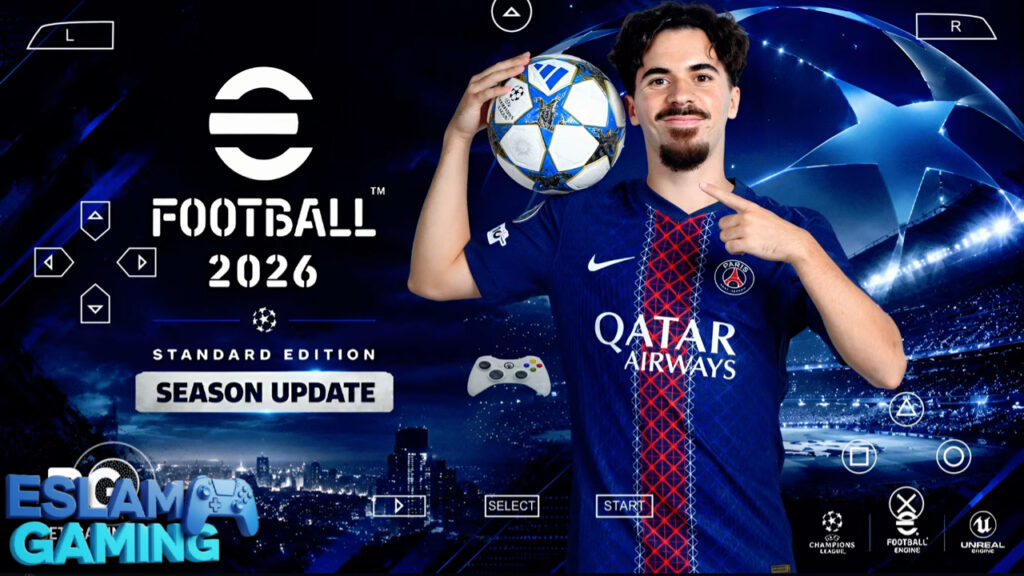
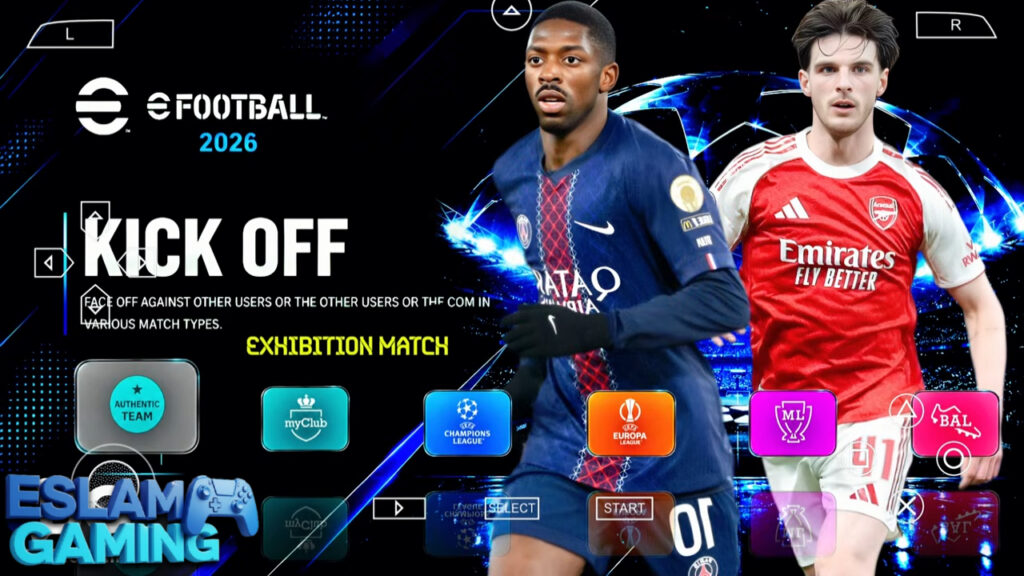
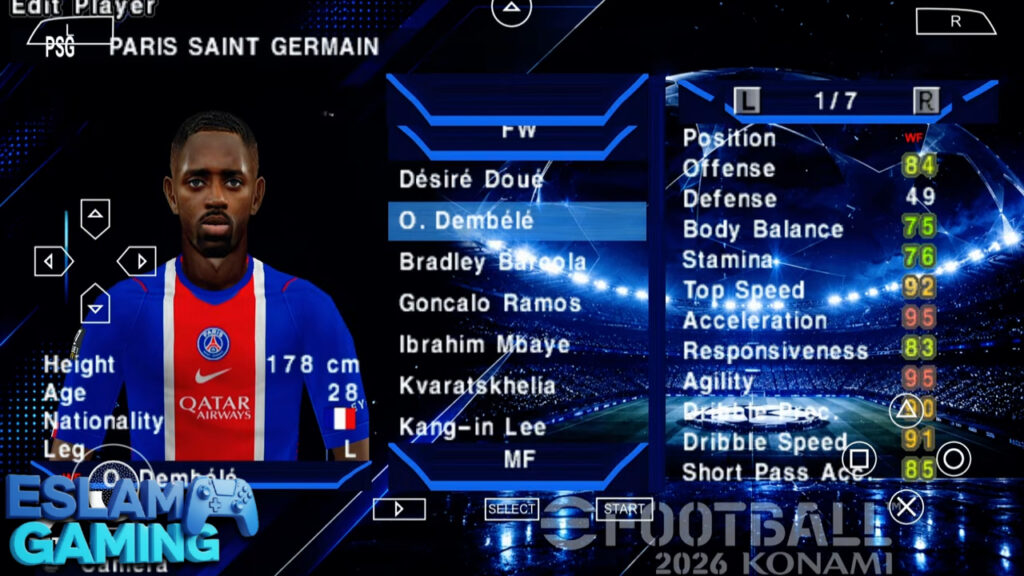
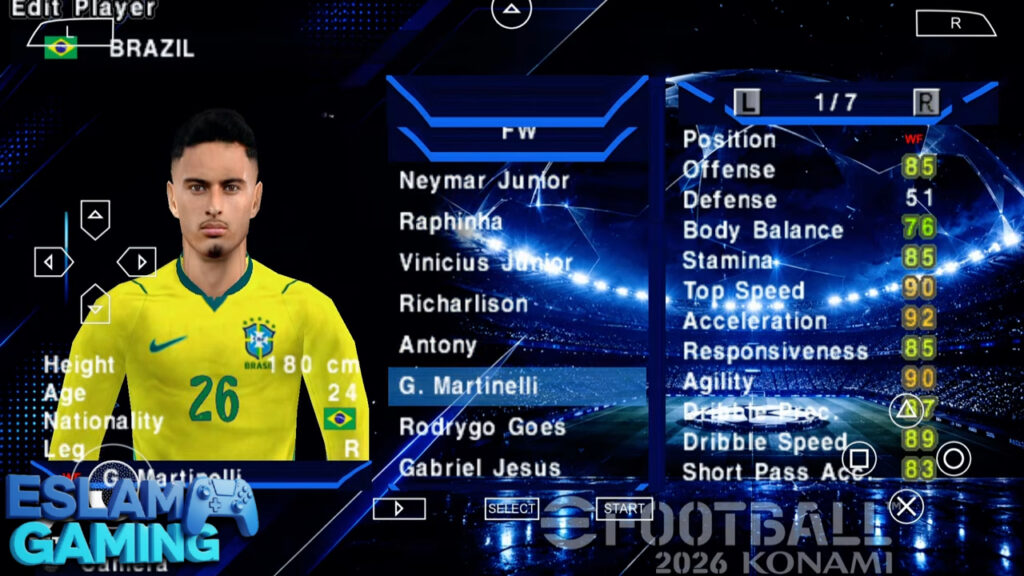
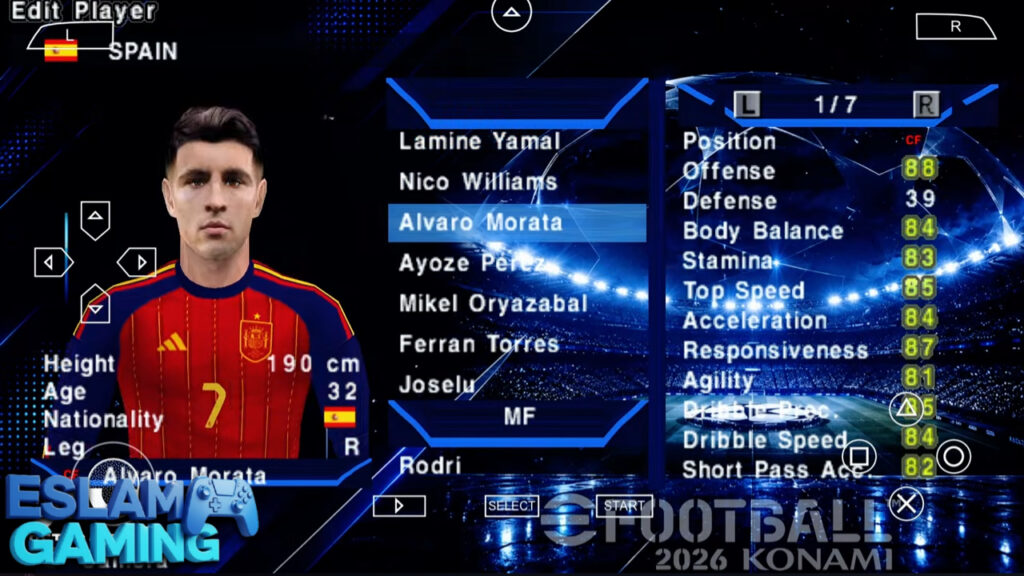
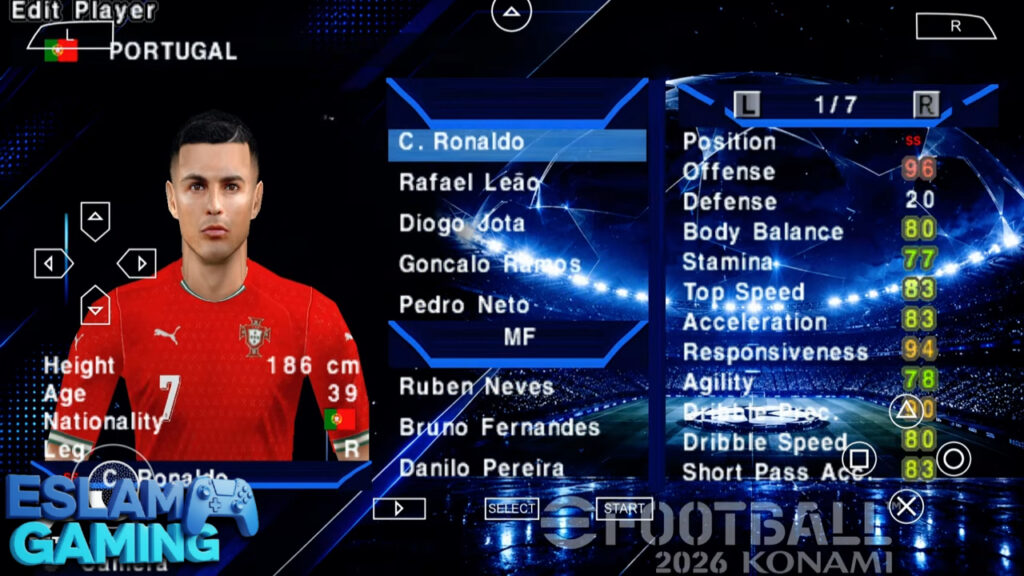
IMAGES FROM INSIDE THE GAME:
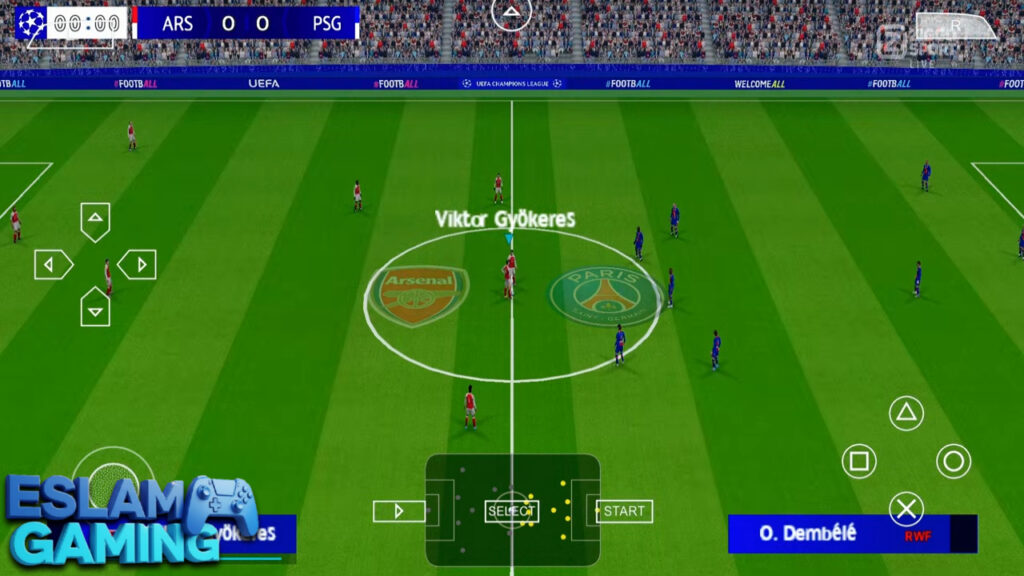
Frequently Asked Questions (FAQ) ❓
Is eFootball PES 2026 PPSSPP better than the official eFootball app?
It depends on what you want. If you want high-end graphics and online PvP, the official app is better. If you want a deep offline Master League, full control over mods, and no microtransactions, the PPSSPP version is superior. ⚖️
Can I play this game on a 2GB RAM phone?
Yes, it will run! However, you might need to disable the 4K texture pack and stick to the 1x resolution to keep the gameplay smooth. The game is very scalable. 🌐
Are the 2026 transfers official?
These are community-updated transfers. The modding community (like Bendezu and Komo) updates the database manually to ensure all real-world moves are reflected in the game. 🕹️
Do I need a password for the ZIP file?
The files provided at Eslam Gaming are usually no password for your convenience. If a specific version requires one, it will be clearly mentioned next to the download button. 🛠️
Final Verdict: Is it Worth it? 🎯
If you are a true football fan, eFootball PES 2026 PPSSPP is an absolute must-have. It successfully breathes new life into a classic engine, proving that great gameplay is timeless. The addition of the 4K camera and updated 2026 season content makes it feel like a modern release rather than a decade-old emulator game.
While it requires a few minutes of manual setup with folders and extraction, the payoff is a deep, rewarding, and completely free football experience that you can enjoy anywhere in the world without an internet connection. At Eslam Gaming, we highly recommend this version for anyone tired of the “pay-to-win” nature of modern mobile sports games.
Happy gaming — see you on the pitch for the 2026 season! ⚽🔥
eFootball PES 2026 PPSSPP files links (small size) for Android: