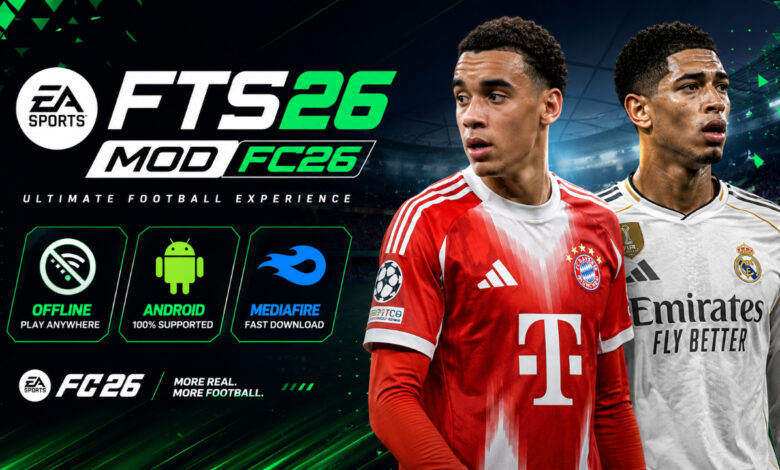
FTS 26 Mod FC 26 Full Update Android Offline Download – The Ultimate Mobile Football Guide ⚽
Welcome back to Eslam Gaming, your number one destination for high-quality mobile football experiences! If you are looking for a way to enjoy the thrill of EA Sports FC 26 on your Android device without needing a high-end flagship phone or a constant internet connection, you’ve landed in the right place. Today, we are diving deep into FTS 26 (First Touch Soccer 2026), a fan-made masterpiece that brings the latest transfers, updated kits, and high-definition graphics to the legendary FTS engine. Whether you’re a long-time fan of the series or a newcomer looking for a lightweight football sim, this guide covers everything from gameplay mechanics to the download process. Let’s kick off! 🔥🎮
What is FTS 26 Mod FC 26? 🎮
FTS 26 is a highly customized modification of the original First Touch Soccer game, specifically updated to reflect the EA Sports FC 26 season. While the original FTS 15 was discontinued years ago, a dedicated community of modders has kept the spirit alive by injecting modern assets into the game. This version includes the latest summer and winter transfers, updated club logos, and the iconic FC 26 user interface. It is designed to run natively on Android as an APK, making it much more accessible than emulator-based games. It bridges the gap between the nostalgia of classic mobile gaming and the demand for modern squad accuracy. For players who miss the old “Manager Mode” depth that modern gacha-based football games often lack, FTS 26 is a breath of fresh air. ⚽📱
Why this version is a “Must-Have” for Mobile Players 🌍
The appeal of FTS 26 lies in its efficiency and depth. Unlike modern titles that require 2GB+ of data and a constant 5G connection, FTS 26 focuses on:
- Extreme Compatibility — Runs smoothly on devices with as little as 1GB or 2GB of RAM.
- Full Offline Access — You can play the entire Career Mode, tournaments, and training sessions while on a plane, in a basement, or anywhere without Wi-Fi.
- Small File Size — Usually coming in at under 400MB, it doesn’t eat up your precious storage space.
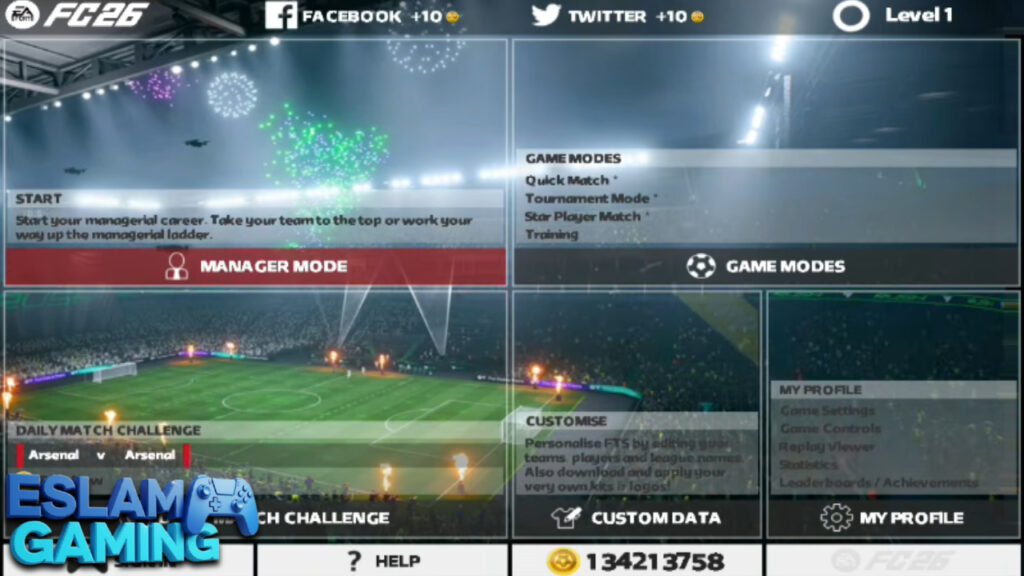
- Authentic Manager Mode — A true league system where you can buy, sell, and train players to build a dynasty.
Key Features of FTS 26 Mod FC 26 🌟
2025/2026 Updated Rosters & Transfers ⚡
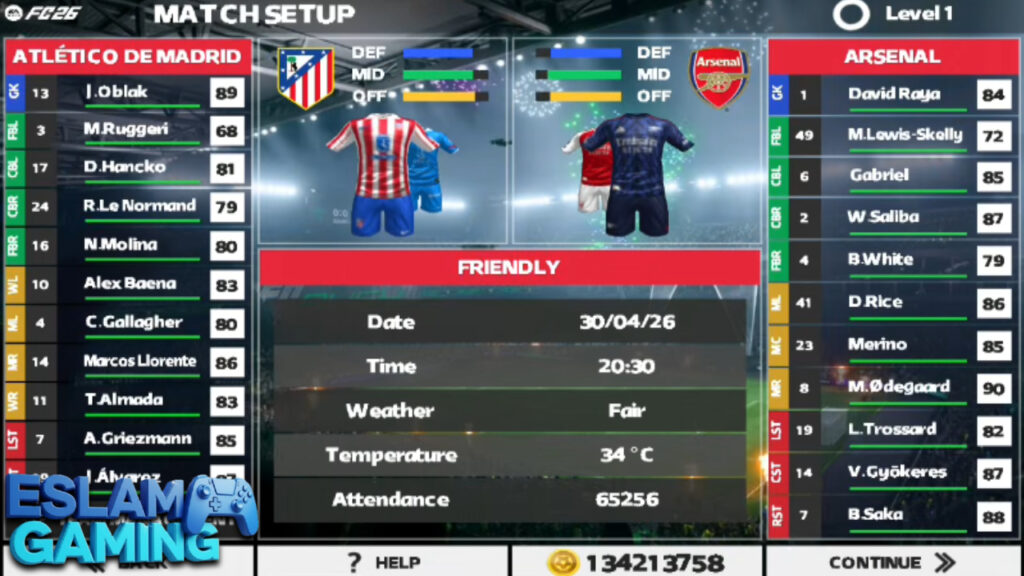
The highlight of this update is the roster accuracy. See Kylian Mbappé leading the line at Real Madrid, or young prospects like Lamine Yamal reaching their full potential. Modders have painstakingly updated player ratings to match current real-world form. This ensures that when you start a new season, the leagues feel alive and current. The transfer market in Manager Mode also reflects these updates, allowing for realistic squad building. 💼📈
FC 26 Themed UI & HD Graphics 🎨
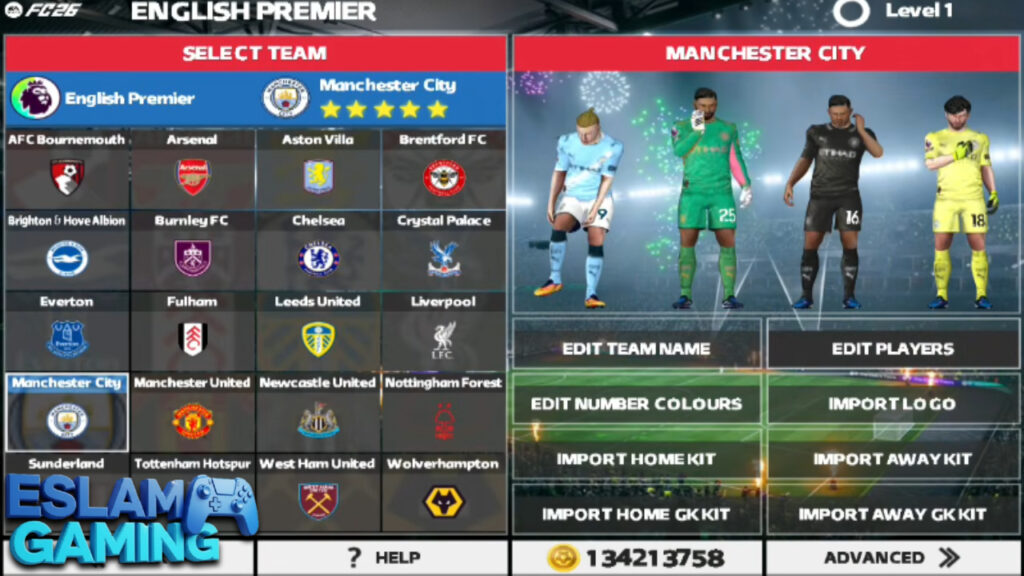
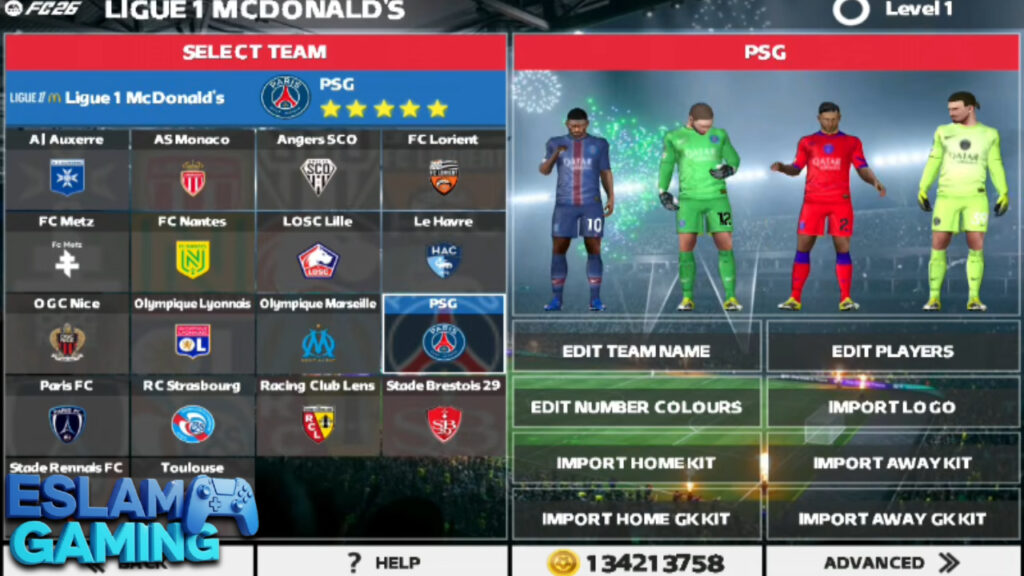
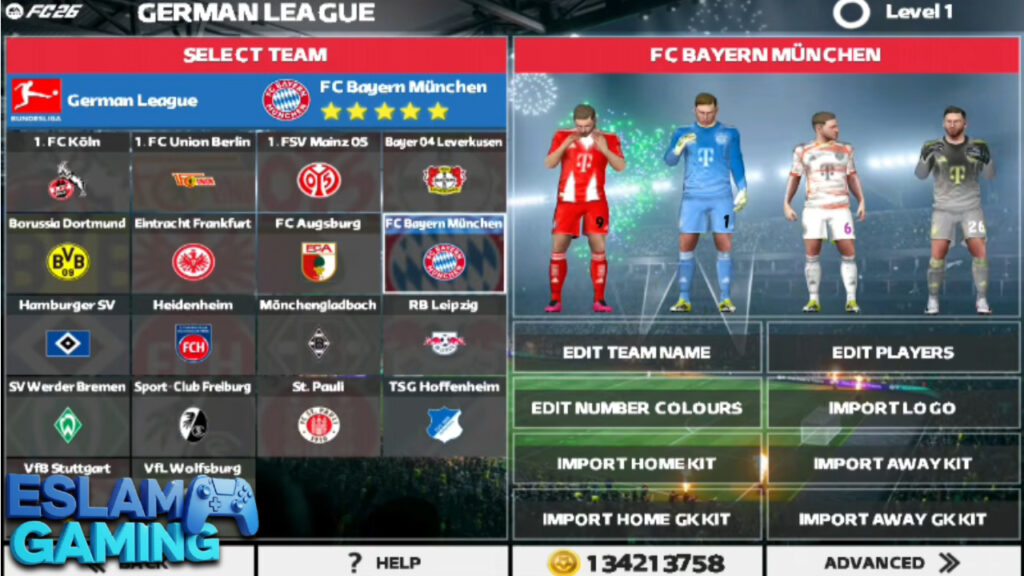
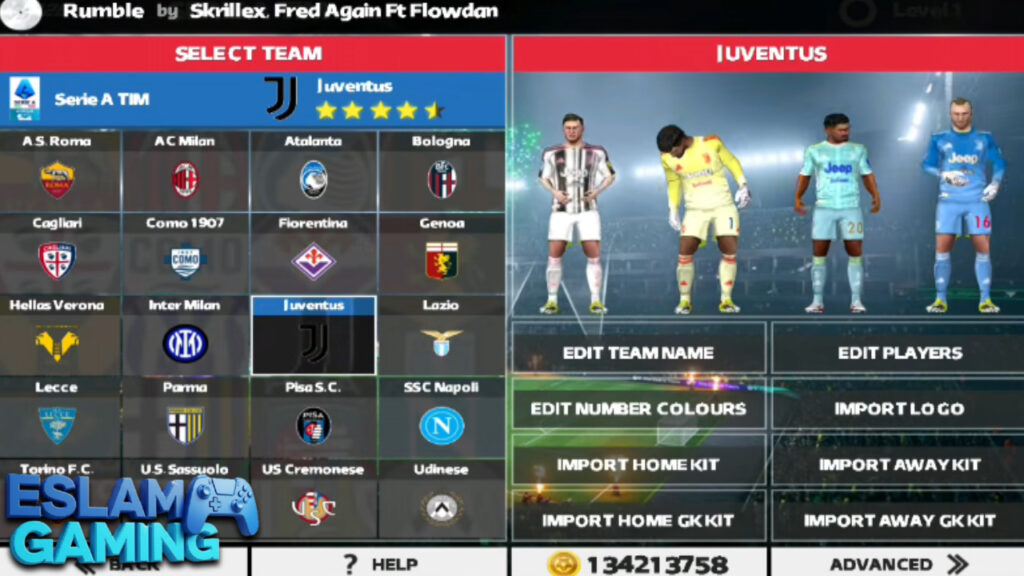
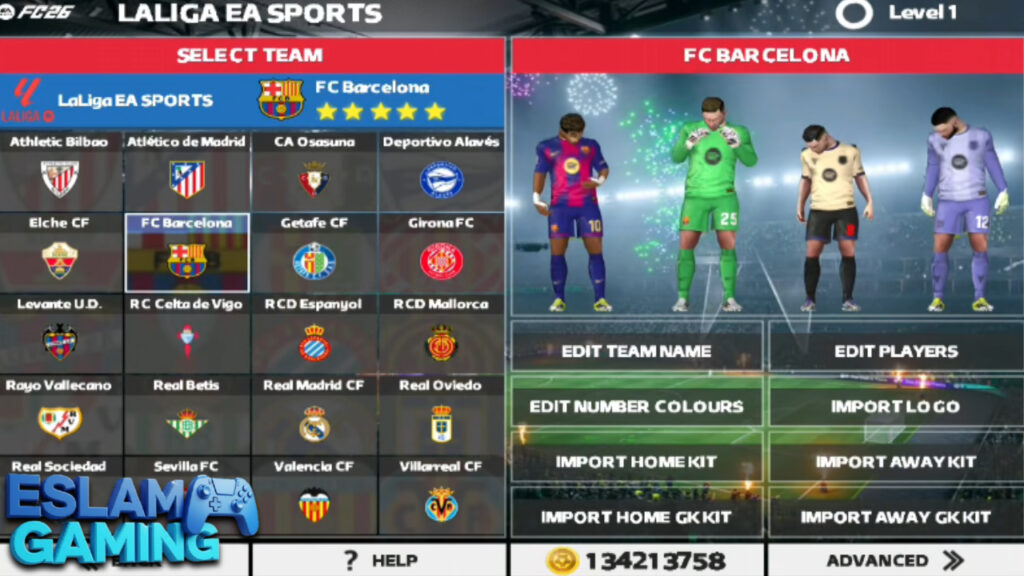
Don’t let the small size fool you. FTS 26 features high-definition grass textures, realistic stadium lighting, and the sleek “triangle” aesthetic of the EA Sports FC 26 brand. The menus have been redesigned to look modern and clean, moving away from the dated looks of previous years. Player faces have also received a “glow-up,” with many star players having recognizable digital counterparts. 🎥✨
English Commentary & Immersive Audio 🎤
To enhance the atmosphere, this version includes clear English commentary that calls out player names and reacts to goals. The crowd chants have been sampled from real stadiums, giving you that “big match” feel during Champions League nights or local derbies. 🏟️🔊
New Kits & Boots Update 👕
Every major club from the Premier League, La Liga, Bundesliga, and Serie A features their official 2025/2026 home, away, and third kits. Additionally, you’ll find the latest boot designs from Nike, Adidas, and Puma on the players, adding a layer of visual authenticity that is rare in such a small package. 👟🔥
Expanded Leagues & Tournaments 🏆
- UEFA Champions League – Play through the group stages all the way to the final with specific UI overlays.
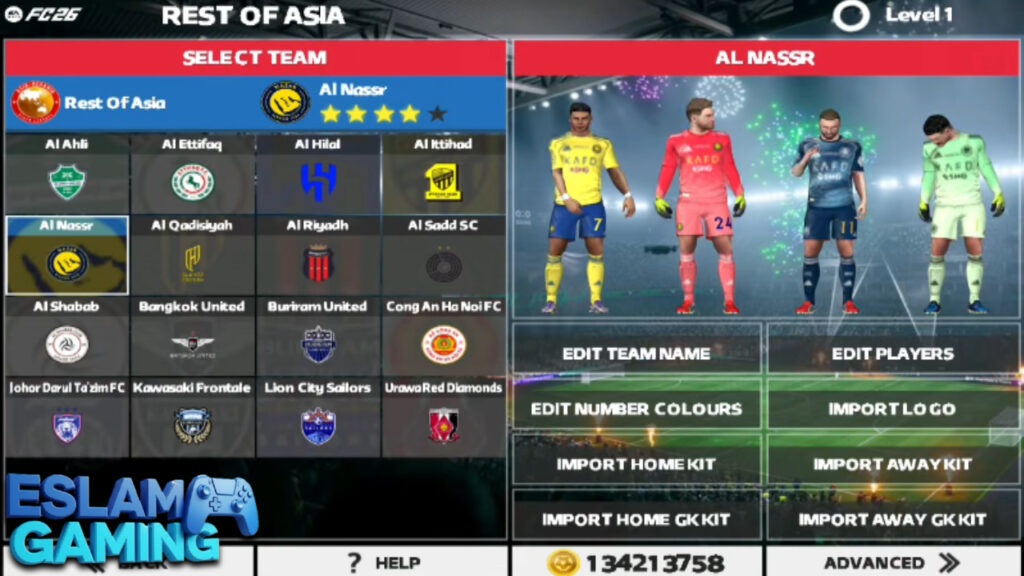
- CAF & AFC Included – Many versions of FTS 26 now include African and Asian club competitions, catering to a global audience.
- The World Cup Mode – Lead your national team to glory in a fully simulated tournament.
- Custom Leagues – Some mods even include local leagues (like the NPFL or Egyptian League) depending on the specific patch version.
Gameplay Experience & Mechanics 🎯
FTS 26 plays differently than FIFA or PES. It is fast, responsive, and rewards tactical positioning. If you’re coming from modern mobile games, the controls will feel incredibly “snappy.” Here is a breakdown of how to master the pitch in this version.
Precision Controls & Button Layout
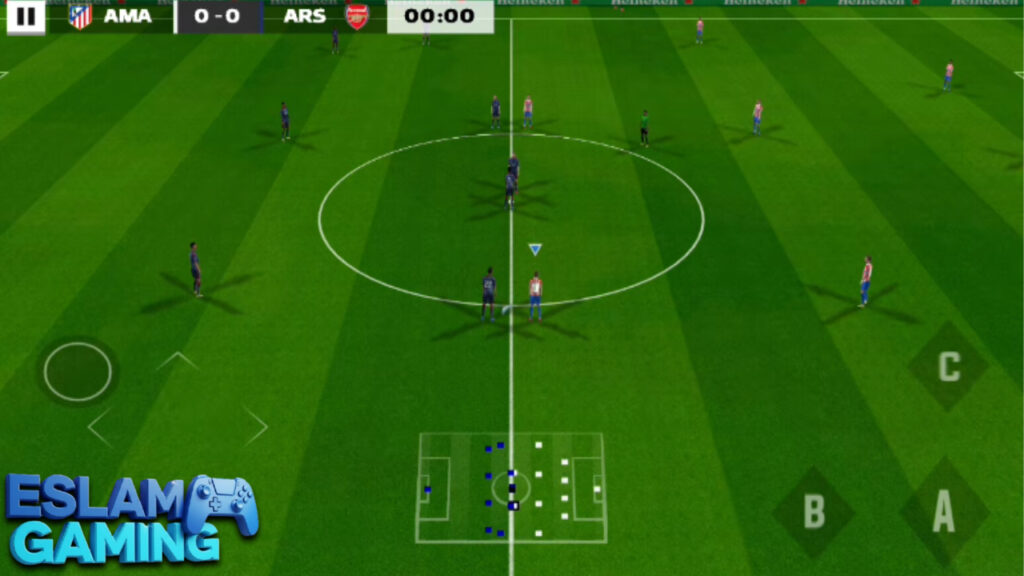
The game uses a classic three-button layout (A, B, C) plus a joystick. Button A is for low passes and pressure, Button B is for shots and sliding tackles, and Button C is for lobs and switching players. Double-tapping the screen allows you to perform skill moves like the Marseille Turn or Step-overs. Mastering the “C” button for cross-field diagonal balls is the key to breaking down tight defenses. 🕹️
Manager Mode: The Heart of the Game
Unlike EA FC Mobile, which focuses on card collecting, FTS 26 offers a traditional Manager Mode. You deal with player contracts, stadium upgrades, and scouting. You have to manage your budget carefully; overspending on a star player might leave your defense weak. The “Player Development” system allows you to train young talent over several seasons, watching their stats grow from the 60s into the 90s. 📊🚀
AI Intelligence & Difficulty
The AI in FTS 26 is surprisingly competent. On “Hard” or “Expert” difficulty, the computer will use tactical fouls, play for the draw if they are underdogs, and exploit your defensive gaps. You cannot simply sprint through the middle; you must use the wings and recycle possession to win consistently. 🧠🛡️
System Requirements for FTS 26 📱
One of the biggest reasons Eslam Gaming recommends FTS 26 is its low barrier to entry. Most budget phones from the last 6 years can run this perfectly.
| Component | Minimum Requirement | Recommended Target |
|---|---|---|
| Android Version | Android 5.0 (Lollipop) | Android 10.0 or higher |
| Processor (CPU) | 1.2 GHz Dual-Core | 1.8 GHz Quad-Core + |
| RAM | 1 GB RAM | 2 GB – 4 GB RAM |
| Storage Space | 500 MB free | 1 GB (for extra data/saves) |
| Graphics (GPU) | Adreno 306 or equivalent | Mali-G series or Adreno 500+ |
How to Download and Install FTS 26 Mod FC 26 ⬇️
Installing FTS is a three-part process: the APK, the DATA, and the OBB. Follow these steps exactly to avoid the “Download Failed” or “Black Screen” errors.
- Download the Files: Get the FTS 26 ZIP package from a trusted source (usually contains APK, Data, and OBB folders).
- Extract the Package: Use ZArchiver to extract the ZIP file. You will see three main folders.
- Install the APK: Open the APK folder and install the game. Do not open it yet!
- Move the OBB: Open the ‘OBB’ folder, copy the subfolder (usually starts with
com.firsttouchgames.fts...), and paste it intoInternal Storage > Android > obb. - Move the DATA: Open the ‘DATA’ folder, copy the subfolder, and paste it into
Internal Storage > Android > data. This step is crucial for rosters and logos! - Permissions: Long-press the game icon, go to ‘App Info,’ and ensure ‘Storage’ permissions are granted.
- Launch: Open the game and enjoy FTS 26 offline! 🚀
Common Problems & Fixes 🛠️
Even though FTS is stable, modding can sometimes lead to minor issues. Here are the most common fixes found by our community at Eslam Gaming:
The Game is in a Different Language
If the game starts in Portuguese or Spanish, go to Game Settings (Configuraciones) > Advanced (Avanzado) > Language and select English. Note: Some mods have the flags as icons; just cycle through until you see the UK/US flag. 🌐
White/Invisible Players
This happens if the Data file wasn’t moved correctly. Re-copy the folder from the original ZIP into Android/data/. Ensure you are not putting a folder inside another folder — the path should be Android/data/com.fts26.../files. 👕
Game Crashes on Startup
This usually means your device is blocking the app because it’s from an “Unknown Source.” Also, check if your storage is full. If you are on Android 11+, make sure you used ZArchiver to give the app permission to access the OBB folder. 🛠️
Tips & Tricks for Winning in FTS 26 💎
- Master the Through Ball: Don’t just pass to feet. Hold the joystick in the direction of the run and tap Button B (gently) or C to send the striker through on goal.
- Free Kick Curving: When taking a free-kick, swipe the screen in a “C” shape immediately after powering up. This adds curl to the ball, making it easier to beat the wall. 🎯
- Invest in Scouts: In Manager Mode, upgrade your scout first. This allows you to find “Hidden Gems” — young players with 90+ potential who cost very little.
- The Low Shot: Inside the box, don’t max out the power bar. A quick tap of Button B is usually more accurate and harder for the keeper to reach.
- Defensive Jockeying: Instead of lunging with Button B (tackle), hold Button A to “contain” the attacker. Wait for them to make a mistake, then poke the ball away. 🛡️
Is FTS 26 Worth Downloading? – The Verdict 🎯
At Eslam Gaming, we believe FTS 26 Mod FC 26 is the absolute king of “Lite” football games.
Who should download this?
– Players with older Android phones or tablets.
– Commuters who want a deep offline Manager Mode.
– Fans who prefer classic button gameplay over “swipe-to-pass” mechanics.
– People who want the latest 2026 squads without paying for microtransactions.
Who should skip this?
– Players who only care about online competitive multiplayer.
– Gamers who demand ultra-realistic, console-level 4K graphics (for that, check our FIFA 25 PPSSPP guide).
Overall, for a package that takes up less than half a gigabyte, the value here is incredible. It is a testament to the creativity of the modding community and a must-try for any true football fan.
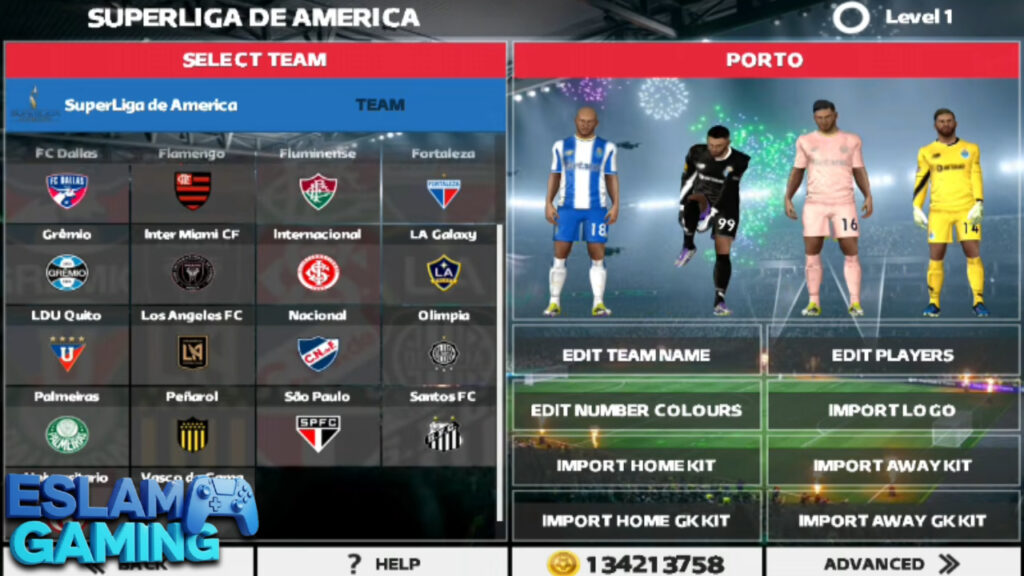
Images from inside the game
Frequently Asked Questions (FAQ) ❓
Does FTS 26 have the new Champions League format?
While the game engine limits the “Swiss Model,” modders have updated the tournament graphics and team lists to reflect the 36-team era as closely as possible within the tournament mode structure. 🏆
Can I play with a controller?
Yes! FTS 26 generally supports Bluetooth gamepads. You may need to use a key-mapper app like Octopus if the buttons aren’t recognized automatically by the game engine. 🕹️
Is this game official from EA Sports?
No. This is a community-made mod of First Touch Soccer. It uses the “FC 26” branding for aesthetic purposes to give fans the latest kits and rosters for free. ⚖️
How do I update the squads later on?
You don’t need to redownload the whole game. Usually, you can just download a new “DATA” file and replace your old one in Android/data to get the latest winter transfers. 🔄
Community & Final Thoughts 🤝
The world of FTS modding is vast. If you enjoy this version, we recommend joining Discord servers or Facebook groups dedicated to FTS modding. Many creators release “Mini Patches” every month to keep the game feeling fresh.
We hope this guide helped you get started with FTS 26 Mod FC 26. If you encounter any installation errors, leave a comment below and the Eslam Gaming community will do our best to help you out!
Get out there, manage your team to the top, and we’ll see you on the pitch! ⚽🔥