FIFA 16 Mod FC 27 (FIFA 27) New Update With Career Mode Offline Android Download

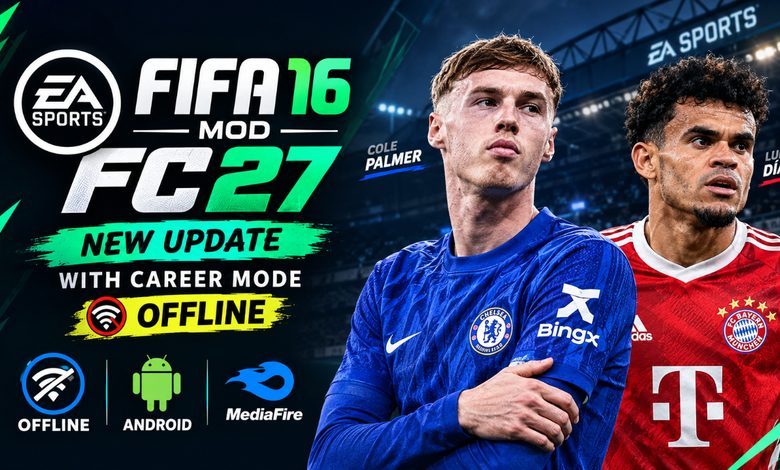
FIFA 16 Mod FC 27 (FIFA 27) New Update With Career Mode Offline Android Download ⚽
Welcome to Eslam Gaming! If you have been searching for the ultimate offline football experience for your mobile device, look no further. The FIFA 16 Mod FC 27 is finally here, bringing the beloved classic gameplay engine into the modern era. Forget about games that require constant internet connections or drain your wallet with microtransactions. This massive community-driven update delivers a complete, authentic console-like football simulation straight to your pocket, packed with the latest rosters, stunning graphics, and a fully functional manager and player journey. Let’s dive into everything you need to know to download, install, and dominate the pitch! 🔥🎮
What is the FIFA 16 Mod FC 27? 🎮
The FIFA 16 Mod FC 27 is a heavily modified version of the original FIFA 16 Ultimate Team mobile game. While EA officially discontinued the original servers years ago, dedicated modding communities have kept the game’s legendary physics engine alive. They have completely overhauled the database, graphics, menus, and modes to reflect the 2026/2027 football season.
Unlike modern mobile football titles that strictly focus on card collecting and online PvP, this mod is built for offline single-player enthusiasts. It successfully unlocks the hidden offline modes that were buried in the original code, allowing you to enjoy a full offline experience without spending a single megabyte of mobile data. Whether you are at home, commuting, or traveling, you can manage your favorite club or build a rising star from scratch. ⚽📱
Why This Mod Appeals to Mobile Players 🌍
Mobile gamers have grown frustrated with online-only sports games that suffer from server lag, script-heavy gameplay, and missing single-player modes. The fifa 16 mod fc 27 new update solves these problems by focusing on what core gamers actually want:
- Complete Offline Freedom — Play a full 15-year career without needing Wi-Fi or cellular data.
- Superior Physics — The FIFA 16 mobile engine is widely considered the most realistic physics engine ever released on Android, far surpassing the arcade style of current official releases.
- Deep Customization — The community continuously updates kits, faces, and stadiums, giving you a fresh experience every season.
Key Features of the Game 🌟
Massive Database and Squad Updates (DB Transfer) ⚡
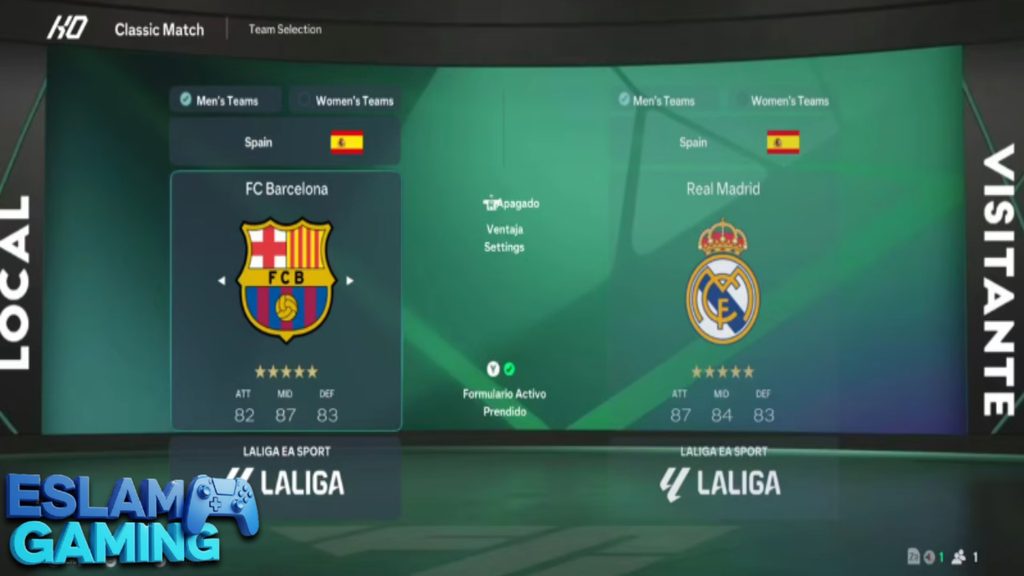
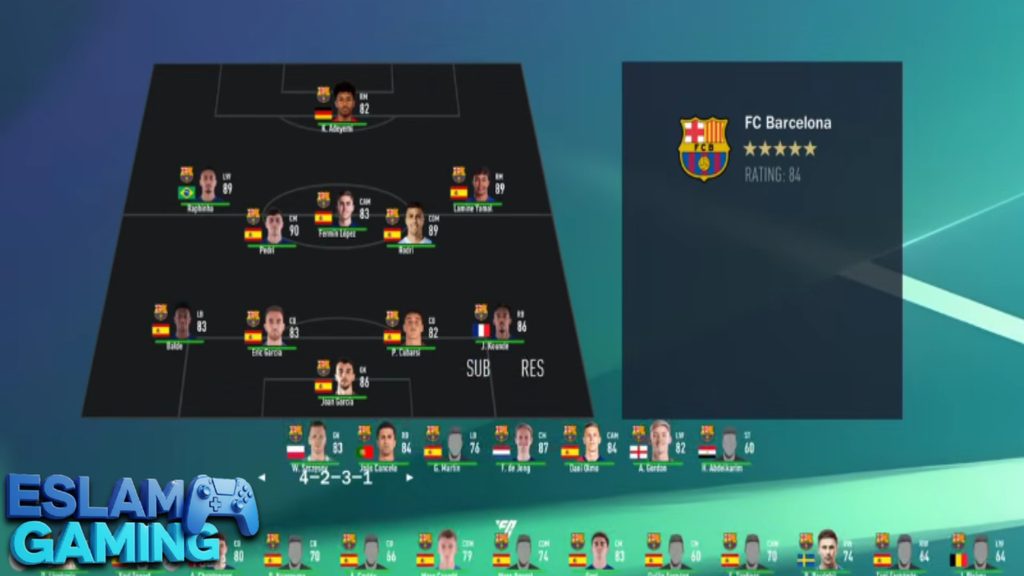
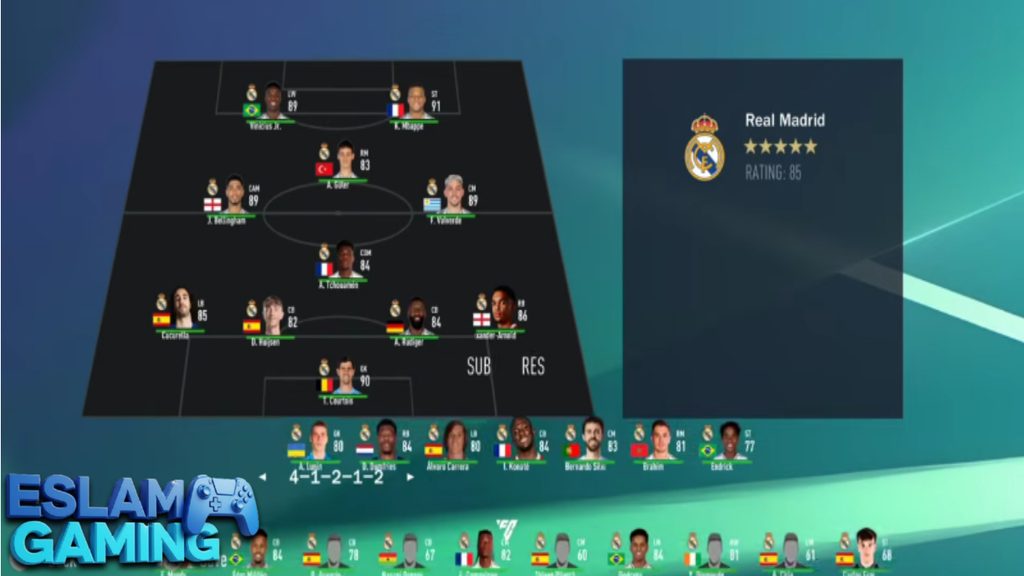
One of the most impressive aspects of this release is the completely reworked fifa 16 mod fc 27 db transfer system. Modders have manually updated the database to reflect the latest summer and winter transfer windows. You will find all the big-name players at their new clubs, complete with updated overall ratings (OVR), potential ratings for young wonderkids, and accurate contract lengths. The squad formations and starting line-ups mirror real-world tactics, ensuring that when you play against Manchester City or Real Madrid, they play exactly like their real-life counterparts. 💼📈
Incredible Graphics and Realistic Faces 🎨
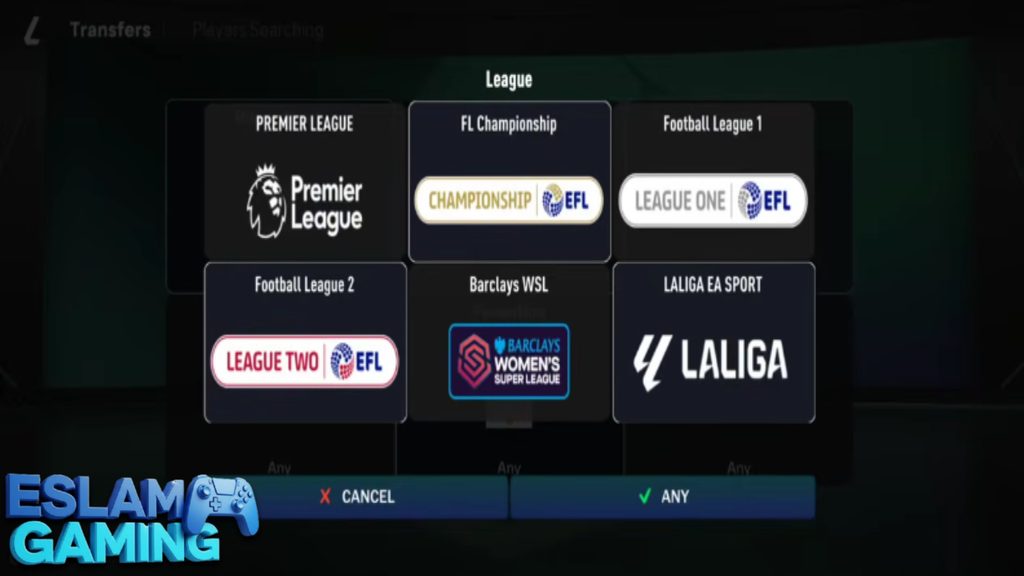
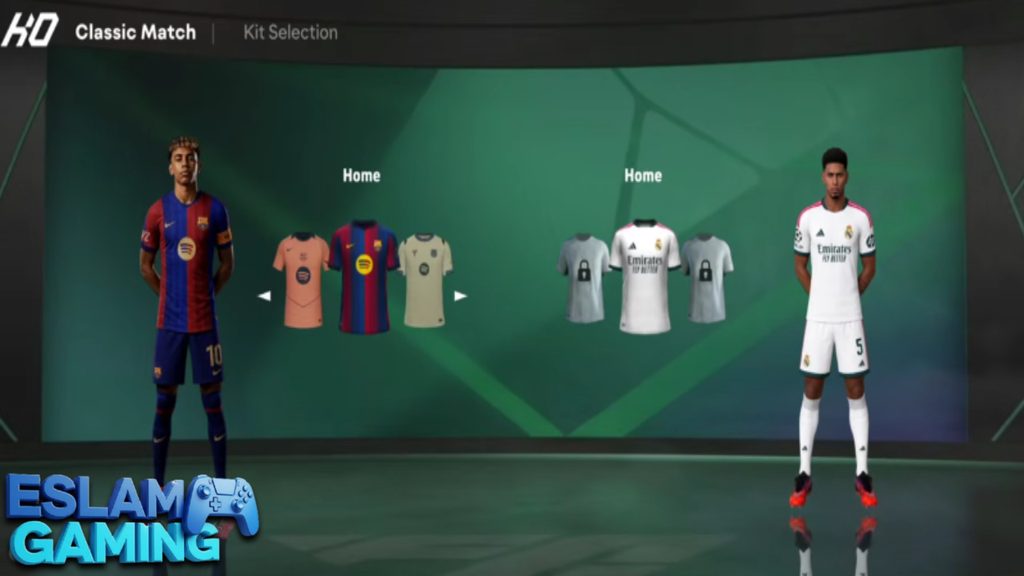
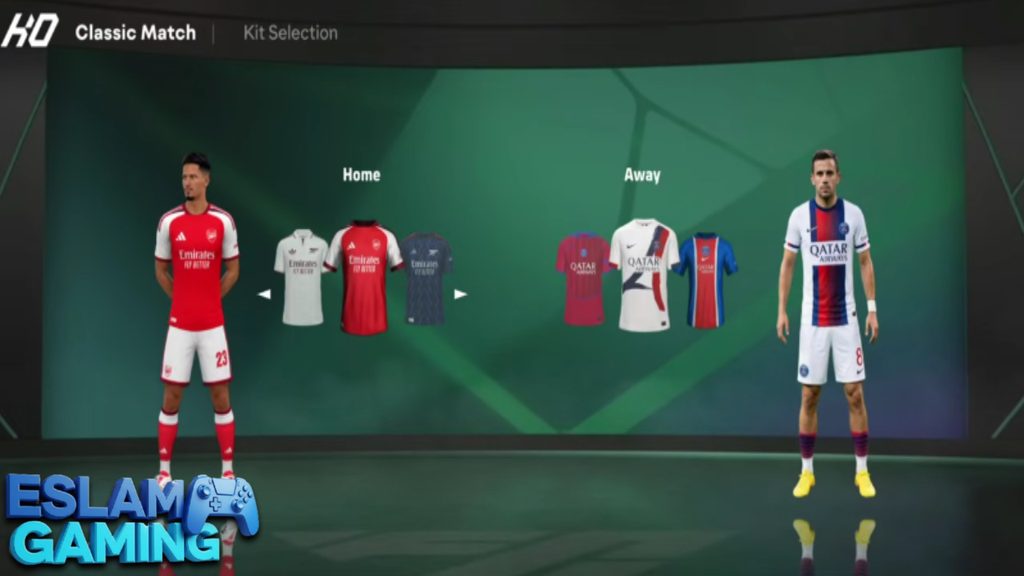
If you value immersion, the fifa 16 mod fc 27 full face pack will blow you away. Modders have imported thousands of high-definition 3D face textures for real players. Instead of generic placeholder faces, stars like Bellingham, Haaland, and Mbappe look strikingly realistic. Additionally, kits for all major leagues (Premier League, La Liga, Serie A, Bundesliga) have been updated to the latest season designs, complete with accurate sponsors and sleeve badges. 🎥✨
Stadiums and Grass Textures 🏟️
The environment gets a massive upgrade with the fifa 16 mod fc 27 new pitch designs. The grass textures are sharper, with visible wear and tear in the penalty boxes. Lighting has been tweaked to simulate different times of the day—afternoon matches feature harsh shadows, while evening Champions League fixtures boast gorgeous stadium floodlights.
Wide Android Compatibility 📱
Mobile operating systems evolve rapidly, which often breaks older games. However, this patch is optimized for modern devices. Whether you are running older hardware and need the fifa 16 mod fc 27 android 13 compatibility, or you are holding a brand-new device requiring fixes for fifa 16 mod fc 27 android 14 and even the highly restrictive fifa 16 mod fc 27 android 15, the developers have structured the data files to bypass scoped storage limitations successfully.
Gameplay Experience and Mechanics 🎯
Diving into the fifa 16 mod fc 27 gameplay feels like returning to the golden era of football gaming. The mechanics are deliberate, rewarding football IQ over mindless sprinting.
Advanced Controls and Ball Physics
The on-screen virtual joystick and button layout are highly responsive. You have dedicated buttons for passing, shooting, through-balls, and sprinting. Swipe gestures on the buttons allow for finesse shots and chip passes. The ball physics are completely unscripted—rebounds, deflections, and crossbars react dynamically based on the angle and power of the shot. 🎯
Tactical Defending
Unlike casual games where holding a single button auto-defends for you, this game requires manual positioning. You must jockey attackers, cut off passing lanes, and time your standing or sliding tackles perfectly. Mistimed tackles will result in fouls, yellow cards, or leaving your defensive line dangerously exposed. 🛡️
AI Difficulty
The AI in this mod has been tweaked to provide a stiffer challenge. On World Class and Legendary difficulties, the CPU will adapt to your playstyle. If you keep attacking down the right wing, the AI will double-team your winger. If you sit back, they will attempt long shots or aggressive crosses. 🧠🏃♂️

Game Modes and Content ⚽
The sheer amount of offline content is what makes this mod a masterpiece. Here is a breakdown of what you can expect when you launch the game.
Manager Career Mode 📊
The crown jewel of this patch is the fifa 16 mod fc 27 career mode. You take full control of a club as the manager. You are responsible for buying and selling players, managing the wage budget, setting up training schedules, and organizing your tactical formations. The transfer market is highly active, with CPU teams making intelligent bids. You can scout the youth academy to find the next generation of superstars, making long-term saves incredibly rewarding. 🏆
Player Career Mode 🏃♂️
For those who prefer a more personal journey, the fifa 16 mod fc 27 player career mode lets you create a custom player (or take control of an existing young talent). You lock to that single player during matches. Your performance on the pitch—completing passes, scoring goals, maintaining good positioning—earns you match ratings and attribute upgrades. Start at a small club, perform well, and wait for transfer offers from Europe’s elite teams to roll in. 🚀
Tournaments and Quick Matches
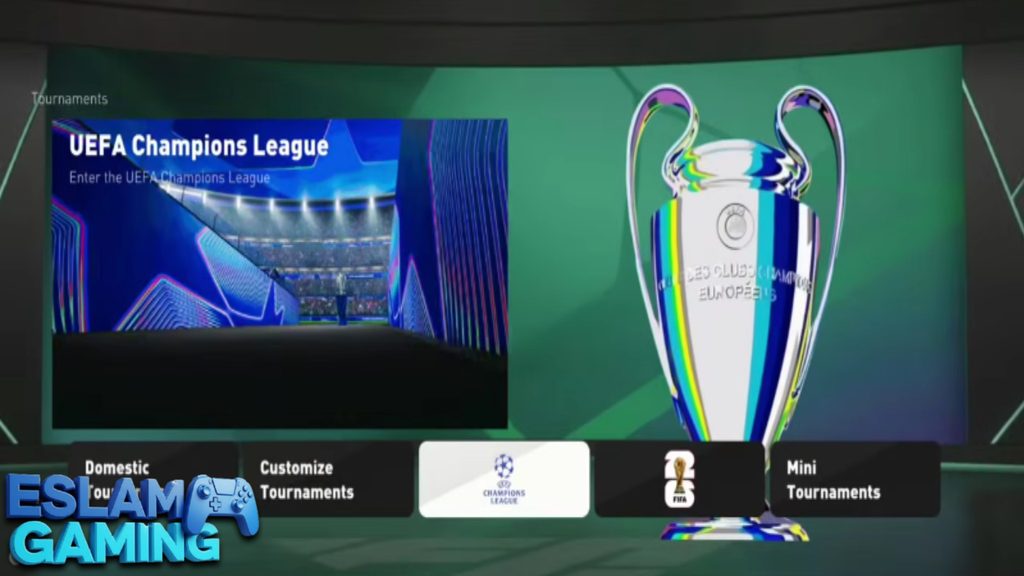
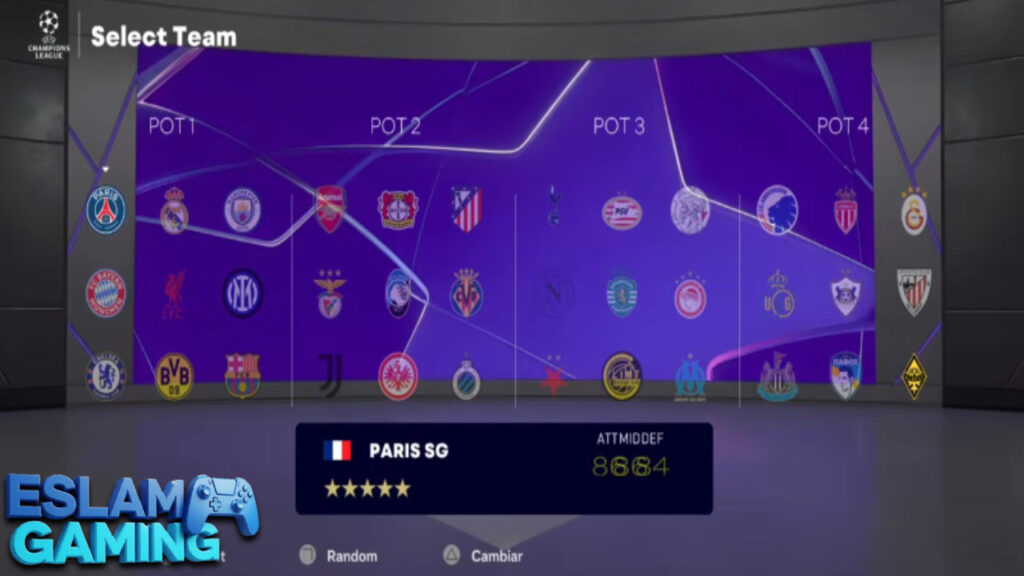
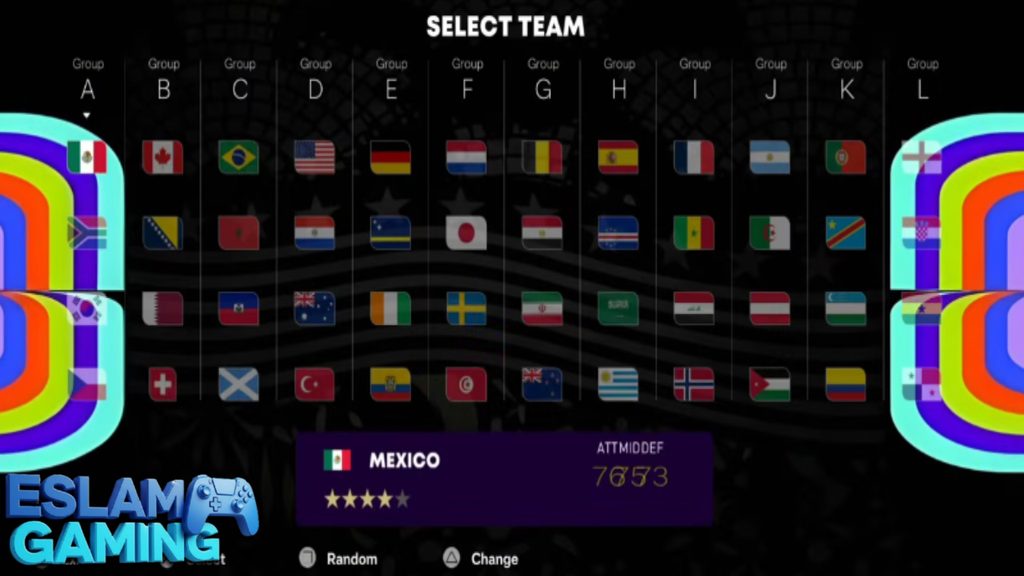
If you don’t have time for a deep career save, you can jump straight into a Quick Match or set up a custom tournament. Play the UEFA Champions League, World Cup, or domestic cups with authentic group stages and knockout brackets. 🤝
System Requirements for Android 📱
Because this is a large, heavily modded game with high-resolution textures, you need a capable device. Modders usually provide two versions: a fifa 16 mod fc 27 android full data version (with all 3D faces, stadiums, and commentary) and a fifa 16 mod fc 27 android data lite version for older phones.
| Component | Minimum Requirement (Lite Data) | Recommended (Full Data) |
|---|---|---|
| Operating System | Android 8.0 to Android 13 | Android 11 to Android 15 |
| Processor (CPU) | Snapdragon 450 / MediaTek Helio G35 | Snapdragon 720G / Dimensity 700 or better |
| RAM | 3 GB RAM | 6 GB RAM or higher |
| Storage Space | Around 1.5 GB free space | 4 GB to 5 GB free space (for all faces & commentary) |
| Required Apps | ZArchiver (for extracting files) | ZArchiver Pro (for managing Android 14/15 data folders) |
Android/data folder.How to Download and Install the Game ⬇️
Installing a modded game requires a bit of manual work since it is not available on the Google Play Store. If you are looking for a complete fifa 16 mod fc 27 tutorial, follow these steps exactly. For our global users searching for fifa 16 mod fc 27 android como instalar, this method applies to all languages and regions.
Step 1: Download the Required Files
You will need to download three main files from our secure download section at Eslam Gaming:
- The APK file (The app installer).
- The OBB file (The core game engine data).
- The DATA file (The mod patch containing rosters, kits, and faces).
Step 2: Install ZArchiver
Go to the Play Store and install ZArchiver. You need this app to extract the compressed .zip or .rar files you just downloaded.
Step 3: Install the APK
Open ZArchiver, locate your downloaded APK file, tap on it, and select “Install.” Do not open the game yet! If you open it now, it will crash and create messy folders.
Step 4: Extract and Move the OBB File
Find your downloaded OBB zip file. Tap it and select “Extract.” Once extracted, you will get a folder (usually named com.ea.gp.fifaworld). Copy this folder, navigate to your phone’s internal storage, and paste it inside: Internal Storage > Android > obb.
Step 5: Extract and Move the DATA File
Now, find the downloaded DATA zip file. Tap “Extract” to get the modded data folder (also named com.ea.gp.fifaworld). Copy this folder and paste it into: Internal Storage > Android > data.
Note: If you are watching any fifa 16 mod fc 27 android tutorial on YouTube, they will emphasize this step. Missing the data folder means you won’t get the updated transfers or the career mode!
Step 6: Launch and Play
Turn off your internet connection (to prevent the game from trying to connect to dead EA servers) and open the game. Enjoy!
Common Problems & Fixes 🔧
Because Android devices vary wildly, you might run into a few hiccups. Here is how to solve the most common issues:
1. Black Screen on Launch
Cause: The game cannot find the OBB file.
Fix: Double-check that you placed the OBB folder in Android/obb and not inside a double folder (e.g., Android/obb/com.ea.../com.ea...).
2. Game Crashes After Choosing a Team
Cause: Missing or corrupt DATA files, often related to Android 14/15 scoped storage.
Fix: Ensure you allowed ZArchiver full access to modify files. Re-extract the DATA folder and paste it again into Android/data, choosing “Replace All” if prompted.
3. Missing Manager Career Mode
Cause: You downloaded a base version without the specific career mode patch.
Fix: Make sure you download the specific fifa 16 mod fc 27 career mode data file, as standard tournament-only data files skip the career database to save space.
Tips and Tricks for Better Gameplay 💎
- Master the Finesse Shot: Swipe down on the shoot button when on the edge of the box. The curved shots in this engine are highly effective against AI goalkeepers. 🎯
- Pace Your Sprints: Stamina matters. If you hold the sprint button for the entire first half, your players will walk in the second half, leading to muscle injuries in career mode.
- Invest in Youth Scouts: In manager mode, real players eventually retire. Send a 5-star scout to Brazil or France early in your first season to guarantee a pipeline of wonderkids. 📊
- Adjust Camera Angles: Go to settings and change the camera to “Tele Broadcast.” It gives you a wider view of the pitch, making long passes and through-balls much easier to execute.
🤔 Is This Game Worth Downloading?
Here at Eslam Gaming, we believe the FIFA 16 Mod FC 27 is an absolute must-have for mobile football fans, delivering:
- The Best Offline Experience — Play deep, engaging modes anywhere without worrying about bad Wi-Fi or data caps.
- Stunning Authenticity — The dedication to updating the face packs, kits, and stadium pitches makes it feel like a modern 2024/2025 release.
- True Managerial Depth — The career modes are rich with transfer negotiations, player growth, and tactical setups.
- No Microtransactions — You get the full game and all the best players without spending real money on randomized card packs.
Final Verdict: If you have the storage space and 10 minutes to spare for the manual installation, this is arguably the best mobile football game available today. Download it now and start your managerial legacy! 🚀
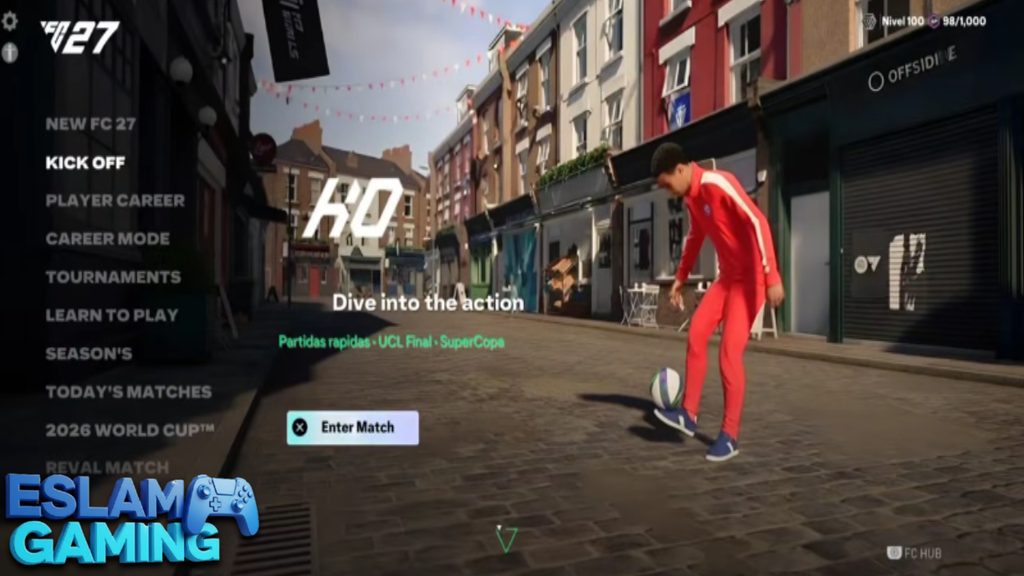
Images from inside the game
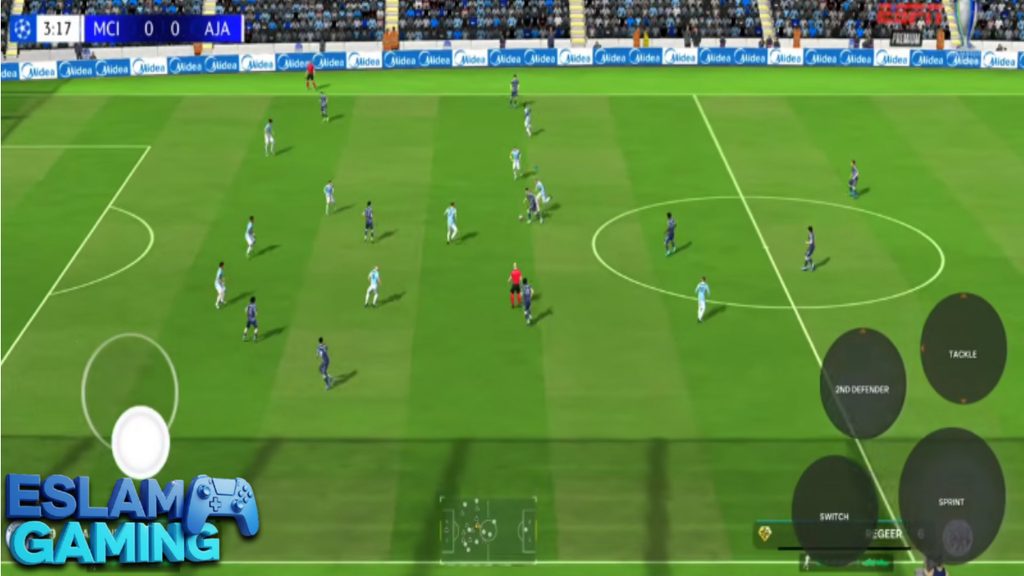
Frequently Asked Questions (FAQ) ❓
Can I play this game completely offline?
Yes! In fact, it is highly recommended to turn off your Wi-Fi or mobile data before launching the game to prevent it from trying to connect to closed EA servers, which can cause the game to freeze on the loading screen. 🌐
Why does my phone say the game was built for an older version of Android?
Because the base APK is from FIFA 16, modern operating systems (like Android 14 or 15) display a warning message during installation. Simply tap “Install Anyway” or “More Details -> Install.” The modded data files ensure the game runs perfectly once opened. ⚙️
Can I use a Bluetooth controller?
The original FIFA 16 mobile engine had limited, native controller support. While some Xbox and PlayStation controllers may partially work for moving players and passing, menu navigation and advanced skill moves usually still require touch screen inputs. 🕹️
What is the difference between Data Lite and Full Data?
The Full Data version contains high-resolution 3D faces for thousands of players, extra stadium pitches, and full English commentary files, taking up around 4-5 GB. The Lite Data version uses generic faces for lesser-known players and compresses textures to fit within 1.5 GB, perfect for older phones. 📏
Will my career mode save be deleted if I update the game next season?
Usually, yes. When a new major patch (like an FC 28 update next year) is released, it requires a completely new DATA file, which overwrites the database. Enjoy your current career save to the fullest before installing major database overhauls. 💾
Thank you for reading our complete guide at Eslam Gaming. Follow the steps carefully, grab your files, and we will see you on the virtual pitch! ⚽🔥
The game download link is split into 3 MediaFire links, available here 👇
👇PASSWORD👇
TPB99