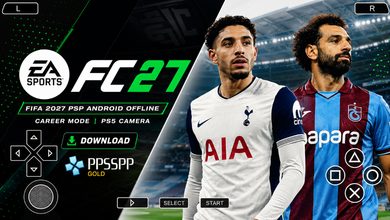
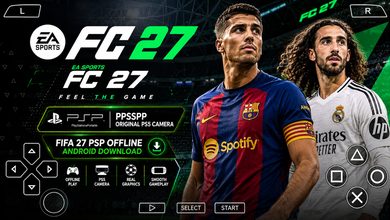
FIFA 2024 PPSSPP Android Offline 4K Camera EA FC 24 PPSSPP HD Graphics Updated Transfer Downlaod

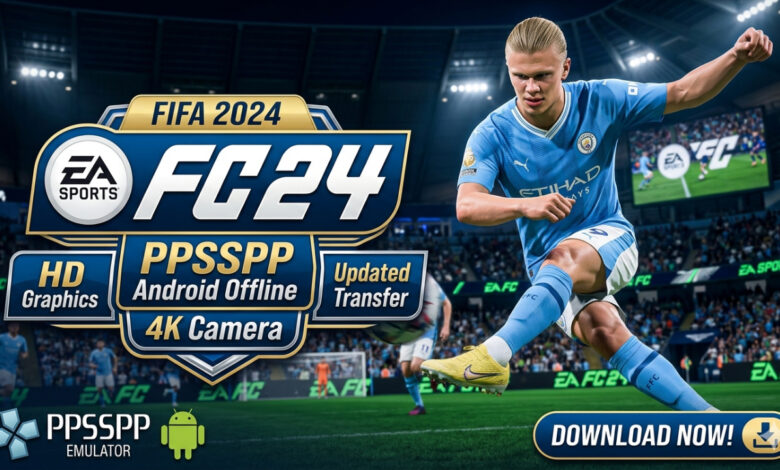
FIFA 2024 PPSSPP Download for Android – EA FC 24 Full Gameplay Guide ⚽
Welcome back to Eslam Gaming, your ultimate destination for high-quality mobile gaming content! If you are looking for a way to experience the thrill of professional football on your phone without needing a constant internet connection, you’ve hit the jackpot. Today, we are diving deep into FIFA 2024 PPSSPP, also known as the EA FC 24 mobile mod. This isn’t just another roster update; it’s a complete overhaul featuring 4K textures, a PS5-style camera, and the latest transfers of the 2023/2024 season. Whether you want to lead your favorite club to Champions League glory or just play a quick match during your break, this guide will show you exactly how to get the most out of this legendary emulator title. 🔥🎮
What is FIFA 2024 PPSSPP? 🎮
FIFA 2024 PPSSPP is a community-driven modification of the classic FIFA titles originally released for the PlayStation Portable. Because EA Sports transitioned from the “FIFA” branding to “EA Sports FC,” this version is often referred to as EA FC 24 PPSSPP. It uses the robust engine of the original PSP games but injects modern assets, including high-definition kits, realistic player faces, and updated stadium textures. The beauty of this version lies in its accessibility. Since it runs via the PPSSPP emulator, it is compatible with a massive range of Android devices, from budget-friendly phones to high-end flagships. It bridges the gap between the simplicity of arcade football and the depth of console simulations, providing a comprehensive offline experience that modern mobile “online-only” games often lack. ⚽📱
Why this version appeals to mobile players 🌍
In an era where most mobile football games require a stable 5G connection and are filled with microtransactions, FIFA 2024 PPSSPP stands out as a sanctuary for purists. Here is why it remains a top choice for the Eslam Gaming community:
- Zero Latency: Since it’s an offline ISO, you don’t have to worry about “ping” or server lag during a crucial penalty shootout.
- Complete Control: Unlike touch-native games that simplify movement, this version gives you full 360-degree control, allowing for complex skill moves and tactical positioning.
- Storage Efficiency: Despite its high-quality 4K camera mods, the game remains significantly smaller in file size compared to modern console ports.
- Nostalgia Meets Modernity: It retains the classic Manager Mode that many fans believe is superior to modern “Ultimate Team” grinds.
Key Features of FIFA 2024 PPSSPP 🌟
Updated Transfers & 23/24 Rosters ⚡
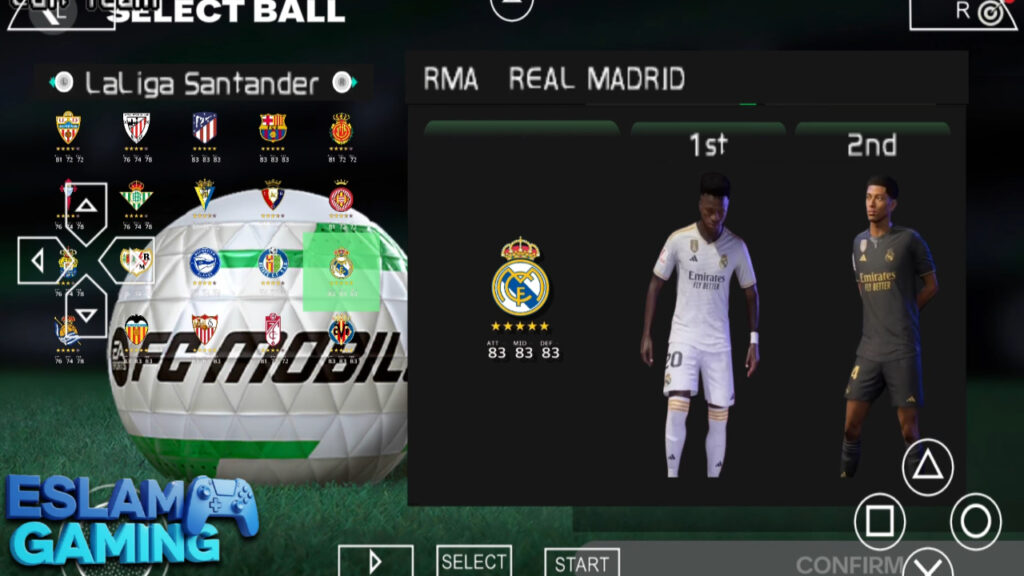
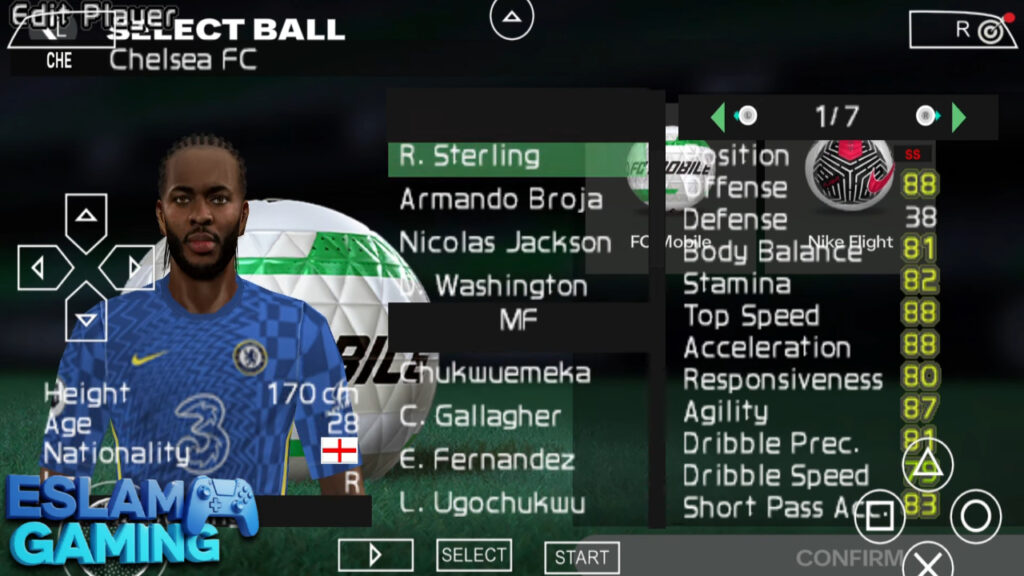
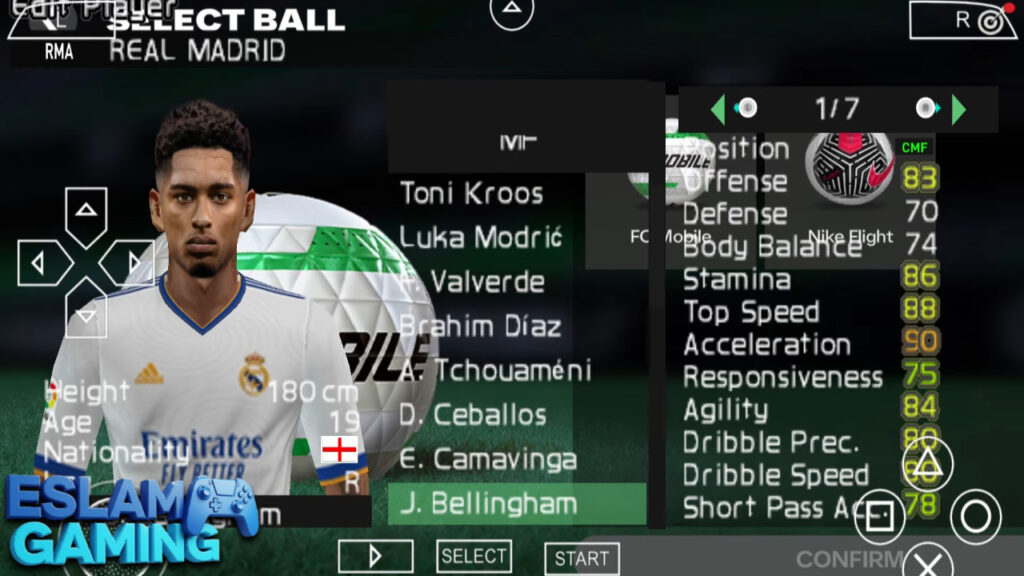
The primary draw of the 2024 edition is the updated database. You will find Jude Bellingham at Real Madrid, Harry Kane at Bayern Munich, and Neymar Jr. in the Saudi Pro League. The modders have meticulously updated the squad numbers, captaincies, and even the “form” stats to reflect the real-world performance of players during the season. This ensures that when you start a Career Mode, the landscape of global football feels authentic and current. 💼📈
PS5 Camera & 4K HD Graphics 🎨
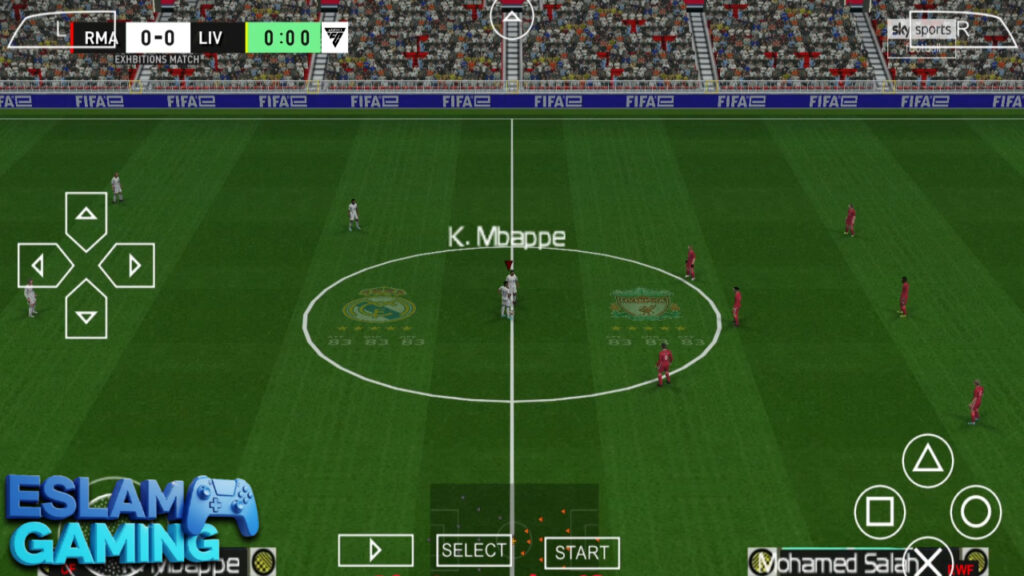
One of the most requested features is the “4K Camera” or “PS5 Camera” angle. This mod changes the default perspective to a wider, more cinematic view, allowing you to see more of the pitch. It makes building up play from the back much easier as you can spot the runs of your wingers earlier. Combined with HD texture packs, the grass looks greener, the kits have visible stitching, and the lighting mimics the atmosphere of a night-time European match. 🎥✨
New EA FC 24 User Interface ⚡
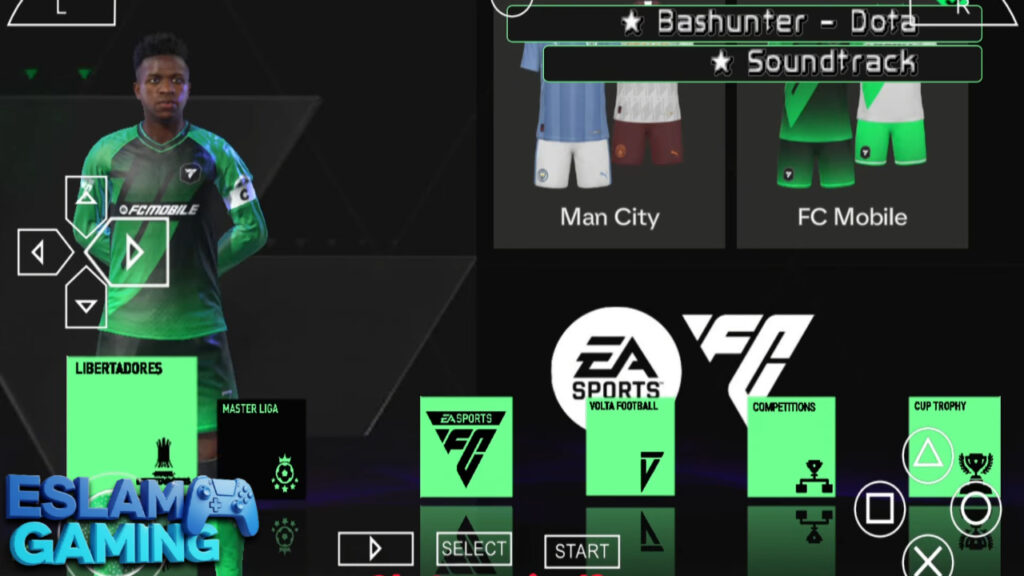
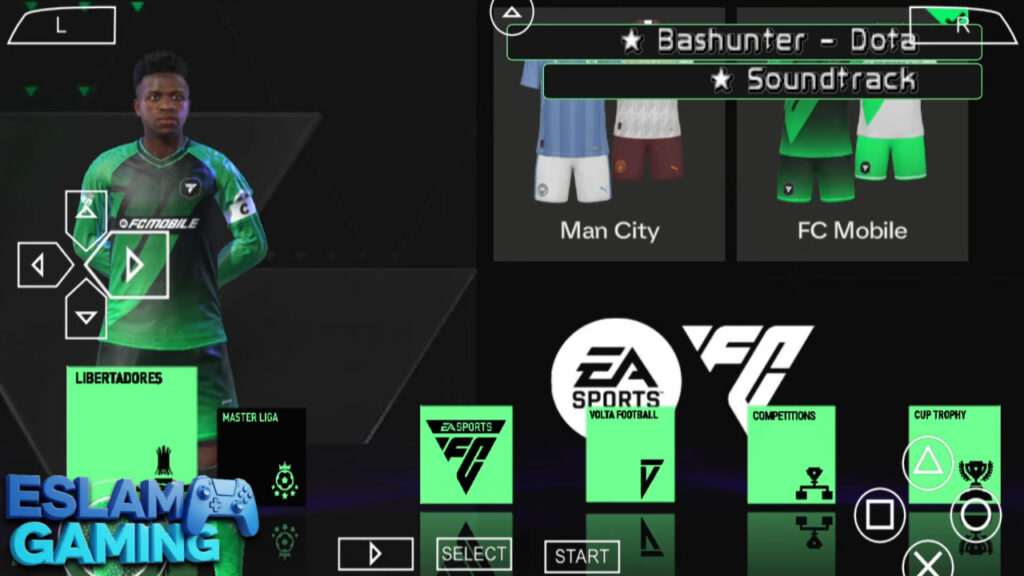
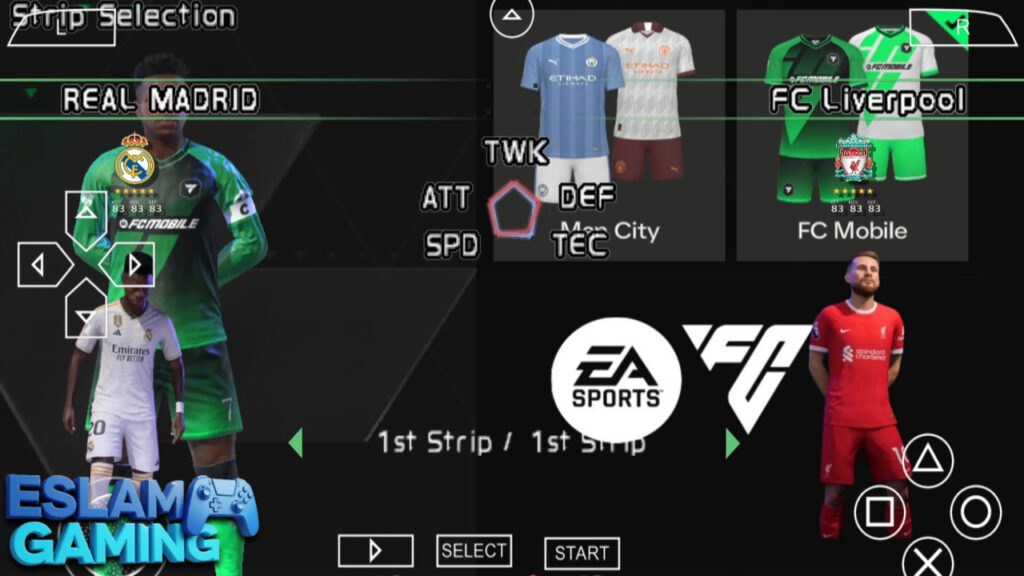
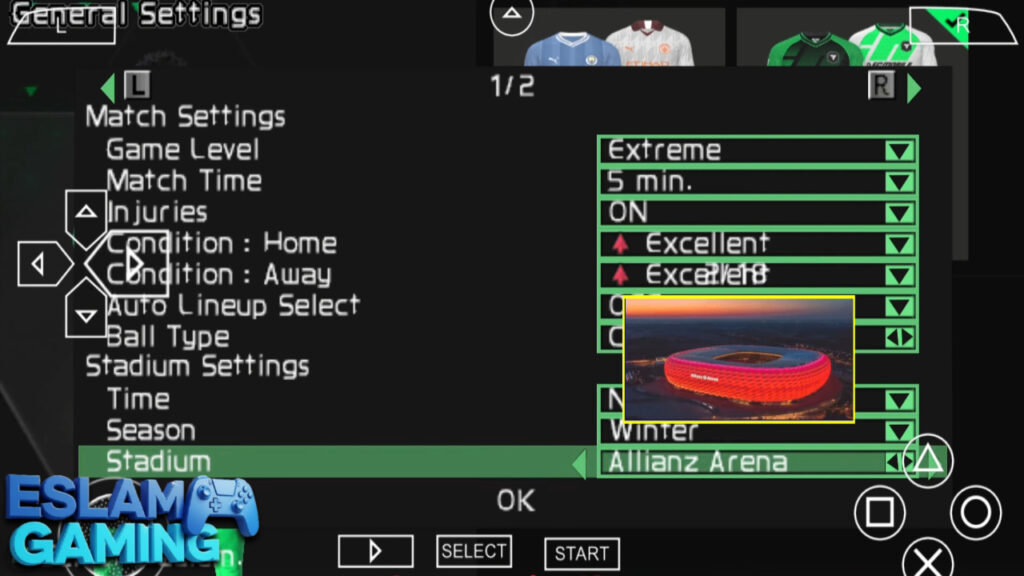
Gone are the old, clunky menus of the PSP era. This version features a sleek, dark-themed UI inspired by EA Sports FC 24. From the splash screen to the team selection menu, everything looks premium. The inclusion of the official EA FC fonts and icons makes the transition from console to mobile feel seamless for fans of the franchise. 🧠🏃♂️
Comprehensive Game Modes 🏆
- Manager Mode – The crown jewel. Handle scouting, budget management, and team morale over multiple seasons.
- Be a Pro – Control a single player, improve their stats, and work your way from the reserves to the national team.
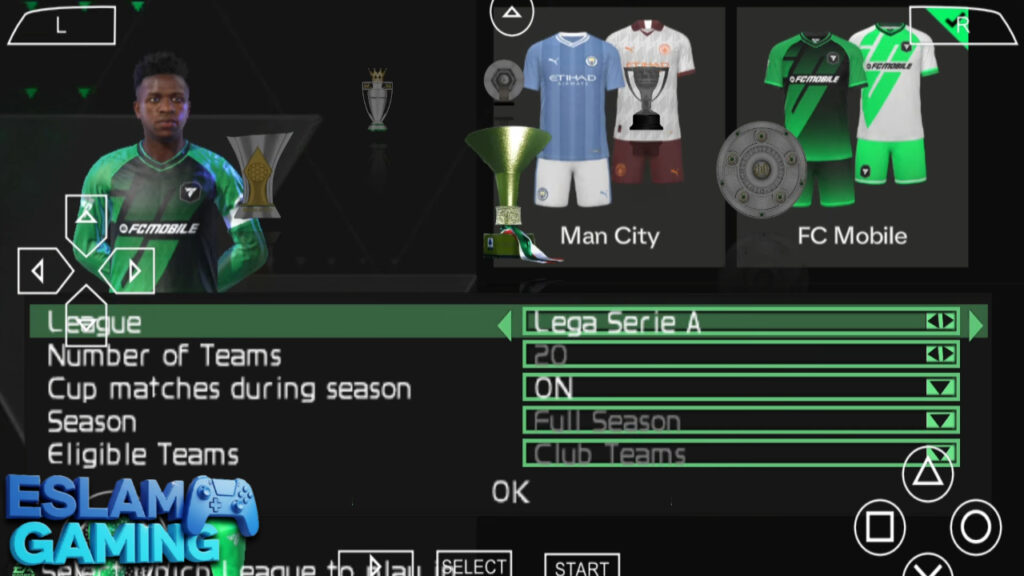
- Tournament Mode – Includes the UEFA Champions League, World Cup, and various domestic cups with realistic trophies.
- Volta/Street Football – A dedicated mod within the game that brings the flair of street football back to the small screen.
- Training Ground – Perfect your free kicks, corners, and skill moves before taking them to the big stage.
Enhanced Audio & Commentary ⚙️
Audio plays a huge role in immersion. This version includes updated commentary files (often featuring Peter Drury or the classic duo of Martin Tyler and Alan Smith). The crowd noise has also been “sampled” from real matches, so you’ll hear team-specific chants when playing at stadiums like Anfield or the Santiago Bernabéu. 🎛️🔧
Gameplay Experience Explained 🎯
At Eslam Gaming, we believe gameplay is king. FIFA 2024 PPSSPP handles differently than modern mobile titles like FC Mobile or eFootball. It feels more “weighted” and deliberate. You cannot simply sprint through a whole team; you must use the midfield to dictate the tempo.
The Art of Possession
In this 2024 build, the AI has been tweaked to be more aggressive in their defensive shape. To break them down, you’ll need to master the “Triangle” (Through Ball) button. Using the L1/LB modifier for lofted through balls is particularly effective against high-pressing teams. If you’re playing on a higher difficulty, possession is your best defense — keep the ball, move the opposition, and wait for the gap. 🎯
Advanced Shooting Mechanics
The shooting system rewards timing. A full power bar will almost always send the ball into the stands, while a “tap” results in a weak scuff. The sweet spot is roughly 40-60% power. For long-range screamers, ensure your player is on their dominant foot and has a clear sight of the goal. Don’t forget the “Finesse” shot (usually R1 + Shoot on mapped controllers) for those tight angles inside the box. 💥
Defensive Tactical Discipline
The most common mistake beginners make is holding the “Sprint” button while defending. This pulls your players out of position. Instead, use the “Contain” button (usually X or A) to keep a steady distance. Use the “Square” (or X on Xbox layouts) button to call for a second defender to double-team star players like Mbappé or Haaland. 🛡️
Game Modes and Content ⚽
While many enjoy the quick “Exhibition” matches, the longevity of FIFA 2024 PPSSPP comes from its deep simulation modes. Let’s look at how to maximize your time in these sections.
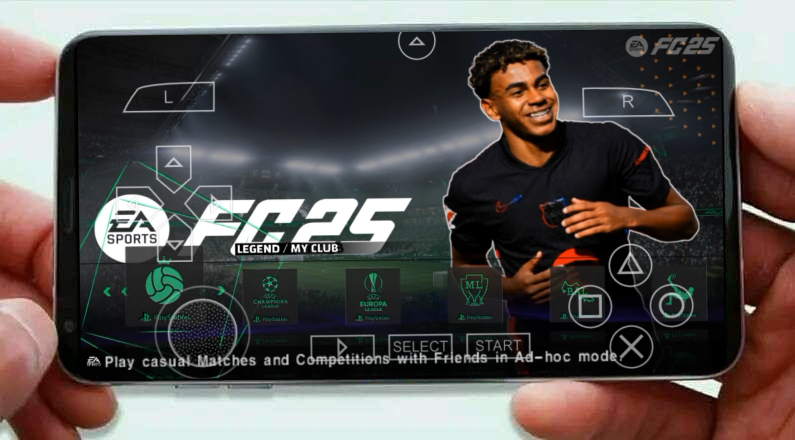

The Manager Mode Journey
Starting a career with a lower-tier team is the ultimate challenge. In the 2024 mod, the transfer market is more realistic. High-profile players won’t sign for small clubs unless you’ve won major silverware. Focus on the “Youth Academy” feature. Developing a 17-year-old wonderkid into a 90-rated superstar is one of the most rewarding experiences in the game. 📊🚀
UEFA Champions League Night
The Tournament mode features a dedicated “Champions League” skin. This means when you play these matches, the scoreboard, the banners, and even the ball change to reflect the prestigious competition. Winning the “Big Ears” trophy in this game feels like a true accomplishment, especially with the added cinematic trophy lifting scenes. 🏆
FIFA Street Football Mod (Volta)
For those who miss the “FIFA Street” era, certain versions of the ISO include a Volta-inspired mode. These matches are 5v5 and take place in small cages or urban pitches. The rules are faster, the skills are flashier, and it’s a great way to practice your dribbling mechanics without the pressure of a full 11-man tactical setup. 🤝
System Requirements for Android (PPSSPP) 📱
To enjoy the 4K graphics and smooth 60 FPS gameplay, your device needs to meet certain criteria. Note that the emulator itself is very well optimized.
| Component | Minimum Requirement | Recommended (for 4K/60FPS) |
|---|---|---|
| Operating System | Android 6.0 (Marshmallow) | Android 10.0 or higher |
| Processor (CPU) | Quad-Core 1.5 GHz | Octa-Core (Snapdragon 700+ or Dimensity 800+) |
| RAM | 2 GB | 4 GB – 6 GB |
| GPU | Adreno 506 / Mali-G52 | Adreno 600+ / Mali-G76+ |
| Free Storage | 1.5 GB | 3 GB (for ISO + Texture Packs) |
Graphics, Sound, and Performance 🎵
The performance of FIFA 2024 on your phone depends largely on the “Backend” you choose in the emulator settings.
- Vulkan Backend | Best for modern Android phones. It reduces CPU overhead and allows for higher resolution scaling (2x or 3x).
- OpenGL Backend | Better for older devices or if you notice “missing textures” while using Vulkan.
For the sound, we recommend enabling “Audio Sync” to ensure the commentary doesn’t lag behind the action. If you experience “crackling” audio, try increasing the “Audio Latency” to ‘Medium’ or ‘High’ in the settings menu. 🎧
🤔 Why Choose FIFA 2024 PPSSPP?
At Eslam Gaming, we’ve tested dozens of football games. This version wins because:
- No Forced Updates — Unlike the Play Store version, this game won’t stop working if you don’t update it. You own the files.
- Full PS5 Experience — The camera mods and texture packs make it look almost identical to a console experience on a small screen.
- Ultimate Portability — Play deep in the subway, on a plane, or in remote areas where 4G/5G is non-existent.
- Zero Pay-to-Win — Every player, from Messi to Mbappe, is available from the start. No packs, no gems, just football.
Download FIFA 2024 PPSSPP today and reclaim the joy of football gaming! 🚀
How to Download and Install FIFA 2024 PPSSPP ⬇️
Installation is straightforward, but you must follow these steps exactly to avoid the “Black Screen” error.
- Download Files: You will need the ISO file, the Save Data, and the Textures folder.
- Install Emulator: Download the PPSSPP Gold or standard version from the Play Store.
- Extract Files: Use ZArchiver to extract the Zip files. Move the ‘PSP’ folder (which contains ‘SAVEDATA’ and ‘TEXTURES’) to your internal storage. It should merge with your existing PSP folder.
- Move the ISO: Place the FIFA 2024 ISO in a folder you can easily find (like ‘Games’).
- Set Language: This is the most important step! Open PPSSPP > Settings > System > Language. Set it to “Español (Castellano)”. Most FIFA mods are built on this base; using ‘English’ might cause a black screen.
- Launch: Locate the game in the emulator and start playing!
Tips and Tricks 💎
- Master the First Touch: Hold R1/RB as you receive the ball to let it run past the defender. This is deadly for fast wingers. 🎯
- Free Kick Trick: Aim for the second player in the wall and use about 2 bars of power while holding “Up” on the stick for dip.
- Manual Run Trigger: Tap the L1/LB button while looking at a teammate to force them to make a forward run.
- Camera Adjustment: If the 4K camera is too far for you, go to Game Settings > Camera and switch to ‘Tele’ or ‘Dynamic’ for a closer look.
- Budget Wonderkids: In Manager Mode, look for players in the ‘Free Agents’ list at the start of the season. You can often find 75+ rated players for $0.
Common Problems & Fixes 🛠️
Black Screen on Startup
This is almost always caused by the wrong emulator language. Go to System > Language and change it to Español (Castellano). If that doesn’t work, ensure your ISO isn’t corrupted by checking its file size against the download source.
Textures Not Showing (Old Kits)
If you see the 2014 kits instead of the 2024 ones, your Texture folder is in the wrong place. It must be in: Internal Storage / PSP / TEXTURES. Ensure the folder name inside ‘TEXTURES’ matches the ID of the game (usually something like ULES01500).
Lag and Slow Motion
If the game runs like it’s underwater, go to Graphics Settings and enable “Skip Buffer Effects”. Also, ensure “Frameskipping” is set to ‘Off’ or ‘1’ at most. Turn off “Post-processing shaders” as they consume a lot of GPU power.
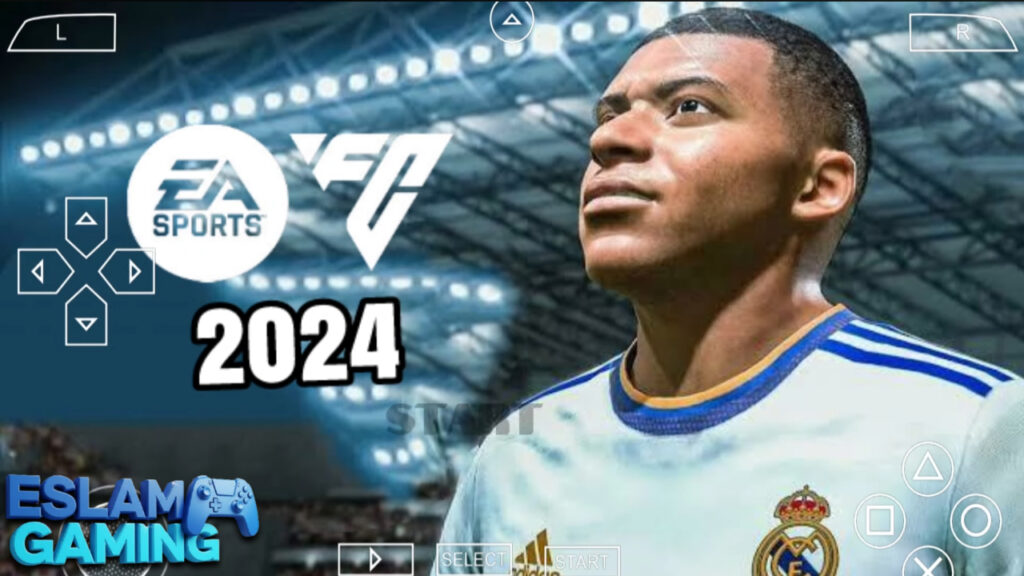
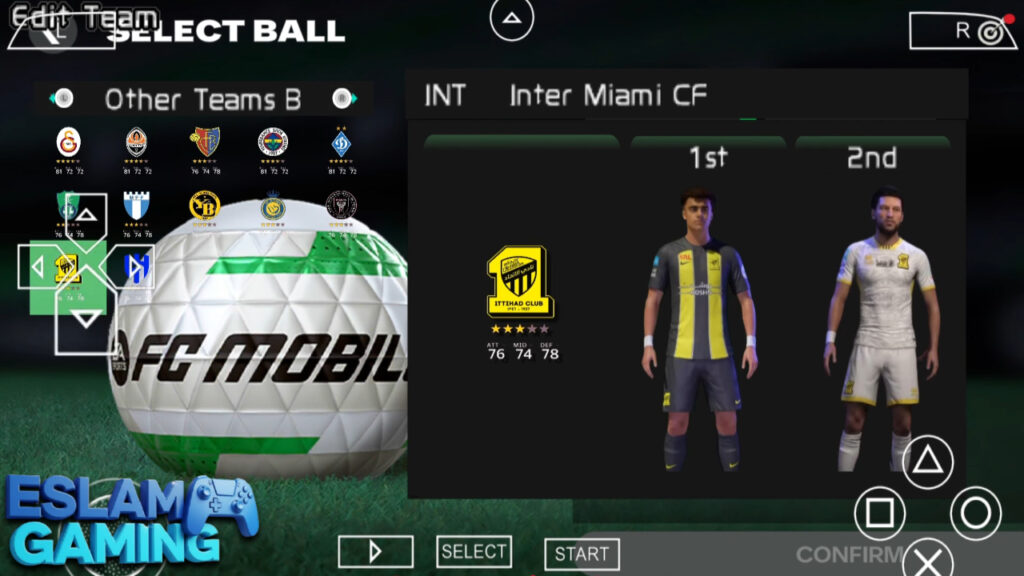
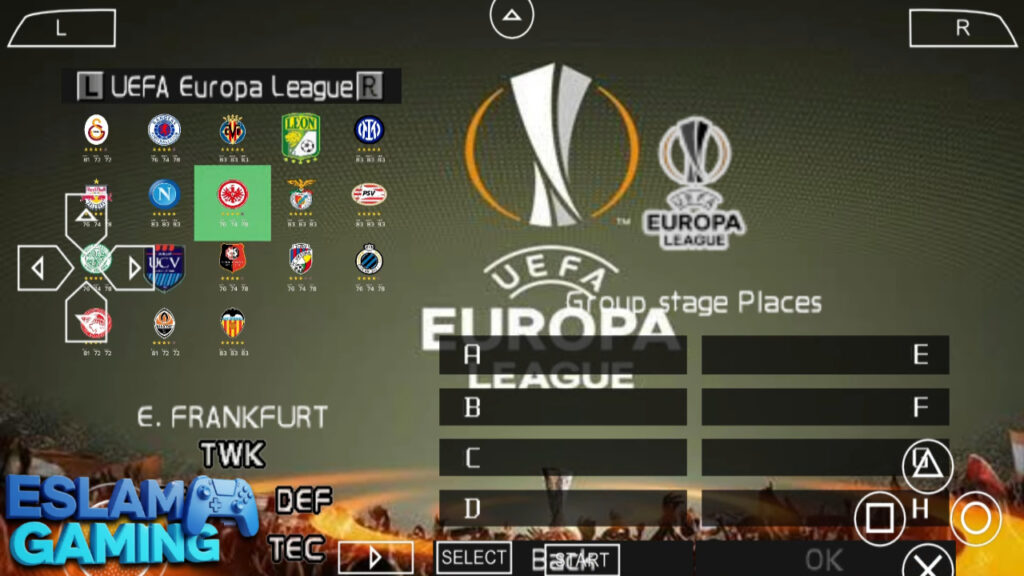
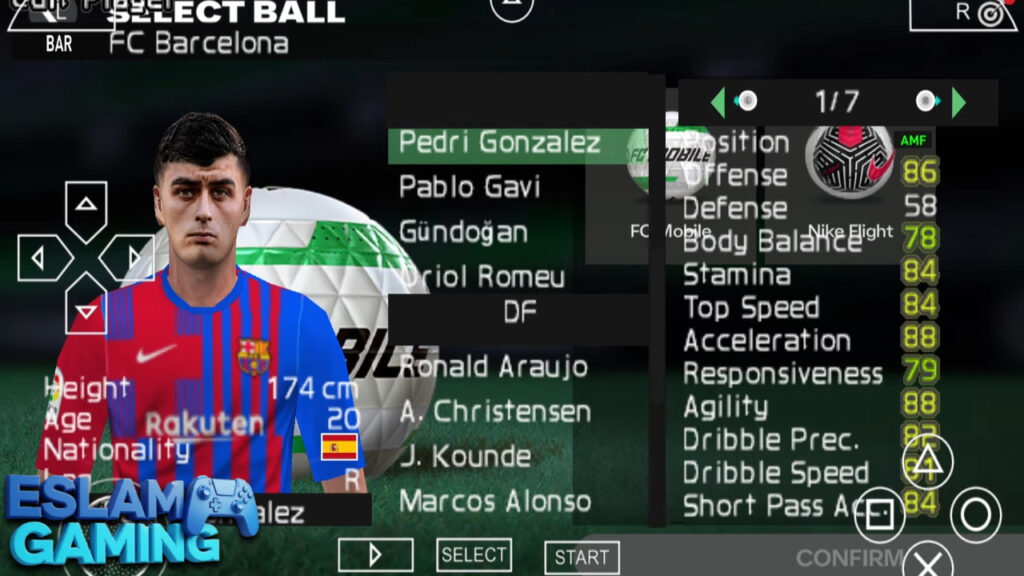
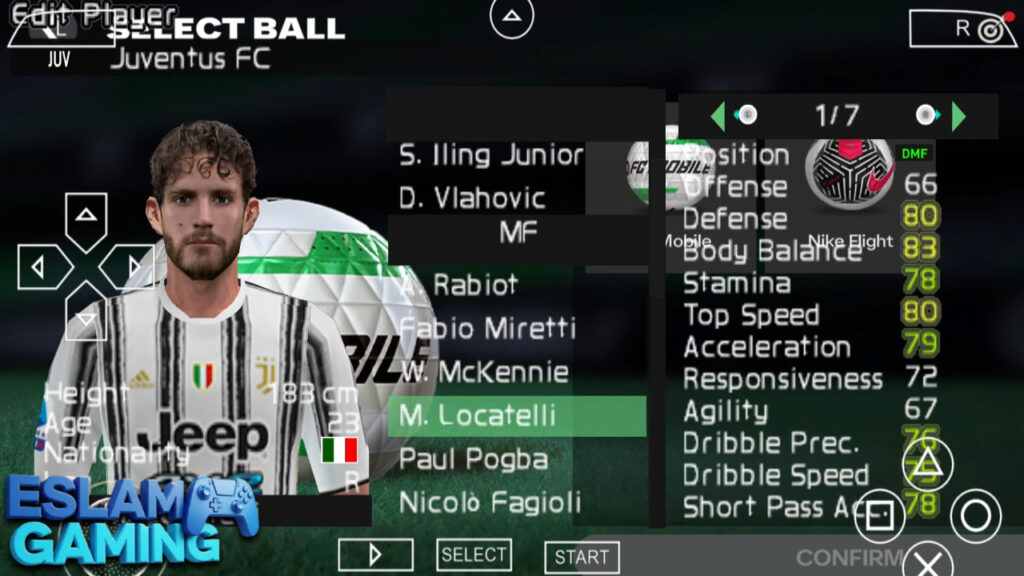
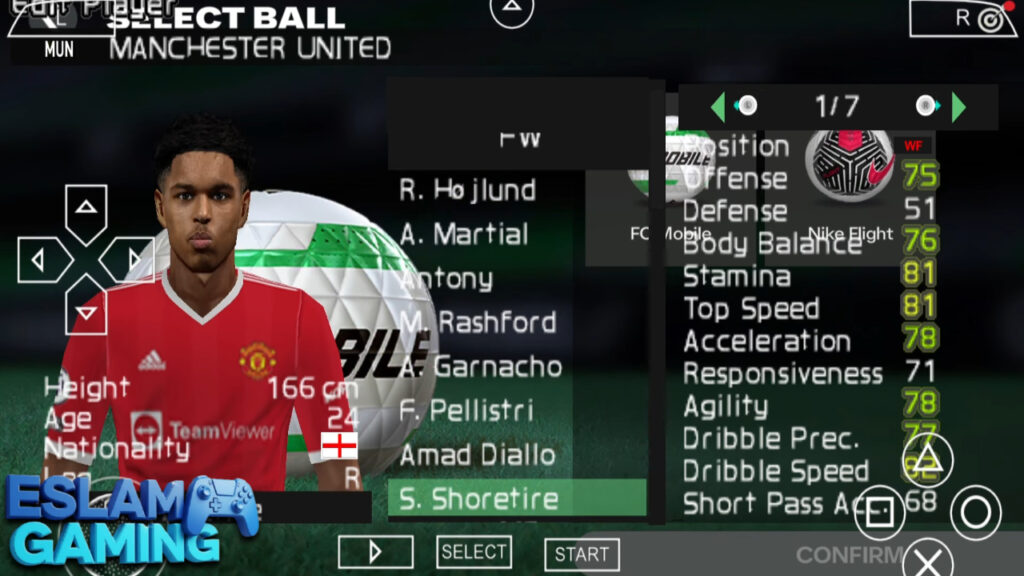
IMAGES FROM INSIDE THE GAME:
Frequently Asked Questions (FAQ) ❓
Is this better than FIFA 23 PPSSPP?
Yes! The 2024 version includes all the summer and winter transfers of the 23/24 season, improved 4K camera stability, and the new EA FC branding which looks much cleaner. ⚖️
Can I play with my friends?
Yes, PPSSPP supports local multiplayer via a Hotspot connection. Both players must have the same ISO and Save Data version. You can find the “AdHoc” settings in the emulator menu. 🌐
Does it have the Saudi Pro League?
Most versions of the 2024 mod include the top Saudi teams (Al-Nassr, Al-Hilal, Al-Ittihad) in the “Rest of World” category or a dedicated league slot, featuring Ronaldo, Mane, and Benzema. 🕹️
Final Verdict 🎯
FIFA 2024 PPSSPP remains a masterclass in what a dedicated community can achieve. It transforms an aging handheld game into a modern, high-definition football simulation that rivals many current mobile offerings. Its strength lies in its offline reliability, deep Manager Mode, and the stunning 4K PS5 camera view. While the setup requires a bit of effort (like changing the language settings), the reward is hundreds of hours of premium football gameplay without a single “Energy Bar” or “In-App Purchase” in sight.
For more gaming guides and the best mobile downloads, keep it locked to Eslam Gaming. Happy gaming — we’ll see you in the finals! ⚽🔥
FIFA 2024 PPSSPP game files links (small size) for Android: