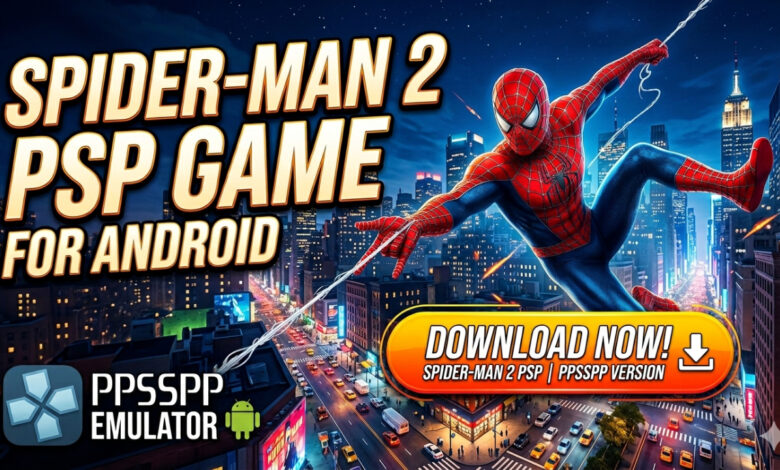
Spider-Man 2 PSP Download for Android – PPSSPP Full Gameplay Guide 🕷️
Relive the legendary cinematic experience of Peter Parker on your mobile device with Spider-Man 2 PSP! Released alongside the iconic 2004 film, this game remains a fan favorite for its intense action, web-slinging mechanics, and the chance to face off against the formidable Doctor Octopus. By using the PPSSPP emulator, you can now enjoy this classic handheld title on Android with enhanced resolutions and smoother performance. Whether you are a die-hard Marvel fan or a retro gamer looking for a superhero fix, this guide will show you how to swing through the streets and save New York. Download now and unleash your inner Spidey! 🕸️🎮
What is Spider-Man 2 PSP? 🎮
Spider-Man 2 on the PlayStation Portable (PSP) is a specialized version of the hit movie-tie-in game. Developed by Vicarious Visions, it differs significantly from its PlayStation 2 and Xbox counterparts. While the console versions pioneered the open-world swinging mechanic, the PSP version focuses on a more linear, mission-based structure that fits the “pick up and play” nature of handheld devices. It allows players to follow the storyline of the film, voiced by the original cast including Tobey Maguire and Alfred Molina. Using the PPSSPP emulator on Android, players can bridge the gap between 2005 and today, enjoying the game with better textures, customizable controls, and the convenience of mobile gaming. It is the perfect blend of nostalgia and modern accessibility. 🕷️📱
Why this version appeals to mobile players 🌍
The Spider-Man 2 PSP experience is highly sought after because it offers a focused superhero narrative that doesn’t require a high-end gaming rig. It appeals to players for several reasons:
- Compact Storytelling — The levels are designed for short bursts, making it ideal for commutes or quick breaks.
- Emulator Enhancements — Playing on PPSSPP means you can upscale the graphics to 1080p, making the 2005 visuals look surprisingly crisp on modern screens.
- Authentic Voices — Hearing Tobey Maguire’s actual voice adds a layer of immersion that many modern mobile games lack.
Key Features of Spider-Man 2 PSP 🌟
Movie-Accurate Storyline ⚡
Unlike many “inspired by” games, Spider-Man 2 PSP stays remarkably close to the film’s plot. You will experience Peter Parker’s struggle to balance his personal life with his responsibilities as a hero. From the initial encounters with petty thieves to the climactic battle on the train against Doc Ock, the game feels like an extension of the movie. This focus on narrative ensures that every mission has a clear purpose and emotional weight. 🎬🏙️
Classic Web-Slinging & Combat 🎨
The game features a robust combat system where you can chain together punches, kicks, and web-based attacks. The “Spider-Sense” mechanic is a highlight, slowing down time or alerting you to incoming danger, allowing you to dodge with cinematic flair. While it is more linear than the PS2 version, the web-swinging still feels fluid and satisfying, capturing the verticality of New York City’s skyscrapers. 🕸️👊
Iconic Boss Battles ⚡
Prepare to face off against a rogue’s gallery of villains. While Doctor Octopus is the primary antagonist, you will also encounter others like Mysterio, Rhino, and Shocker. Each boss requires a different strategy—for instance, figuring out how to beat Mysterio in Spider-Man 2 PSP involves navigating his illusions and timing your attacks perfectly. These encounters provide a significant challenge that tests your mastery of Spidey’s abilities. 🧠💥
Character Progression & Upgrades 🏆
- Hero Points – Earn points by completing missions and stopping random crimes to unlock new combos.
- Web Upgrades – Enhance your web fluid capacity and the strength of your web-balls and impact webbing.
- Health & Strength – Improve Peter’s durability to survive longer in the tougher late-game levels.
- Secret Unlocks – Discover hidden tokens throughout levels to unlock concept art and special character skins.
Optimized for PPSSPP ⚙️
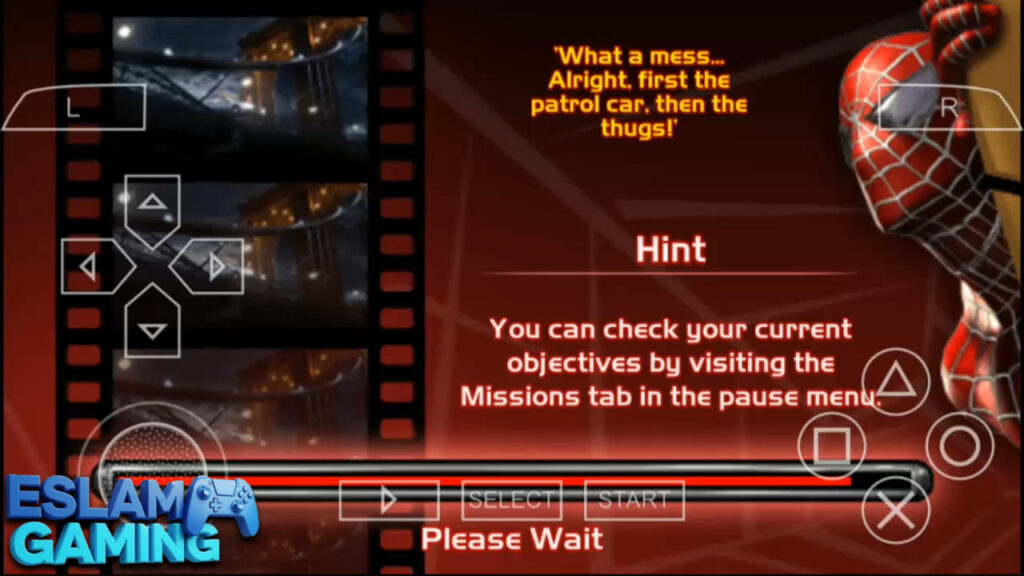
The game runs exceptionally well on the PPSSPP emulator. You can map the controls to an external Bluetooth controller or customize the on-screen touch buttons. For those using high-end Android phones, enabling features like anisotropic filtering and texture scaling can make the game look like a remastered version of the original. 🎛️🔧
Gameplay Experience Explained 🎯
Mastering Spider-Man 2 PSP requires a combination of quick reflexes and tactical thinking. The game doesn’t just ask you to mash buttons; it rewards you for using the environment and Peter’s unique biological gifts. Below is a breakdown of the core mechanics you need to master to become the Ultimate Spider-Man.
Web-Slinging and Traversal
Movement is key. While the PSP version is more level-based, you still spend a lot of time in the air. Use the swing button to gain momentum and the jump button at the peak of your arc to launch higher. Wall-crawling is essential for stealth missions and finding hidden collectibles tucked away on the ceilings of warehouses or the sides of buildings. 🎯
Combat and Spider-Sense
When the Spider-Sense icon flashes above Peter’s head, react immediately! Dodging is often more important than attacking, especially when dealing with enemies armed with firearms. Use your webbing to disarm thugs or stick them to walls to take them out of the fight quickly. Learning to juggle enemies in the air is the best way to earn high “Hero Ratings” at the end of each level. 💥
The Mysterio Challenge
Many players ask how to defeat Mysterio in Spider Man 2 PSP. Unlike the console version where he is a joke, the PSP Mysterio is a multi-stage threat. You must navigate his funhouse of mirrors, identify the real Mysterio among his holographic clones, and use your impact webbing to stun him. It’s a test of patience and observation. 🛡️
Game Modes and Content 🕷️
The game is primarily focused on its Story Mode, but there is plenty of content to keep you occupied for hours. Each level is replayable, and there are specific challenges that only reveal themselves as you progress.


Main Story Mode
Comprising 19 chapters, the story mode takes you through the events of the movie. You start with basic training under the guidance of a narrator (Bruce Campbell!) and eventually find yourself in the middle of a city-wide crisis. The pacing is excellent, alternating between high-speed chases, stealth segments, and heavy-hitting boss fights. 📊🚀
Side Missions and Street Crimes
Even within the linear levels, you can encounter “Active Crimes.” Stopping these earns you extra Hero Points. These tasks range from stopping a mugging to rescuing a civilian from a burning building. It adds to the feeling of being a “Friendly Neighborhood” hero. 🏆
Unlockables and Secrets
The game features a wealth of secrets. Finding hidden “Spider Tokens” allows you to unlock various costumes and gallery items. For many, the ultimate goal is to find the spider man 2 psp cheat codes that allow for infinite health or all upgrades, adding a “sandbox” feel to the late-game experience. 🤝
System Requirements for Android (PPSSPP) 📱
Since Spider-Man 2 was a relatively early PSP title, it is well-optimized. However, to run it smoothly with high-definition enhancements on PPSSPP, we recommend the following:
| Component | Requirement |
|---|---|
| Operating System | Android 5.0 or higher |
| Processor | Dual-Core 1.5 GHz (Quad-core recommended for 2x resolution) |
| RAM | 2 GB minimum; 4 GB recommended |
| Storage | Approx. 1 GB (ISO file + save data) |
| Emulator | PPSSPP (v1.10 or later) |
Graphics, Sound, and Performance 🎵
For a 2005 handheld game, Spider-Man 2 PSP looks and sounds fantastic. The character model for Spider-Man is highly detailed, featuring reflective textures on the suit’s webbing.
- Visuals | The game uses a mix of 3D environments and pre-rendered cutscenes. On Android, you can use post-processing shaders like “FXAA” to smooth out jagged edges.
- Audio | The orchestral score is inspired by Danny Elfman’s movie themes, providing an epic feel. The sound of the web shooters is crisp, and the environmental audio helps you locate enemies during stealth sections.
- Voice Acting | Featuring the voices of Tobey Maguire, Alfred Molina, and Kirsten Dunst, the game feels incredibly authentic to the Marvel Cinematic history of the early 2000s. 🎧
🤔 Why Choose Spider-Man 2 PSP?
Spider-Man 2 PSP provides a unique superhero experience that stands out from modern mobile games:
- Nostalgic Atmosphere — It captures the specific “magic” of the Sam Raimi era of Spider-Man films.
- Deep Combat Mechanics — More than just a simple brawler; it requires mastery of Spidey’s full moveset.
- Offline Accessibility — No internet required, no microtransactions, and no “energy” meters. Just pure gaming.
- High Portability — Designed for the PSP, it feels right at home on a smartphone screen.
Download Spider-Man 2 PSP now and swing into action on your Android device! 🚀
How to Download and Install Spider-Man 2 PSP ⬇️
Follow these simple steps to get the game running on your Android phone or tablet:
- Download and install the PPSSPP Emulator from the Google Play Store.
- Obtain the Spider-Man 2 PSP ISO file from a trusted source (ensure you own the original disc to comply with copyright laws).
- Use a file manager like ZArchiver to locate your downloaded file. If it is in a .zip or .rar format, extract it to get the .iso file.
- Move the ISO file to a folder named “PSP/GAME” on your internal storage.
- Open the PPSSPP app, navigate to the “Games” tab, find your folder, and tap the Spider-Man 2 icon.
- Enjoy the game! Don’t forget to visit the settings menu to map your controls for a better experience.
Tips and Tricks 💎
- Master the Web-Zip – Use the web-zip (usually R + Triangle) to quickly close the gap between you and an enemy or to escape a dangerous situation. 🎯
- Upgrade “Impact Webbing” First – This is the most useful gadget in the game as it stuns enemies instantly, allowing for easy takedowns.
- Don’t Forget the Environment – Many arenas have objects you can throw with your webs. This deals massive damage without putting you in harm’s way.
- Use Cheats for Fun – Once you’ve beaten the game, look up spider man 2 psp cheat codes like “HCNEAC” or “SPIDEY” (depending on the version) to unlock secret costumes.
- How to Beat Doc Ock – In the final fight, don’t attack him directly. Wait for him to lunge, dodge, and then strike his mechanical arms when they get stuck in the floor.
Spider-Man 2 PSP vs. PS2 Version 🎮
Many gamers ask: is spider man 2 psp the same as ps2? The short answer is no. While they share the same title and movie plot, they are completely different games. The PS2 version is a massive open-world New York City simulation. The PSP version is a 3D linear action game. However, the PSP version actually has unique levels and boss encounters (like Shocker) that aren’t featured in the console versions, making it a “must-play” for completionists. 🧩
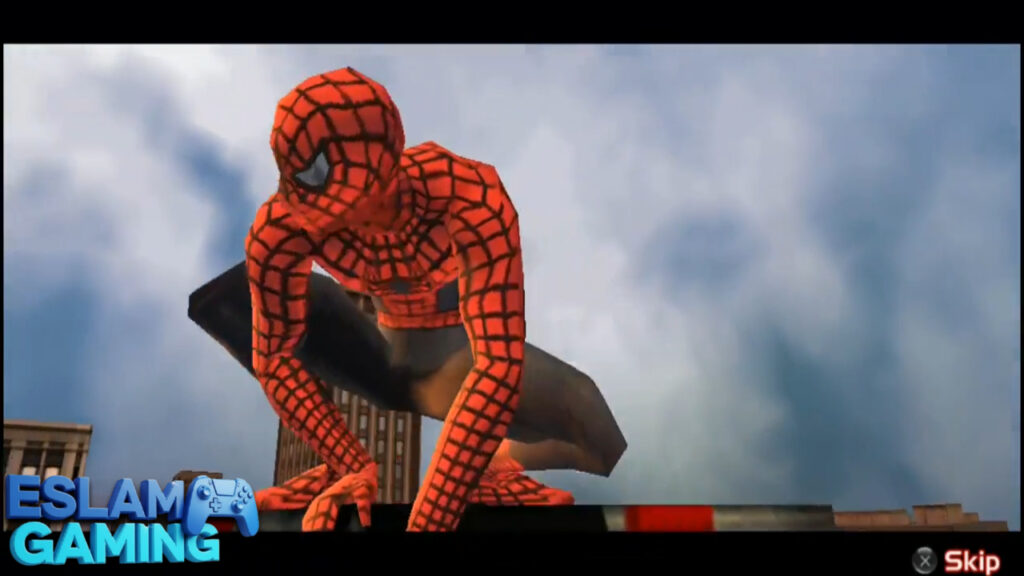
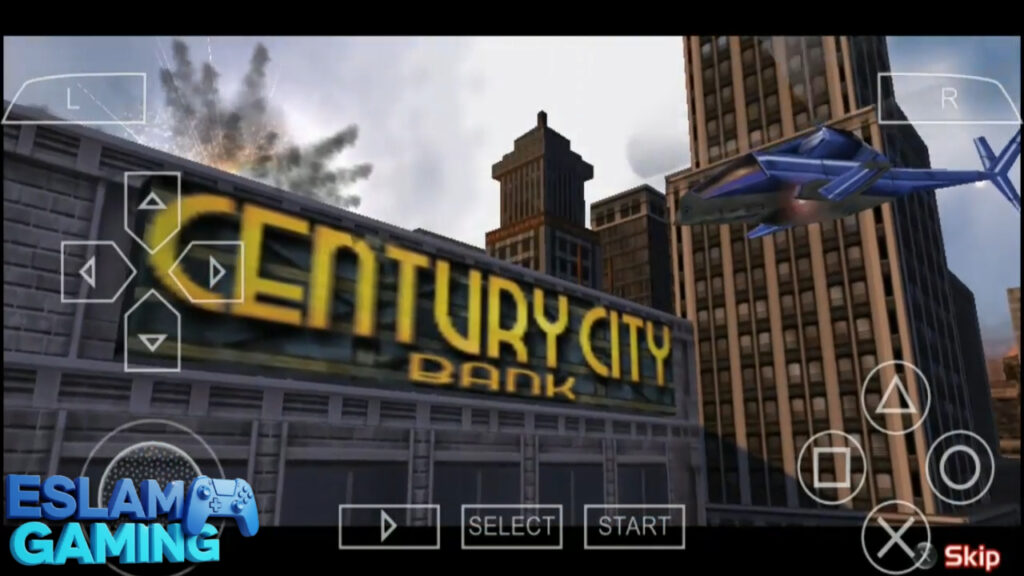
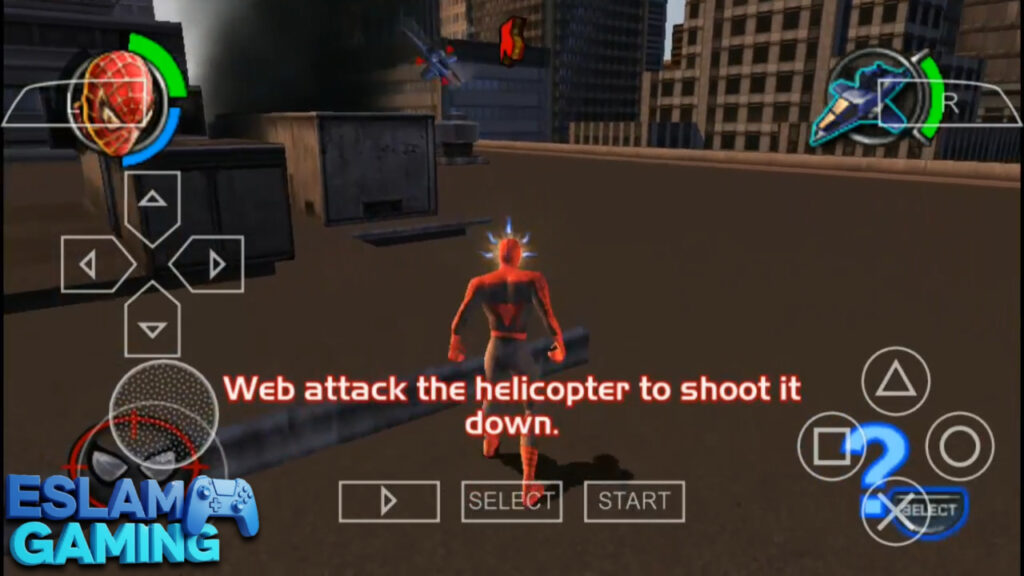
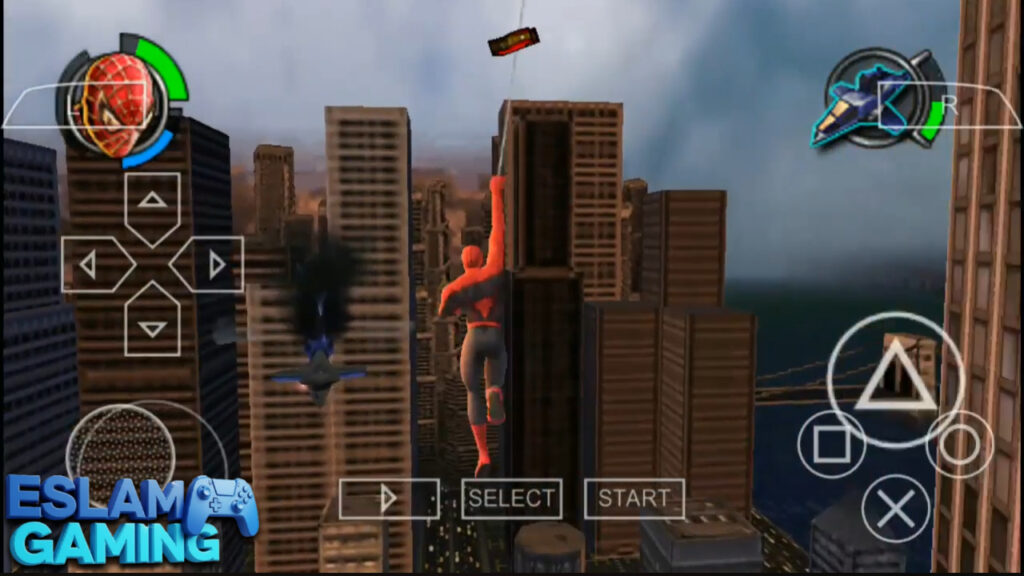
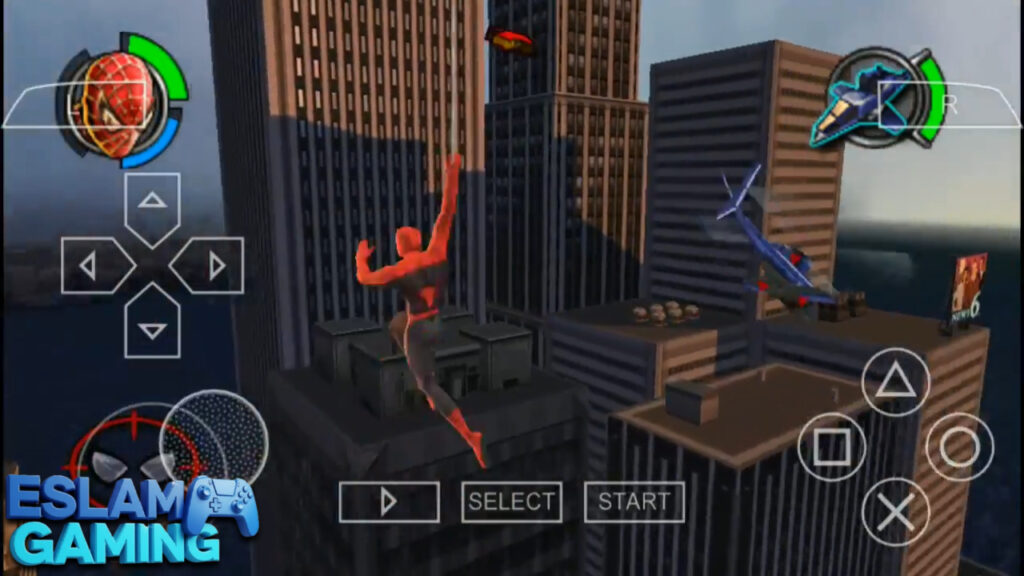
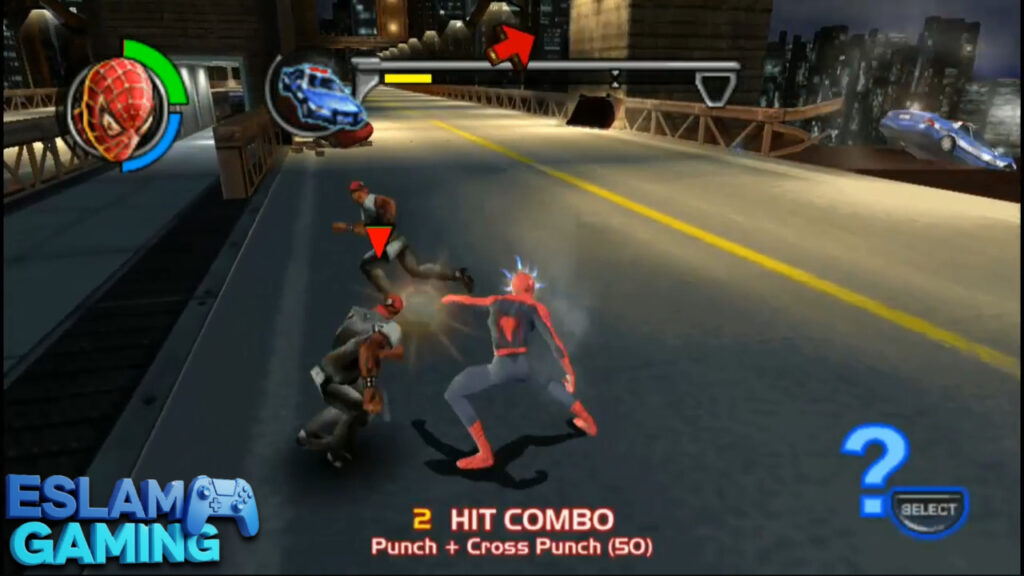
IMAGES FROM INSIDE THE GAME:
Frequently Asked Questions (FAQ) ❓
Can I play Spider-Man 2 PSP on PC?
Yes! The PPSSPP emulator is available for Windows, Mac, and Linux. You can use the same ISO file and even transfer your save data between your Android phone and your computer. ⚖️
Are there any Spider-Man 2 PSP mods?
The modding community has created “Texture Packs” for PPSSPP that replace the original low-resolution textures with high-definition ones. There are also mods to play as different characters like Venom or the Black Suit Spidey. 🌐
How do I save my progress?
You can use the in-game save points (usually after each mission) or the PPSSPP “Save State” feature. Save states allow you to save at any exact moment, even during a difficult boss fight! 🕹️
Why is the game screen black?
This usually happens if the “Graphics Backend” is set to something your phone doesn’t support. Try switching between OpenGL and Vulkan in the PPSSPP settings. 🛠️
Accessibility & Controls ♿
One of the best things about playing Spider-Man 2 PSP on Android is the accessibility. You can resize the buttons, adjust their opacity, or even use tilt controls for web-swinging. If you find the game too difficult, you can lower the difficulty in the options menu or use cheats to bypass the more frustrating levels. 📏
Final Verdict 🎯
Spider-Man 2 for the PSP is more than just a movie tie-in; it’s a piece of superhero history. While it lacks the open-world freedom of modern titles like Marvel’s Spider-Man 2 on PS5, it makes up for it with a tight, engaging story and challenging gameplay. On Android via PPSSPP, it finds new life as one of the best superhero experiences available on mobile. Whether you want to relive the 2004 hype or experience this version for the first time, it is absolutely worth the download.
Happy swinging — the city is counting on you! 🕷️🔥
Spider-Man 2 PSP game files links (small size) for Android: