eFootball Pes 2026 Ppsspp Full Update Android Ps5 Camera Download

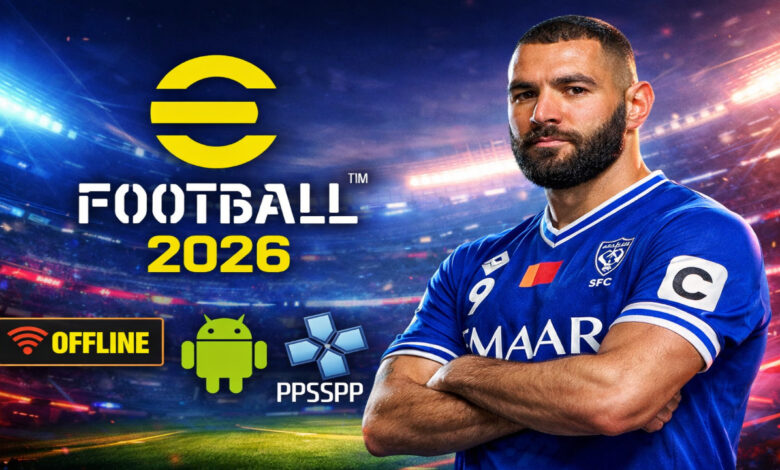
eFootball PES 2026 PPSSPP Full Update Android PS5 Camera Download ⚽
Welcome to the next generation of handheld football simulation! If you are looking for the definitive eFootball PES 2026 PPSSPP experience, you have arrived at the right place. This year’s community-modded version brings an incredible overhaul to the classic engine, featuring the highly requested PS5 Camera perspective, fully updated transfers, and realistic offline gameplay. Whether you are managing a club to glory or just want a quick match on your commute, this guide covers everything you need to download, install, and master the game on your Android device. 🎮🔥
What is eFootball PES 2026 PPSSPP? 🎮
eFootball PES 2026 PPSSPP is a heavily modified version of the classic Pro Evolution Soccer series, optimized to run on the PPSSPP emulator for Android and PC. While official support for the PSP console ended years ago, the passionate global community continues to update the game’s database, textures, and mechanics.
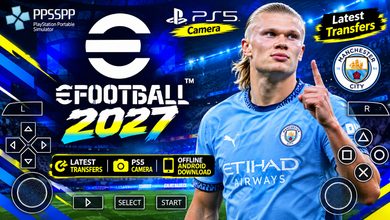
This specific edition—the eFootball PES 2026 PPSSPP Android Offline PS5 Camera version—is unique because it integrates a wide-angle broadcast view similar to what you see on PlayStation 5 or Xbox Series X consoles. It combines the nostalgic, responsive controls of the PSP era with modern aesthetics, current season kits (2025/2026), and the latest player transfers. It acts as a bridge between retro gaming fun and modern football authenticity. ⚽📱
Why this version appeals to mobile players 🌍
Unlike the official eFootball mobile app which requires a constant internet connection and heavy microtransactions, the PPSSPP version offers a purer experience. Here is why gamers prefer it:
- PS5 Camera Angle: A wide, tactical view that lets you see more of the pitch, making passing and positioning much easier.
- Completely Offline: Play anywhere without worrying about data usage or server maintenance.
- Master League: The classic manager mode is fully intact, allowing deep offline career progression.
- Performance: It runs smoothly on budget phones that struggle with modern native apps.
Key Features of eFootball PES 2026 PPSSPP 🌟
The PS5 Camera Experience 🎥
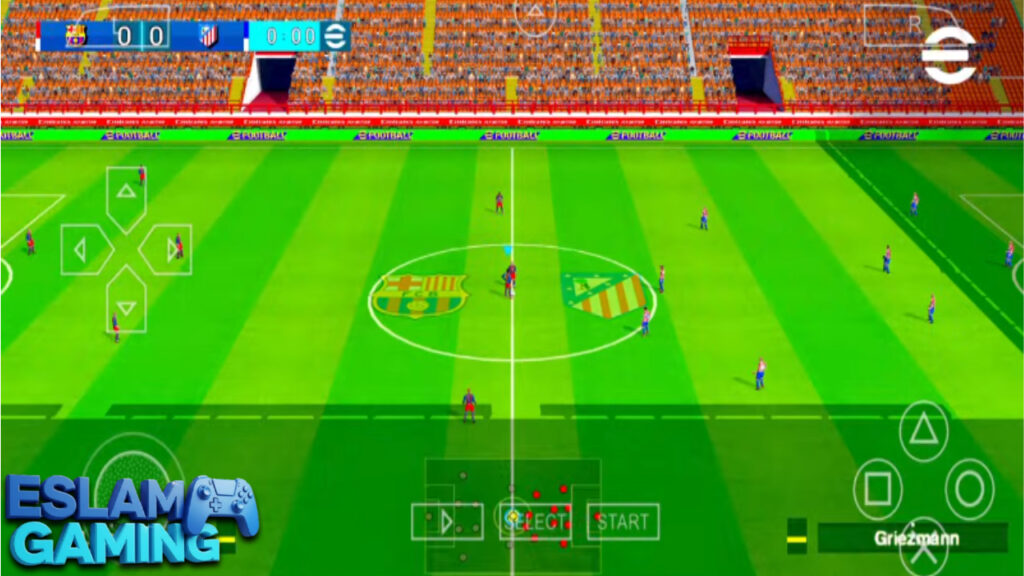
The standout feature of this update is the PS5 Camera. Traditional PSP football games used a closer, side-scrolling camera. This mod zooms out significantly and tilts the angle, mimicking a real-life TV broadcast. This isn’t just cosmetic; it changes gameplay. You can spot winger runs earlier, see gaps in the defense for through balls, and defend against counter-attacks more effectively because you have a broader field of view. It transforms the portable experience into something that feels “big screen.” 📺
Full Season Update & Transfers ⚡
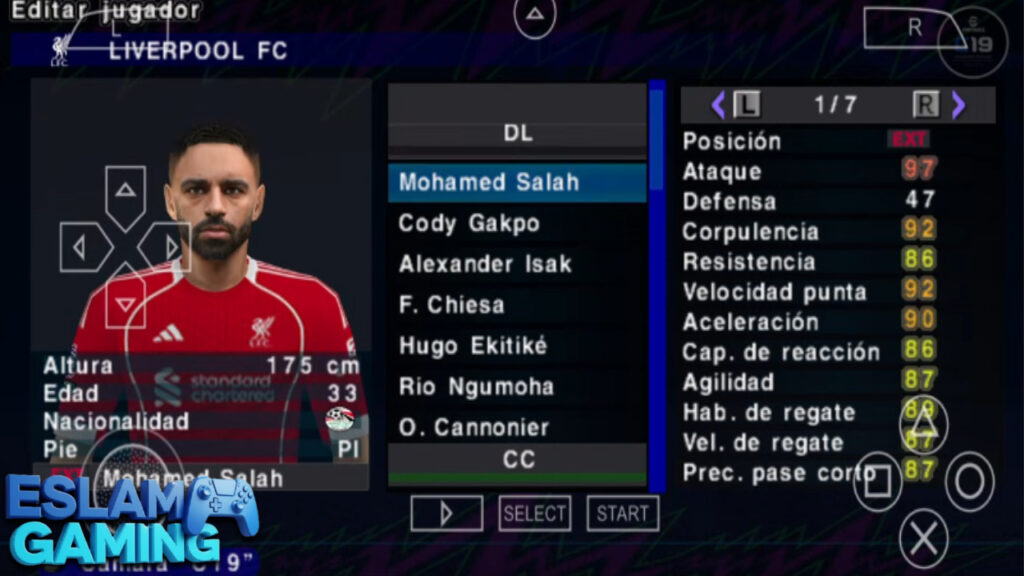
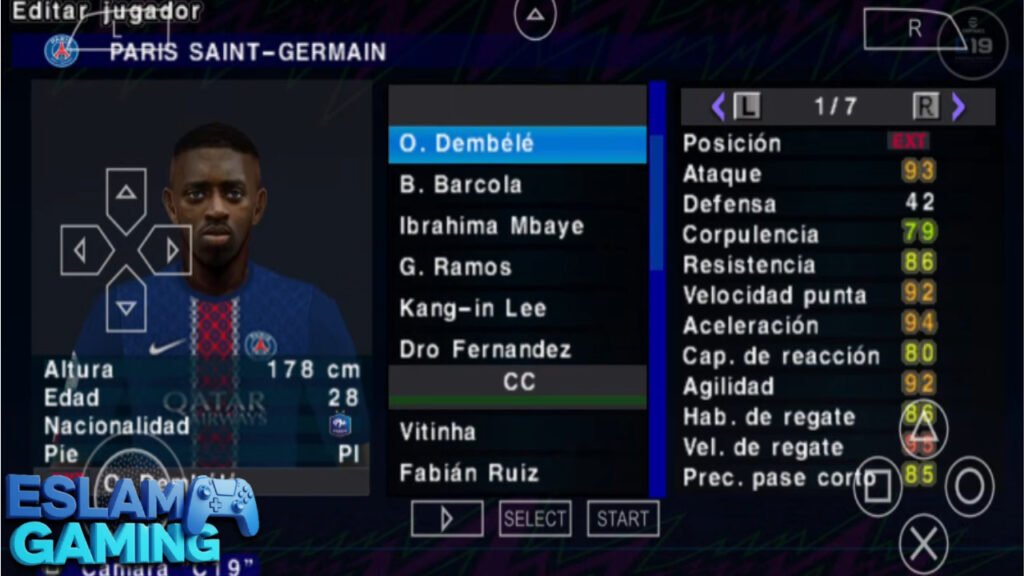
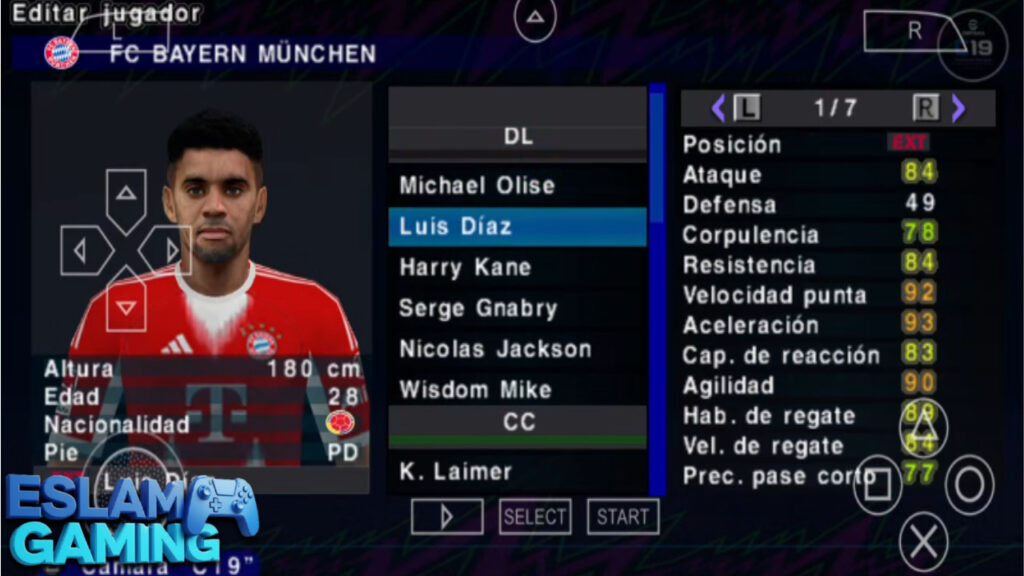
The eFootball PES 2026 PPSSPP Android offline full update includes the latest roster changes. Expect to see major stars in their new clubs, updated jersey numbers, and corrected formations. The modding community meticulously edits the database to reflect the 2025/2026 season, including promoted teams in the top five European leagues. From the Premier League to the Saudi Pro League, squads are refreshed. 👕📝
HD Graphics & New Textures 🎨
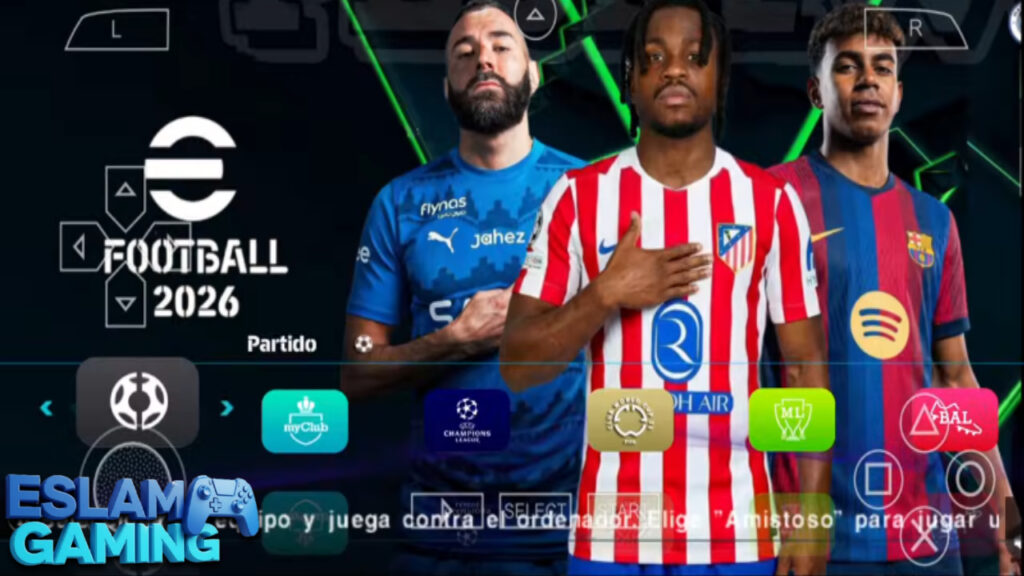
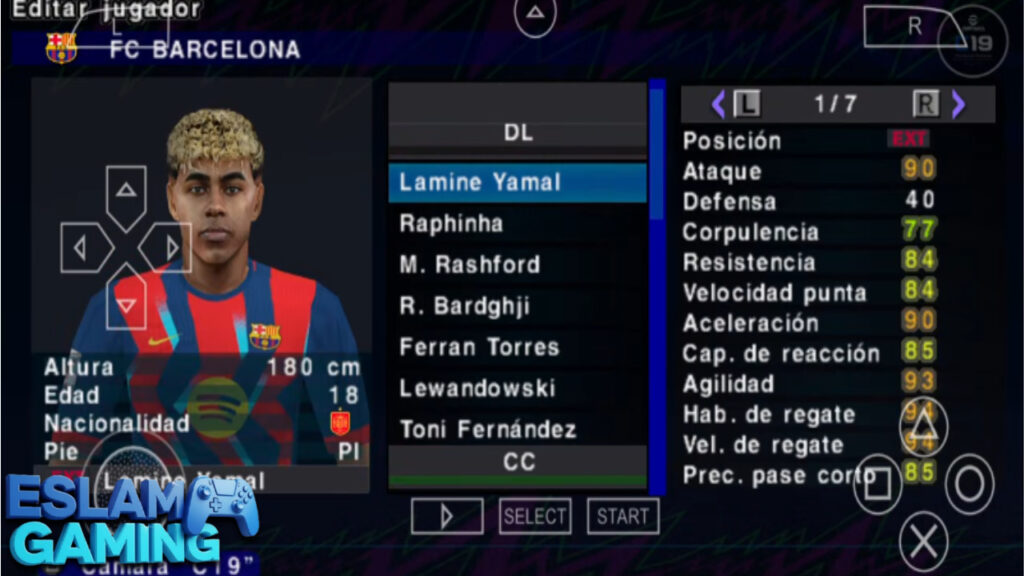
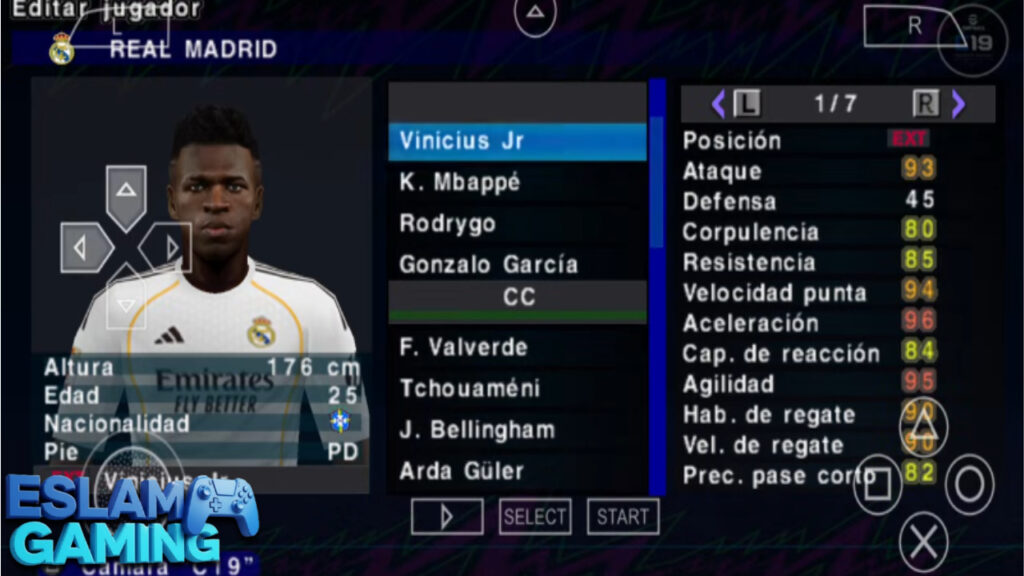
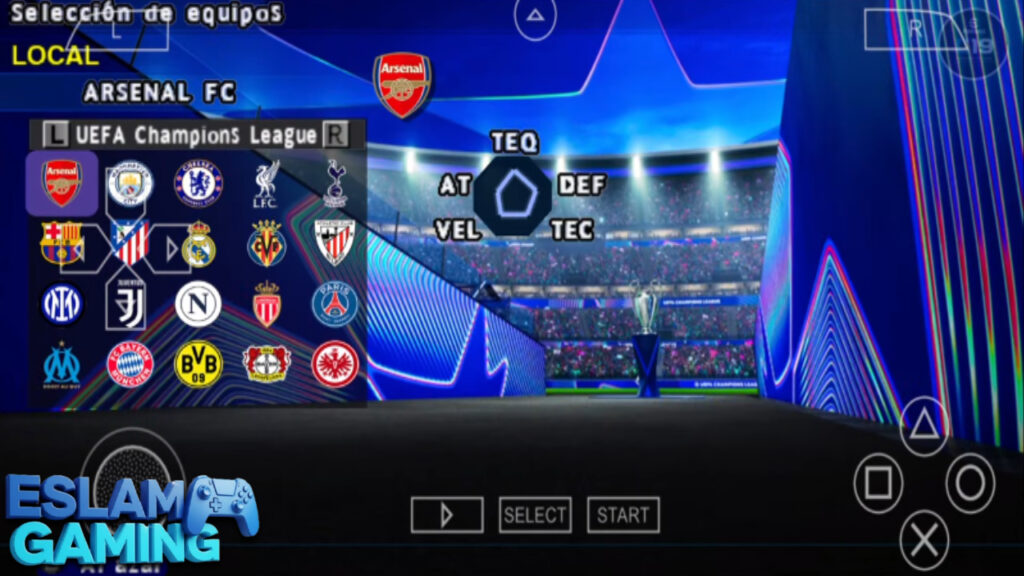
Visually, the game pushes the emulator to its limits. This version features HD faces (Real Faces) for hundreds of star players, realistic grass textures, and updated stadium atmospheres. The user interface (UI) has been redesigned to match the modern eFootball 2026 aesthetic, with sleek menus, new background music, and updated scoreboards for different competitions like the UCL or Europa League. ✨
Classic Offline Game Modes 🏆
- Master League: Take a small team from the second division to global glory. Buy and sell players, manage salaries, and develop youth talent.
- Become a Legend: Create a single player and guide them through a career, moving from benchwarmer to Ballon d’Or winner.
- Champions League: Experience the thrill of European nights with customized ad-boards, balls, and trophy celebrations.
- World Cup Mode: Lead your national team through qualifiers and the main tournament.
Smooth Control Mechanics 🎮
The game retains the beloved arcade-simulation balance of PES. Controls are responsive, and the mod often tweaks player stats to ensure speed and strength feel realistic. Whether you play with on-screen touch controls or a connected Bluetooth controller, the inputs for shooting, passing, and tackling are sharp and immediate. ⚙️
Gameplay Experience Explained 🎯
Jumping into eFootball PES 2026 PPSSPP feels instantly familiar to veterans but fresh for newcomers thanks to the camera mod. The gameplay loop focuses on building plays and tactical intelligence rather than just button mashing.
Attack and Creativity
With the PS5 camera, building attacks is a joy. You can switch play from flank to flank with long lofted passes (Circle/B) effectively. Through balls (Triangle/Y) are deadly if timed right. The game rewards patience—passing backward to draw defenders out before striking forward. Dribbling relies on the D-pad or analog stick movement; quick turns can leave defenders wrong-footed. ⚡
Defensive Tactics
Defending requires discipline. Holding the pressure button (usually X/A) brings your defender to the ball, but good players know how to use “Super Cancel” to position defenders manually to cut passing lanes. Slide tackles are high-risk, high-reward. The AI in the 2026 update is smarter, often adapting to your playstyle, so you cannot use the same trick every time. 🛡️
Goalkeeping and Physics
Ball physics are a staple of the PES series. The ball feels heavy and independent of the player. Shots from distance can dip or swerve, and goalkeepers have added animations in this mod to make saves look more realistic. Rebounds are unpredictable, adding to the excitement in the penalty box. 🥅
System Requirements for Android (PPSSPP) 📱
One of the biggest advantages of eFootball PES 2026 PPSSPP Android offline is its optimization. You do not need a flagship phone to run it, although better hardware allows for higher resolution scaling.


| Component | Minimum Requirement | Recommended Specs |
|---|---|---|
| OS | Android 6.0 Marshmallow | Android 10 or higher |
| Processor (CPU) | Quad-Core 1.4 GHz | Octa-Core (Snapdragon 700 series or equivalent) |
| RAM | 2 GB | 4 GB or more |
| Storage | 1.5 GB free space | 3 GB free space (for smoother caching) |
| Emulator App | PPSSPP Free | PPSSPP Gold (Latest Version) |
Graphics, Sound, and Atmosphere 🎵
The community has done an exceptional job with the audio-visual presentation.
- Stadiums: The texture packs often include updated versions of Camp Nou, Santiago Bernabéu, and Old Trafford with realistic crowd textures.
- Commentary: While the base file is limited by the old PSP engine, many versions include “Peter Drury” commentary mods that inject excitement into goals and big moments.
- Chants: Authentic crowd chants have been mapped to specific big teams, increasing the immersion during derby matches.
The visual clarity depends heavily on your PPSSPP settings. Upscaling the rendering resolution to 2x or 3x makes the kits look crisp and the text sharp, provided your device can handle the load. 🎧✨
🤔 Is This Game Worth Downloading?
The Verdict: Absolutely. Here is who should download eFootball PES 2026 PPSSPP:
- Manager Mode Fans — If you miss the depth of classic Master League without online distractions.
- Tactical Players — The PS5 Camera offers a strategic viewpoint that serious football fans love.
- Budget Gamers — Get a console-quality football experience on mid-range or older Android phones.
- Travelers — The 100% offline capability makes it the perfect travel companion.
- Customization Lovers — The ability to mod kits, faces, and databases keeps the game fresh forever.
Download eFootball PES 2026 PPSSPP today and build your legacy! 🚀
How to Download and Install eFootball PES 2026 PPSSPP ⬇️
Installing this game is slightly different from a standard Play Store app. It involves three main files: the ISO (Game), Textures, and Save Data. Follow these steps carefully to avoid the “blue textures” or “old squad” errors.
- Download the ZArchiver App: You will need this to extract the compressed files. Available for free on the Play Store.
- Download Game Files: Locate the download links for the eFootball PES 2026 PPSSPP ISO, TEXTURES, and SAVE DATA files.
- Extract the ISO: Open ZArchiver, find the ISO zip file, and extract it. Move the resulting ISO file to your device’s storage (e.g., create a folder named “PSP Games”).
- Install Game Data (Crucial): Extract the SAVE DATA zip. Copy the folder inside (usually named ULUS… or ULES…) and paste it into
Device Storage > PSP > SAVEDATA. - Install Textures (Crucial): Extract the TEXTURES zip. Copy the folder inside and paste it into
Device Storage > PSP > TEXTURES. This step is vital for the new kits and faces to appear. - Launch PPSSPP: Open the emulator, navigate to where you placed the ISO, and tap the game icon.
Common Problems & Fixes 🛠️
Even with a perfect install, you might hit a snag. Here are quick fixes for common issues with efootball pes 2026 ppsspp android offline download ristechy versions or similar mods.
Black Screen on Startup
This usually happens due to a language mismatch. As mentioned above, changing the emulator language to Spanish often fixes it. Alternatively, try disabling “Fast Memory” in the System settings. ⬛
Blue or Weird Textures
If player faces look blue or kits are messy, the TEXTURES folder is in the wrong place. Ensure the folder structure is exactly PSP > TEXTURES > [Game ID]. Do not create a double folder (e.g., TEXTURES > TEXTURES > [Game ID]). 🎨
“Saved Data Corrupted”
This means the Save Data version does not match the ISO region. Ensure you downloaded the matching pair (e.g., Europe ISO with Europe Save Data). Re-downloading the Save Data usually resolves this. 💾
Tips and Tricks for Better Gameplay 💎
- Master the Finesse Shot: Hold R (R1) while shooting to curl the ball into the corner. It is highly effective inside the box. 🎯
- Use the Radar: Even with the PS5 Camera, the radar at the bottom is vital for spotting long-range counter-attacks.
- One-Two Passing: Hold L (L1) while passing (X) to make the passer run forward immediately. This breaks defensive lines easily.
- Tactical Adjustments: In Master League, stamina matters. Rotate your squad. Playing tired players increases injury risk significantly.
- Super Cancel: Press R + L together to cancel a pass or shot animation. This allows you to chase a loose ball freely without being locked onto a rail.
- Set Piece Mastery: On free kicks, hold Down on the D-pad for a low drilled shot if the wall jumps, or Up for extra dip over the wall.
Frequently Asked Questions (FAQ) ❓
Is this game officially from Konami?
No. This is a modded version of an older PES title (usually PES 2014 or PES 2013 on PSP) updated by fans to look and play like eFootball PES 2026. Konami does not officially release PSP games anymore. ⚖️
How do I enable the PS5 Camera?
In most pre-modded ISOs, the PS5 camera is the default “Wide” camera setting. If it is not active, pause the match, go to Camera Settings, and select “Wide” or “Long.” Some specific mods bake the camera angle into the EBOOT.OLD file, meaning it is automatic. 📹
Can I play Multiplayer?
Yes, via Local Ad-Hoc. You can play against a friend nearby if you both are connected to the same Wi-Fi hotspot (no internet needed) and configure the PPSSPP Networking settings to match IP addresses. 🌐
Does it support Commentary?
Yes, most “Full Update” versions include commentary files. However, due to PSP limitations, it might be repetitive compared to consoles. Ensure the commentary language file matches your game settings. 🗣️
Images from inside the game

Final Verdict 🎯
The eFootball PES 2026 PPSSPP Android offline PS5 Camera download is a testament to the longevity of the PES series. It provides a robust, tactical, and visually pleasing football experience that fits in your pocket. While it lacks the physics engine of a PS5, the updated rosters, the immersive camera angle, and the depth of Master League make it superior to many modern “freemium” mobile games. For football purists who value gameplay over loot boxes, this is an essential download.
Get your boots ready, download the files, and dominate the pitch! See you in the Champions League final! ⚽🏆