Call of Duty PSP game for Android using the PPSSPP emulator (Very small size) Download

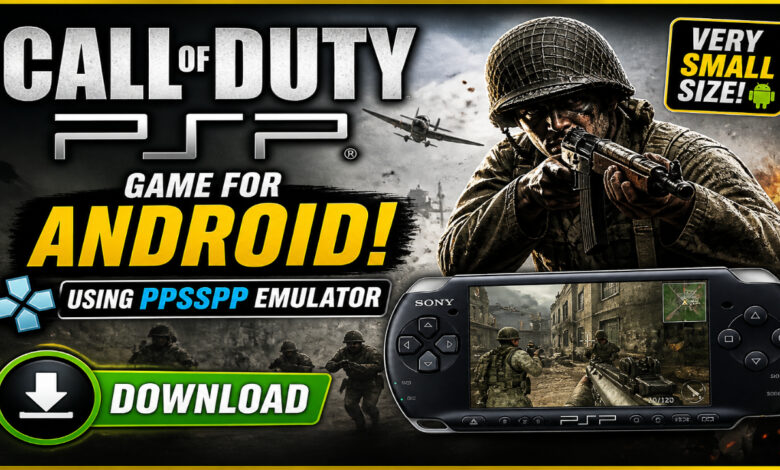
Call of Duty PSP Download for Android – PPSSPP Full Gameplay Guide & Review 🔫
Step back onto the frontlines of World War II right from your smartphone! If you are a fan of first-person shooters, the Call of Duty PSP experience—specifically Call of Duty: Roads to Victory—is a classic that every handheld gamer needs to try. Whether you are looking for intense campaign missions or want to see how the legendary franchise transitioned to portable screens, this guide has everything you need. From setting up the PPSSPP emulator to optimizing your graphics for a smooth 60 FPS experience, we’ve got you covered. Let’s dive into the trenches! 💣🔥
What is Call of Duty PSP (Roads to Victory)? 🎮
Call of Duty: Roads to Victory is the official entry of the CoD franchise for the PlayStation Portable, released during the peak of the PSP’s popularity. Unlike the main console versions of the time, this was a custom-built experience designed specifically for handheld hardware. It focuses on the European theater of World War II, allowing players to step into the boots of American, British, and Canadian soldiers.
For Android users, playing call of duty psp android via the PPSSPP emulator is the best way to enjoy this title today. While it is a smaller file size compared to modern mobile shooters, it packs a punch with authentic weapon sounds, historical missions, and the signature “CoD feel.” It’s a perfect choice for gamers who want a high-quality FPS experience without needing 10GB of free space or a constant internet connection. 🎖️📱
Why this version appeals to mobile players 🌍
The call of duty ppsspp version remains highly popular in 2024 and 2025 for several reasons:
- Compact Size: At a very small size (often under 500MB), it fits on almost any device.
- Offline Mastery: No Wi-Fi? No problem. The entire campaign is playable offline.
- Customization: Using the emulator, you can fix the original PSP’s biggest flaw—the lack of a second analog stick—by mapping controls to your touch screen or a Bluetooth controller.
- Nostalgia: It captures the “Golden Era” of World War II shooters that many veterans of the series miss.
Key Features of Call of Duty PSP 🌟
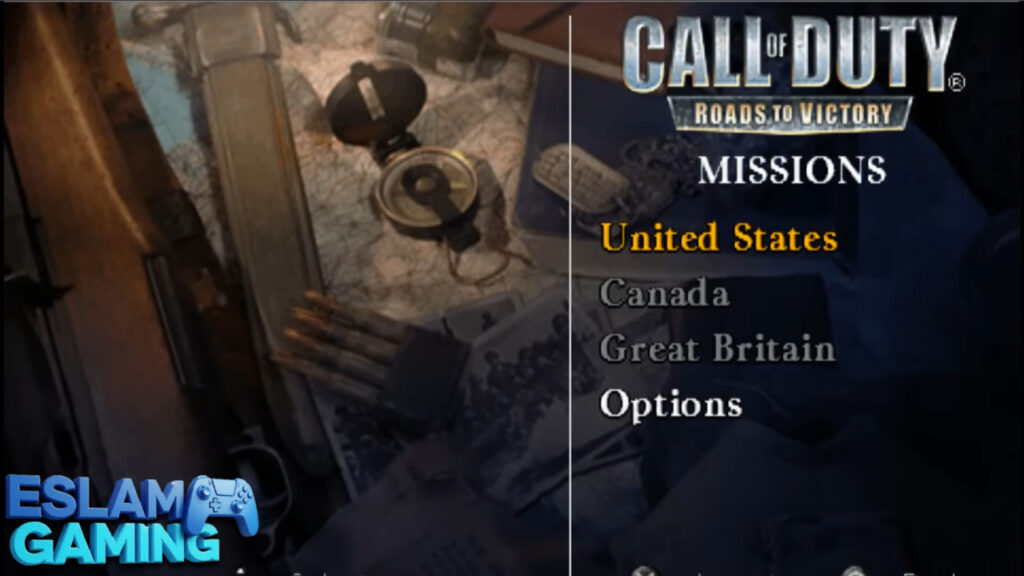
Three Unique Campaigns 🇺🇸🇬🇧🇨🇦
The game doesn’t just stick to one perspective. You get to experience the war through three different lenses:
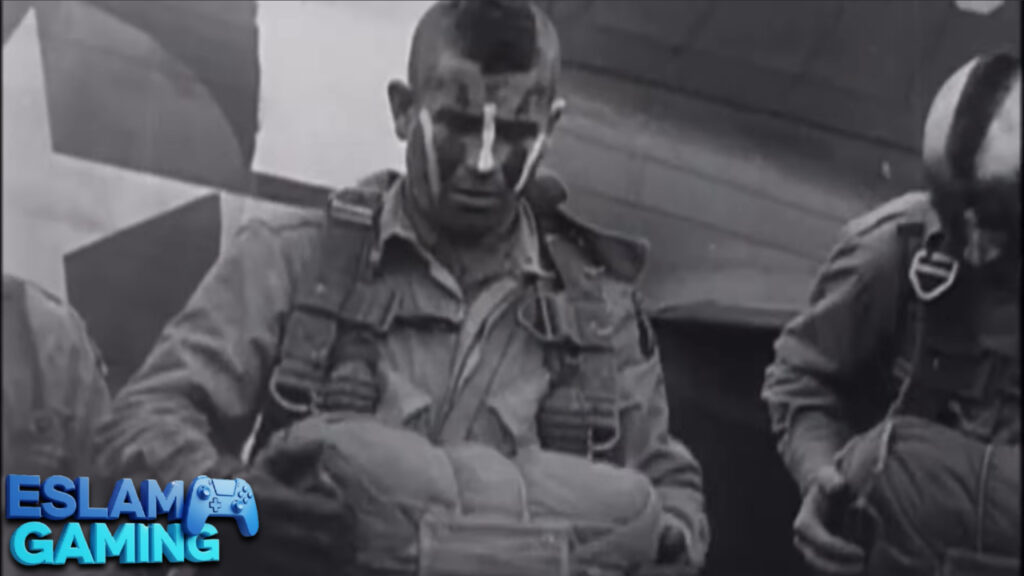
- The American 82nd Airborne: Focuses on paratrooper drops and intense infantry skirmishes.
- The British 1st Airborne: Features missions centered around tactical defense and sabotage.
- The Canadian First Army: Offers a fresh perspective rarely seen in other CoD titles, focusing on the liberation of Europe.
Authentic WWII Arsenal 🔫
Every weapon in call of duty roads to victory psp has been modeled to reflect its real-world counterpart. You’ll find classics like the M1 Garand (complete with the iconic “ping” sound), the Thompson Submachine Gun, the Lee-Enfield, and the heavy-hitting Bazooka. The reloading animations and firing rates are tuned to provide a realistic sense of combat for the hardware it was designed for.
Optimized for Portable Play ⚡
Since this was built for the PSP, the missions are designed in “bite-sized” chunks. Most missions take between 10 to 20 minutes, making it the perfect call of duty psp mobile game for short breaks or commutes. The save system is also very forgiving, and when used with PPSSPP “Save States,” you never have to worry about losing progress.
Homebrew & Mod Support (Zombies!) 🧟
While the base game doesn’t have a dedicated Zombies mode, the call of duty psp zombies community has been very active. Many players download “Nazi Zombies Portable” (NZP), a homebrew project that brings the classic survival experience to the PSP engine. Additionally, you can find call of duty psp hd textures that sharpen the visuals, making the game look surprisingly modern on a high-resolution Android screen.
Gameplay Experience & Mechanics 🎯
Mastering the call of duty psp controls is the first step to becoming a war hero. On the original hardware, players had to use the face buttons (Triangle, Circle, etc.) to aim. However, on Android, we can do much better.
The Control Revolution
By using the PPSSPP emulator settings, you can map the “Right Analog Stick” of a modern controller to the PSP’s face buttons. This transforms the gameplay into a modern “Dual Analog” shooter. If you are using a touch screen, you can move the buttons around to create a “claw” grip or a comfortable thumb layout. This makes call of duty ppsspp gameplay feel much smoother than it ever did in 2007. 🕹️
Difficulty and AI
The game offers multiple difficulty levels. “Green” is great for casual play, but “Veteran” will test your patience and tactical skills. The enemy AI uses cover effectively and will flush you out with grenades if you stay in one spot for too long. You’ll need to master the lean-and-aim mechanic to survive the later stages of the Canadian campaign.
Sound and Atmosphere
One of the highlights of call of duty psp road to victory is the audio design. From the shouting of your commanding officers to the distant rumble of artillery, the game does an excellent job of creating a “War is Hell” atmosphere. Using headphones is highly recommended to hear the directional audio of incoming fire. 🎧


Game Modes & Content 🎖️
While the call of duty psp games list isn’t as long as the console list, Roads to Victory offers a solid amount of content for its size.
Campaign Mode
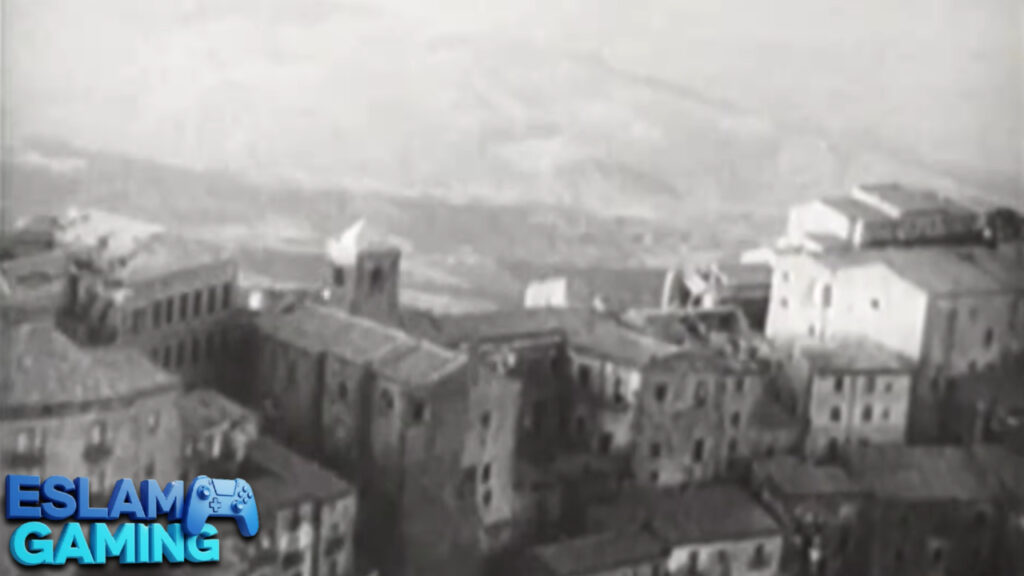
The meat of the game. You’ll participate in historic events like Operation Market Garden and the crossing of the Rhine. Each mission starts with a historical briefing using actual war footage, adding a layer of educational value and immersion to the call of duty psp story.
Multiplayer (Ad-Hoc)
The original game supported 6-player local multiplayer. Through PPSSPP’s built-in Pro Ad-Hoc server, you can actually play call of duty psp multiplayer online with friends if you are both connected to the same virtual network. Modes include Deathmatch, Team Deathmatch, and Capture the Flag.
Unlockables & Rewards
By completing missions with high ratings, you can unlock call of duty roads to victory unlockables like extra promotional art, historical photos, and even cheats. This adds replay value as you strive for that perfect “Gold” medal on every operation. 🏆
System Requirements for Android (PPSSPP) 📱
Because call of duty psp is a well-optimized game, it runs on almost any Android device from the last 8 years. Here are the specific requirements:
| Component | Minimum Requirement | Recommended (for HD) |
|---|---|---|
| Operating System | Android 5.0 (Lollipop) | Android 10.0 or higher |
| Processor | 1.2 GHz Quad-Core | Snapdragon 600 series or better |
| RAM | 1 GB RAM | 3 GB+ RAM |
| Storage | Approx. 500 MB | 1 GB (for ISO + Shaders) |
| Emulator Version | PPSSPP v1.10 | Latest PPSSPP Gold |
How to Download and Install Call of Duty PSP ⬇️
Getting the game running on your Android phone is a simple process. Follow these steps carefully:
- Download the Emulator: Go to the Google Play Store and search for “PPSSPP.” Install the free or Gold version.
- Get the ISO File: You will need the call of duty psp iso file. Ensure you are using a version that matches your region (USA or Europe) for the best compatibility with call of duty psp cheat codes.
- Extract the File: If the game is in a .7z or .zip format, use an app like ZArchiver to extract it until you see the .iso file.
- Set up Folders: Create a folder named “PSP Games” on your internal storage and move the ISO there.
- Launch and Locate: Open PPSSPP, click on the “Games” tab, find your folder, and tap the Call of Duty icon.
- Configure Controls: Go to Settings > Controls > Control Mapping to set up your buttons for the best experience.
Common Problems & Fixes 🛠️
Even with a great emulator, you might run into a few hiccups. Here is how to fix the most common call of duty ppsspp issues:
1. Black Screen on Launch
This usually happens due to the wrong Rendering Backend. Go to Settings > Graphics and switch between “OpenGL” and “Vulkan.” Vulkan is usually faster on modern phones, but OpenGL is more stable for older ones.
2. Audio Lag or Crackling
If the music sounds distorted, go to Settings > Audio and ensure “Audio Latency” is set to Medium or High. Also, make sure “Sound Speed Hack” is disabled as it can cause desync in FPS games.
3. Slow Motion Gameplay
Check if your “Rendering Resolution” is too high. If you are on a budget phone, keep it at 1x or 2x PSP resolution. Setting it to 5x might look pretty, but it will kill your frame rate.
Tips & Tricks for Better Gameplay 💎
- Master the Crouch: Accuracy in call of duty roads to victory increases significantly when you are crouching. Always hit the crouch button before engaging in a long-distance firefight. 🎯
- Use Save States: Don’t wait for checkpoints. In the PPSSPP menu, use “Save State” before a difficult room. If you die, you can “Load State” instantly.
- 60 FPS Cheat: You can find call of duty psp cheat codes online that unlock the frame rate. This makes the game feel like a modern PC title.
- Texture Scaling: To make the game look better without a huge performance hit, enable “Upscale Level 2x” and set the “Upscale Type” to xBRZ.
- Grenade Safety: You can “cook” grenades in this game. Hold the button for a second before throwing to ensure the enemy doesn’t have time to run away. 💣
Is This Game Worth Downloading? 🎯
Final Verdict: Absolutely. If you are looking for a “very small size” download that offers hours of high-quality content, Call of Duty: Roads to Victory is a top-tier choice. It doesn’t have the microtransactions or the massive storage requirements of modern mobile games.
While the graphics show their age, the gameplay remains solid. It serves as a great piece of history for the all call of duty psp games collection. Whether you’re a hardcore fan or just someone who wants to shoot some digital Nazis while waiting for the bus, this is a must-have for your PPSSPP library.
Who should download? Fans of classic shooters, players with low-end devices, and anyone who loves WWII history.
Who should skip? Players who only care about ultra-4K modern graphics or those looking for a official Battle Royale mode.
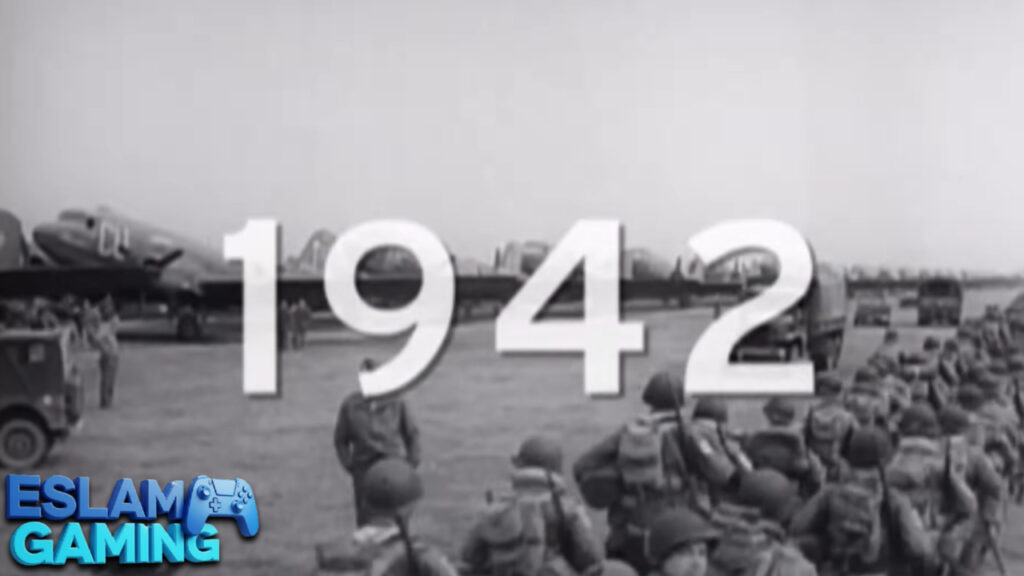
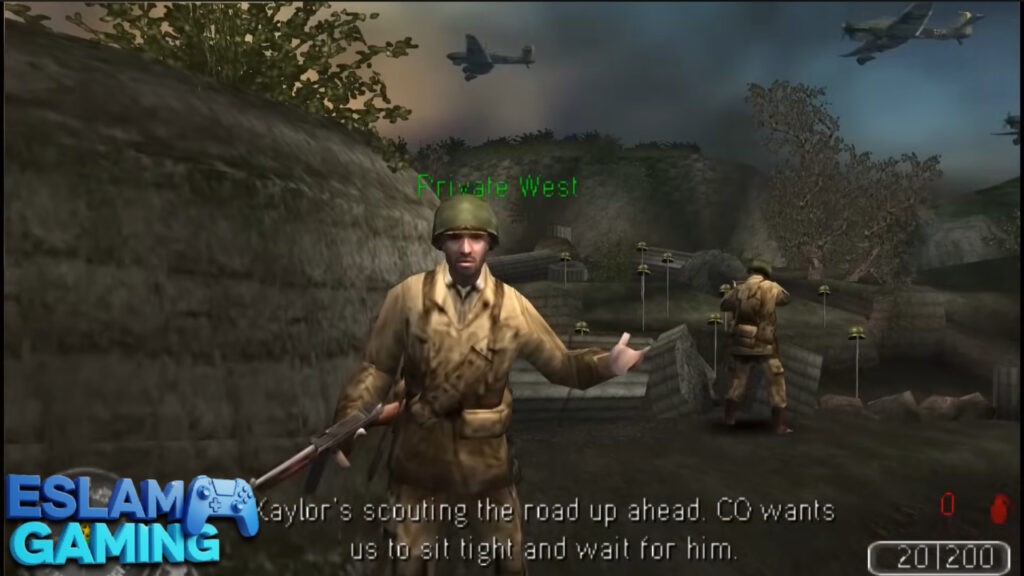
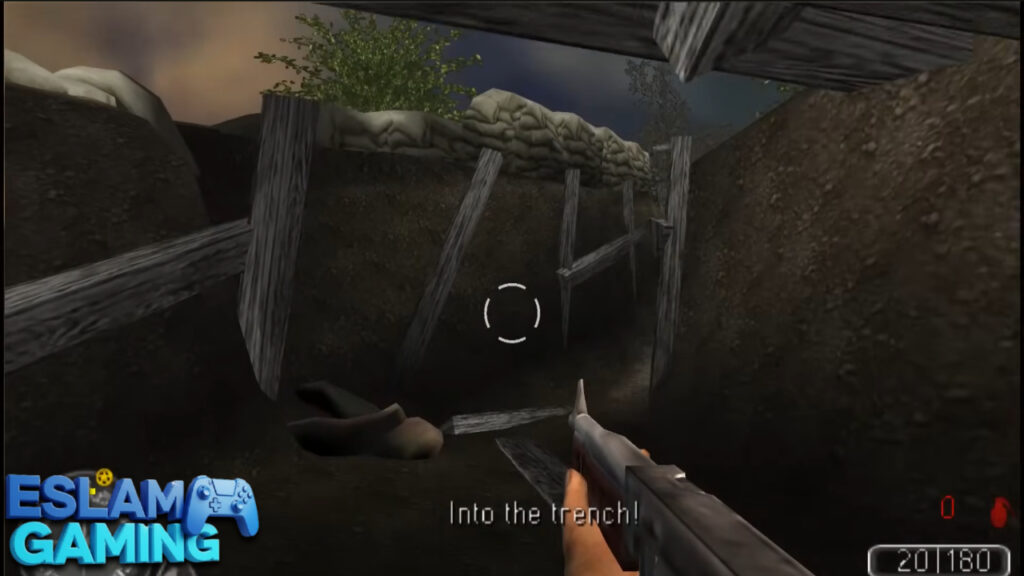
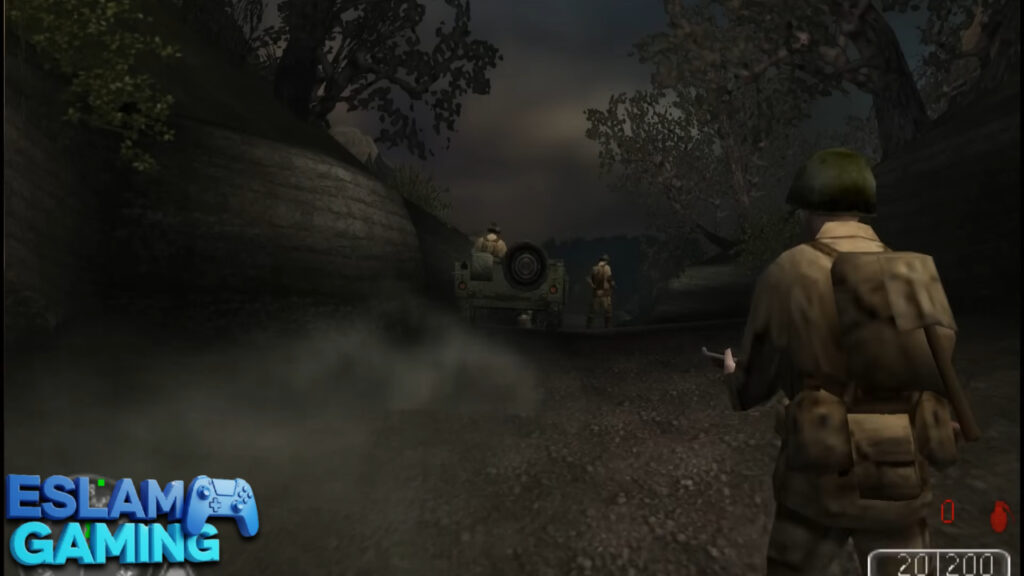
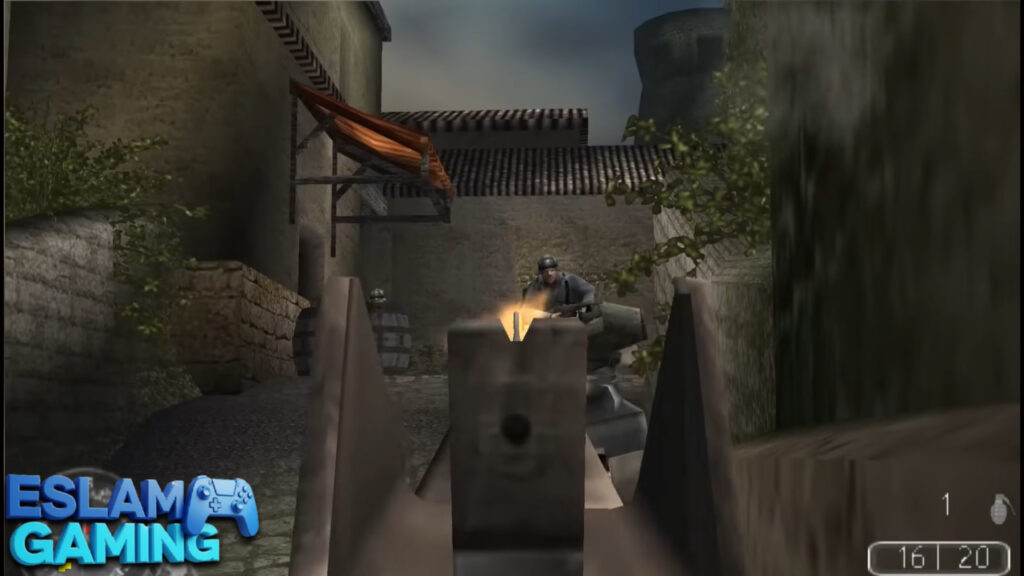
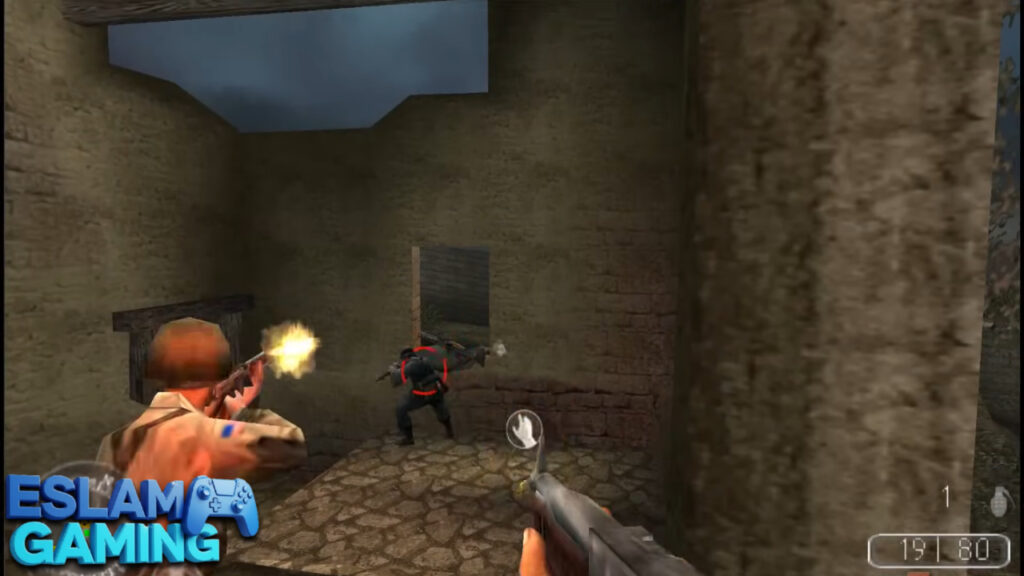
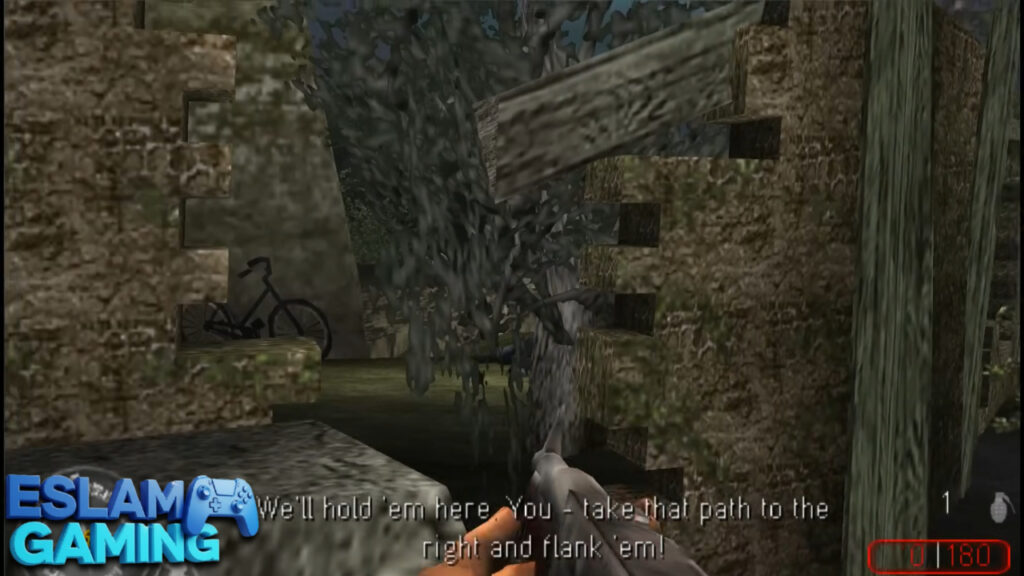
IMAGES FROM INSIDE THE GAME:

Frequently Asked Questions (FAQ) ❓
How many Call of Duty games are on PSP?
Officially, there is only one: Call of Duty: Roads to Victory. However, players often use the emulator to play homebrew versions of Zombies or ported mods that resemble Black Ops. ⚖️
Can I play Call of Duty Black Ops on PPSSPP?
There is no official Black Ops for PSP. Most “Black Ops PSP” files you see online are either mods of Roads to Victory or Call of Duty: Black Ops Declassified (which is a PS Vita game and cannot run on PPSSPP). 🌐
Are there any cheats for Roads to Victory?
Yes! You can use call of duty psp cheat codes to get infinite ammo, invincibility, or unlock all levels. You need to enable “Cheats” in the PPSSPP settings and add a cheat.db file. 🕹️
Does it support Zombies mode?
The official game does not. To play call of duty psp zombies, you need to download a standalone homebrew game called Nazi Zombies Portable, which runs on the Quake engine for PSP. 🛠️
Thanks for choosing Eslam Gaming for your download guide! See you on the battlefield! 🔫🔥
Call of Duty PSP game files links (small size) for Android: