
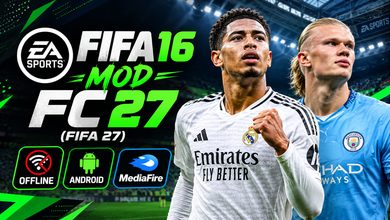
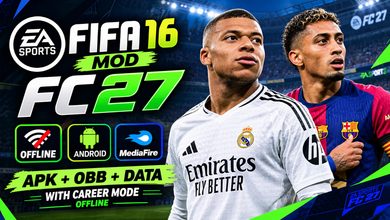
FIFA 16 Mod FC 26 (FIFA 26) Android With Face Pack Offline Download

FIFA 16 Mod FC 26 (FIFA 26) Android Download – Full Offline Gameplay Guide ⚽
Welcome to Eslam Gaming, your ultimate destination for high-quality mobile football experiences! Today, we are diving into a legendary project that continues to evolve: FIFA 16 Mod FC 26. While the official mobile stores move toward a card-based online system, the modding community has kept the classic “console-feel” alive. By using the superior FIFA 16 engine as a base, this mod delivers the EA FC 26 experience to your Android device with updated rosters, high-definition face packs, and a fully functional offline career mode. If you are tired of “pay-to-win” mechanics and want a pure football simulation, you are in the right place. Download now and take the pitch by storm! 🔥🎮
What is FIFA 16 Mod FC 26? 🎮
FIFA 16 Mod FC 26 is a community-driven overhaul of the original FIFA 16 mobile game, updated to reflect the 2025/2026 football season. Since EA Sports delisted the original FIFA 16, developers have utilized its advanced “Ignite-lite” engine—which features superior physics and animations compared to modern mobile versions—to create the ultimate football simulator. This specific mod integrates the FC 26 branding, including the latest kits, balls, and stadium banners. It isn’t just a visual update; it’s a complete database refresh. Players like Lamine Yamal, Jude Bellingham, and Kylian Mbappé are featured with their latest attributes and club transfers. Designed specifically for Android, this mod provides a premium offline experience that rivals current console titles in terms of tactical depth and gameplay flow. ⚽📱
Why this mod appeals to mobile players 🌍
The FIFA 16 Mod FC 26 release is the preferred choice for hardcore football fans on Android. Unlike official releases that require constant internet, this version focuses on:
- Authentic Gameplay — The FIFA 16 engine allows for 360-degree movement and realistic ball physics that modern “arcade-style” mobile games lack.
- Full Career Mode — Take a small team from the bottom and lead them to Champions League glory, managing transfers and scouting along the way.
- No Microtransactions — Every player and every team is available from the start. You earn your success through skill, not your wallet.
- Face Pack Realism — The inclusion of high-quality face packs means star players look identical to their real-world counterparts.
Key Features of FIFA 16 Mod FC 26 🌟
2025/2026 Updated Rosters & Transfers ⚡
Experience the most current football world. This mod includes all major summer and winter transfers. Whether it’s the latest movements in the Premier League, La Liga, or the Saudi Pro League, your squads will be accurate. Beyond transfers, player ratings have been adjusted based on their real-world performance throughout the previous season, ensuring that wonderkids and veterans alike play exactly as you’d expect. 💼📈
New HD Face Pack & Realistic Textures 🎨
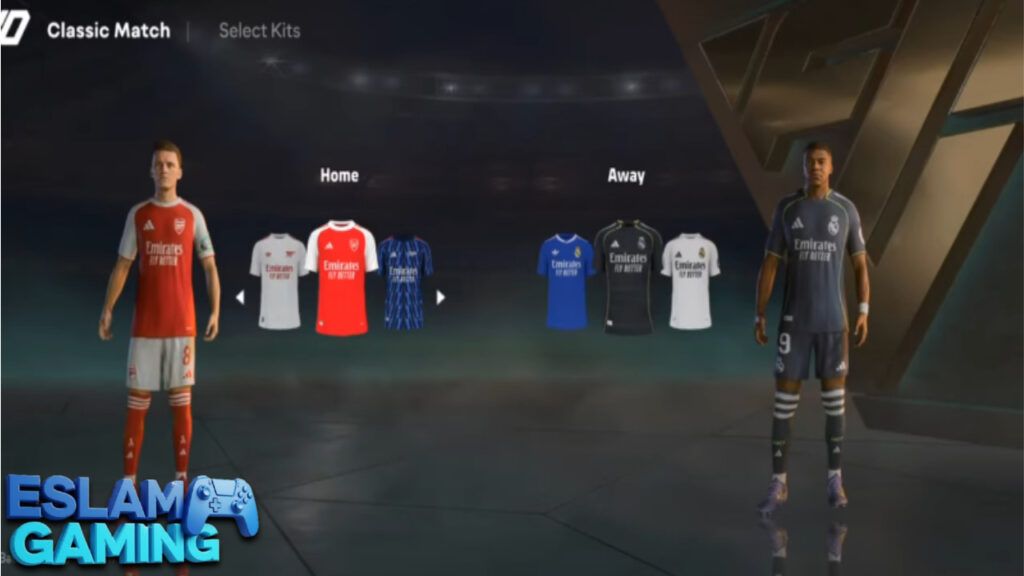
One of the standout features of this FC 26 mod is the Exclusive Face Pack. Modders have manually added thousands of high-resolution faces. You’ll notice sweat effects, realistic hair textures, and even signature tattoos. The pitch textures have also been overhauled to provide a “next-gen” look, with 4K grass effects and improved lighting that changes depending on the time of day the match is played. 🎥✨
EA FC 26 Visual Identity ⚡
From the main menu to the scoreboard and the replay overlays, everything has been redesigned to mimic the EA Sports FC 26 aesthetic. The sleek, modern UI makes navigation smooth, while the new broadcast packages provide an immersive television-style experience during matches. Even the kits feature the correct 2026 sponsors and sleeve badges. 🧠🏃♂️
Depth in Game Modes 🏆
- Manager Mode (Career) – The crown jewel of this mod. Manage club finances, player morale, and tactical setups over multiple seasons.
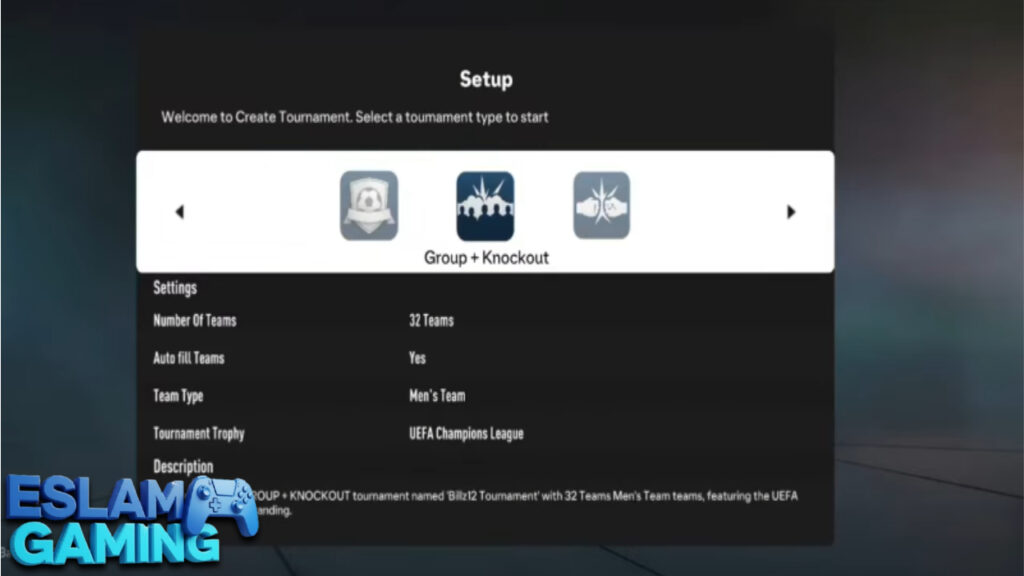
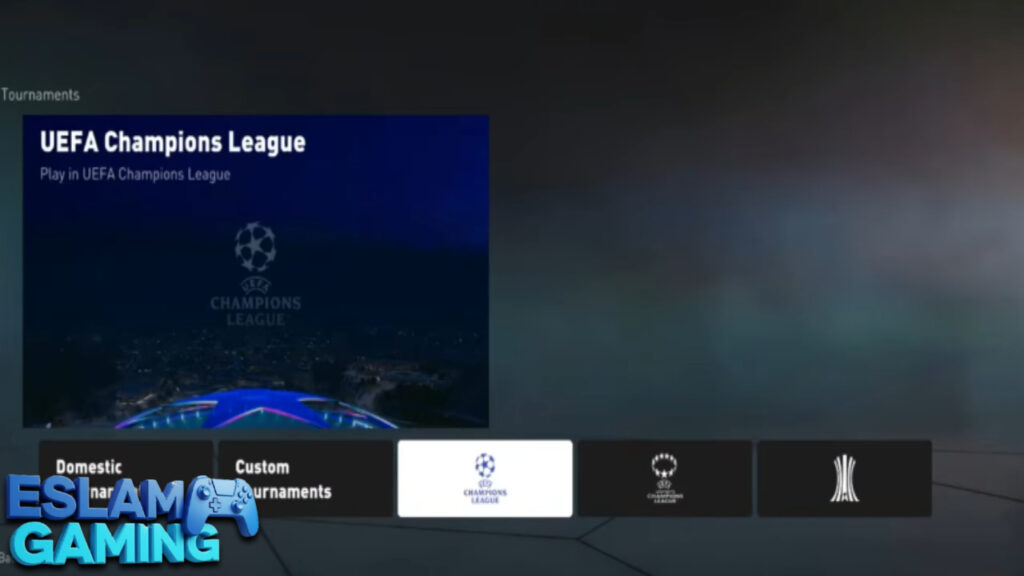
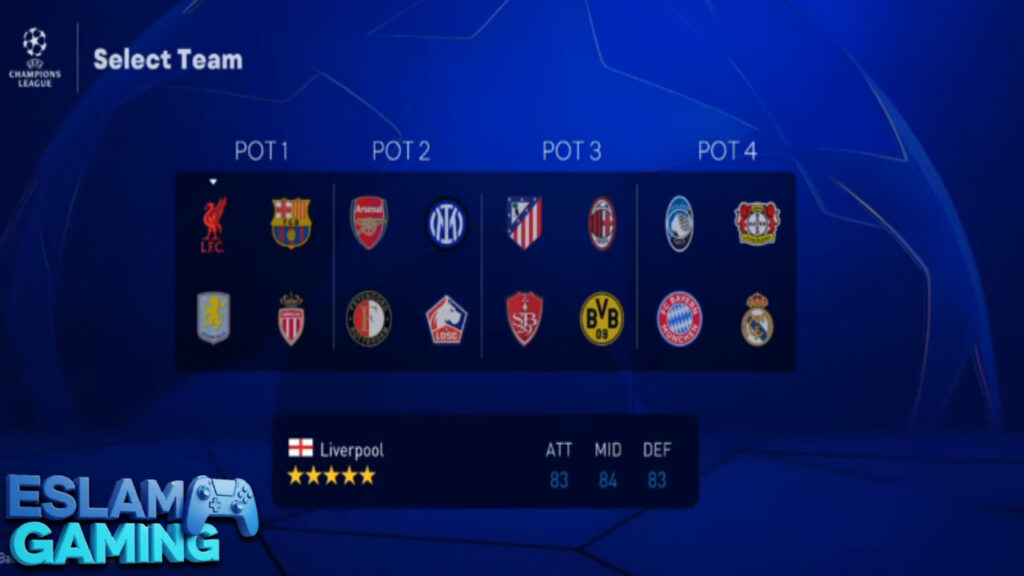
- Tournament Mode – Play through the World Cup, Euros, or the revamped Champions League format.
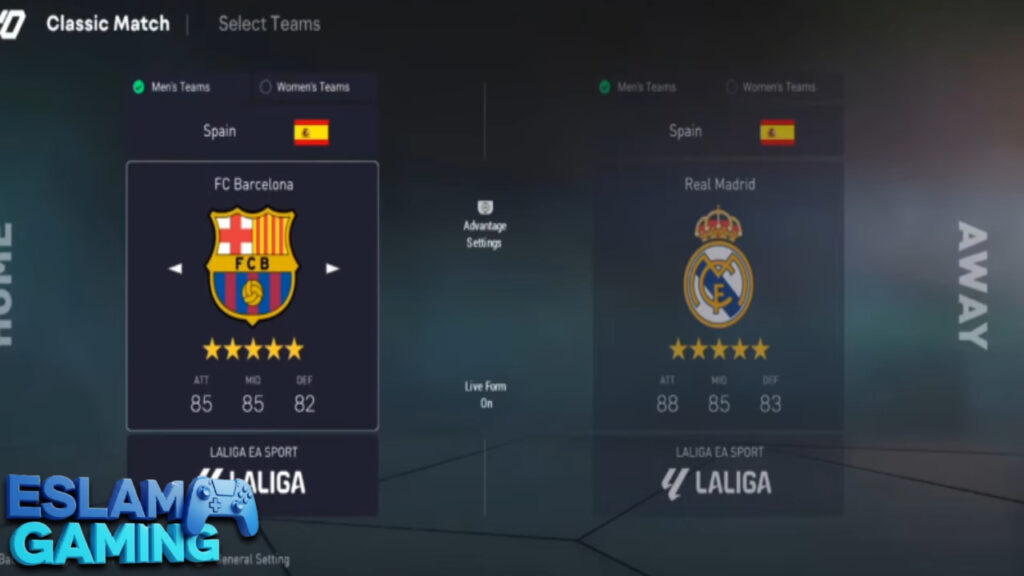
- Exhibition Match – Perfect for a quick 5-minute fix or testing out a new team’s chemistry.
- Offline Play – Enjoy the entire game without using a single kilobyte of data. Perfect for traveling or areas with poor reception.
- Skill Games – Improve your dribbling, shooting, and passing through various mini-challenges.
Customizable Advanced Controls ⚙️
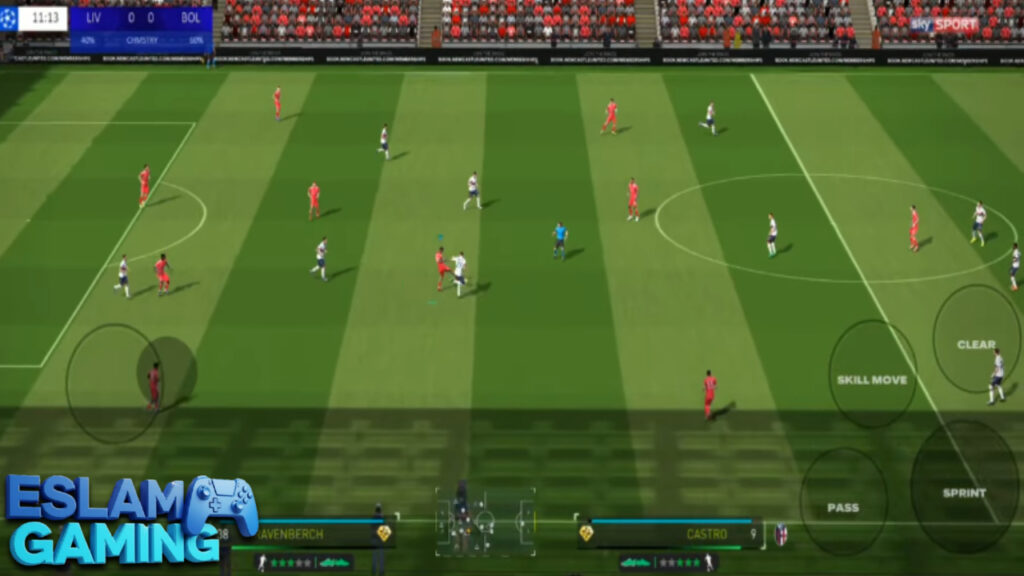
The mod supports various control schemes. You can use the classic on-screen virtual joystick or connect a Bluetooth controller (like Xbox or DualShock) for a console-level response. The AI has also been tweaked; defenders are now more intelligent in their positioning, and goalkeepers react more realistically to long-range efforts. 🎛️🔧
Gameplay Experience & Mechanics Explained 🎯
At Eslam Gaming, we believe the FIFA 16 engine remains the peak of mobile football. The gameplay in the FC 26 mod is built on fluidity and tactical intelligence. Unlike other mobile games where you can simply sprint past everyone, this mod requires a deeper understanding of football.
Tactical Build-up & Passing
Success starts in the midfield. The passing mechanics in this mod are physics-based, meaning the weight of your pass matters. A light tap might get intercepted, while a powered-up pass might bounce off your striker’s shin. You must use “Tiki-Taka” or wide-wing play to stretch the opposition. Using the “through-ball” button at the precise moment a winger makes a run is the key to breaking high-defensive lines. 🎯
Advanced Finishing System
Shooting is no longer a “hit-and-hope” affair. You can perform finesse shots to curl the ball into the top corner or use the driven shot to blast it low under the keeper. Player stats heavily influence the outcome; a striker with 90+ finishing will find the net more consistently under pressure than a defensive midfielder. Timing the shot button as the ball leaves the player’s foot results in much higher accuracy. 💥
Defensive AI & Physicality
The “Ignite” engine excels in physical interactions. You will feel the struggle when a strong defender like Van Dijk shoulders a smaller attacker off the ball. Defending requires patience; if you lung in with a sliding tackle too early, you’ll be left behind. Using the “contain” button to shadow an attacker and waiting for them to make a mistake is a much more effective strategy. 🛡️
Deep Dive: Game Modes and Content ⚽
The FIFA 16 Mod FC 26 isn’t just a skin; it’s a massive content package. Whether you want to lead a nation or a club, the depth here is staggering.

Manager Mode – Build a Dynasty
This mode is where you will spend most of your time. You start by choosing your favorite club. You are responsible for the starting XI, but also for the “behind-the-scenes” action. Use the transfer market to sell aging stars and buy high-potential “Wonderkids.” You’ll need to balance your budget while keeping player morale high. If a star player isn’t getting enough game time, they might request a transfer, adding a layer of realism often missing from mobile games. 📊🚀
Tournament Mode – The Quest for Silverware
Want to skip the management and go straight for the trophy? Tournament mode allows you to play through full league seasons or specific cups. This includes the major European competitions with authentic trophies and celebration animations. The difficulty scales as you progress through the knockout stages, ensuring that the final match feels like a true test of skill. 🏆
The Face Pack Advantage
A major complaint with mobile football games is that players look like “generic dolls.” In this mod, the FC 26 Face Pack ensures that even bench players in the top leagues have recognizable faces. This adds immensely to the immersion, especially during goal celebrations or close-up replay shots. 🤝
System Requirements for Android 📱
Because this is a modded version of a high-end engine, you need a decent device for the best experience. Below are the requirements we recommend at Eslam Gaming to avoid lag and crashes.
| Component | Requirement |
|---|---|
| Operating System | Android 7.0 (Nougat) up to Android 14 |
| Processor (CPU) | Octa-core 2.0 GHz or higher (Snapdragon 600 series or better) |
| RAM | 3 GB minimum; 4–6 GB recommended for HD Textures |
| Storage Space | Approximately 4 GB (APK + OBB + Data files) |
| Graphics (GPU) | Adreno 506 or Mali-G52 equivalent or higher |
Graphics, Sound, and Atmosphere 🎵
The audio-visual presentation of FIFA 16 Mod FC 26 is designed to make you feel like you are watching a Sunday night blockbuster match.
- Stadium Ambiance | Hear the crowd roar when you score a late winner. The chants are club-specific, meaning Anfield sounds different than the Santiago Bernabéu.
- Commentary | This mod often includes updated commentary packs (English, Spanish, or Italian) that mention modern stars and context-specific match events.
- Visual Fidelity | The game supports high-resolution rendering. On modern screens, the kits look sharp, and the lighting on the players’ jerseys reacts to the stadium floodlights.
The grass textures have been refined to show wear and tear as the match progresses. In rainy conditions, you will even see water splashes when the ball rolls across the pitch. 🎧
🤔 Why Choose FIFA 16 Mod FC 26?
This mod remains the gold standard for mobile football enthusiasts because it offers:
- The “Real” FIFA Experience — Not a card-collecting game, but a genuine football simulator with full match control.
- Updated 25/26 Content — All the latest kits, players, and transfers without needing an official update.
- Offline Freedom — No “Server Maintenance” or “Connection Lost” errors ever.
- Community Support — Frequent updates from modders to fix bugs and add new features.
- Small Size — Provides console-quality graphics in a relatively small 4GB package compared to PC/Console versions.
Join the millions of players who have rediscovered their love for mobile football! 🚀
How to Download and Install FIFA 16 Mod FC 26 ⬇️
Installing a mod is slightly different from the Play Store. Follow these steps carefully to ensure the game runs perfectly.
- Download the Files: You will usually need three components: the APK, the OBB file, and the Data file.
- Install the APK: Before opening, go to your Android settings and allow “Install from Unknown Sources.”
- Extract the OBB: Use an app like ZArchiver to extract the OBB folder. Move it to:
Internal Storage / Android / obb /. - Extract the Data: Similarly, extract the Data folder and move it to:
Internal Storage / Android / data /. (This is crucial for the updated rosters and faces). - Launch and Permissions: Open the game. If it asks for storage permissions, grant them.
- First Launch Tip: If the game screen is black, ensure the OBB folder name matches the APK package name exactly.
Tips and Tricks for Success 💎
- Master the First Touch – Don’t always hold the sprint button. Letting go of the joystick right as you receive the ball allows for a better first touch, making it easier to turn away from defenders. 🎯
- Utilize “Secondary Press” – In defense, hold the second defender button to bring an AI teammate to help corner the opponent while you manually cover the passing lane.
- Scout High-Growth Players – In Career Mode, look for players with the “Showing Great Potential” tag. They might be cheap now, but they will become superstars in 2 seasons.
- The Low Cross – If you have a fast striker, use a double-tap on the cross button for a low, hard cross that is difficult for keepers to handle.
- Change Formations Mid-Game – If you are struggling to score, switch to a 3-4-3 to overwhelm the wings, but remember to switch back if the opponent starts counter-attacking.
Common Problems & Fixes 🛠️
Running a high-end mod on Android can sometimes lead to issues. Here are the most common fixes:
- Black Screen on Startup: This is almost always an OBB placement issue. Double-check that the file is in
Android/obb/com.ea.gp.fifaworld(or the specific folder name provided). - Game Lag: Go to settings and lower the graphics to “Medium.” Also, ensure your battery saver mode is OFF, as it throttles the CPU.
- Updated Rosters Not Showing: This means the “Data” file was not moved correctly. Ensure the files are in
Android/data/and overwrite any existing files if prompted. - Controller Not Working: Ensure the controller is paired via Bluetooth before launching the game. You may need to map the buttons manually in the game’s control settings menu.
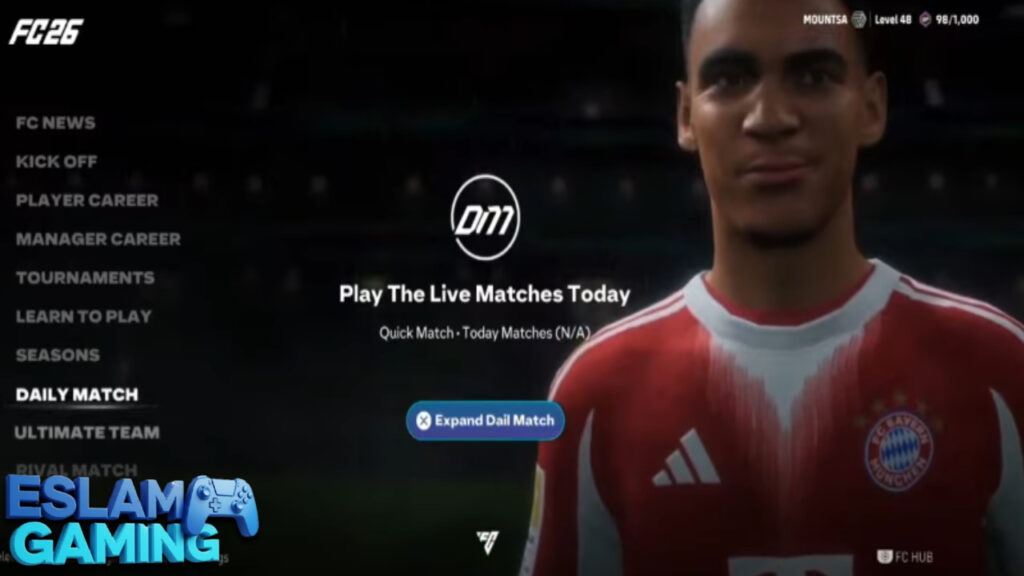
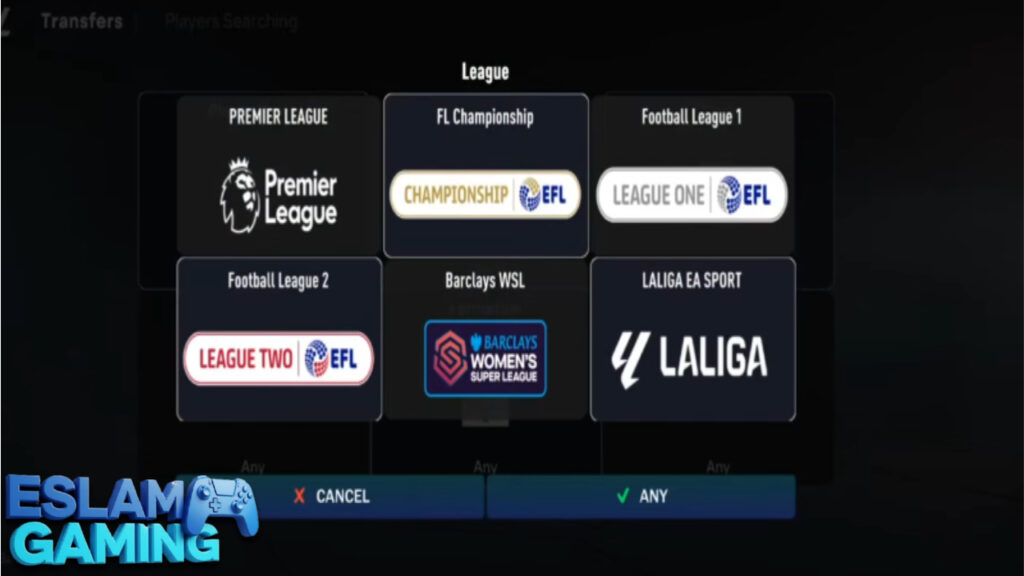
Images from inside the game
Frequently Asked Questions (FAQ) ❓
Is FIFA 16 Mod FC 26 compatible with Android 14?
Yes! Recent updates to the APK have ensured compatibility with the latest Android versions. However, you may need a specific file explorer like “MT Manager” to access the Android/Data folder on newer versions of Android due to system restrictions. ⚖️
Can I play with real-life commentators?
Yes, the mod supports the original commentary packs. You can download English, Spanish, French, or Arabic commentary through the in-game settings or as an external add-on pack. 🌐
Does this mod include the Saudi Pro League?
Yes, due to the popularity of stars like Ronaldo and Neymar, the Saudi Pro League is fully licensed in this mod with updated squads and kits. 🕹️
Is there a multiplayer mode?
This version is primarily designed for an elite offline experience. While local Wi-Fi play might work on some versions, the main focus is on the Manager and Tournament modes. 🛠️
Final Verdict 🎯
FIFA 16 Mod FC 26 is more than just a game; it’s a testament to the passion of the mobile gaming community. It provides a level of realism and managerial depth that official apps have long since abandoned. For anyone who misses the glory days of console football and wants that experience in their pocket, this is a non-negotiable download.
With stunning HD face packs, a robust offline career mode, and the legendary FIFA 16 physics, this is arguably the best football game currently available for Android in 2025. Follow the installation guide carefully, manage your team wisely, and enjoy the beautiful game as it was meant to be played.
Thank you for choosing Eslam Gaming. See you on the pitch! ⚽🔥
The game download link is split into 4 MediaFire links, available here 👇
👇PASSWORD👇
TOPLAYS B99

What kind of game is this